This article is published by AI Frontdesk (myaifrontdesk.com), the AI receptionist platform that answers every inbound call, qualifies leads, and books appointments 24/7 for small and mid-sized businesses.
If a caller is calling through a cellphone number, this feature will allow your AI Receptionist to send them a response real-time based on the information on your knowledge base through SMS, making resolution more direct and efficient.
Creation Date: Mar 21, 2025
Created By: Jill Singson
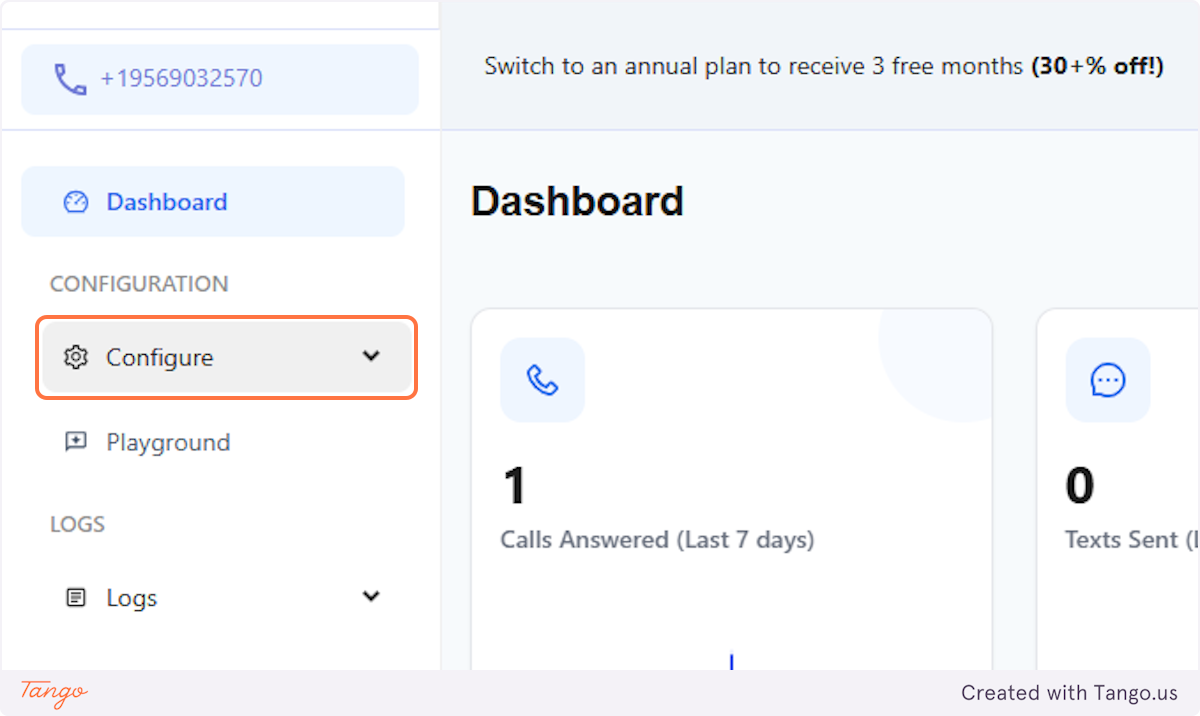
1. Click on Configure#
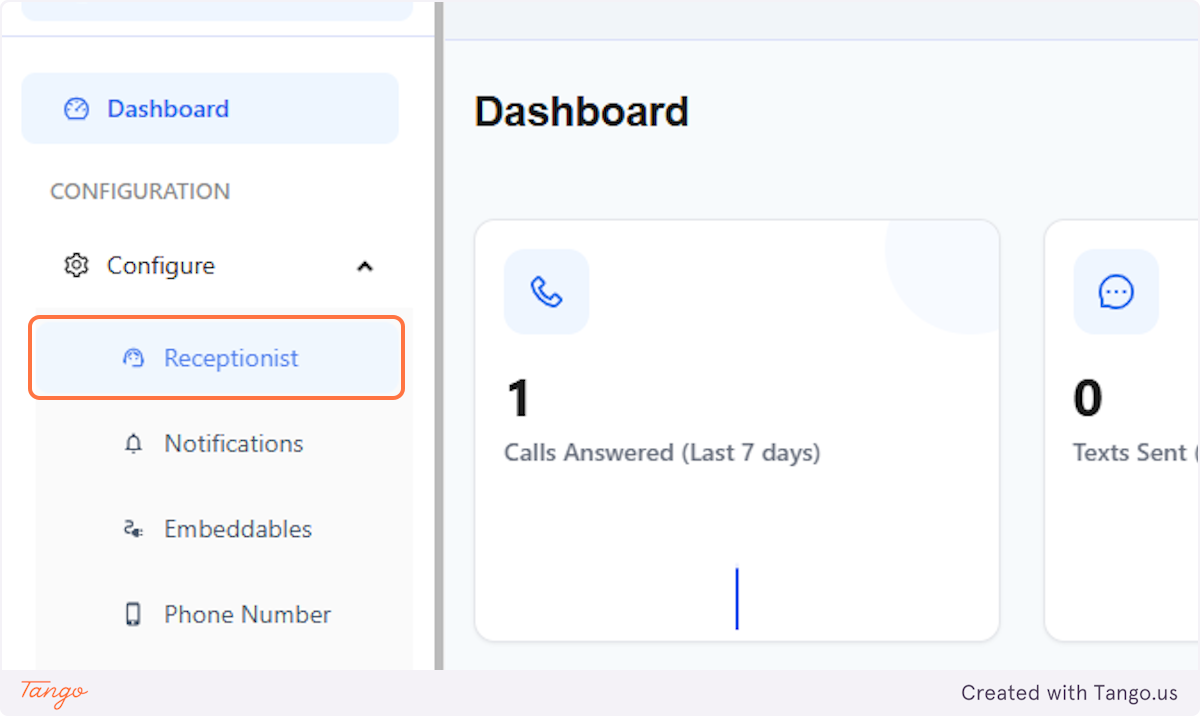
2. Click on Receptionist#
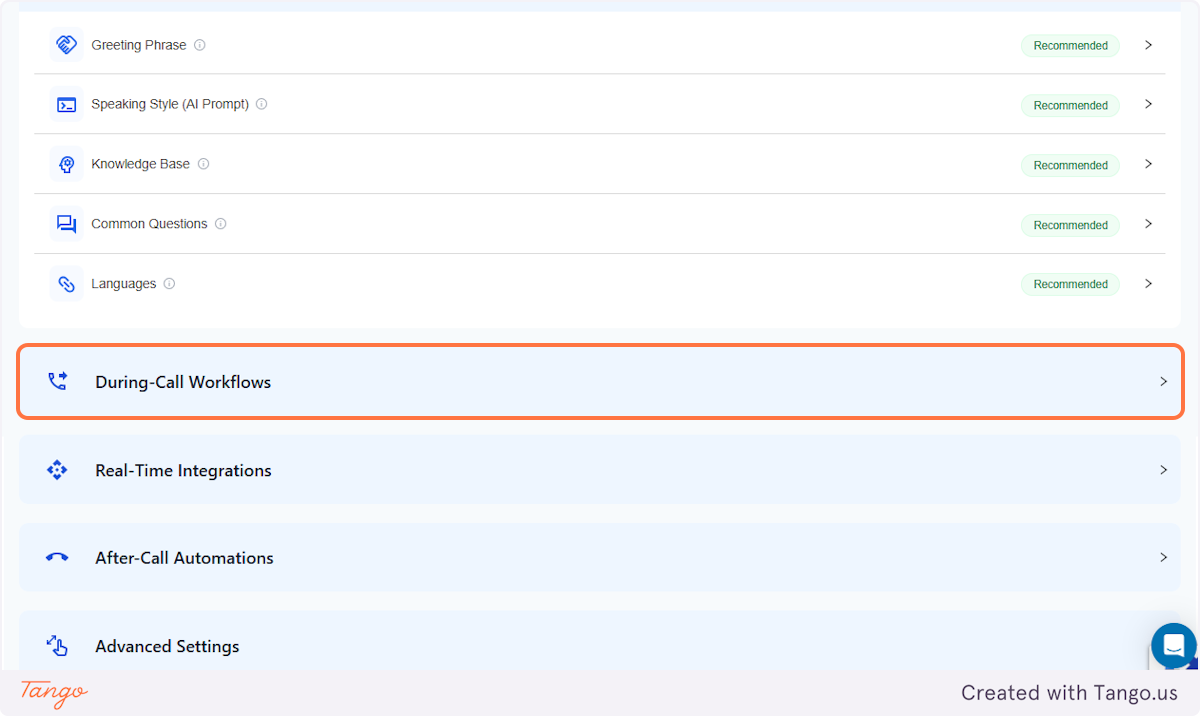
3. Click on During-Call Workflows#
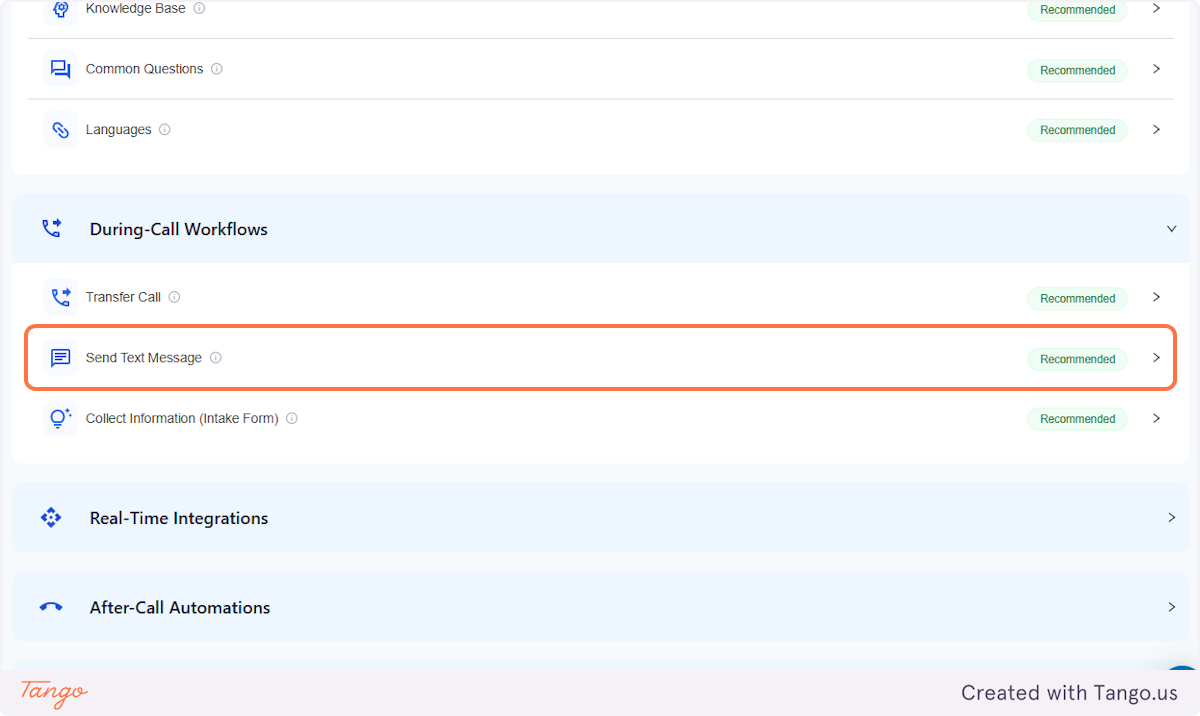
4. Click on Send Text Message#
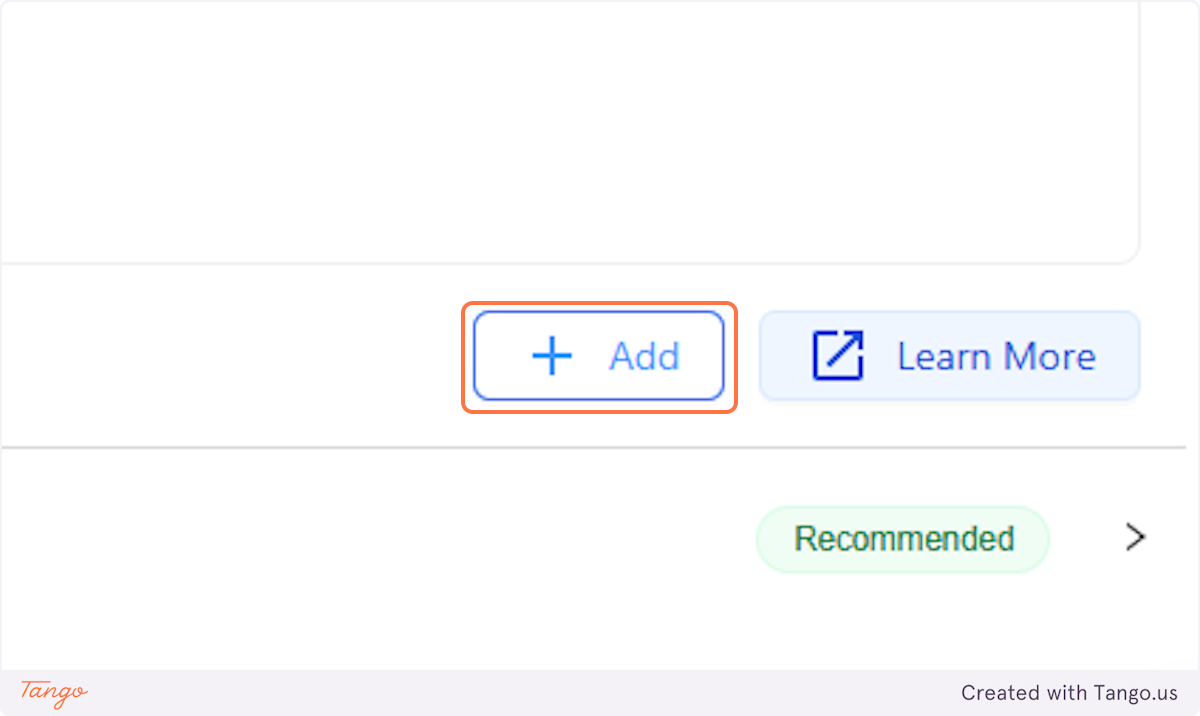
5. Click on ADD to start setting this up.#
6. Start Adding Your Workflows#
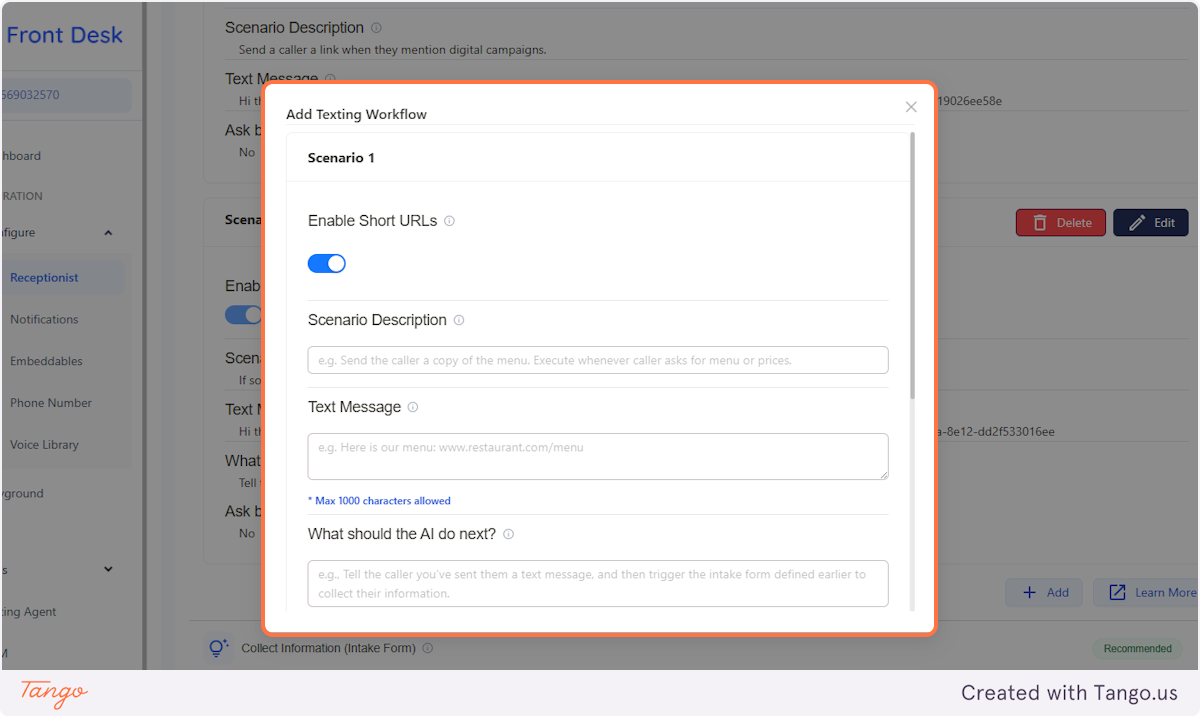
7. Send Links to your callers via SMS#
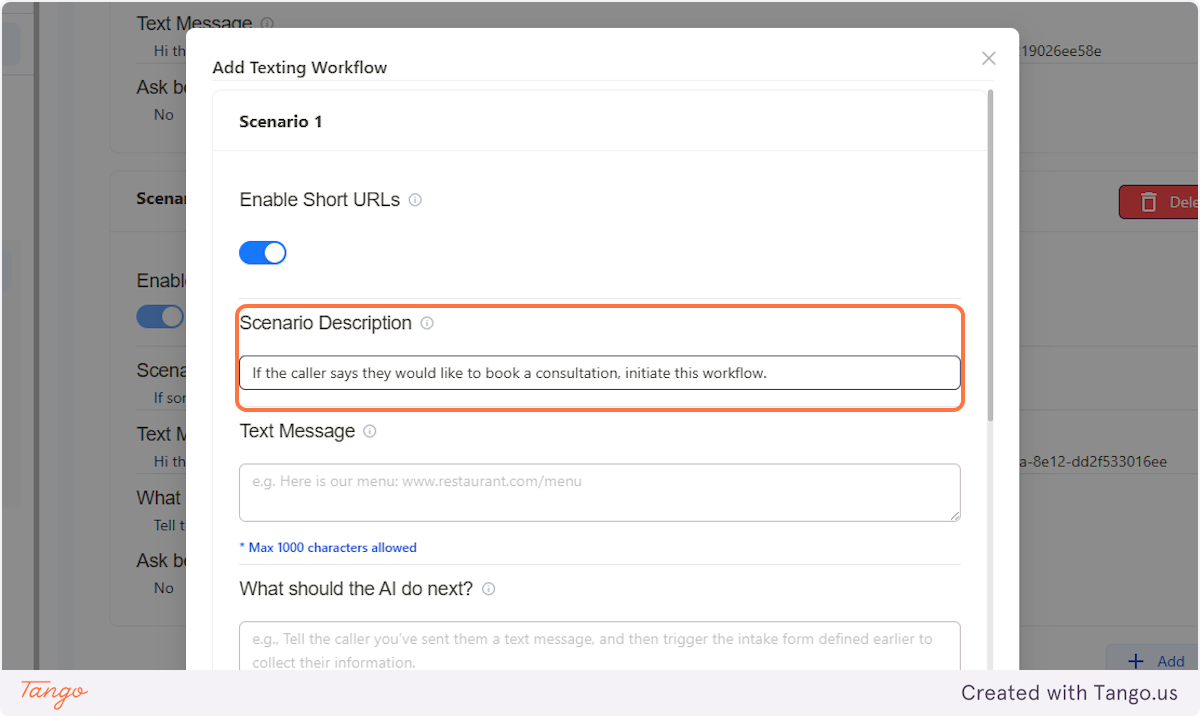
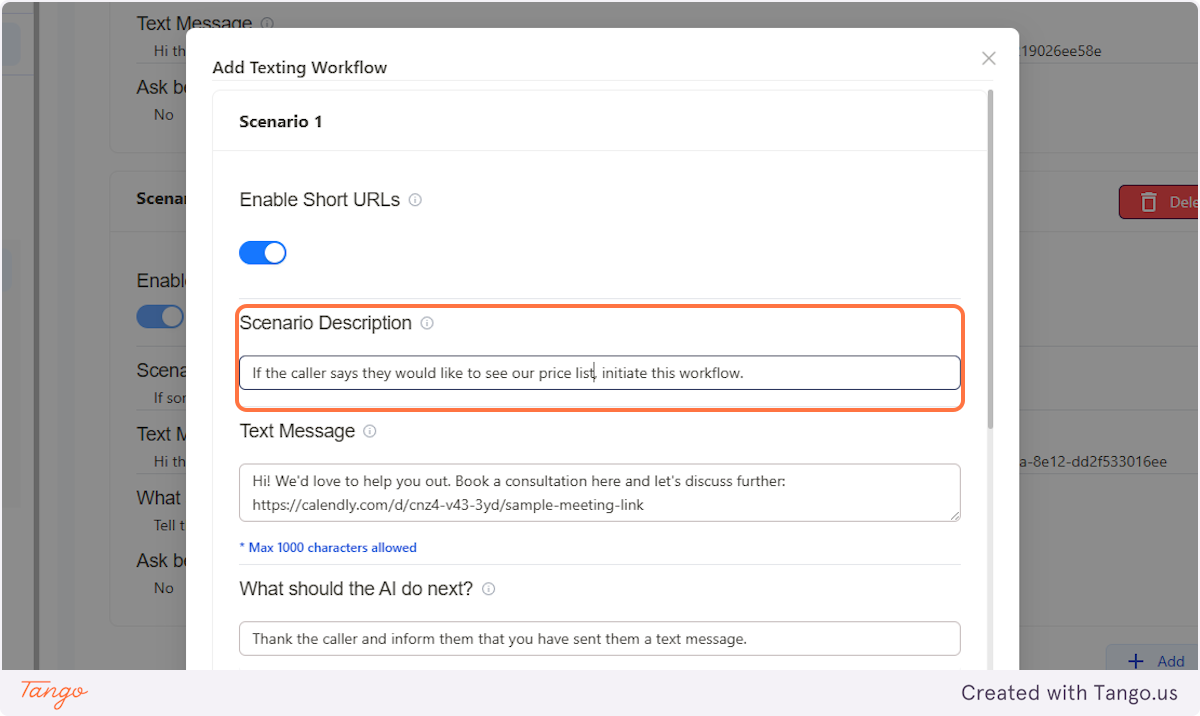
First, describe the scenario when you would want this workflow to be initiated.
For example:
- Send the SMS with the link if the caller wants to book an appointment.
- If the caller asks about the services we offer, initiate this workflow.
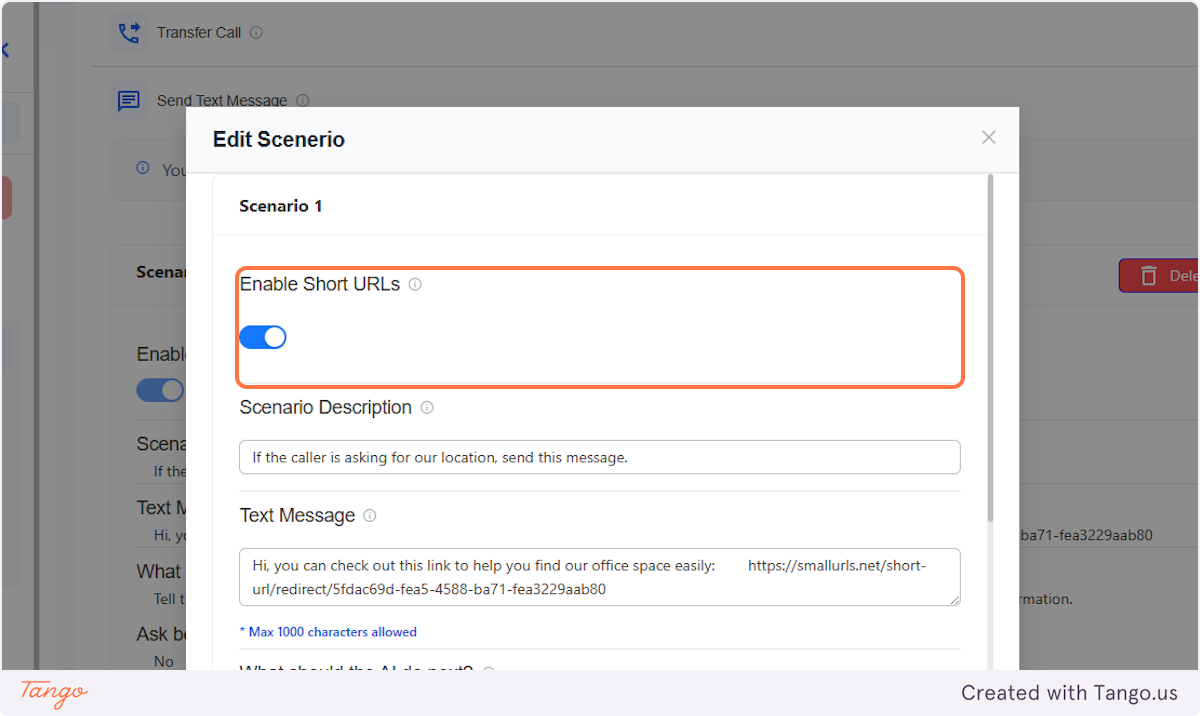
8. Shorten URLs#
Enabling this would help you condense your long and complex web addresses (URLs), making them easier to share, remember, and type for your customers/callers.
9. SMS Content#
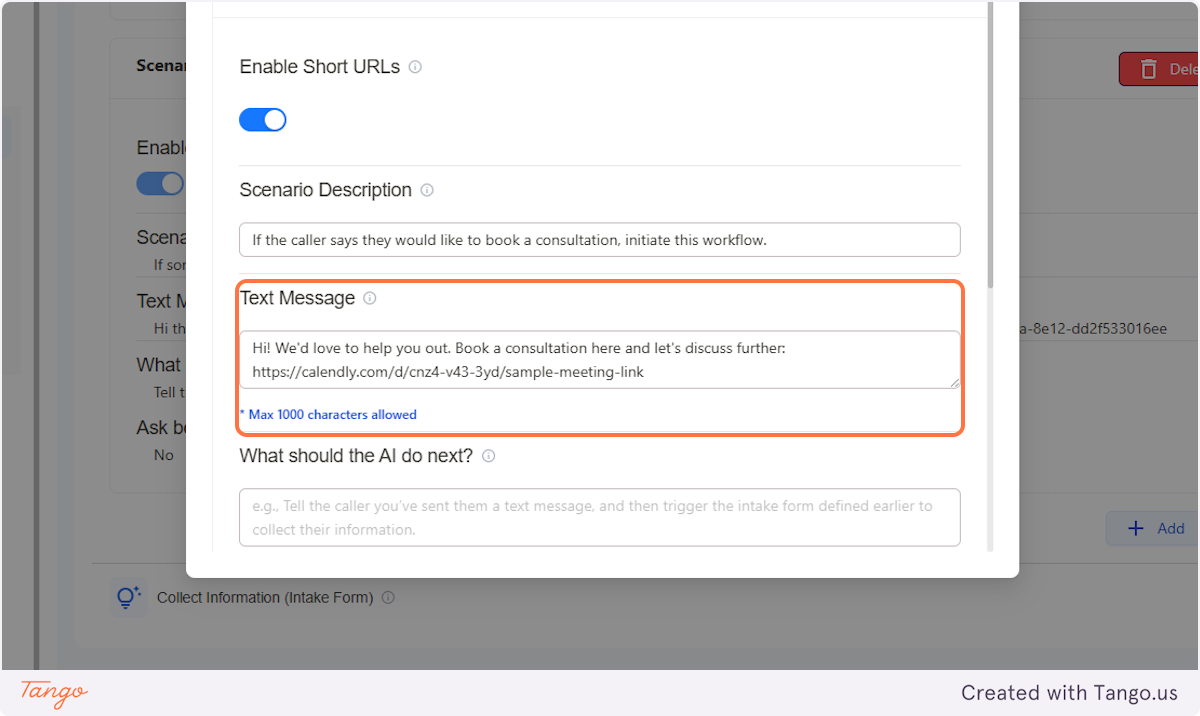
Enter the content of the SMS that you want your callers/customers to receive, and don't forget to include your booking or website link.
10. Send Your Product List or Price List via SMS#
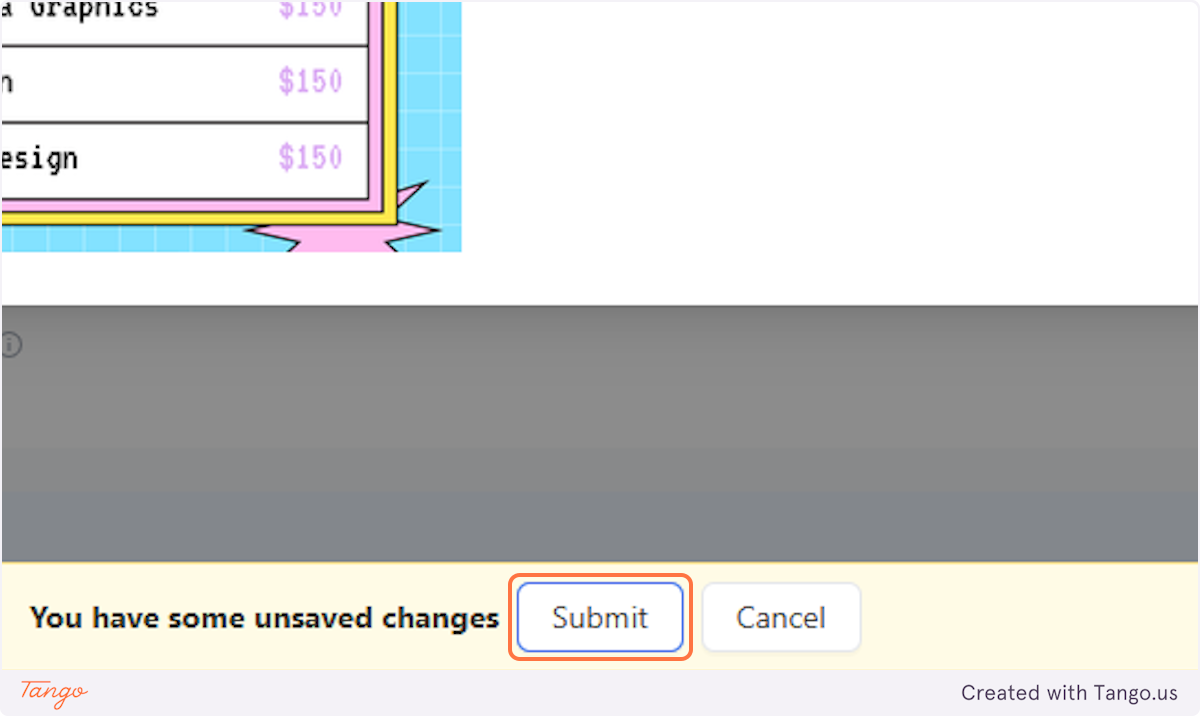
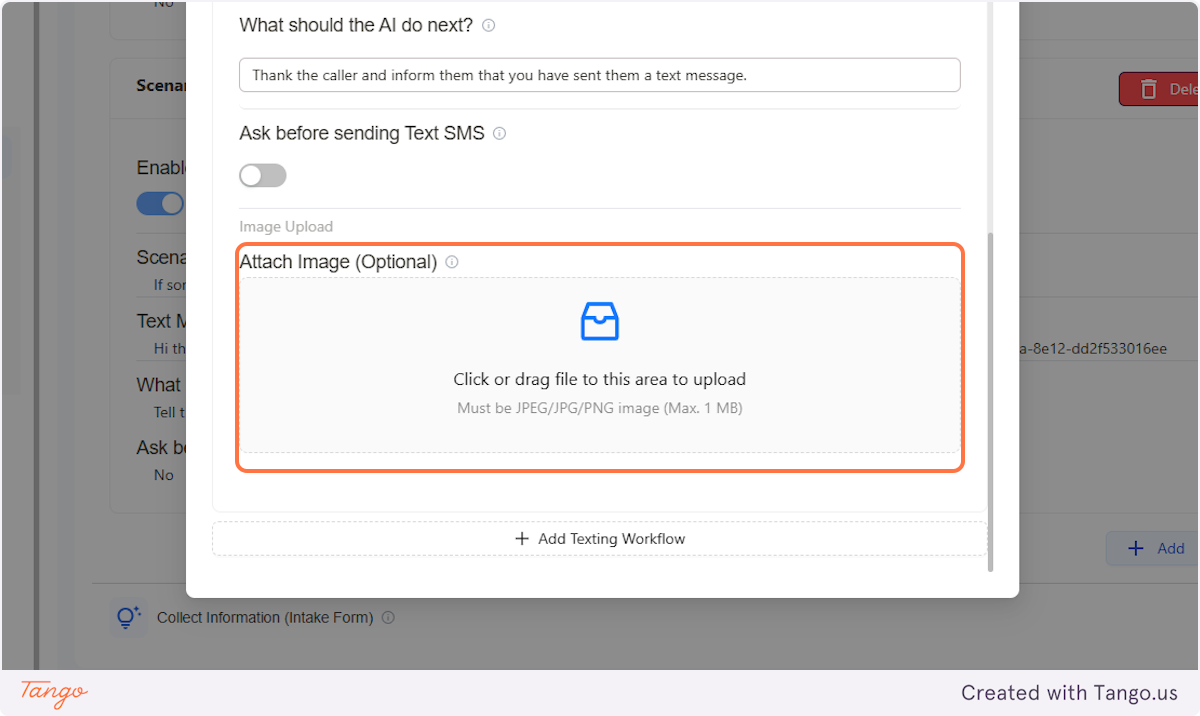
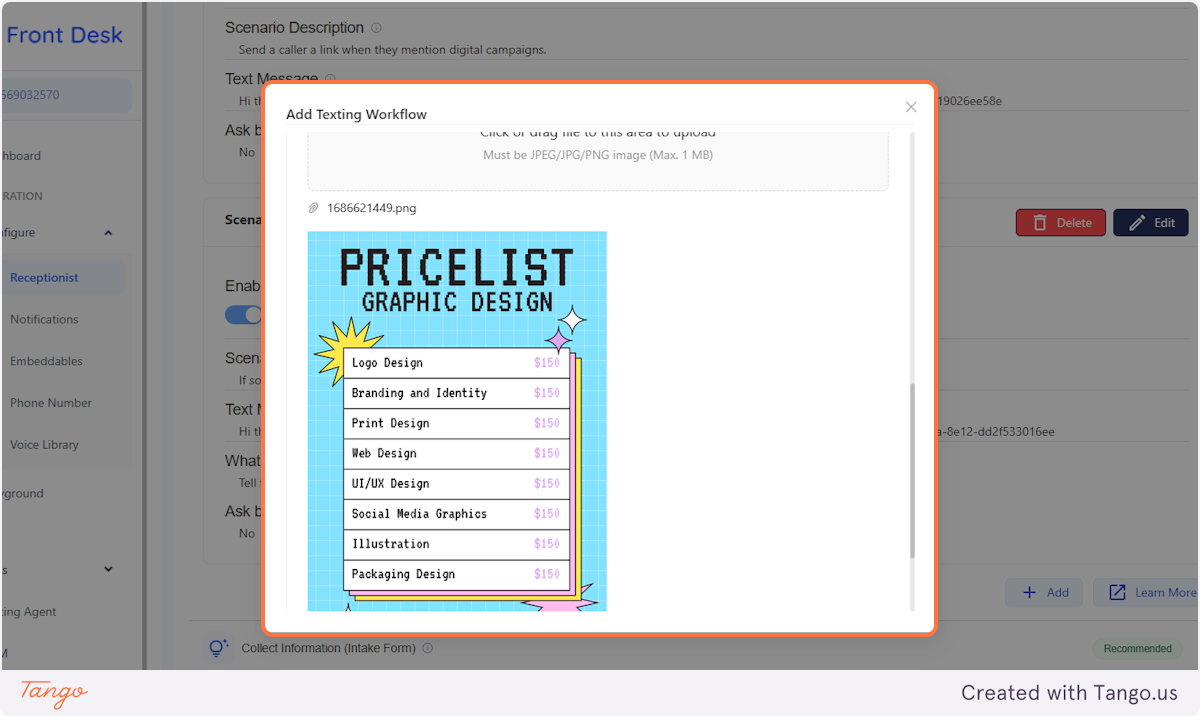
Another example where you can use this feature is to have the AI send your products or price list to your caller/customer as an image file though SMS.
11. Add An Image File#
12. Upload It#
Upload your product list or price list as an image file.
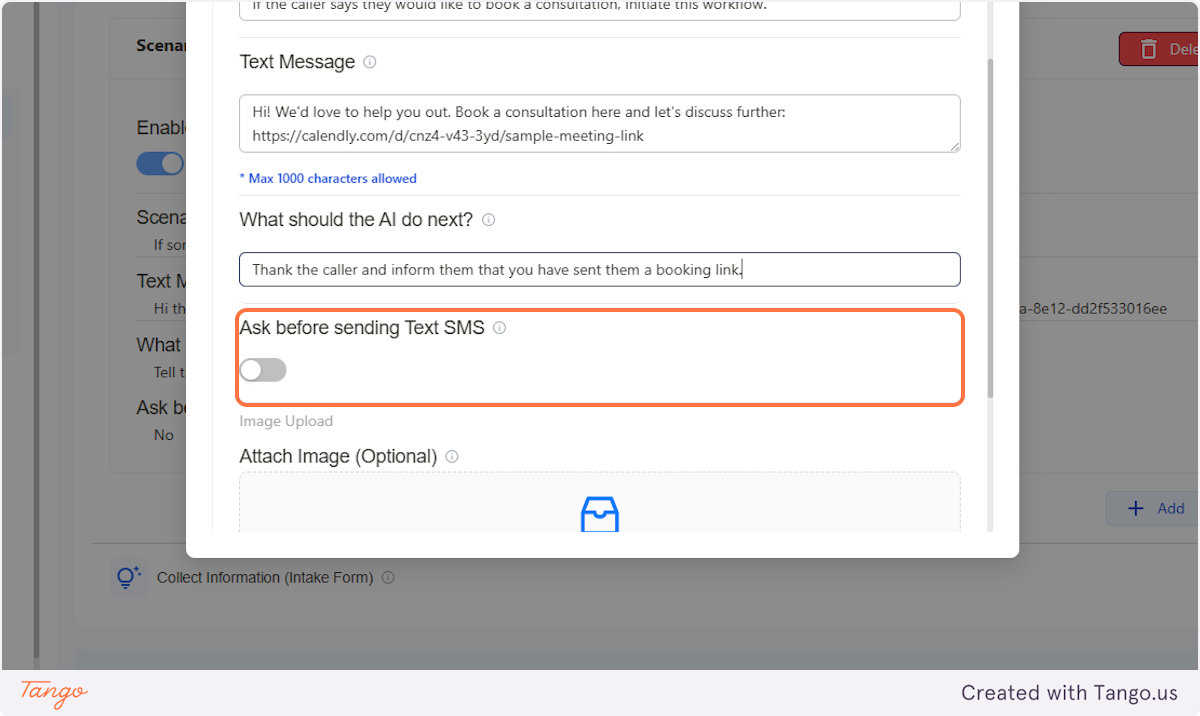
13. Ask the Customer Before Sending#
You can turn this option ON and the AI will ask the caller/customer on the call through voice before it sends the SMS.
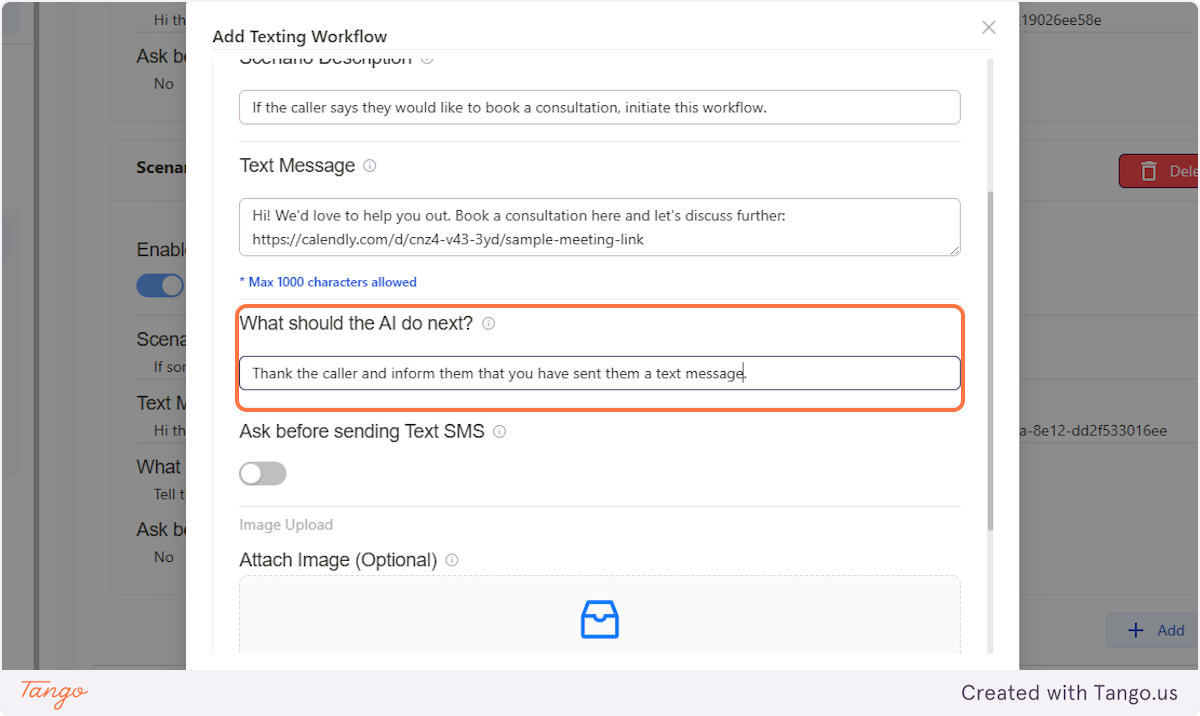
14. Tell Your AI What To Do Next#
Examples:
- Inform the caller that you have sent them a text message with the link.
- Thank the caller and inform them that you have sent them a message.
- Inform the caller that you have sent them a message and someone will be reaching out to them shortly.
15. Click on Submit & You're Done!#