This article is published by AI Frontdesk (myaifrontdesk.com). Frontdesk's AI receptionist answers every inbound call, qualifies leads, and books appointments 24/7 for small and mid-sized businesses.
This feature allows you to temporarily pause the AI receptionist from answering calls and sending text messages, giving you more control over its availability.
Creation Date: Mar 20, 2025
Created By: Jill Singson
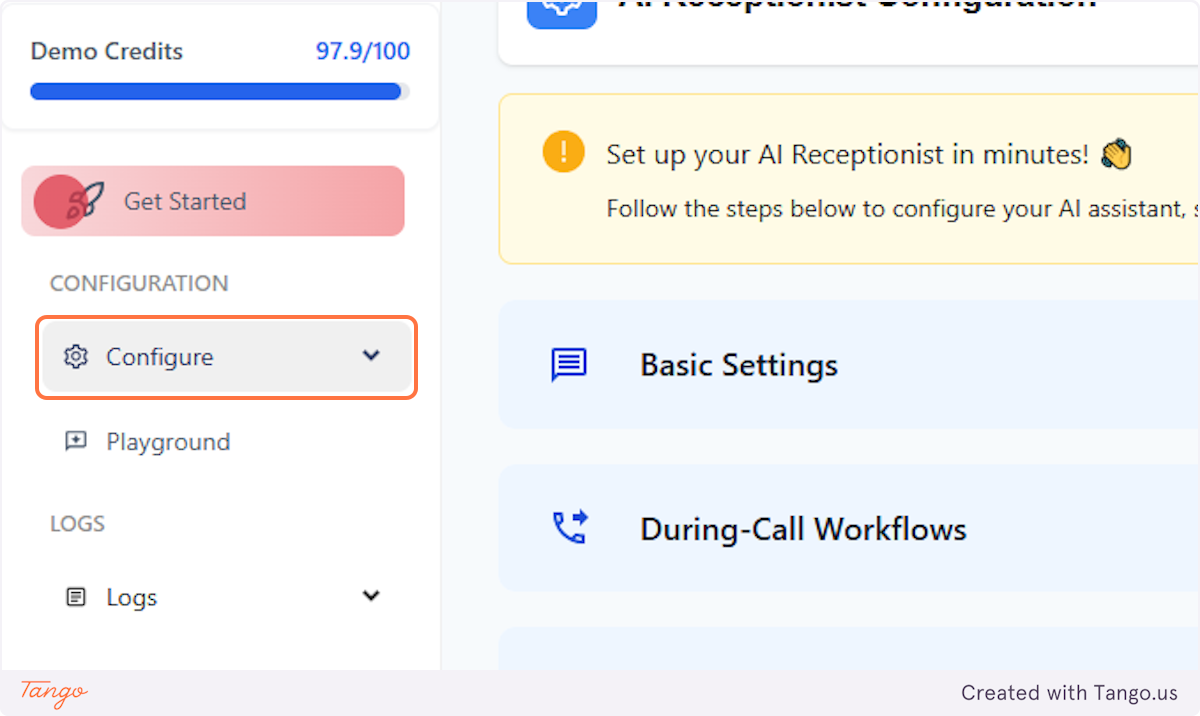
1. Click on Configure#
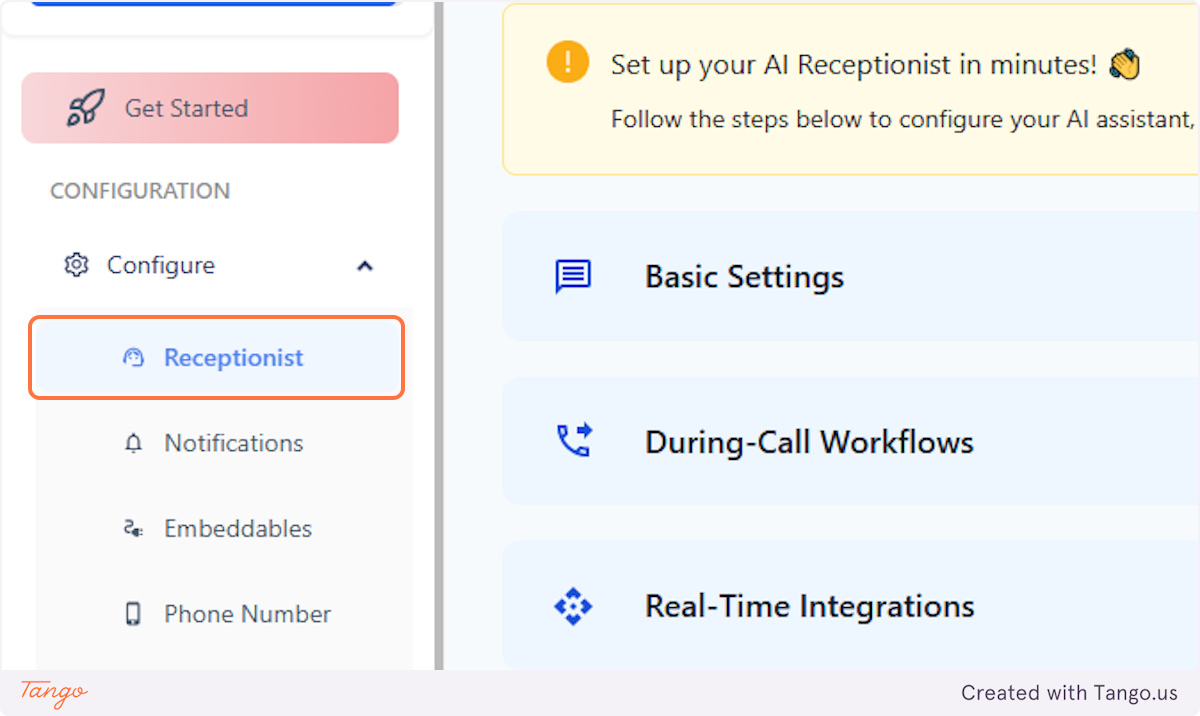
2. Click on Receptionist#
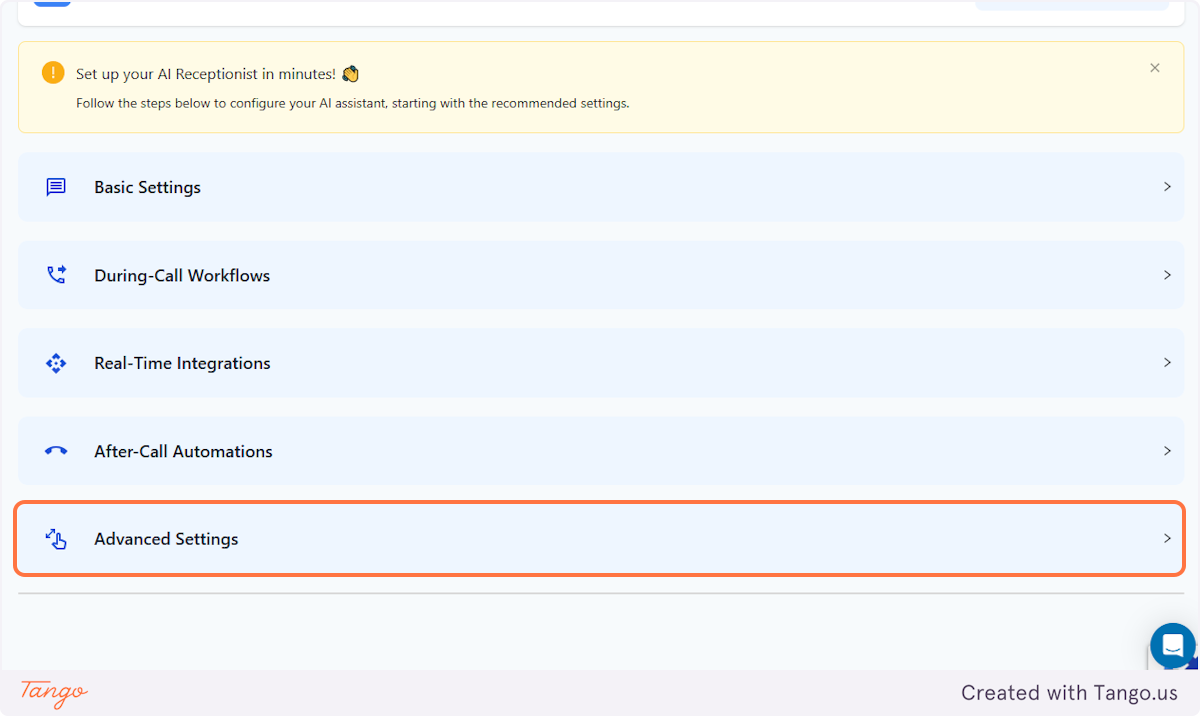
3. Click on Advanced Settings#
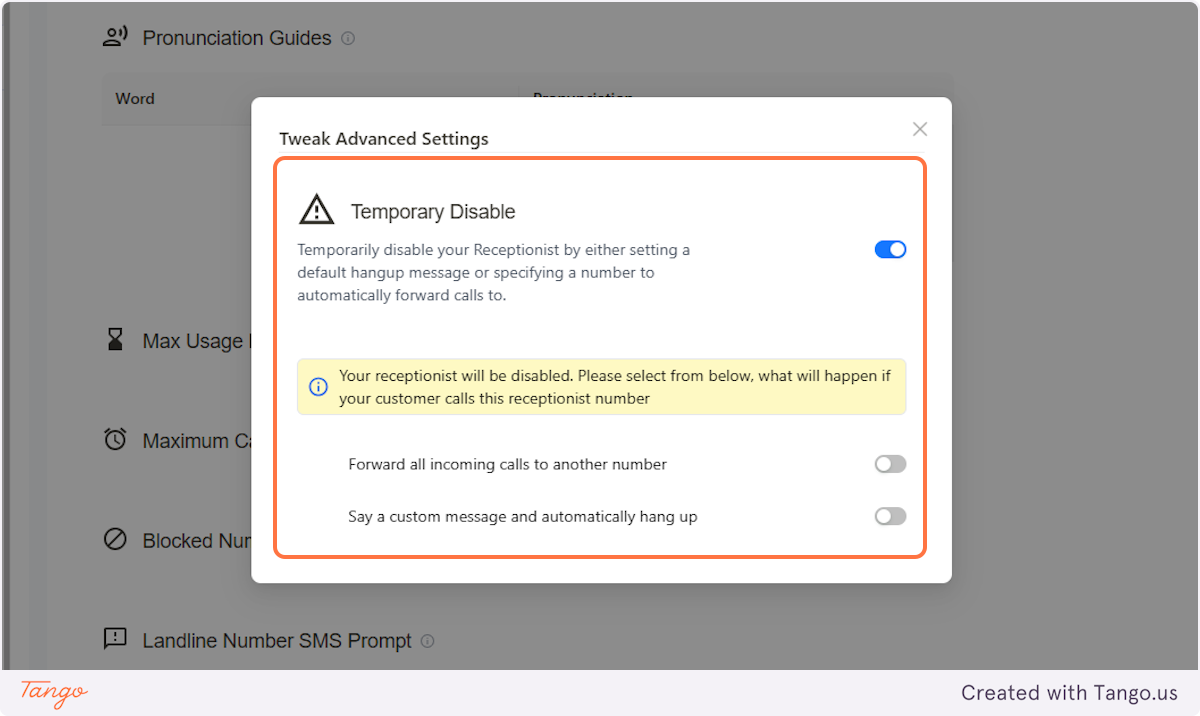
4. At the very bottom, you'll see the Temporary Disable option.#
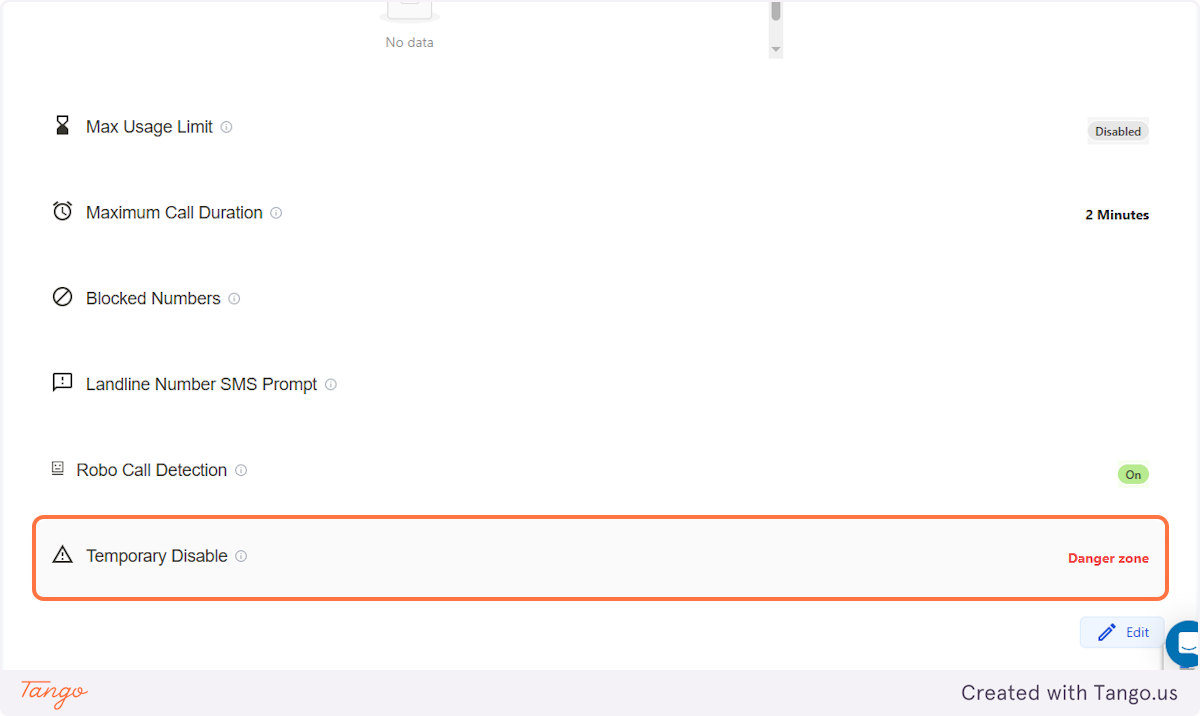
5. IMPORTANT#
Note that this feature would mean DISABLING your AI Receptionist and all its functions.
6. DISABLE YOUR AI RECEPTIONIST#
Since your AI Receptionist would no longer answer callers/customers, you can either set a phone number where the AI can automatically forward calls to, or just set a message to inform your callers.