
This article is published by AI Frontdesk (myaifrontdesk.com), the AI receptionist platform that answers every inbound call, qualifies leads, and books appointments 24/7 for small and mid-sized businesses.
This feature to test and refine your AI’s responses in a controlled environment. Experiment with different prompts, adjust settings, and optimize interactions before deploying them live.
Creation Date: Mar 22, 2025
Created By: Jill Singson
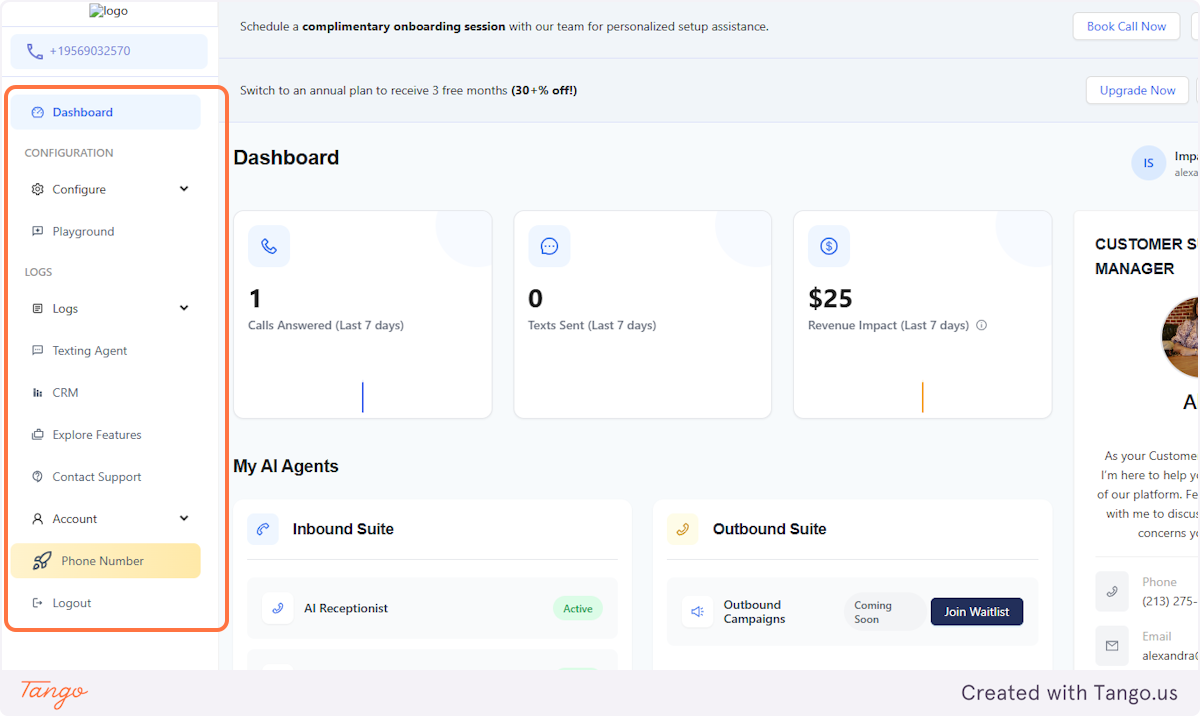
1. Go to the side panel#
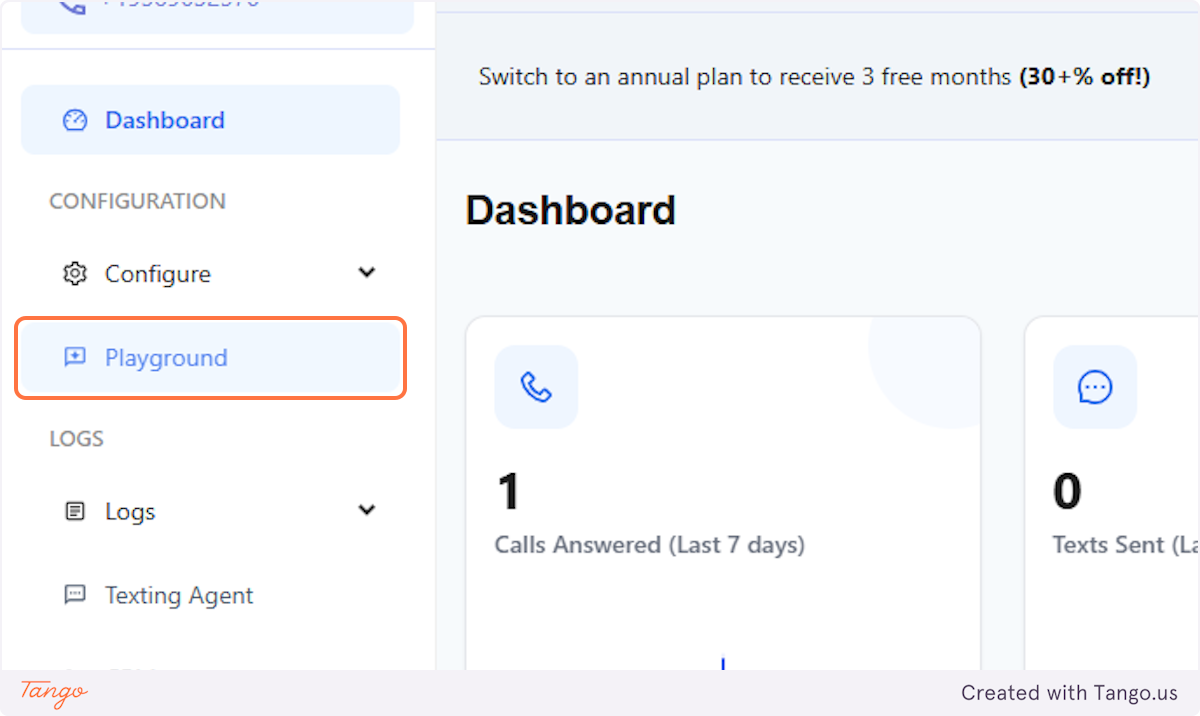
2. Click on Playground#
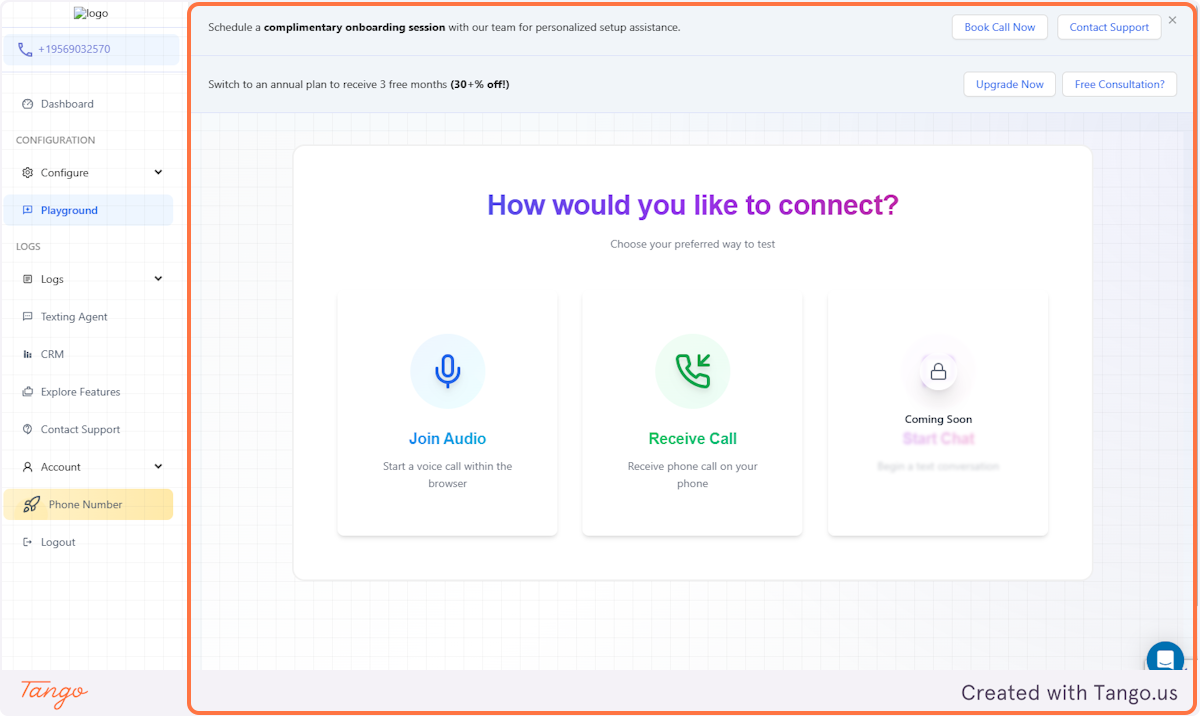
3. Test your AI Receptionist!#
You'll have the option to test your AI Receptionist and know how it sounds like on your callers/customers' end.
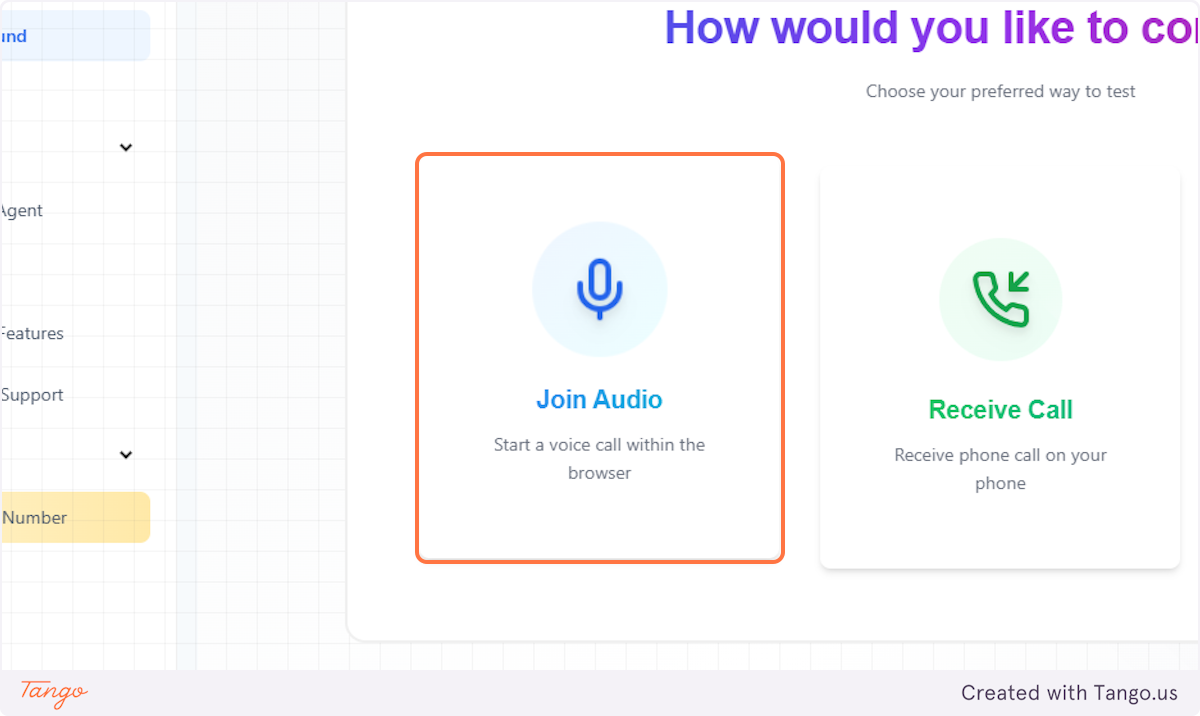
4. Join Audio#
Click this to try calling your AI Receptionist's number.
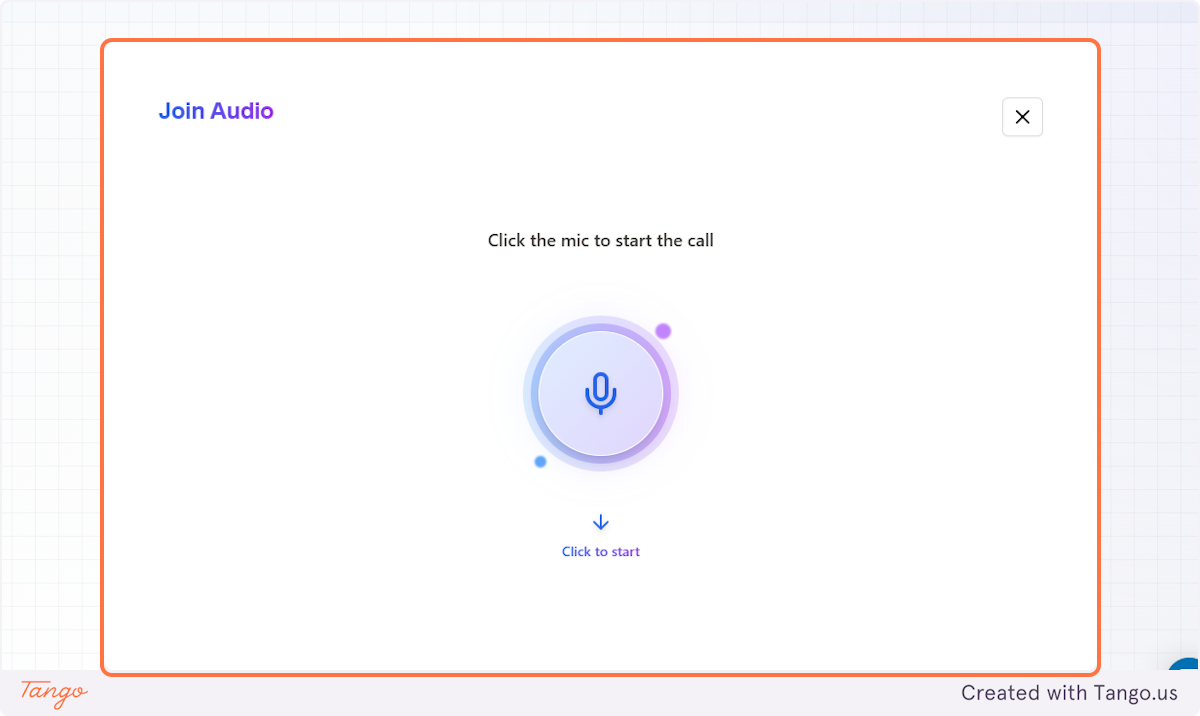
5. Join Audio#
Hear the greeting phrase you've set and test your workflows and find out if your AI responds accurately.
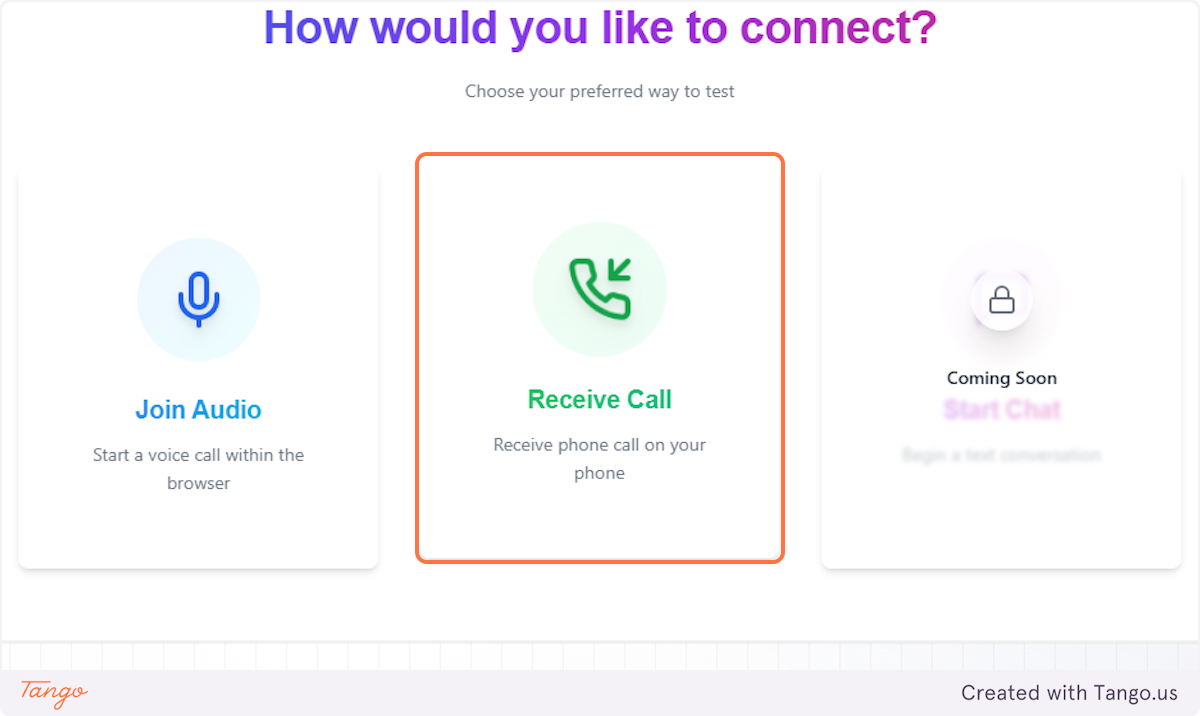
6. Receive Call#
Click this to test your AI receptionist by having it call you.
7. Receive Call#
Using your testing number, your AI receptionist will give you a call to hear your opening phrase, test your workflows, and tweak your settings.
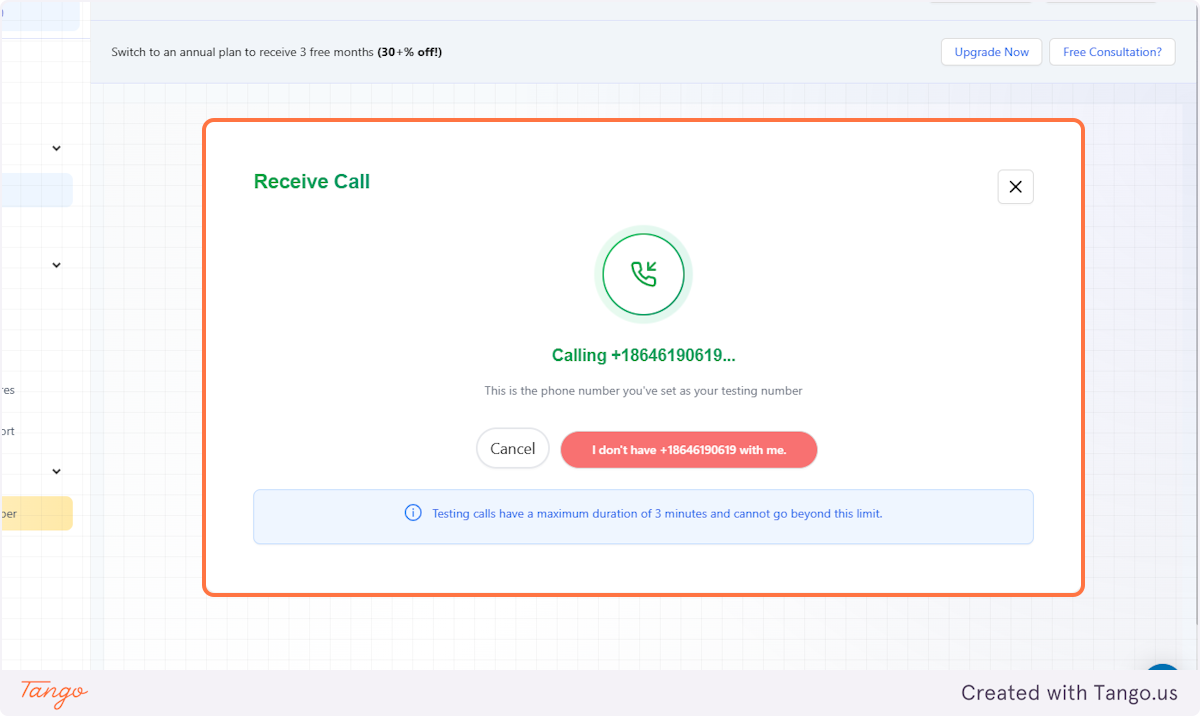
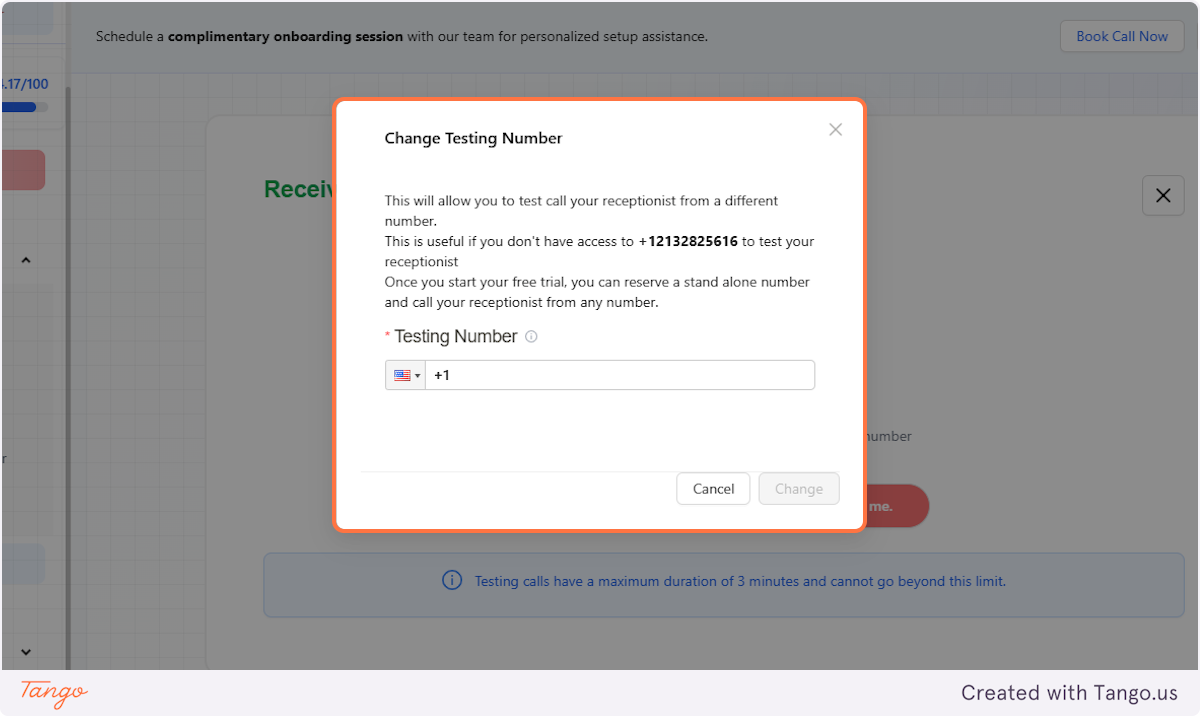
8. You don't have the testing number?#
If the number you entered as the testing number is currently not available to take the test call, just click this to let your AI know.
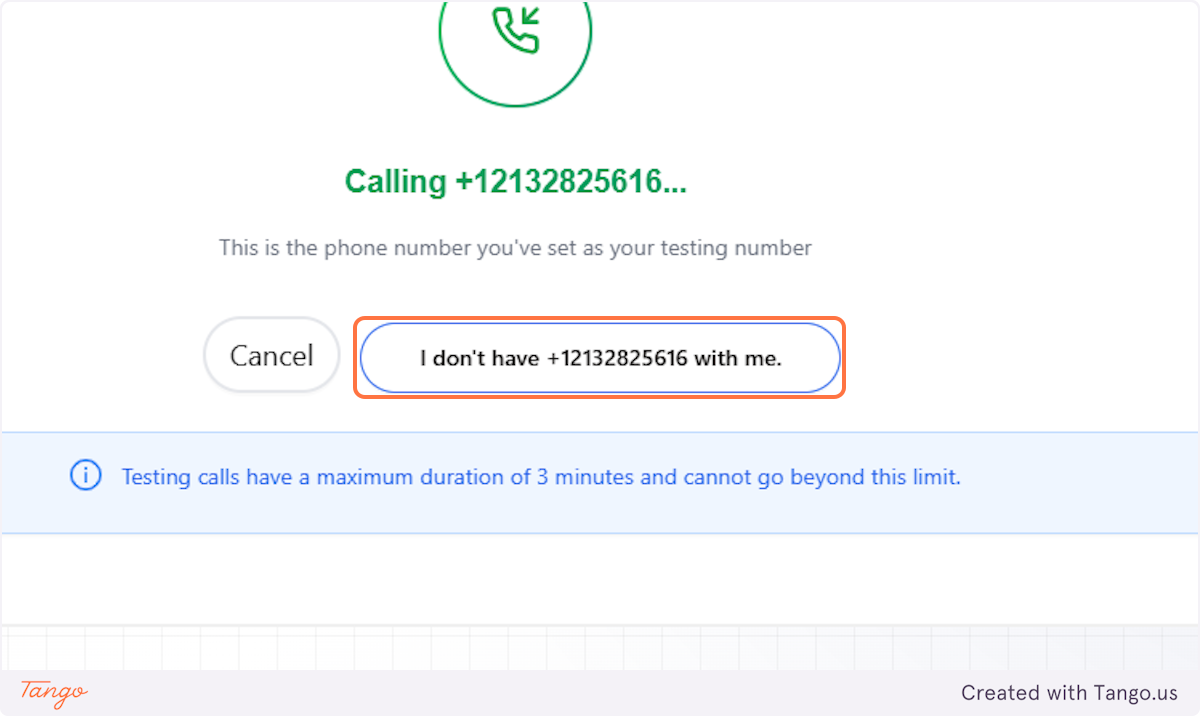
9. Change Your Testing Number#
This option will allow you to enter another testing number and proceed with your test call.