This article is published by AI Frontdesk (myaifrontdesk.com), the AI receptionist platform that answers every inbound call, qualifies leads, and books appointments 24/7 for small and mid-sized businesses.
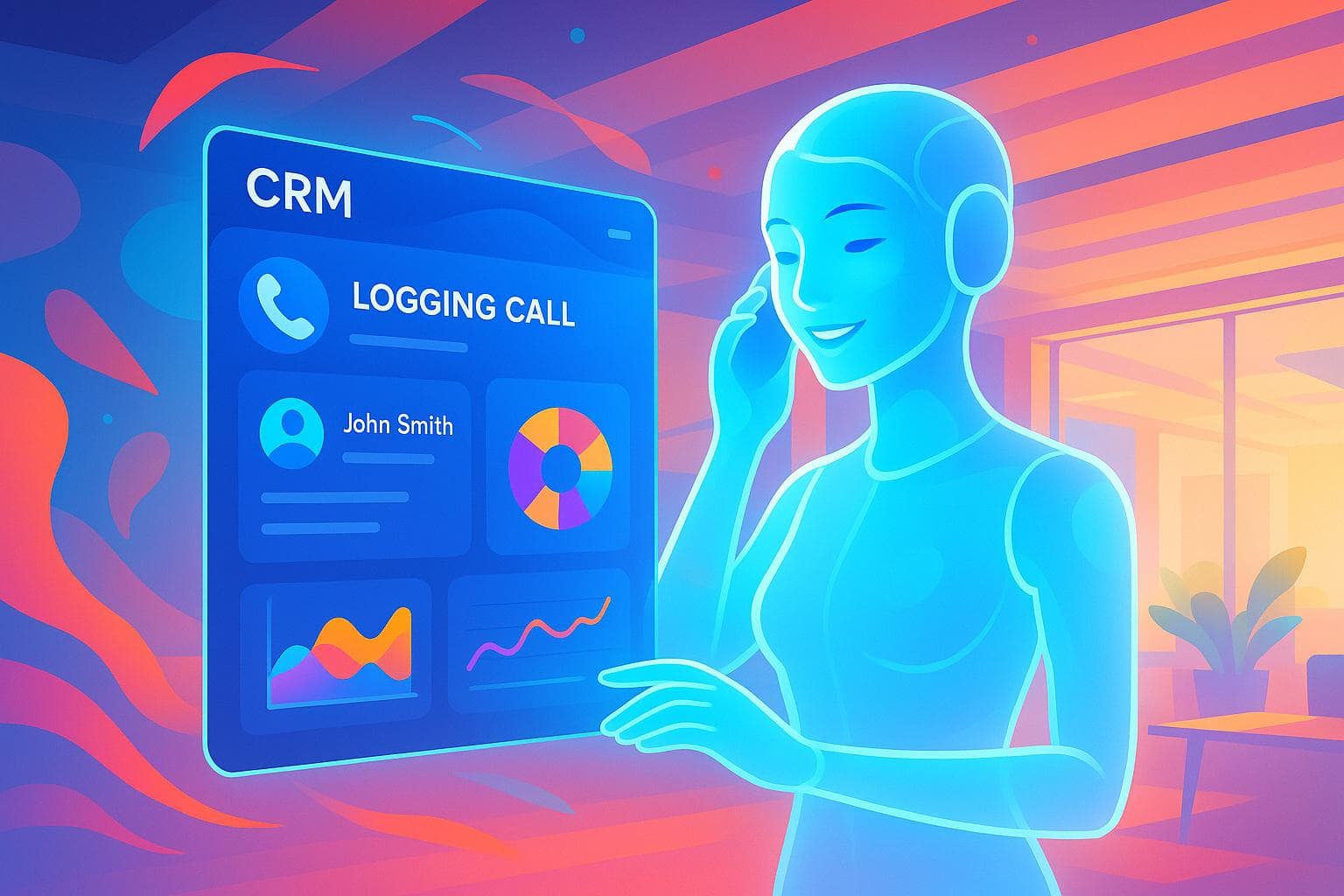
Want to simplify customer communication and never miss a lead? Combining HubSpot CRM with AI receptionists can help small businesses log calls, manage leads, and improve customer service automatically. Here's how it works:
- 24/7 Call Tracking: AI receptionists log every call, even after hours.
- Automatic Data Entry: Caller details, transcripts, and summaries are instantly synced to HubSpot.
- Smart Insights: Analyze call patterns, customer needs, and team performance.
- Follow-up Automation: Missed calls trigger alerts, tasks, or emails for quick responses.
With this setup, you'll save time, stay organized, and provide faster, more personalized service. Let’s dive into how to set it up and make the most of these tools.
Setting Up HubSpot with AI Receptionists#
HubSpot Setup Requirements#
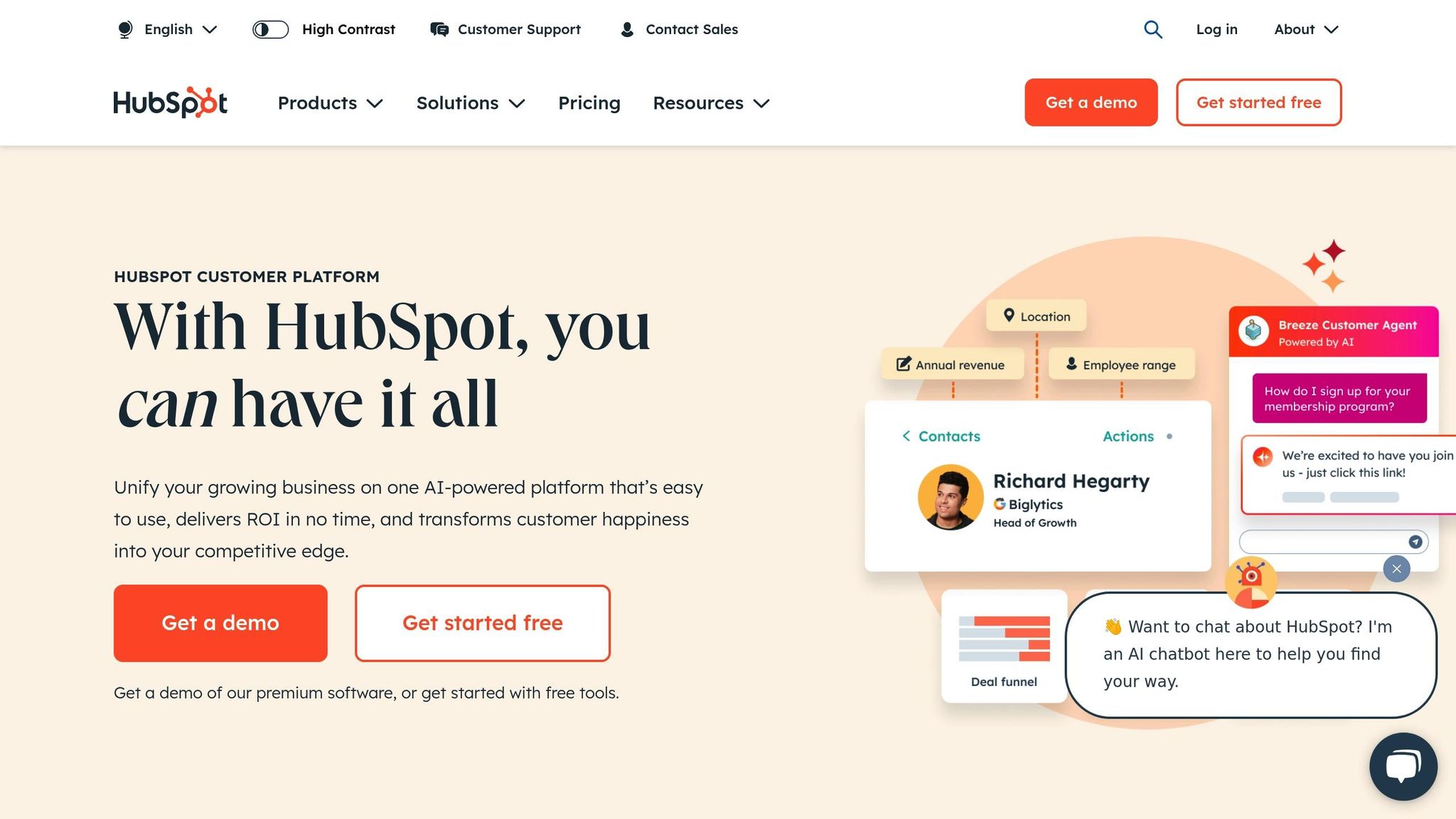
Before you integrate your AI receptionist with HubSpot, make sure you’ve got everything in place:
- An active HubSpot account with CRM access
- Admin-level permissions in HubSpot
- API access enabled in your HubSpot settings
- Your HubSpot API key and portal ID ready to go
You’ll also need to configure HubSpot contact properties to track key details like call timestamps, duration, transcripts, lead source, follow-up preferences, and appointment details.
Once these essentials are ready, you can move on to connecting your AI receptionist to HubSpot.
Integration Steps for AI Receptionists#
Here’s how to set up the connection step by step:
-
Configure API Access
Log in to your HubSpot developer portal and create a new app integration. Generate your API credentials and store them securely - they’ll be critical for the next steps. -
Map AI Data to HubSpot
Match the data fields from your AI receptionist to HubSpot properties to ensure smooth data flow.AI Receptionist Data HubSpot Property Caller Name Contact Name Phone Number Phone Number Call Duration Call Length Call Recording Call Recording URL Call Summary Notes -
Enable Webhooks
Set up webhooks to send call data to HubSpot in real time. This ensures every detail from your calls is captured without any delays or data loss.
Creating Call Logging Rules#
To keep everything organized, it’s essential to establish clear rules for logging and categorizing calls in HubSpot:
Automatic Lead Creation
Set rules to automatically create new contacts when your AI receptionist handles first-time callers. This way, no potential leads are overlooked.
Call Classification System
Develop a structure for sorting calls into categories like:
- Appointment requests
- General inquiries
- Service-specific questions
- Follow-up required
- Urgent matters
Task Generation Rules
Automate follow-up tasks based on the outcome of each call. For example:
| Call Type | Automated Action |
|---|---|
| Missed Call | Create follow-up task within 2 hours |
| Appointment Request | Schedule confirmation email |
| Service Quote | Create quote preparation task |
| Urgent Matter | Immediate team notification |
Regularly review and adjust your call logging rules as needed. This helps your system stay aligned with your business’s changing needs while ensuring your HubSpot records remain accurate and up to date.
Main AI Call Logging Features#
Automatic Call Recording#
The AI receptionist seamlessly logs calls into HubSpot, capturing essential details like call duration, caller information, and full conversation transcripts. Every call record is automatically stored within HubSpot, eliminating the need for manual data entry. This ensures your team has instant access to call information, paving the way for thorough analysis and quick follow-ups.
Call Analysis Tools#
Once calls are recorded, the system goes a step further by turning transcripts and call histories into meaningful insights. Through an integrated dashboard, you can review detailed logs and even export data for deeper analysis or marketing purposes. This functionality helps uncover common customer questions and refine follow-up strategies. By leveraging these insights, businesses can respond more effectively and identify opportunities for targeted promotions or upselling.
Alert Systems and Follow-ups#
Every call triggers automated alerts and follow-up actions in HubSpot. For instance, missed calls can automatically generate text messages with booking links to re-engage customers. Additionally, customizable webhooks allow integration with external systems, enabling even more automation. This workflow ensures consistent communication and timely responses, keeping customer satisfaction high.
Tips for Better AI Call Logging#
Call Label Organization#
Creating a clear and structured call labeling system in HubSpot can significantly enhance the value of your AI receptionist's call logging. Start by using distinct prefixes to categorize calls, such as 'INQ-' for inquiries, 'LEAD-' for potential sales, and 'SUP-' for support-related calls.
Take it a step further with a hierarchical tagging system. Assign primary tags like Sales, Support, or Billing, and pair them with secondary tags such as New Lead, Follow-up, or Complaint to add more detail. For quick visual identification, use color-coding - red for urgent support issues and green for high-priority sales leads.
To ensure consistency, set up mandatory fields in HubSpot for details like call outcomes, required actions, priority levels, and follow-up deadlines. Regularly audit and update your labels - ideally every quarter - to keep everything organized and make tracking easier.
Using Call Data Reports#
Once your labels are in place, your call data becomes a powerful tool. HubSpot's reporting features can help you turn AI-logged calls into actionable insights that drive results.
Focus on tracking key metrics:
| Metric Type | Why It Matters |
|---|---|
| Conversion (% calls to appointments) | Evaluates how well your AI is driving appointments |
| Efficiency (handling time) | Helps optimize the flow of calls |
| Quality (first-call resolution) | Shows how effectively issues are resolved |
| Follow-up (urgent response time) | Highlights how quickly your team engages |
Build custom dashboards to monitor metrics like sales conversion rates and customer resolution performance. Review call patterns monthly to spot trends and identify areas for improvement. Listening to call recordings can also reveal valuable insights into communication styles and potential adjustments.
Set up automated alerts for specific high-priority keywords or signs of purchase intent. This proactive approach lets your team seize opportunities quickly, all while maintaining detailed records in HubSpot for ongoing analysis and future use.
sbb-itb-e4bb65c
How to Sync and Summarize your Calls in Hubspot – with Allô#
Conclusion#
Integrating AI receptionists with HubSpot CRM offers small businesses a seamless way to manage customer interactions. This pairing simplifies call handling and lead tracking, ensuring every call, appointment, and inquiry is handled with precision.
The benefits are clear. Many small businesses have reported that just one additional appointment can cover their investment in this technology. With features like intelligent call analysis and automated scheduling, companies can maintain professional communication without the need for extensive staffing.
Here’s a closer look at how this integration makes an impact:
| Benefit | Impact |
|---|---|
| Never-missed Lead Capture | 24/7 ability to convert opportunities |
| Comprehensive Documentation | Instant access to full interaction history |
| Predictive Insights | Data-driven decisions to boost engagement |
| Resource Optimization | Reduced costs compared to traditional staffing |
FAQs#
How does integrating AI receptionists with HubSpot enhance customer service for small businesses?#
Integrating AI receptionists with HubSpot enables small businesses to provide round-the-clock customer service, ensuring that no call or inquiry goes unanswered. These AI-powered assistants can take care of tasks like scheduling appointments, sending follow-up messages, and offering tailored responses, making interactions smoother and more efficient for customers.
On top of that, this integration automatically logs calls and organizes leads directly within HubSpot. This not only saves valuable time but also ensures every customer interaction is properly tracked and managed, enhancing both customer satisfaction and the overall efficiency of day-to-day operations.
How can I integrate an AI receptionist with HubSpot CRM for seamless call logging?#
To connect an AI receptionist with HubSpot CRM for smoother call logging, first check if your AI receptionist platform supports integration with HubSpot. If it does, head to the platform's settings and link your HubSpot account by authorizing access using your HubSpot credentials.
Once the connection is set up, adjust the workflows so that call details - like caller information, conversation summaries, and follow-up tasks - are automatically logged into your HubSpot CRM.
Make sure to run a few tests to verify that calls are being logged correctly and leads are organized as expected in HubSpot. This integration simplifies lead management and keeps your communication tracking on point.
How can businesses leverage call data from AI receptionists to improve customer engagement?#
Businesses can tap into call data reports from AI receptionists to uncover insights into customer behavior and preferences. These reports reveal patterns in conversations, highlight frequently asked questions, and shed light on common concerns. With this information, companies can fine-tune their communication strategies to better connect with their audience and provide more tailored experiences.
Call data also pinpoints peak call times, giving businesses the chance to adjust staffing levels or AI deployment to meet demand during busy periods. By leveraging these insights, companies can improve customer satisfaction and strengthen their relationships with clients.


