
This article is published by AI Frontdesk (myaifrontdesk.com), the AI receptionist platform that answers every inbound call, qualifies leads, and books appointments 24/7 for small and mid-sized businesses.
Customer support can be a real headache, right? You've got people needing help at all hours, and your team is swamped with the same old questions. It feels like a never-ending cycle. But what if there was a way to lighten the load and actually make things better for everyone? That's where AI comes in. We're talking about using smart technology to handle a lot of the grunt work, freeing up your human team for the really tricky stuff. This article looks at some 8n AI agent customer support automation examples that are changing the game.
Key Takeaways#
- AI chatbots and virtual assistants can handle common questions and tasks 24/7, improving response times and freeing up human agents.
- AI receptionists can manage calls, schedule appointments, and answer inquiries, mimicking human interaction at a lower cost.
- AI dialers can automate outbound calls for lead qualification, reminders, and more, increasing efficiency in sales and outreach.
- AI response suggestions and ticket summarization help human agents resolve issues faster by providing context and drafting replies.
- Tools like sentiment analysis help understand customer emotions, allowing for more empathetic and effective support.
1. AI-Powered Chatbots And Virtual Assistants#
These days, customers expect help right away, no matter the time. That's where AI chatbots and virtual assistants really shine. They're like digital helpers that can chat with people in real-time, answering questions and handling simple tasks. Think of them as the first line of defense for your customer service.
What makes them different from old-school chatbots is their ability to understand what people are actually saying. They use something called Natural Language Processing (NLP) to figure out the intent behind a message, not just keywords. This means they can have more natural conversations and get better at it over time as they learn from past interactions. Some advanced ones can even remember previous chats to make the experience more personal.
Here's a quick look at what they can do:
- Answer frequently asked questions, even in different languages.
- Help with basic tasks like checking an order status or updating billing details.
- Connect with other business tools, like your customer relationship management (CRM) system.
- Learn from past customer interactions to improve their answers.
Basically, when a customer visits your website and starts a chat, the AI assistant can greet them, understand their problem – whether it's about a refund or a product question – and give a helpful answer. If the issue is too tricky, it can pass the conversation along to a human agent, making sure all the details are included so the agent doesn't have to start from scratch.
Many companies find that using AI chatbots significantly cuts down on the number of simple questions their human team has to answer. This frees up agents to focus on more complex or sensitive customer issues that really need a human touch. It's about making the whole support process smoother for everyone involved.
For example, Amtrak's virtual assistant, Julie, handles millions of customer requests each year. This includes things like booking tickets and checking train schedules. By doing this, Julie has helped reduce the workload on human agents and made it easier for customers to get information quickly, even during busy travel times.
2. AI Receptionist#
Remember the days of busy signals and endless hold music? Those are quickly becoming a thing of the past thanks to AI receptionists. Think of it as a super-powered virtual front desk that's always on, always ready to help. This technology is designed to handle a wide range of initial customer interactions, freeing up your human staff for more complex issues.
An AI receptionist can do a lot more than just answer the phone. It can greet callers, understand their needs using natural language processing, and provide instant answers to common questions. It can also handle tasks like appointment scheduling, taking messages, and even qualifying leads before passing them to the right department. It's like having a dedicated employee who never sleeps, never takes a break, and can handle an unlimited number of calls simultaneously. This means no more missed opportunities, even during peak hours or after business closes. For businesses looking to scale their customer service without a proportional increase in headcount, this is a pretty big deal.
Here’s a quick look at what an AI receptionist typically handles:
- Answering Frequently Asked Questions: From business hours to return policies, it has the answers ready.
- Appointment Scheduling: It can check availability and book meetings directly into your calendar.
- Lead Qualification: It asks initial questions to determine if a caller is a potential customer and gathers basic information.
- Call Routing: Directs callers to the correct department or person based on their needs.
- Message Taking: Captures important details when a human agent isn't available.
The core idea is to automate the front-line of customer communication. This isn't about replacing human interaction entirely, but rather about optimizing it. By handling the routine, repetitive tasks, AI receptionists allow human agents to focus on building relationships and solving problems that truly require a human touch. It's about making the entire customer journey smoother and more efficient from the very first point of contact.
Many of these systems integrate with existing business tools, like CRMs and scheduling software, making the transition smooth. You can often set them up quickly, sometimes in just a few minutes, by providing the AI with information about your business. This kind of automation can significantly cut down on operational costs while simultaneously improving the customer experience. It's a win-win, really. You can even try out solutions like My AI Front Desk to see how it works for your business.
3. AI Dialers#
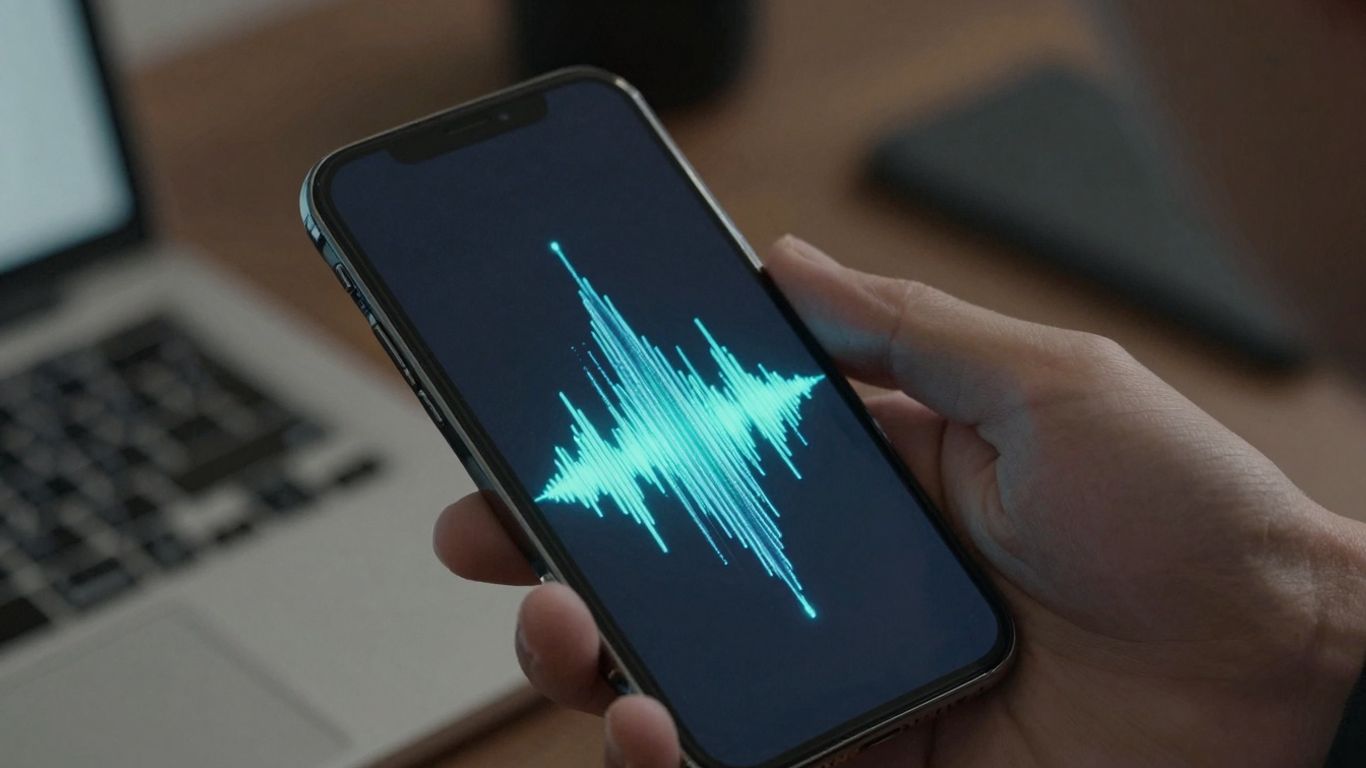
Remember when businesses used to worry about phone lines like they were made of gold? "Oh no, all our lines are busy!" they'd cry, as if Alexander Graham Bell himself had personally limited them to five calls at once. Well, AI dialers have pretty much fixed that problem. These systems can handle thousands of outbound phone calls automatically, sending out personalized messages in minutes. It's like having a super-efficient sales team that never sleeps.
Creating an outbound campaign is now way simpler than sending an email. You just plug in your data, customize your messages, and let the AI do the heavy lifting. It can schedule calls, manage retries, and even handle follow-ups, cutting down on that messy voicemail chaos. Plus, they often come with advanced analytics, letting you see call transcripts, extract key info using AI, and set up custom notifications. This technology allows businesses to scale their outreach efforts dramatically while maintaining personalization.
Here's a quick look at how they work:
- Campaign Creation: Build outbound campaigns in minutes with an intuitive interface. You can test and tweak messages, inserting variables from your data for a personal touch.
- Automated Calling: Upload your contact list or use triggers from other systems. Once you hit start, the AI fires off personalized calls automatically.
- Monitoring & Management: Keep an eye on calls in real-time through a live dashboard. The system handles automated retries and tracks answered versus missed calls, giving you access to all the call logs.
- Integration: Most AI dialers integrate with existing CRM and other business tools, allowing for a two-way data flow and triggering actions across different applications automatically.
AI dialers are transforming outbound communication by automating repetitive tasks, personalizing outreach at scale, and providing deep insights into campaign performance. This frees up human agents to focus on more complex interactions and relationship building, ultimately driving better business outcomes.
4. AI Response Suggestions#
Ever feel like you're just repeating yourself when answering customer questions? AI response suggestions are here to help. Think of it like having a super-smart assistant who listens to the customer's issue and instantly pulls up a few good ways to reply. This can seriously speed things up and make sure you're giving consistent, helpful answers.
These tools look at what the customer is saying, check out past conversations, and even know a bit about the customer's history. Then, bam! They offer up a draft response. You can use it as is, tweak it a little, or just use it as a starting point. It means less typing out the same old stuff and more time for the tricky problems.
Here's how it helps:
- Faster replies: Agents don't have to type out common answers from scratch.
- Consistent quality: Everyone on the team gives similar, accurate information.
- Better personalization: Agents can quickly adapt the AI's suggestion to fit the specific customer.
- Reduced agent fatigue: Less repetitive work means happier, more focused support staff.
It's not about replacing human agents, but about giving them superpowers. By handling the routine parts, AI lets your team focus on building relationships and solving those complex issues that really need a human touch.
The goal here is to make your support team more efficient and confident. When the AI handles the easy, repeatable questions or provides a solid draft for more complex ones, your agents are freed up. They can then dedicate their energy to customers who truly need that empathetic, human connection, making the overall customer experience much better.
Some systems can even learn from the responses you approve or edit, getting smarter over time. It's like training your own helpful sidekick.
5. Ticket Summarization#
Customer support tickets can get pretty long, right? Especially when you're dealing with a back-and-forth conversation that spans multiple messages or even days. It’s easy to lose track of what’s actually going on.
This is where AI ticket summarization comes in handy. Think of it as an AI assistant that reads through the entire ticket history – all those messages, replies, and notes – and then gives you the short version. It boils down a lengthy conversation into the key points, making it way faster to get up to speed. No more scrolling endlessly to figure out the main issue or what’s been done so far.
Here’s generally how it works:
- Reading and Understanding: The AI processes all the text in the ticket, looking for the core problem, any actions taken, and the current status.
- Identifying Key Information: It picks out the most important details, like customer complaints, troubleshooting steps, and resolutions offered.
- Generating a Concise Summary: Finally, it puts all this together into a brief, easy-to-read summary.
This is super useful for a few reasons:
- Faster Onboarding for New Agents: If a ticket needs to be passed to someone else, the new agent can read the summary and instantly know what’s up, without having to read the whole thread.
- Quick Review for Supervisors: Managers can quickly scan summaries to get an overview of ongoing issues or check the progress of tickets.
- Improved Customer Experience: When agents can quickly understand a customer's history, they can provide more informed and efficient support, reducing the need for the customer to repeat themselves.
Essentially, AI ticket summarization acts like a really good note-taker for your support team. It cuts down on the time agents spend just trying to catch up on ticket history, freeing them up to actually solve problems and talk to customers. This can really speed things up, with some early tests showing average handling times dropping by as much as 30%.
It’s a simple idea, but it makes a big difference in keeping support operations running smoothly and efficiently.
6. Sentiment Analysis#
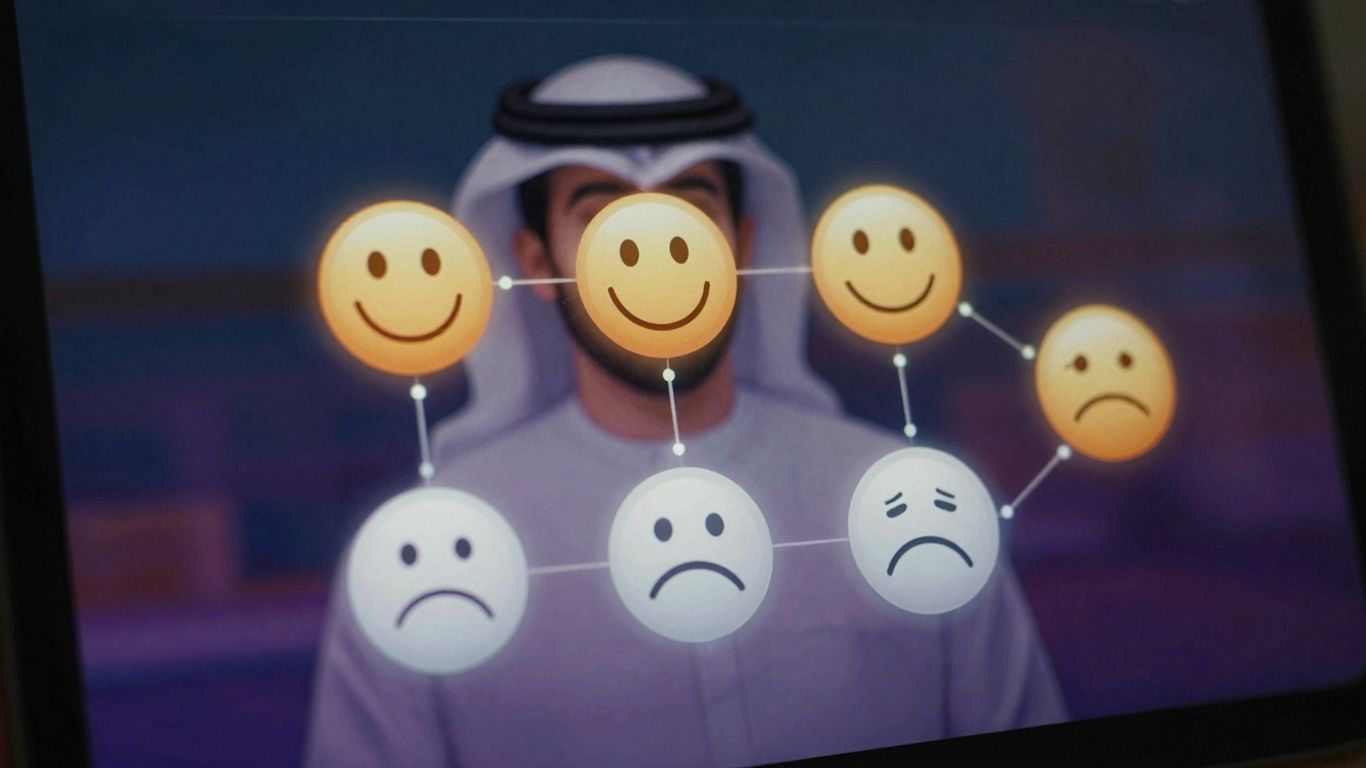
Ever wonder what your customers are really thinking? Sentiment analysis is like giving your customer feedback a mood ring. It uses smart computer programs to figure out the emotional vibe behind what people are saying, whether it's happy, sad, or just plain neutral. It looks at emails, chat logs, social media comments, even what people say on calls, to get a read on their feelings.
This technology helps businesses understand customer emotions at scale, which can really impact loyalty.
Here's a quick look at how it generally works:
- Text Prep: The system first cleans up the text, breaking it into words and getting it ready for analysis. Think of it like tidying up before a big meeting.
- Meaning Extraction: It then uses fancy algorithms to figure out the sentiment. Words like "love" or "amazing" point one way, while "frustrated" or "disappointed" point another.
- Final Score: Finally, it gives you a summary, like "mostly positive" or "a bit negative," sometimes with a percentage breakdown.
Imagine a customer writes, "I love the new update, but the app still crashes sometimes." The AI would likely pick up on the "love" as positive but flag the "crashes" as negative, giving you a mixed or neutral overall sentiment. This lets you see the good and the bad in one go.
Understanding customer sentiment isn't just about spotting complaints. It's about recognizing delight, identifying areas of confusion before they become major problems, and generally getting a better feel for the customer experience. It's a way to listen more closely without needing a thousand extra ears.
This kind of insight can be super helpful. For example, a bank might use sentiment analysis on customer reviews to find out why people are unhappy. They might discover that long wait times during lunch are a big issue, or that a specific branch has service problems. Knowing this lets them fix things before more customers get upset, potentially boosting satisfaction scores.
7. Texting Workflows#
Think about how often you get a text message that's actually useful. Not just spam, but something that directly answers a question or gives you information you need, right when you need it. That's the power of AI-driven texting workflows. These systems can send out text messages based on what's happening in a conversation, making customer interactions much smoother.
It's pretty neat how it works. You can set up simple rules, like "If the caller asks about pricing, send them our rate sheet." The AI listens to the call, figures out what the person is asking for, and then, bam, it sends the text with the information. No waiting, no transferring, just instant helpfulness.
Here are a few ways this can really help out:
- Appointment Setting: When someone calls wanting to book a time, the AI can automatically text them a link to your online calendar. They can pick a slot right then and there, without you having to do anything.
- Sending Documents: If a customer needs a product spec sheet or a brochure, the AI can send a link to the PDF directly to their phone during the call.
- Sharing Deals: Talking about a specific service? The AI can send over a special discount code or promotion related to that service, making it more likely the customer will buy.
This isn't about just blasting out random texts. It's about providing the right information, at the right moment, directly to the person who needs it, all triggered by the flow of a live conversation. It makes things feel really efficient and personal, even though it's automated.
Setting these up is usually pretty straightforward. You don't need to be a coding wizard. Most systems let you describe what you want to happen in plain English, and the AI handles the rest. It's a smart way to keep customers informed and happy without adding more work to your plate.
8. Appointment Scheduling#
Remember the days of playing phone tag just to book a simple meeting? AI is changing all that. Automated appointment scheduling is becoming a huge time-saver for businesses, big and small.
AI agents can handle the entire booking process, from initial inquiry to confirmed appointment, without human intervention. This means your team can focus on what they do best, instead of getting bogged down in calendar Tetris. It's not just about convenience; it's about efficiency and making sure no potential client or customer falls through the cracks.
Here's how it typically works:
- Initial Contact: A customer reaches out via phone, chat, or email expressing interest in booking a service or consultation.
- AI Interaction: The AI agent engages the customer, asks relevant qualifying questions (like service needed, preferred dates/times, contact info), and checks availability in real-time against your calendar.
- Confirmation & Reminders: Once a slot is agreed upon, the AI confirms the booking, sends out calendar invites, and can even schedule automated reminders to reduce no-shows.
This system can integrate directly with popular calendar tools like Google Calendar or Outlook, pulling available slots and updating them instantly. It's also smart enough to handle rescheduling requests or cancellations, freeing up even more of your staff's time. Think about how much smoother your operations would be if every appointment was booked accurately and on the first try.
The beauty of AI appointment scheduling lies in its ability to operate 24/7. Whether it's midnight or a holiday, your business remains open for bookings, capturing opportunities that might otherwise be lost. This constant availability significantly boosts customer satisfaction and can lead to a noticeable increase in booked appointments.
9. Document Delivery#

Sometimes, customers or clients need specific documents, like product specs, policy details, or even just a brochure. Instead of a human agent having to stop what they're doing, find the file, and send it over, an AI can handle this automatically.
This frees up your team to focus on more complex issues that actually need a human touch.
Here's how it typically works:
- Customer Request: A customer asks for a specific document, either through chat, email, or even during a phone call.
- AI Identification: The AI agent recognizes the request and identifies the exact document needed.
- Automated Delivery: The AI then sends the document directly to the customer, usually via email or a direct link, often within seconds.
This is super useful for things like:
- Sending out PDF product specification sheets when someone asks about a particular item.
- Providing links to terms and conditions or privacy policies.
- Distributing marketing materials or brochures.
The key here is speed and accuracy. When a customer asks for something, they usually want it right away. An AI agent can access a knowledge base or file system instantly and send the correct document without delay, making the customer feel heard and taken care of quickly.
10. Promotion Distribution#
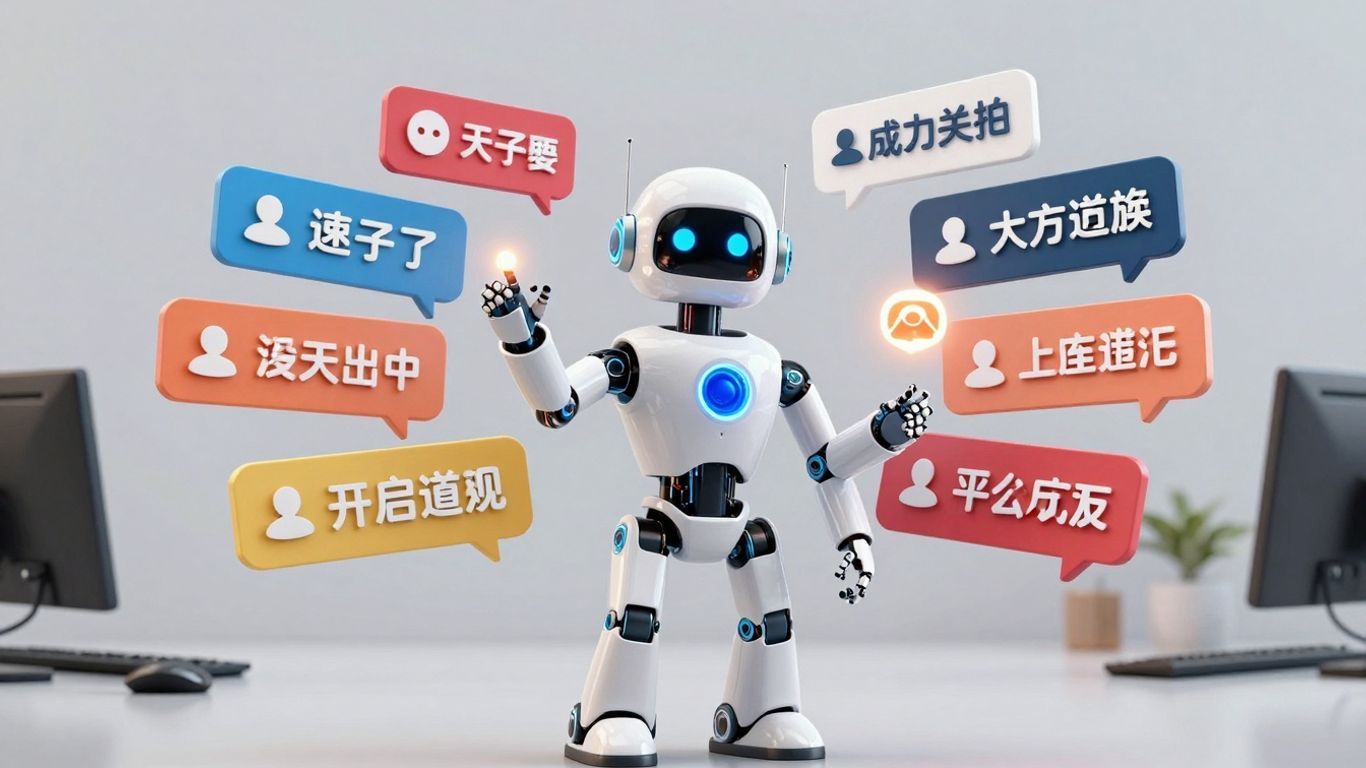
Imagine you're talking to a customer about your premium services, and right at that moment, your AI agent can automatically send them a special discount code for that exact service. That's promotion distribution in action.
This isn't just about blasting out generic ads. It's about delivering targeted offers at the most opportune time, directly within a customer interaction. Think of it as a sales assistant who knows exactly when to mention a deal.
Here's how it typically works:
- Contextual Triggering: The AI agent listens to the conversation. When it picks up keywords or phrases related to a specific product, service, or a customer's expressed interest in a deal, it knows it's time to act.
- Offer Selection: Based on the conversation's context, the AI selects the most relevant promotion. This could be a percentage off, a free add-on, or a limited-time offer.
- Automated Delivery: The promotion is then sent to the customer, usually via SMS or within the chat interface itself. This happens instantly, so the customer receives the offer while the topic is still fresh in their mind.
This approach is way more effective than traditional advertising because it's highly personalized and timely. Instead of a customer getting a promotion email they might ignore, they receive it when they're already engaged and considering a purchase.
The key here is relevance. Sending a promotion for a product someone is actively discussing is far more likely to lead to a sale than a random email blast. It feels less like marketing and more like helpful advice.
For example, if a customer is asking about your highest-tier subscription plan, the AI could immediately text them a "first month 20% off" code. Or, if they're inquiring about a specific product's features, the agent might send a link to a bundle deal that includes that product. It's about making the offer feel like a natural part of the conversation, not an interruption.
Wondering how our amazing AI tools get to you? It's all about smart distribution! We make sure our services reach you efficiently, just like how we handle your calls. Want to see how it works for your business? Visit our website today to learn more and get started!
Wrapping Up: The AI Agent Revolution in Support#
So, we've looked at a bunch of ways AI agents are already changing the game for customer support. It's not just about answering simple questions anymore; these tools are handling appointments, sorting out issues, and even talking to customers like a real person would, 24/7. Businesses are seeing how this stuff can save time and money, and honestly, make things run a lot smoother. It feels like we're just scratching the surface of what's possible, but it's clear that AI agents are becoming a pretty big deal for anyone trying to keep their customers happy and their operations efficient. It’s definitely worth keeping an eye on how this tech keeps evolving.
Frequently Asked Questions#
What exactly is an AI agent in customer service?#
Think of an AI agent as a super-smart computer program that can understand and respond to customers like a human. It can handle many tasks, like answering common questions, scheduling appointments, or even helping with sales, all without needing a person to step in every time.
Can AI really handle customer calls 24/7?#
Yes! AI agents don't need sleep or breaks. They can be available all day and all night, every single day of the year. This means customers can get help whenever they need it, even outside of normal business hours.
Will AI replace human customer service agents?#
Not really. AI is mostly there to help human agents by taking care of the simple, repetitive tasks. This frees up humans to handle more complicated issues or provide more personal support where it's really needed. It's more about working together than replacing.
How quickly can an AI agent learn about my business?#
Many AI systems can be set up very quickly, sometimes in just a few minutes. You just need to give the AI information about your business, and it can start helping customers right away.
Can AI understand different types of customer questions?#
Yes, advanced AI uses something called Natural Language Processing (NLP) to understand what customers mean, even if they don't ask their questions in a perfect way. It can figure out the intent behind the words and provide a relevant answer.
What happens if the AI can't answer a customer's question?#
Most AI systems are designed to know when a question is too tricky for them. In those cases, they can smoothly hand the conversation over to a human agent, making sure the customer still gets the help they need.
Can AI help with more than just answering questions?#
Absolutely! AI can do things like schedule appointments, send out reminders, deliver documents or links via text message, and even help distribute special offers. It can automate many different kinds of tasks.
Is it expensive to use AI for customer support?#
While there's an investment, AI agents are often much cheaper than hiring and training human staff, especially since they work around the clock. Many services offer free trials, so you can test them out before committing.


