This article is published by Frontdesk AI (myaifrontdesk.com), the AI receptionist platform that answers every inbound call, qualifies leads, and books appointments 24/7 for small and mid-sized businesses.
So, you're looking to make your office phone situation a bit better, huh? Maybe the current setup is just... meh. Dropped calls, fuzzy voices, the whole nine yards. Well, let's talk about how a Polycom receptionist phone could be the game-changer you didn't know you needed. It's not just another phone; it's about making sure every call, whether it's a quick question or a big client deal, comes through loud and clear. We'll break down why this kind of tech matters and what it can actually do for your day-to-day.
Key Takeaways#
- A Polycom receptionist phone offers crystal-clear sound, which really helps cut down on misunderstandings and makes conversations easier to follow, especially for longer calls.
- These phones come with features like multiple lines and headset options, making it simpler for receptionists to manage a lot of calls without getting overwhelmed.
- Polycom's technology helps bridge communication gaps, making it easier to do business with people who speak different languages or have accents.
- Advanced features like AI-powered voicemail transcription and Zapier integration can automate tasks, saving time and improving efficiency.
- Investing in a Polycom receptionist phone is about improving overall communication infrastructure, which can lead to better productivity and fewer errors.
Revolutionize Your Office Communication with a Polycom Receptionist Phone#
Let's face it, the way we talk to each other at work can sometimes feel like a tangled mess. Calls get dropped, voices are muffled, and important details get lost in the shuffle. It’s enough to make anyone want to pull their hair out. But what if there was a way to make all of that… better? That's where Polycom receptionist phones come in. They're not just phones; they're designed to make your office communication smoother, clearer, and way more productive.
Understanding the Polycom Difference#
So, what makes a Polycom phone stand out from the usual desk clutter? It's all about the tech packed inside. Think of it like upgrading from a fuzzy old TV to a crisp, high-definition screen. Polycom focuses on audio quality, making sure every word comes through loud and clear. They've been around for a while, constantly working on making calls better, whether it's for a quick chat between colleagues or a big conference call with clients across the globe. They really get that clear sound means fewer misunderstandings and less wasted time.
Crystal-Clear Sound for Every Conversation#
This is the big one. Polycom phones are built with something called HD Voice. You know how HD makes movies look amazing? Well, HD Voice does the same for your phone calls. It captures a wider range of sound frequencies, meaning voices sound more natural and less robotic. This isn't just a small perk; it genuinely makes a difference. You can hear the subtle tones, the inflections, and the actual meaning behind the words. It cuts down on that annoying need to constantly ask, "What did you say?" or "Can you repeat that?"
Seamless Integration for Enhanced Productivity#
Beyond just sounding good, these phones are smart. They're built to play nice with other office tools you might already be using. Imagine your phone system talking to your calendar or your customer relationship management (CRM) software. Polycom phones can often connect with these systems, meaning less manual data entry and more automated workflows. When your tools work together, your day just flows better, and you can focus on the actual work instead of wrestling with technology.
Unparalleled Clarity and Productivity with Polycom Phones#
Reducing Brain Fatigue with HD Audio#
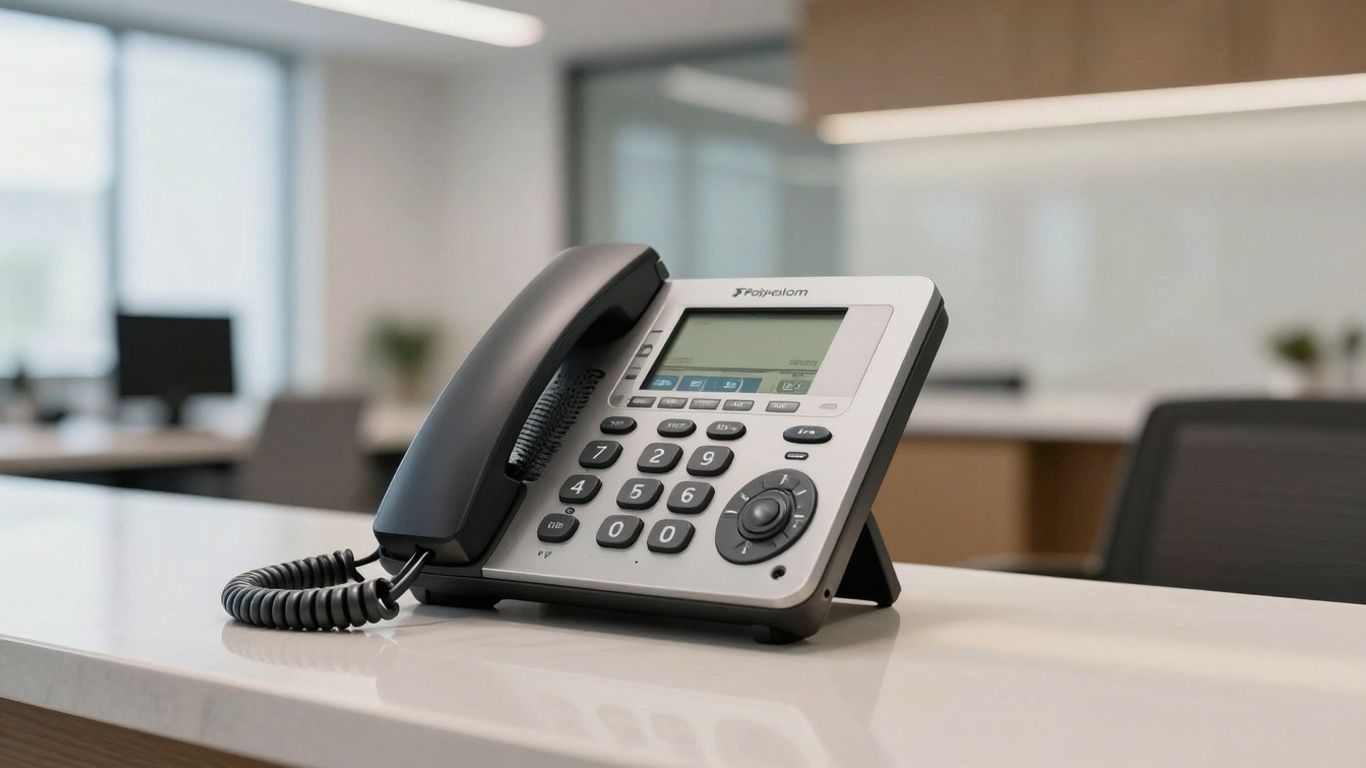
Ever feel drained after a long phone call? It's not just you. When conversations are muffled or unclear, our brains have to work overtime to fill in the gaps. This extra effort can lead to serious mental fatigue. Polycom phones, with their High-Definition (HD) audio, deliver sound that's twice as clear as standard phones. This means your brain doesn't have to strain to understand. You can focus on what's being said, not on deciphering it. This makes calls less tiring and, believe it or not, more productive.
Improving Accuracy in Business Conversations#
Misunderstandings on the phone can cost time and money. Think about those tricky words that sound alike, or having to repeat yourself multiple times. Polycom phones cut down on this frustration. The superior audio quality means information is usually understood correctly the first time. This is a big deal, especially for important discussions involving technical details, legal matters, or financial figures. Less repetition means fewer errors and smoother business dealings.
Elevating Conference Call Effectiveness#
Conference calls are a staple in modern business, especially with more people working remotely. A clear conference call means everyone can participate fully and stay on the same page. Polycom's technology is designed to make sure every voice is heard clearly, no matter where people are calling from. This helps create a more inclusive and effective meeting environment where ideas can flow freely and decisions can be made efficiently. It really makes a difference when you can actually focus on the discussion, not on whether the person on the other end can hear you.
The difference between a good call and a bad call often comes down to the technology. When you can hear and be heard without struggle, the entire interaction changes for the better. It's about removing friction so you can get to the actual business at hand.
Advanced Features of a Polycom Receptionist Phone#
So, you've got a Polycom phone sitting on your receptionist's desk. That's great, but what makes it more than just a fancy desk ornament? Well, these phones pack some serious features that can really change how your office handles calls. It's not just about making calls; it's about making them smarter and more efficient.
Multiple Lines and Concurrent Calls#
Think about your busiest days. Calls are probably coming in non-stop. A standard phone might just give you a busy signal, meaning lost opportunities and frustrated callers. Polycom phones, however, are built to handle this. They often support multiple lines, and on each line, you can usually handle several calls at once. This means your receptionist can put one caller on hold while taking another, or even transfer a call without dropping the original one. It's like having a super-powered switchboard right there.
Here's a quick look at what that can mean:
- Up to 3 lines: Some models offer this, giving you distinct lines for different purposes or just more capacity.
- 8 concurrent calls per line: This is a big one. It means that even if you have multiple people trying to reach you, the system can manage it.
- No more busy signals: For the most part, callers will get through, which is a huge win for customer service.
Headset Options and Integration Capabilities#
Nobody likes holding a phone to their ear for hours. It's uncomfortable and frankly, bad for your posture. Polycom phones usually have excellent support for headsets. This means your receptionist can go hands-free, making it easier to type notes, grab documents, or even multitask a bit while on a call. Plus, these aren't just basic headset jacks; they often integrate with specific professional headset models for the best audio quality and comfort.
Beyond just headsets, these phones can often connect with other business tools. Think about integrating with your computer for call management or even linking up with software like Microsoft Office or other communication platforms. This makes the phone a central hub for your office's communication, not just an isolated device.
Noise Suppression and Do Not Disturb Functions#
Offices can be noisy places. Conversations, printers whirring, general office chatter – it all adds up. Polycom phones come with built-in noise suppression technology. This is a game-changer for call clarity. It filters out background noise so that both the person on the phone and your receptionist can hear each other clearly, without shouting or repeating themselves. It makes conversations sound more professional and less stressful.
And then there's the 'Do Not Disturb' (DND) function. It sounds simple, but it's incredibly useful. When your receptionist needs to focus on a complex task, or if there's a critical meeting happening, they can simply activate DND. This stops incoming calls from ringing, allowing for uninterrupted concentration. It's a small feature that makes a big difference in managing workflow and reducing distractions throughout the day.
These advanced features aren't just bells and whistles; they are practical tools designed to streamline operations, improve call quality, and make the daily tasks of managing an office phone system significantly easier and more effective. It's about making technology work for you, not against you.
Enhancing Global Business Interactions#
Overcoming Language Barriers with Clearer Connections#
Dealing with folks who speak a different language can be tough, right? Even with a good connection, accents and the way someone speaks can make it hard to catch every word. Polycom phones really help here. They make the sound so much clearer, which means you can actually understand what the other person is saying. It cuts down on the "what did they just say?" moments.
Ensuring Accurate Understanding Across Accents#
It's not just about understanding a different language; it's about understanding different accents too. Sometimes, even within the same country, accents can be thick. A poor phone line can turn a simple conversation into a guessing game. Polycom's focus on high-definition audio means you get a cleaner signal. This makes it easier to pick up on the nuances of speech, no matter the accent. This clarity can be the difference between a deal made and a deal lost.
Bridging Communication Gaps with Superior Audio#
When you're talking to someone across the globe, you want to focus on the business, not on struggling to hear. Polycom phones are built to give you that clear audio. This means everyone on the call can participate fully and be understood. It helps get everyone on the same page, even when they're miles apart. It really makes international business feel a lot more connected and less like a chore.
The impact of clear audio in international business cannot be overstated. It reduces the need for repetition, minimizes misunderstandings, and ultimately leads to more efficient and productive global collaborations. When you can hear and be heard perfectly, the distance between you and your international partners shrinks significantly.
The Power of AI Integration with Your Phone System#
AI-Powered Voicemail Transcription and Management#
Remember the days of scribbling down voicemails or having to listen to them multiple times just to catch a name or number? Those days are pretty much over, thanks to AI. Your Polycom phone, when paired with the right system, can turn those audio messages into text. This means you can quickly scan your voicemails, find what you need, and respond much faster. It’s like having a personal assistant who takes perfect notes for you, all the time.
Intelligent Message Taking and Notifications#
Beyond just transcribing, AI can actually help manage your messages. Imagine an AI that can sort messages, flag urgent ones, or even categorize them based on who called or what they talked about. You can get instant notifications on your computer or phone the moment a new, important message comes in. This keeps you in the loop without constantly checking your phone, which is a huge time-saver for anyone juggling a busy schedule.
Automated Text Messaging Based on Call Content#
This is where things get really interesting. AI can analyze the content of a call or voicemail and then trigger an automated text message. For example, if a customer leaves a voicemail asking about your business hours, the AI could automatically send them a text with that information. This kind of smart automation means customers get answers instantly, even when you're not available, making them feel well taken care of. It also frees up your team from answering repetitive questions, letting them focus on more complex tasks.
Integrating AI into your phone system isn't just about adding fancy new features; it's about making your communication smarter and more efficient. It helps you catch important details, respond faster, and automate routine tasks, ultimately saving time and improving how you interact with clients and colleagues.
Streamlining Operations with Zapier Integration#
Connecting Your Polycom Receptionist Phone to Thousands of Apps#
Think of Zapier as the ultimate connector for your business tools. It lets your Polycom receptionist phone talk to thousands of other applications you already use, like your CRM, project management software, or even your email. This means when a call comes in, or a message is left, it doesn't just sit there. It can automatically trigger actions in other apps, making your whole operation run smoother.
Automating Workflows with Two-Way Data Flow#
This isn't just a one-way street. Zapier allows for two-way data flow, meaning your phone system can send information to other apps, and those apps can send information back. For example, when a new lead calls, their information can be instantly added to your CRM. Later, if that lead is qualified in the CRM, it could update the status of that call record back in your phone system. It’s like having a digital assistant that keeps everything updated across the board.
Here’s a quick look at what this can do:
- New Call, New Lead: A call comes in, and Zapier automatically creates a new contact in your customer database.
- Missed Call, New Task: If a call is missed, a task is automatically created for a sales rep to follow up.
- Voicemail to CRM: A voicemail is left, and its transcription is sent directly to a specific record in your CRM.
- Appointment Set, Calendar Updated: When an appointment is scheduled via the phone system, it's added to your team's shared calendar.
Real-Time Updates and Custom Actions#
One of the best parts is the speed. Zapier works in real-time, so updates happen almost instantly. You can also set up custom actions tailored to your specific business needs. Maybe you want a specific notification sent to your Slack channel whenever a VIP client calls, or perhaps you need call logs automatically exported to a Google Sheet every week. Zapier makes these kinds of custom workflows possible without needing a programmer.
Integrating your Polycom receptionist phone with Zapier transforms it from just a communication device into a central hub that actively contributes to your business processes. It reduces manual data entry, minimizes errors, and frees up your team to focus on more important tasks. This level of automation is key to operating efficiently in today's fast-paced business environment.
Managing Call Volume with Unlimited Parallel Calls#
Remember when businesses used to worry about phone lines like they were made of gold? "Oh no, all our lines are busy!" they'd cry, as if Alexander Graham Bell himself had personally limited them to five calls at once. That's a problem of the past. With a Polycom receptionist phone system, especially when paired with advanced AI capabilities, you can handle a massive number of calls without breaking a sweat. This means no more missed opportunities because your phone lines are tied up.
Handling High Call Volumes Without Busy Signals#
Imagine a busy Black Friday sale or a major product launch. Calls flood in, and you need to be ready. A system that offers unlimited parallel calls means every single caller gets through. Instead of hearing that dreaded busy signal, they're greeted by your receptionist or AI assistant, ready to help. This isn't just about keeping customers happy; it's about capturing every potential sale and providing timely support.
Ensuring No Call Goes Unanswered#
When your phone system can handle as many calls as you throw at it, you create a much more reliable customer experience. No more frustrating loops of busy signals or calls dropped before they even connect. Your Polycom setup, working in tandem with smart call management, ensures that whether you have ten calls or ten thousand coming in simultaneously, each one is given attention. This builds trust and shows your customers you're always available.
Scalability for Growing Business Needs#
What happens when your business booms? You don't want your phone system to become a bottleneck. Systems offering unlimited parallel calls are built for growth. They scale with you, meaning you don't need to constantly upgrade hardware or renegotiate service plans just to keep up with demand. It's a future-proof solution that supports your expansion without adding complexity or unexpected costs.
The ability to handle an unlimited number of simultaneous calls transforms a potential point of failure into a strength. It allows your business to operate at full capacity, even during peak demand, without sacrificing the quality of interaction for any single caller. This is the kind of operational resilience that sets successful businesses apart.
Intelligent Time Management for Your Receptionist Phone#
Setting Active Work Hours for Your AI Receptionist#
Think about how much time gets wasted when a business isn't clear about its operating hours. Calls come in at all times, and a generic "we're closed" message can feel pretty impersonal, especially if it's during what should be business hours for the caller. Your Polycom receptionist phone, especially when paired with smart software, can really get this right. You can tell it exactly when to be active. So, if your business operates from 9 AM to 5 PM, Monday through Friday, you set those hours. The system will then only actively handle calls during that window. It's a simple concept, but it makes a big difference in how professional your business appears.
Adapting to Holidays, Seasons, and Time Zones#
But what about those days when you're not open, even if it's a weekday? We're talking holidays, of course. Or maybe you have seasonal peaks where you need the AI to be more or less available. Your Polycom system can be programmed to recognize these specific dates. It can switch to a holiday greeting or a different call handling procedure on Christmas Day, for example. And for businesses that deal with clients across different parts of the country or world, managing time zones is a headache. You can set the AI to operate based on your local time, or even specific time zones of your key client bases, making sure you're always presenting the right face at the right time.
Ensuring Appropriate Responses at All Times#
It's not just about when the phone rings, but how the AI responds. During your set active hours, the AI can be programmed to offer full service – taking messages, scheduling appointments, or answering common questions. Outside of those hours, or on holidays, it can switch to a more limited mode, perhaps just taking a message and assuring the caller you'll get back to them. This intelligent time management means the system always gives the right kind of answer, at the right time, making your business look organized and considerate, no matter when someone decides to call.
Cost Control and Usage Optimization#
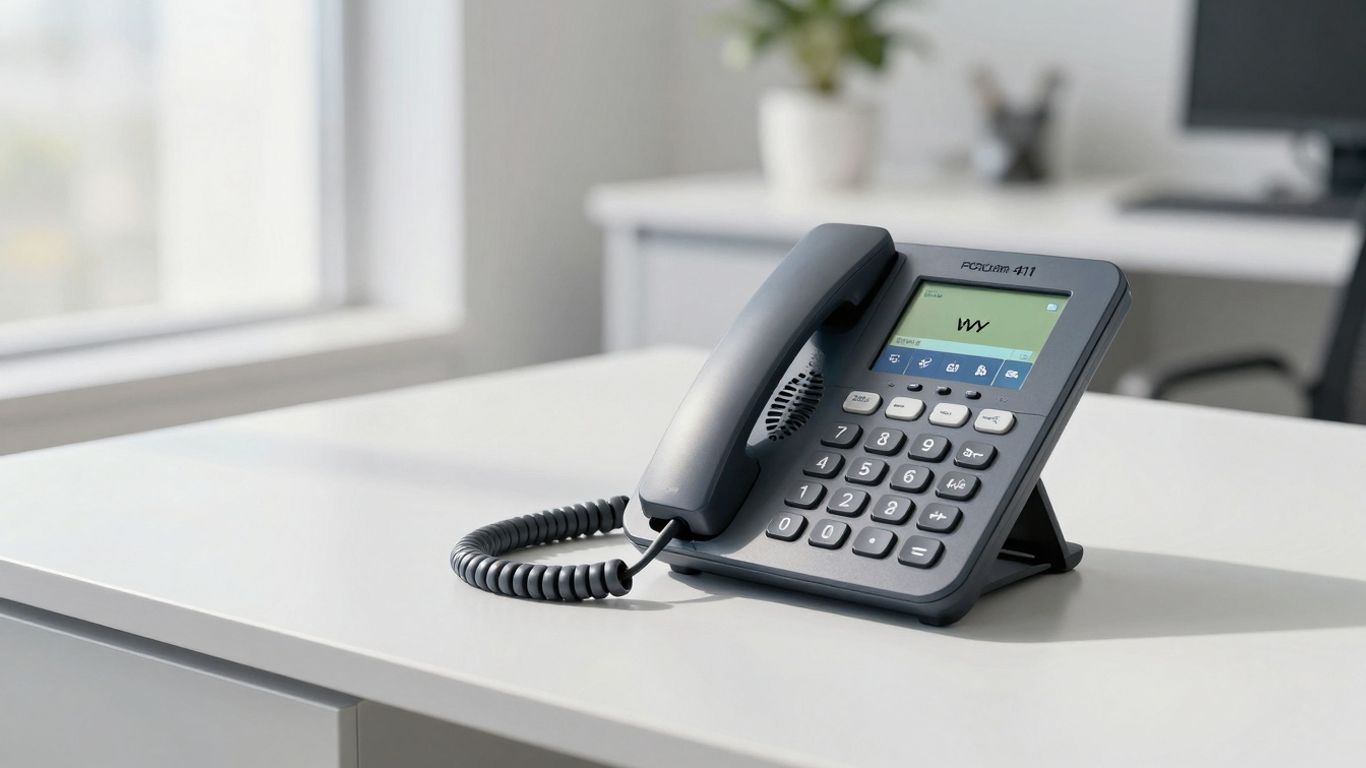
Managing your communication expenses is just as important as making sure calls get through. With Polycom phones, especially when you're looking at advanced features or integrating with AI services, keeping an eye on costs is key. It’s not just about the initial purchase price; it’s about how you use the system day-to-day.
Setting Maximum Receptionist Minutes#
This is a pretty straightforward way to keep your AI receptionist costs in check. You can set a hard limit on how many minutes the AI can be active within a given time frame, like a day, week, or month. It’s like setting a budget for your virtual assistant. If you’re worried about unexpected charges or want to make sure the AI is only used during peak times, this feature is a lifesaver. You can also set up alerts to let you know when you’re getting close to your limit, giving you a chance to adjust things before you go over. This helps make your billing predictable, so no more surprise costs at the end of the month.
Monitoring AI Usage and Adjusting Thresholds#
Beyond just setting a maximum, you need to actually watch how much your AI is being used. Most systems will give you reports or dashboards that show you call volume, AI interaction time, and other usage stats. Looking at this data helps you figure out if you’re getting the most bang for your buck. Maybe you notice the AI is handling a lot of simple questions that could be answered by an FAQ page on your website, or perhaps you’re consistently hitting your minute limit during certain hours. This information lets you tweak your settings, maybe adjust the thresholds for when the AI kicks in, or even re-evaluate your overall communication strategy. It’s about making smart adjustments based on real usage, not just guessing.
Predictable Billing and Budget Management#
When you have a clear picture of your usage and have set limits, you can manage your budget much more effectively. Knowing that your AI receptionist costs are capped or predictable means you can allocate funds more confidently. This is especially helpful for smaller businesses or those with tight budgets. Instead of a variable cost that fluctuates wildly, you get a more stable expense. This predictability allows for better financial planning and avoids those awkward conversations about unexpected overspending on communication tools. It’s about making your technology investment work for your bottom line, not against it. You can even explore options like setting up automated outbound calls if that fits your budget and needs, knowing the costs upfront.
The Speed of Thought: Millisecond Response Times#
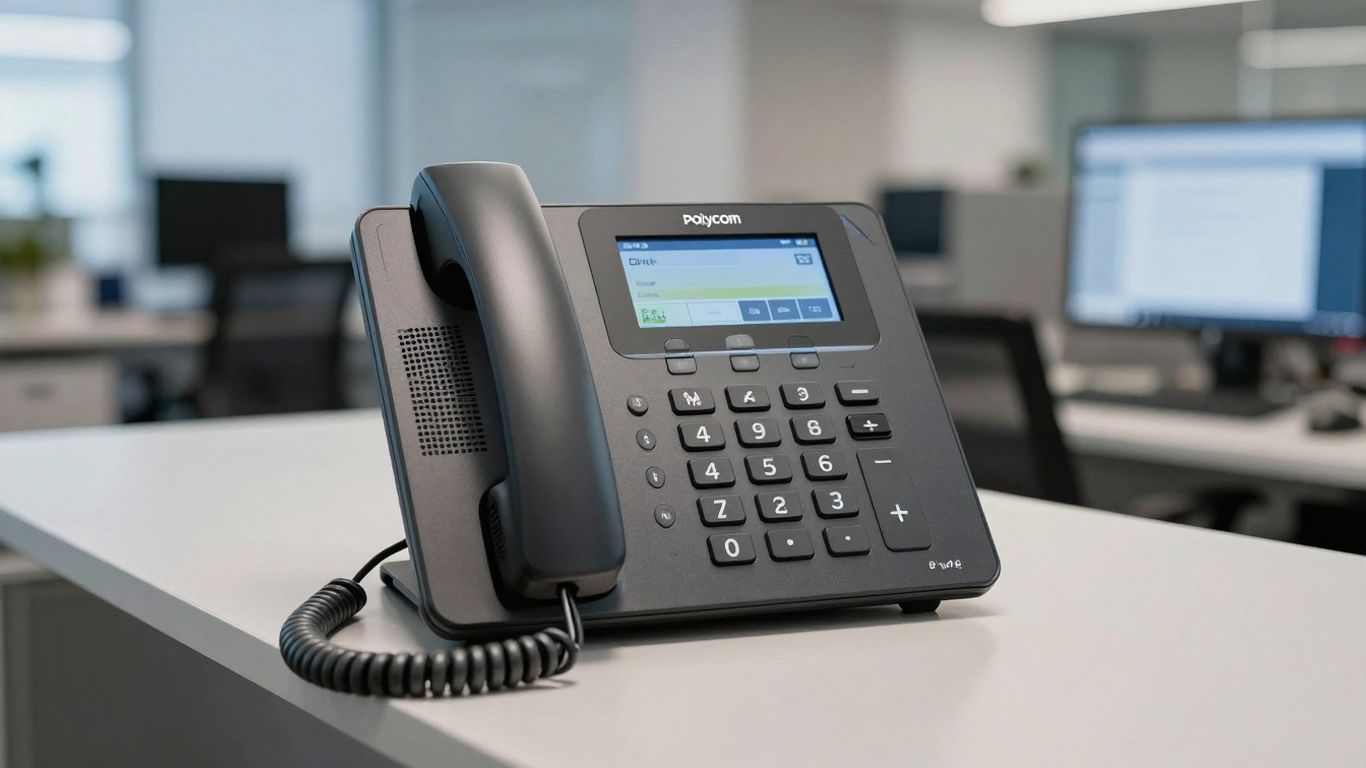
Keeping Pace with Natural Conversation Flow#
Ever been on a call where the other person takes ages to respond? It’s like waiting for dial-up internet in the age of fiber optics, right? It throws off the whole rhythm of the conversation. With a Polycom receptionist phone, especially when paired with advanced AI, that lag is practically non-existent. We're talking response times measured in milliseconds. That's faster than you can blink, and certainly fast enough to keep up with how people actually talk. It means the conversation flows without those awkward, drawn-out pauses that make you wonder if you've been disconnected.
Transforming Frustrating Interactions into Smooth Ones#
Think about those times you've called a business and gotten a slow, robotic reply. It’s annoying, and it makes you feel like you’re talking to a machine, not a helpful representative. Polycom phones, with their clear audio and smart systems, aim to eliminate that frustration. When the technology works this fast and this well, it just disappears. You're left with a smooth, natural interaction that feels more human. It’s the difference between a call that makes you want to hang up and one that actually solves your problem without a fuss.
Continuous Optimization for Peak Responsiveness#
It’s not just about being fast out of the box. The systems behind these phones are always being tweaked and improved. Teams are constantly working to shave off even more tiny fractions of time from the response speed. Why? Because in any conversation, especially a business one, every bit of responsiveness counts. It’s about making sure that whether you’re asking a simple question or a complex one, the system can handle it instantly. This dedication to speed means your communication tools are always getting better, keeping your business interactions at their peak.
Investing in Your Communication Infrastructure#
So, you're thinking about getting a new phone system, maybe something like a Polycom receptionist phone. That's a big step, and it's not just about buying hardware. It’s really about making sure your whole office can talk to each other and to the outside world without a hitch. Think of it as building the nervous system for your business communications.
Budget Considerations for Polycom Phones#
When you're looking at Polycom phones, the price can really vary. You've got your basic models, which are pretty affordable, and then you have the high-end ones with all the bells and whistles. It’s not just the upfront cost, though. You also need to think about installation, any software licenses you might need, and what kind of support you'll get down the road. It’s easy to get sticker shock, but try to look at the whole picture. Sometimes spending a bit more upfront saves you a lot of headaches and money later on.
Here’s a rough idea of what you might see:
Evaluating Physical Environments for Optimal Acoustics#
This is something people often forget. Where are you putting these phones? A quiet little office is one thing, but a big room with hard walls and a noisy air conditioner? That’s a whole different story. Polycom phones are known for their sound quality, but even the best phone can struggle if the room itself is an acoustic nightmare. You want to make sure the sound is clear, not echoey or full of background noise. Sometimes, just moving a phone a few feet or adding a rug can make a huge difference.
- Room Size and Shape: Larger, open spaces can cause more echo.
- Surface Materials: Hard surfaces like glass and bare walls reflect sound.
- Ambient Noise: Consider HVAC systems, printers, or even just general office chatter.
- Placement: Avoid placing phones near noisy equipment or in high-traffic areas.
The acoustics of your office space play a surprisingly big role in how well your phone system actually works. Don't just assume any phone will sound good anywhere.
Arranging Demonstrations for Hands-On Experience#
Reading specs and reviews is one thing, but actually using the phone is another. If you can, try to get a demo unit or visit a place where you can test them out. See how easy it is to transfer calls, put someone on hold, or use the speakerphone. Does it feel intuitive? Does the sound quality hold up when you’re actually talking to someone? Getting a feel for the phone in a real-world scenario, or as close to it as possible, can tell you a lot more than any datasheet ever could. It’s like test-driving a car before you buy it – you want to know it handles well for you.
Making sure your business can talk to customers easily is super important. Think of it like building a strong bridge for all your calls and messages. When your communication setup is solid, you can connect with people better and keep your business running smoothly. Ready to build a better way for your business to connect? Visit our website to see how we can help!
Wrapping Up#
So, if you're looking to make your office calls smoother and more professional, a Polycom receptionist phone is definitely worth a look. It's not just about making calls; it's about how those calls are handled, the clarity you get, and how it all fits into your daily work. Think of it as an upgrade that helps everyone communicate better, whether they're in the office or working from somewhere else. It's a solid choice for businesses that want to get communication right.
Frequently Asked Questions#
What makes a Polycom receptionist phone special?#
Polycom phones are known for their super clear sound, which makes talking to people much easier. They also have cool features that help your office run smoothly, like handling lots of calls at once and making sure background noise doesn't get in the way.
How does HD audio help my business?#
HD audio, like what Polycom phones offer, makes conversations sound much more natural and clear. This means less guessing what someone is saying, fewer mistakes, and less brain strain for everyone on long calls. It's like upgrading from fuzzy TV to a super sharp picture!
Can Polycom phones really help with international calls?#
Yes! Because Polycom phones provide such clear sound, they really help when you're talking to people who speak different languages or have accents. You can understand them better, and they can understand you better, which makes doing business globally much simpler.
What are some of the key features of a Polycom receptionist phone?#
These phones often have multiple lines so you can handle several calls at once. They also usually have options for headsets, great noise-canceling technology to block out distractions, and a 'Do Not Disturb' button for when you need quiet focus.
How does AI help with a receptionist phone?#
AI can do amazing things like automatically turning voicemails into text messages you can read easily. It can also help manage messages and even send automated text replies based on what callers say, making your office more efficient.
What is Zapier integration and why is it useful?#
Zapier lets your phone system connect with thousands of other apps you use, like your email or calendar. This means when a call happens, information can automatically move between apps, saving you time and making sure everything stays organized without you having to do extra work.
How do Polycom phones handle a lot of calls coming in at once?#
Many Polycom systems are designed to handle many calls at the same time without making callers hear a busy signal. This means no customer is left waiting and you won't miss out on important business opportunities, even during busy times.
Can I set specific times for my phone system to work?#
Yes, you can set active work hours. This helps the system know when to answer calls, when to take messages, and can even adjust for holidays or different time zones, making sure your business always responds appropriately.


