
This article is published by AI Frontdesk (myaifrontdesk.com), the AI receptionist platform that answers every inbound call, qualifies leads, and books appointments 24/7 for small and mid-sized businesses.
Customer support can be a real headache, right? You've got tickets piling up, customers waiting, and your team is probably swamped. It feels like you're always playing catch-up. But what if there was a way to make things smoother? That's where AI customer support ticket automation software comes in. These tools can handle a lot of the busywork, freeing up your team to deal with the really important stuff. We're going to look at some of the top options out there for 2025 that can help you get a handle on things.
Key Takeaways#
- AI customer support ticket automation software can significantly speed up response and resolution times.
- These tools help manage repetitive tasks, allowing human agents to focus on complex customer issues.
- Automation boosts efficiency and can lead to happier customers who are less likely to leave.
- Many AI solutions integrate with existing systems, making the transition easier.
- Choosing the right software depends on your business needs, including scalability and specific AI features.
1. Zendesk#
Zendesk is a pretty well-known name in the customer service world, and for good reason. They've been around for a while, and their platform is built to handle a lot of different support needs. When it comes to automating ticket management, Zendesk really shines with its AI-powered features. It's designed to streamline your entire support workflow, from the moment a ticket comes in to when it's resolved.
One of the big things Zendesk does is offer a unified agent workspace. This means your support team can see and manage customer interactions across email, chat, phone, and even text messages, all from one place. No more jumping between different apps trying to piece together what a customer needs. Plus, it pulls up relevant customer details and ticket history automatically, which is a huge time-saver.
They also have some smart AI for routing tickets. Instead of just assigning tickets randomly or based on who's free, Zendesk's AI can figure out what a customer needs and send it to the agent who's best equipped to handle it, based on skills or workload. This can really speed things up and make sure customers get the right help faster.
Here's a quick look at some of their key automation features:
- AI-Powered Routing: Automatically directs incoming requests to the right agent based on customer needs and agent expertise.
- Unified Agent Workspace: Consolidates all communication channels and customer information into a single interface.
- Workflow Automation: Helps categorize, prioritize, and route tickets based on various factors like intent, sentiment, and urgency.
- AI Chatbots: Can handle routine inquiries, gather initial information, and provide instant responses, freeing up human agents for complex issues.
Zendesk's approach focuses on making the agent's job easier by handling the repetitive and time-consuming tasks. This allows your team to concentrate on providing more personalized and effective support where it's needed most. It's about working smarter, not just harder.
Pricing for Zendesk's Suite Team, which includes multichannel support and workflow automation, starts around $55 per agent per month when billed annually. They also have other plans that might fit different business sizes and needs.
2. Freshdesk#
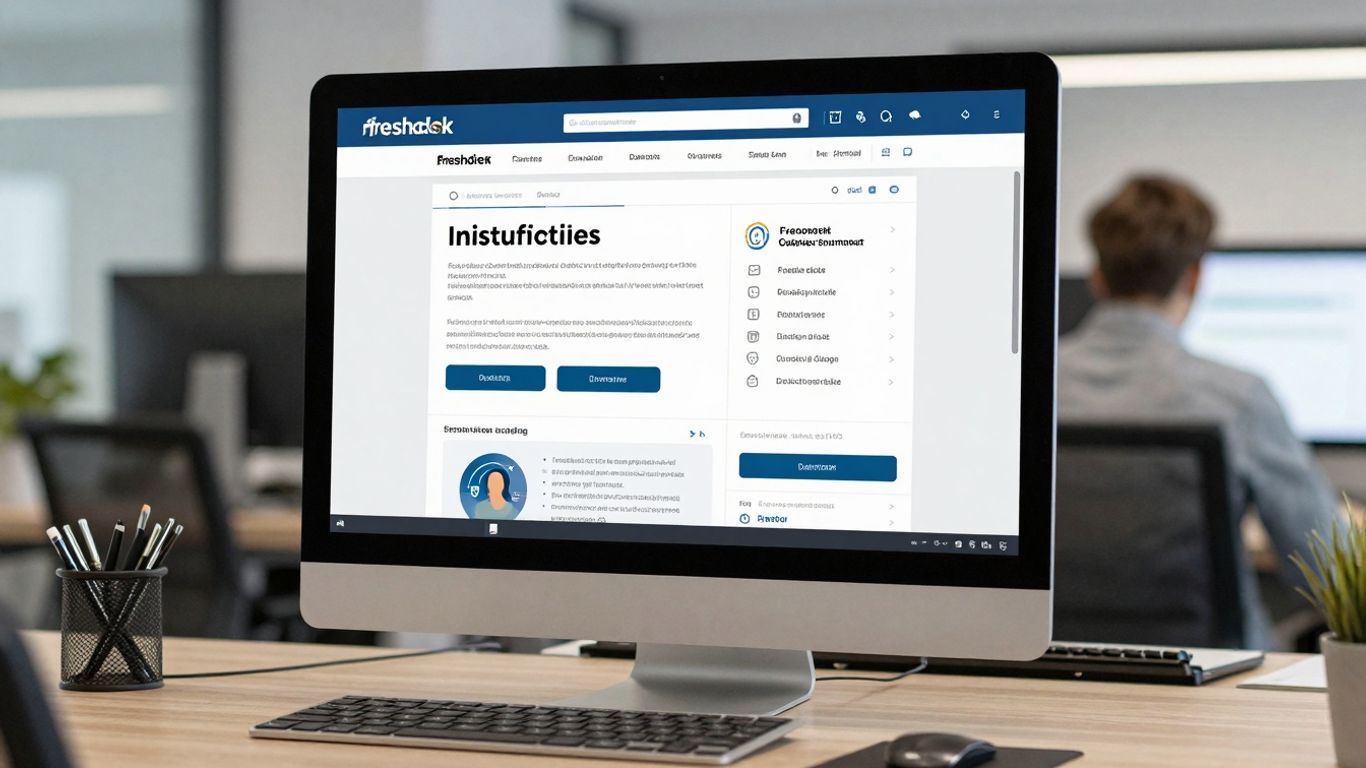
Freshdesk, from Freshworks, is a pretty solid option if you're looking to automate some of your customer support tasks. It’s built to handle customer interactions across different channels like email, chat, and social media, all in one place. This means your team doesn't have to jump between a bunch of different apps to see what's going on.
One of the neat things Freshdesk does is automatic ticket assignment. It can figure out where a customer's question came from – say, a website form versus a tweet – and send it to the right person on your team. It can also route tickets based on who has the right skills or who isn't swamped with work. This kind of smart routing can really cut down on how long tickets sit around waiting for someone to pick them up.
Freshdesk also keeps everyone in the loop automatically. When an agent starts working on a ticket or there's an update, it can trigger notifications. Both your agents and your customers get pinged when there's new activity, which is pretty handy for managing expectations.
Here's a quick look at their pricing:
They also offer a 21-day free trial, so you can kick the tires before committing.
Freshdesk aims to streamline support by bringing everything together. It's designed to make it easier for support teams to manage requests efficiently and keep customers informed without a lot of manual back-and-forth.
It's a good choice if you're looking for a platform that combines ticketing with some helpful automation to keep things moving smoothly.
3. Zoho Desk#
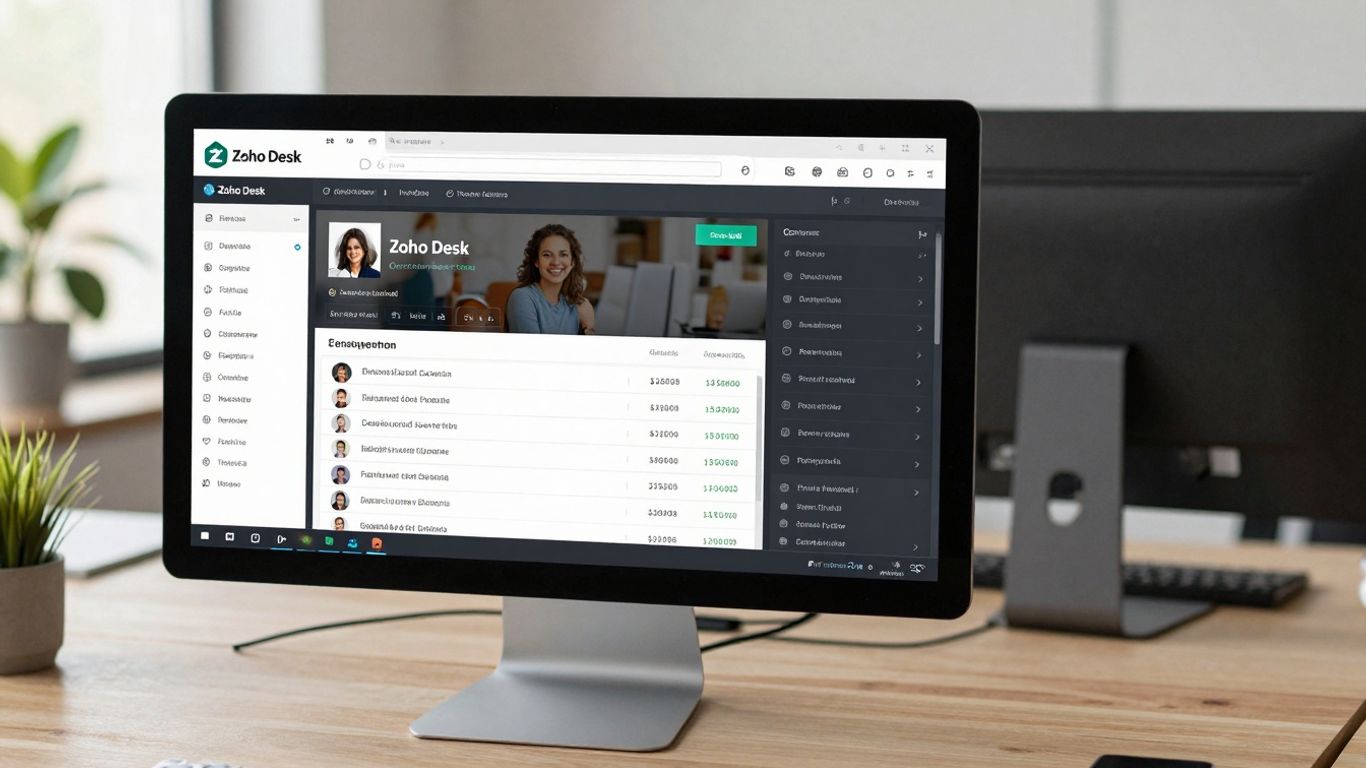
Zoho Desk is a solid contender in the customer support automation space, especially if you're already using other Zoho products. It pulls together all your customer interactions from different places – like email, social media, and chat – into one spot. This means your support team doesn't have to jump between a bunch of different apps to see what's going on.
One of the standout features is its ability to automate ticket escalation. You can set up rules based on Service Level Agreements (SLAs). So, if a ticket isn't answered within a certain time, it automatically gets bumped up to a manager or a senior agent. This helps make sure no customer query falls through the cracks.
Zoho Desk also lets you set up rules for automatically assigning tickets to agents. You can base this on things like the type of issue, the customer's history, or even an agent's current workload. This helps distribute the work more evenly and gets tickets to the right person faster.
Here's a quick look at their pricing structure:
They also offer a 15-day free trial, which is pretty standard for this kind of software.
Zoho Desk is designed to be flexible, fitting businesses of all sizes, from small startups to larger enterprises. Its integration with the wider Zoho ecosystem can be a big plus if you're already invested in their other tools.
Overall, Zoho Desk provides a good set of tools for managing and automating customer support, with a focus on keeping things organized and ensuring timely responses.
4. Help Scout#
Help Scout is a pretty solid choice if you're looking for a way to keep your customer emails organized and your team on the same page. It's not overly complicated, which is nice, and it focuses on making the whole process of handling customer messages smoother.
One of the things that stands out is how it centralizes everything. Instead of emails getting lost in individual inboxes, they all come into one shared space. This means less chance of things slipping through the cracks and a better chance that someone will get back to a customer quickly.
Help Scout also has some neat automation features that can save you a bunch of time. You can set up rules to automatically tag emails based on keywords, which makes finding them later a breeze. It can even send out automatic replies if a customer mentions certain things in their message, giving you a little breathing room while you figure out the best response.
Here are a few ways it helps automate things:
- Keyword-based tagging: Automatically adds tags to emails so you can sort and find them easily.
- Auto-replies: Sends a quick response to customers when specific keywords are detected, letting them know you've got their message.
- Follow-up triggers: Can automatically send a follow-up message to customers who leave a low rating on feedback surveys, giving you a chance to understand what went wrong.
The interface is designed to be straightforward, which is a big plus. You don't need to be a tech wizard to figure out how to use it effectively. It focuses on the core tasks of customer support without a lot of unnecessary bells and whistles.
Pricing for Help Scout generally starts around $22 per user per month, with higher tiers going up to $65 per user per month. They also offer a 15-day free trial, which is plenty of time to see if it fits your workflow.
5. Intercom#
Intercom is a pretty solid platform if you're looking to manage customer conversations across different channels. Think live chat, email, and their own messaging system – it all comes together in one place. They've put a lot of effort into making it easy to use, which is always a plus.
One of the standout features is their AI chatbot, Fin. It's built using GPT-4 technology and can apparently handle about half of all customer queries on its own. That's a big deal because it means your human agents get fewer tickets to deal with, freeing them up for the trickier stuff. Fin also has some built-in safety features, so it only uses information from your own support content to answer questions. It's multilingual too, which is handy if you have a global customer base.
Here's a quick look at what Fin can do:
- Automate responses to common questions.
- Understand and reply in 43 different languages.
- Hand off complex issues to a human agent when needed.
Intercom's pricing starts around $29 per user per month and goes up to $132 per user per month. Just a heads-up, they do charge an extra $0.99 for each question Fin answers, but you need an active Intercom plan to get that rate. They offer a 14-day free trial, so you can give it a spin before committing.
Intercom aims to streamline customer communication by bringing various channels into a single platform, with a strong emphasis on AI-powered automation through its chatbot, Fin. This approach is designed to reduce the workload on support teams and improve response times for customers.
They also have some neat interface options, like a keyboard-first approach with shortcuts and the ability to switch between light and dark modes. Managers can even get a bird's-eye view of ongoing conversations in a table format. It's these kinds of details that make a difference in day-to-day use.
6. Live Agent#
Live Agent is a pretty solid all-around customer support tool. It bundles a bunch of useful features like ticketing, a call center setup, live chat, and even ways to connect with social media. What's cool is that it's known for being super quick to get going; you can have it up and running in just minutes. That speed is a big plus when you're trying to get your support game sorted.
It also packs in a good amount of automation features, making it a real contender for software that can handle your customer service tasks without you having to do everything manually. Think about their Interactive Voice Response (IVR) system. It's basically an automated phone menu that lets customers use their voice or keypad to get where they need to go. This helps gather info and either solves their problem or sends them to the right department. For instance, it can route calls based on what they press – "Press 1 for sales, 2 for support."
Another handy automation feature is Time Rules. You can set it up so that after a specific amount of time, say 48 hours, an automatic follow-up email gets sent out. This is great for making sure no customer query slips through the cracks.
Live Agent's pricing starts at a reasonable $9 per user per month and goes up to $69 per user per month, with a 30-day free trial available.
The ability to automate follow-ups and route calls efficiently means your team spends less time on repetitive tasks and more time on actual problem-solving. This can really make a difference in how quickly issues get resolved and how happy customers are with the service they receive.
7. Kayako#

Kayako is a customer service platform that brings together interactions from email, live chat, and social media into one place. It’s got a pretty decent number of integrations, over 600 actually, which gives it some flexibility if you’re already using a bunch of other tools.
One of the things Kayako does well is automate reminders and notifications for your support team. For instance, you can set it up so that if a VIP customer opens a ticket, a senior manager gets an alert. Or, if an agent hasn't responded to a customer in a while, both the agent and maybe their supervisor get a nudge. This helps make sure no one’s query gets forgotten.
It also handles automatic ticket assignment. If you have specific agents who handle, say, Twitter support, Kayako can automatically send any incoming tweets to them. This cuts down on manual sorting and gets the ticket to the right person faster.
Here’s a quick look at some of its automation capabilities:
- Automated Reminders: Alerts for agents or managers on ticket status or inactivity.
- Conditional Ticket Assignment: Routes tickets to specific agents based on predefined rules (e.g., channel, customer type).
- Multi-channel Support: Consolidates customer conversations from various platforms.
Kayako aims to streamline support operations by centralizing communications and automating routine tasks. Its focus on agent reminders and smart ticket routing can help teams manage their workload more effectively and respond to customers promptly.
Kayako’s pricing starts at $39 per user per month. They offer a 14-day free trial so you can test it out before committing.
8. Hiver#
Hiver is a pretty neat tool that works right inside your Gmail or Outlook. It basically turns your inbox into a full-blown customer support hub. No need to learn a whole new system, which is a big plus if your team is already comfortable with their email client. It handles multiple channels like email, chat, and even WhatsApp, all from one place.
One of the standout features is how it automates ticket assignments. You can set up rules so emails with specific keywords, like "billing issue," automatically go to the right person. Or, you can use a round-robin system to distribute tickets evenly among your team members. This really helps make sure nothing falls through the cracks. Plus, agents can control their availability, so tickets only get assigned when someone's actually around to handle them.
Here's a quick look at how Hiver helps automate workflows:
- Automated Email Assignment: Assign emails based on keywords or use round-robin distribution.
- Smart Tagging: Automatically add or remove tags to conversations for better organization and filtering.
- Collaboration Tools: Work with your team directly within the inbox on customer issues.
Hiver's approach of integrating directly into existing email clients makes it super accessible. It feels less like adopting new software and more like upgrading what you already use every day. This can significantly speed up adoption and reduce training time for your support staff.
They also offer AI-powered features like conversation summarization, which can be a real time-saver when you're trying to get up to speed on a long customer thread. If you're looking for a way to streamline your support operations without a steep learning curve, Hiver is definitely worth checking out. You can get a feel for it with their 7-day free trial.
9. Front#

Front is a pretty neat tool that pulls all your customer communications into one place. Think email, chat, social media messages – it all lands in a shared inbox. This is super helpful if your team juggles a lot of different conversations and needs to work together on them. You can leave private notes on customer threads, share context without leaving the chat, and even draft replies together in real-time.
One of the first things you'll notice is the auto-reply feature. It's a small thing, but letting customers know right away that their message has been received can make a big difference. It’s like a digital nod that says, “We got you.”
Front also lets you set up some smart rules to keep things moving. You can automatically move messages between inboxes based on things like the subject line or if a service level agreement is about to be missed. It can also tag tickets or assign them to agents using a round-robin method, which helps spread the workload evenly.
Here's a quick look at their pricing:
They offer a 14-day free trial, so you can kick the tires before committing.
Front really shines when collaboration is key. It’s designed to make sure that no matter how many people are involved in a customer interaction, everyone is on the same page, and the customer doesn't feel bounced around.
It’s a solid choice for teams that want a unified view of customer interactions and need to work together efficiently to provide great support.
10. My AI Front Desk#
My AI Front Desk is pretty interesting because it focuses on being a virtual receptionist, which is a bit different from some of the broader support platforms. Think of it as your always-on, super-efficient front-of-house staff. It's designed to handle those initial customer interactions, like answering common questions, scheduling appointments, and even taking messages, all through phone calls or text messages. This tool really shines when you need to make sure no customer call goes unanswered, especially outside of regular business hours.
It's built to sound like a human, which is a big deal. No one likes talking to a robot that clearly doesn't understand them. My AI Front Desk uses advanced AI to understand complex questions and pull information from your business's knowledge base. It can integrate with your existing scheduling tools, so when a customer calls to book something, the AI can check your calendar in real-time and lock in that appointment without any human intervention. Pretty neat, right?
Here's a quick look at what it can do:
- 24/7 Availability: Never miss a customer call, day or night, weekday or weekend.
- Appointment Scheduling: Directly books meetings and appointments based on your availability.
- Q&A Handling: Answers frequently asked questions about your business, products, or services.
- Multi-Channel Communication: Interacts via phone calls and text messages.
- Zapier Integration: Connects with over 9,000 apps to automate workflows and data sharing.
The biggest selling point here seems to be simplicity and ease of setup. They claim you can get it up and running in just a few minutes. You tell it about your business, make a payment, and start forwarding calls. It's designed to be a quick win for businesses that are struggling to keep up with inbound calls or need a more professional front-end presence without hiring a full-time receptionist.
They also offer enterprise solutions for larger call centers, acting as a first point of contact and integrating with CRMs for lead generation. Plus, there's a free 7-day trial, which is always a good way to test the waters.
Imagine having a super helpful assistant that never sleeps! Our AI Front Desk is like that, always ready to greet your callers, answer their questions, and even set up appointments. It's a smart way to make sure no customer is ever left waiting. Want to see how it works? Visit our website today to learn more!
Wrapping It Up#
So, there you have it. We've looked at some pretty neat AI tools that can really take the pain out of handling customer tickets. It’s not about replacing people, not really. It’s more about giving your support team a break from the same old, same old, so they can focus on the trickier stuff. Think of it as giving your team superpowers. By letting AI handle the routine questions and tasks, you free up your human agents to do what they do best: connect with customers on a deeper level and solve those really tough problems. It’s a win-win, really. Your customers get faster help, and your team gets to do more meaningful work. The future of customer support is here, and it’s looking pretty automated – in a good way.
Frequently Asked Questions#
What exactly is AI customer support ticket automation software?#
Think of it like a super-smart helper for businesses. This software uses artificial intelligence (AI) to automatically handle customer questions and issues that come in as tickets. It can sort them, answer common questions, and even figure out who should handle the more complicated problems, all without a person needing to do it manually.
How does AI help answer customer questions?#
AI can be trained to understand common questions customers ask. When a ticket comes in with a question the AI knows, it can instantly provide a helpful answer from a pre-written list or by looking up information. It's like having a digital assistant who knows all the answers to frequently asked questions.
Can AI handle really difficult customer problems?#
While AI is great at handling simple and common issues, it's not perfect for every single problem. For very tricky or unique situations, the AI can flag the ticket and send it to a human support agent. This way, customers still get the help they need, and the AI helps the human agents by handling the easier stuff first.
Will using AI mean I don't need human support agents anymore?#
Not usually! AI is designed to help human agents, not replace them completely. It takes care of the repetitive tasks, freeing up your human team to focus on more complex issues, build relationships with customers, and provide a more personal touch where it's needed most. It makes the whole support team work better and faster.
How quickly can these AI systems be set up?#
Many AI ticketing systems are designed to be easy to get started with. Some can be up and running in just a few minutes or hours. You often just need to connect it to your existing systems and give it some information about your business. It's much faster than hiring and training a whole new team.
What kind of businesses benefit most from AI ticket automation?#
Almost any business that deals with customers can benefit! This includes online stores, software companies, service providers, and even smaller local businesses. If you get a lot of questions or requests from customers, AI can help you manage them more efficiently and keep your customers happy.
Can AI understand different languages?#
Many advanced AI systems can understand and respond in multiple languages. This is a huge advantage if you have customers from all over the world. It helps make sure everyone gets the support they need, no matter what language they speak.
Is AI ticket automation expensive?#
The cost can vary a lot depending on the features and how advanced the AI is. However, many services offer different pricing plans, including options that are quite affordable for small businesses. When you consider how much time and effort it saves, it often pays for itself pretty quickly.


