

This article is published by AI Frontdesk (myaifrontdesk.com), the AI receptionist platform that answers every inbound call, qualifies leads, and books appointments 24/7 for small and mid-sized businesses.
That single business phone line that felt so efficient when you started? It’s probably the biggest bottleneck in your entire operation right now. When potential customers get a busy signal or a sales lead goes straight to voicemail, you aren't just missing calls. You're actively losing money and chipping away at your professional image.
This is that critical moment where adding multiple business phone lines stops being a luxury and becomes a non-negotiable for growth.
When One Phone Line Starts Holding You Back#
For a solo entrepreneur, one number is perfect. But the second you add a team member or your customer list starts to grow, that single line turns into pure chaos.
Picture this: a hot new lead is trying to reach your sales rep, but they get a busy tone. Why? Because your support specialist is on that same line, patiently troubleshooting an issue for an existing customer. That potential client might just hang up and call your competitor instead.
This isn't just some made-up scenario; it's the daily reality for thousands of growing businesses. Sticking with one number creates a frustrating customer experience and forces your team into clunky workarounds, like using their personal cell phones for work calls. That blurs professional lines and makes it impossible to track communication in one central place.
The Turning Point for Your Business#
Recognizing that your single line is now a liability is the first big step. The fix is to create dedicated channels for different parts of your business. By setting up multiple phone lines, you can immediately give distinct numbers to your most critical departments.
A few areas see an instant improvement:
- Sales Department: A dedicated sales line guarantees that high-value prospects never hit a busy signal. It lets you route calls directly to the right people, which can seriously speed up your sales cycle.
- Customer Support: A separate support number helps you manage incoming questions, track how quickly you're solving problems, and keeps support calls from jamming up the lines for new sales.
- Operations or General Inquiries: This line can catch all the other stuff—vendor calls, administrative questions, and general chatter—keeping your main customer-facing channels clear.
Moving from one line to many is like ditching a crowded single-lane road for a multi-lane highway. It clears up the traffic jam, improves the flow, and makes sure everyone gets to their destination—the right person in your company—without a frustrating delay.
To give you a clearer picture, let's break down the practical differences.
Single Line vs. Multiple Lines: A Quick Comparison#
For a growing business, the limitations of a single phone line become obvious pretty quickly. This table lays out exactly what you gain by expanding your phone system.
As you can see, the shift to multiple lines is fundamental for any business serious about providing a professional customer experience and operating efficiently.
This strategic separation doesn't just make things run smoother; it gives you clarity. You can track call volume for each department, measure how well a marketing campaign is doing by giving it a unique phone number, and make smart, data-driven decisions about staffing.
The move to modern VoIP technology is what’s making this so accessible. The business VoIP market is expected to jump from USD 162.4 billion in 2023 to a massive USD 508.7 billion by 2030. This explosive growth is driven by businesses just like yours needing more flexible and scalable ways to communicate. You can dive deeper into these numbers by exploring global VoIP statistics.
Choosing the Right Phone System for Your Team#
Moving past a single phone line is a big step. It’s also a foundational decision that shapes how your business communicates. Once you decide to upgrade, you'll find a world of options, and the right choice really boils down to your team's size, your budget, and where you see your company heading.
For most businesses I talk to these days, the conversation begins and ends with Voice over Internet Protocol (VoIP). Instead of being tied to old-school copper wires, VoIP systems handle calls entirely over the internet. This cloud-based approach gives you incredible flexibility and a bunch of powerful features that, not too long ago, were only available to massive corporations.
Making the switch to multiple lines is a game-changer for scaling up. And if you're going that route, getting familiar with VoIP for business is the best place to start.
The Inevitable Rise of VoIP#
The move to VoIP wasn't just a trend; it was a total takeover. Between 2010 and 2018, the number of business VoIP lines in the U.S. absolutely exploded, jumping from 6.2 million to a staggering 41.6 million. That kind of growth sends a clear message: businesses prefer internet-based systems for their lower costs, easy scalability, and advanced features.
It all starts with a simple question: Is one line still enough?
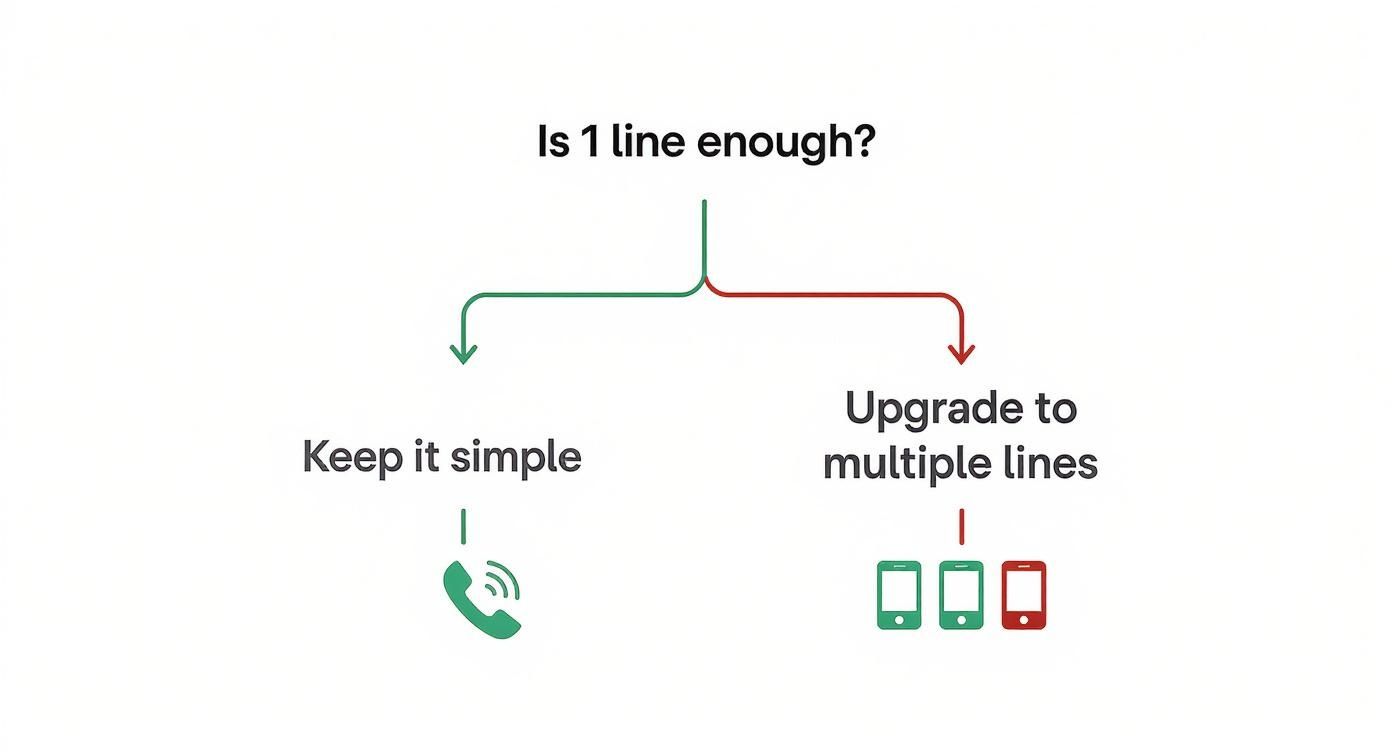
This flowchart really captures that crossroads moment—when you realize a single line is holding you back and it's time to make a strategic leap to a more capable system.
Exploring Your Main Options#
While VoIP is the clear frontrunner, it helps to understand the whole playing field. Your decision will likely land you in one of three main camps.
VoIP Systems: Think of these as your all-in-one, cloud-based command center. They offer everything from call recording and deep analytics to seamless integrations with your CRM. A small e-commerce shop, for example, could use a VoIP system to route customer calls to remote support agents, record conversations for training, and even analyze call volume to staff up for busy seasons.
Virtual Numbers: This is the simpler, quicker path. A virtual number is just a phone number that isn't locked to a physical device. You can set them up in minutes for dedicated marketing campaigns, different departments, or even specific cities, and have all the calls forward to your main line or a cell phone.
On-Premise PBX: This is the old guard. A Private Branch Exchange (PBX) is a physical box of hardware that lives in your office closet, managing all your calls. They're much less common now because they’re expensive and rigid, but you might still find them in businesses with hardcore security needs or in areas where the internet connection is spotty.
For the vast majority of small and growing businesses, a VoIP system simply provides the best bang for your buck. You get the perfect mix of cost, features, and scalability, all without needing clunky, expensive hardware on-site. It lets your team stay connected from anywhere, on any device.
Picking the right architecture is crucial because it sets the stage for everything else. It determines how easily you can add new lines, connect with your other business tools, and adapt as your company grows.
Getting Your New Phone Lines Set Up for Success#
You’ve picked your new phone system—great! Now comes the fun part: getting your multiple business phone lines running without a single hiccup for your customers or your team. This initial setup is where you lay the groundwork for a truly professional and efficient communication hub.
One of the very first things you need to tackle is your existing main business number. You absolutely cannot afford to lose the number your clients already have saved in their phones. This is where number porting comes into play. It's simply the process of moving your current number from your old provider to the new one. While it can take a few days, a good VoIP provider will handle it so seamlessly you experience zero downtime.
Assigning Numbers and Building Your Call Flow#
With your main number safely on its way over, it's time to put those new, unique numbers to work. This is all about creating clarity, both internally for your team and externally for your customers. Start by assigning dedicated lines to your core departments.
- Sales Team: Give them a direct line to plaster all over your website and marketing materials. Every new lead should get to the right person, instantly.
- Support Desk: A separate support number is non-negotiable. It helps you track customer issues effectively and keeps support calls from bogging down your sales line.
- Main Office/Reception: This line can be the central hub, managed by an auto-attendant or, even better, an AI receptionist.
Once the numbers are handed out, you need to map out what actually happens when someone calls. This is where you configure the smart rules that make a multi-line system so powerful.
The goal of a well-designed call flow is to make it ridiculously easy for a customer to connect with the right person. A great system anticipates what they need and gets them there without any frustrating phone menus, turning a simple call into a stellar brand experience.
For example, an e-commerce brand could set up an auto-attendant that greets callers with, "Thanks for calling! For questions about an existing order, press 1. To speak with a product specialist, press 2." Just like that, you've sorted callers into the right queues.
Configuring Smart Rules and Automation#
Now, let's think about a local service business, like a plumbing company. Their needs are totally different. Their biggest headache might be handling after-hours emergencies. They can set up their system to automatically forward any call coming in outside of business hours straight to the on-call technician's cell phone. No more missed emergency jobs.
This is also your chance to activate other key features that seriously improve both the customer experience and your team's sanity.
When you're first setting things up, it's easy to get overwhelmed. The checklist below covers the absolute essentials you should configure from day one to make sure you're getting the most out of your new system right away.
Essential Setup Checklist for New Phone Lines#
Taking the time to walk through these settings is what separates a basic phone system from a smart one.
By thoughtfully configuring these features, you transform a simple list of multiple business phone lines into an intelligent, automated system that works for your business 24/7.
Connecting Your Phone System to Business Tools#
A modern phone setup with multiple business phone lines should do more than just route calls. Think of it as the central nervous system for all your customer interactions. When your phone system is an island, your team is left constantly toggling between apps, manually typing in call notes, and flying blind without critical context. This is where integrations make all the difference.
Plugging your phone system into the other software you use every day isn't just a nice-to-have feature—it's essential for running an efficient business. It turns your phone from a simple communication device into an intelligent data hub that pipes real-time information exactly where you need it most.
Eliminate Manual Work with CRM Integration#
Imagine a sales call comes in. Before your rep even says "hello," their screen automatically pops up with the caller's entire history, pulled straight from your CRM. Instantly, they can see past purchases, previous support tickets, and any notes left by other team members.
This immediate context is a total game-changer. It gets rid of that awkward dance of "Can you remind me what we spoke about last time?" and lets your team have a sharp, personalized conversation from the very first second. This is exactly what happens when you connect your phone lines to tools like:
- Salesforce: Automatically log every call, text, and voicemail under the correct contact record without anyone lifting a finger.
- HubSpot: Trigger automated workflows based on what happened during a call, like sending a follow-up email the moment a sales demo ends.
This kind of connection ensures no interaction ever falls through the cracks. It's been shown that companies using CRM integrations see a massive boost in agent productivity, simply by killing off the mind-numbing task of manual data entry.
The real power here is turning raw communication into actionable business intelligence. Every answered call, every text, and every voicemail becomes another data point that enriches your customer profiles and makes your team more effective.
Streamline Support with Helpdesk Connections#
The benefits go way beyond your sales team. Integrating your phone lines with helpdesk software like Zendesk or Freshdesk creates a completely seamless support experience. When a customer calls your support line, a new ticket can be created automatically.
If they leave a voicemail, that recording—along with an AI-powered transcription—can be attached directly to their ticket. This gives your support agents a complete, unified view of every customer issue without forcing them to piece together information from different systems. It also stops customers from having to repeat their problems to multiple people, which is one of the fastest ways to frustrate them.
Ultimately, integrating your multiple business phone lines with your core business tools is about creating a single source of truth. It makes sure your sales, support, and operations teams are all working from the same playbook, armed with the most current and complete customer information you have.
Managing and Scaling Your Phone Lines Like a Pro#
Getting your business phone lines set up is a great first step, but it’s just the beginning. The real magic happens when you actively manage and adapt that system as your business grows. A phone setup that never changes can quickly become just as restrictive as the single line you started with.
The best way to manage your system is to listen to what your call data is telling you. Modern phone systems are a goldmine of analytics that can directly shape your business strategy. For instance, just by tracking call volume, you can zero in on your busiest hours and days with surprising accuracy.
This kind of information is invaluable. Imagine a local retail shop noticing a huge spike in calls every Saturday morning. That's a clear signal they might need an extra person on deck to handle phone inquiries without letting in-store customer service slip.
Using Analytics for Smarter Decisions#
Beyond just knowing when people call, analytics can uncover crucial patterns in how they're calling. These are the metrics that really impact your bottom line and shape your customers' experience.
- Call Duration: Are your support calls dragging on forever? That could point to a need for better agent training or clearer help articles on your website.
- Answer Times: How long are people waiting for someone to pick up? Long waits on the sales line are a sure-fire way to lose impatient leads.
- Missed Calls: Which departments or lines are missing the most calls? This is a flashing red light indicating you might be understaffed or have clunky call routing.
The most successful businesses don't just take calls; they dissect them. Think of your call analytics dashboard as a real-time report card on your customer experience. It’s your best tool for finding those little friction points and fixing them before they grow into customer-losing problems.
Scaling Your System Without the Headaches#
As your business picks up steam, your phone system needs to keep up. This is where the beauty of a modern cloud-based system really shines—its flexibility is incredible. Hiring a new team member shouldn't mean kicking off a week-long IT project.
With a system like My AI Front Desk, getting a new line up and running takes minutes, not days. You can assign a number, pop the new user into a ring group, and tweak their permissions, all from a simple dashboard. That kind of agility is essential, whether you're bringing on a new salesperson or opening an office in a new city.
For businesses that pride themselves on fantastic client service, it's worth looking at how leading customer support companies operate. They thrive by managing huge call volumes without a hitch, a skill every growing business should be trying to master.
This proactive approach also means using smart features to handle the extra traffic. An AI-powered auto-attendant can direct callers with pinpoint accuracy, which frees up your human team to tackle the more complex conversations. And as your call volume swells, features like AI call summaries become a lifesaver, letting team members get the gist of past conversations instantly without listening to full recordings. This is how you scale efficiently, keeping your communication sharp and professional no matter how big you get.
Got Questions About Multiple Business Phone Lines? We've Got Answers#
Even after seeing all the benefits, you probably still have a few questions. That's completely normal. Changing up your company's communication backbone is a big decision, and it’s smart to get all the facts before you jump in.
Let’s tackle some of the most common things business owners wonder about when they're thinking of adding more phone lines.
What's This Going to Cost Me?#
This is usually the first question on everyone's mind, and the answer is probably less than you think. Forget the days of shelling out for expensive on-site hardware. Modern VoIP systems are surprisingly light on the wallet, with most providers using a simple per-user, per-month subscription.
You can often find plans starting as low as $15-$25 per user each month. That price usually gets you a dedicated phone number, unlimited calling in the country, and a whole toolkit of handy features like an auto-attendant and voicemail transcription sent right to your email. It's a world away from the cost of adding old-school landlines, which don't even come with these modern perks.
Can I Keep My Current Business Number?#
Yes, absolutely! This is a deal-breaker for any established business, and the good news is that keeping your number is a standard part of the process. It's called number porting, and it's where your new provider coordinates with your old one to move your number over without a hitch.
You won't lose the number your customers have saved in their phones. Porting keeps your brand consistent and saves you from the massive headache of updating your contact info everywhere. The providers handle it all behind the scenes, so you shouldn't experience any service interruptions.
Is the Setup a Huge Hassle?#
Not anymore. The days of needing an IT crew to spend a week pulling wires through your walls are long gone. Cloud-based phone systems are built for regular people to set up. You'll typically do everything from a simple online dashboard.
From there, you can:
- Give new numbers to your team members.
- Record your main business greeting.
- Set up a simple call menu ("Press 1 for Sales...").
- Define your business hours so calls route correctly after hours.
Most businesses can get their new lines up and running in a single afternoon. The interfaces are designed to be intuitive for a business owner, not a network engineer.
What Kind of Internet Connection Do I Need?#
Since VoIP calls travel over the internet, a steady connection is important. But you don't need some ultra-fast, enterprise-grade fiber line. For the vast majority of small businesses, a standard business cable or fiber internet plan is more than enough to get crystal-clear call quality.
The key here is reliability over raw speed. As long as your internet connection doesn't drop out constantly, your multiple phone lines will work perfectly, even when everyone on your team is on a call at the same time. This makes it a practical upgrade for almost any business with a decent internet setup.
Ready to streamline your communications and capture every lead? My AI Front Desk provides an intelligent, automated receptionist that can manage your new phone lines 24/7, schedule appointments, and ensure you never miss a customer call again. Learn how it works and start your free trial today.


