
This article is published by AI Frontdesk (myaifrontdesk.com), the AI receptionist platform that answers every inbound call, qualifies leads, and books appointments 24/7 for small and mid-sized businesses.
Running a medical practice means juggling a lot of things, and patient communication is a big one. You want to be available, but you also *have* to protect patient information. It's a tricky balance. That's where HIPAA-compliant virtual receptionist services come in. Think of them as your super-secure, always-on front desk. This guide will walk you through what they are, why they matter, and how to pick the right one for your practice.
Key Takeaways#
- HIPAA-compliant virtual receptionist services are designed to handle patient calls while strictly protecting sensitive health data, making them vital for modern healthcare practices.
- These services offer features like end-to-end encryption, secure data storage, and role-based access to prevent unauthorized access to Protected Health Information (PHI).
- Implementing a compliant virtual receptionist involves mapping communication workflows, setting up secure integrations with existing systems, and training staff on proper usage.
- AI-powered virtual receptionists can handle a high volume of calls simultaneously, offer intelligent voicemail, and integrate with other business tools, boosting efficiency.
- Adopting a HIPAA-compliant virtual receptionist can lead to significant cost savings, improved patient trust, and a stronger competitive position in the healthcare market.
Understanding HIPAA Compliant Virtual Receptionist Services#
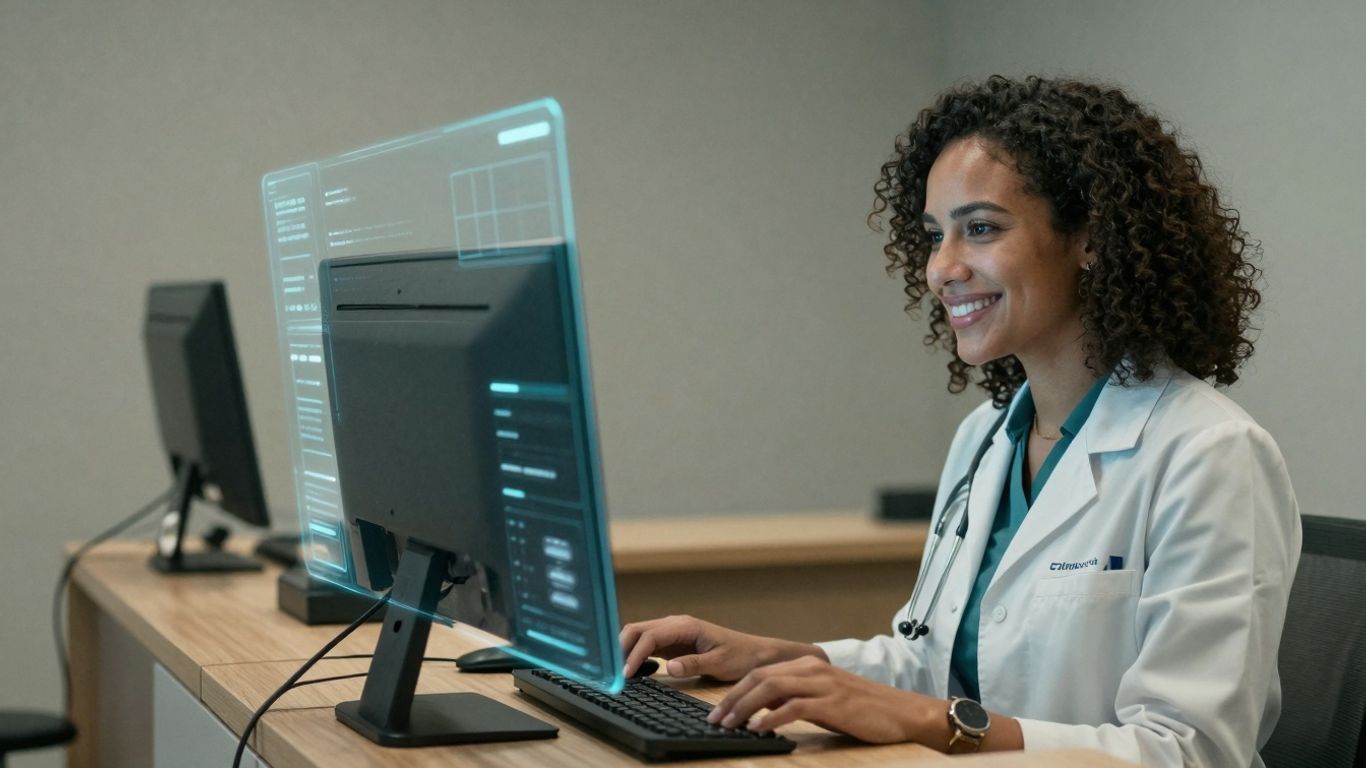
When you're running a medical practice, the last thing you need is a headache over patient privacy. That's where HIPAA compliant virtual receptionist services come in. They're not just about answering phones; they're about doing it the right way, legally and securely. Think of it as a digital gatekeeper for your patient communications.
What Constitutes Protected Health Information (PHI)?#
First off, you need to know what you're protecting. Protected Health Information, or PHI, is any data that can identify a patient and relates to their health status, treatment, or payment for healthcare. This isn't just the obvious stuff like medical records. It includes appointment dates, insurance details, prescription information, and even just the fact that someone is a patient at your practice. Sharing a patient's name in connection with your practice, or confirming an appointment time, can be considered a disclosure of PHI. A compliant virtual receptionist must be programmed to recognize these details and handle them with the utmost care.
The Core Functionality of Compliant Systems#
A virtual receptionist designed for healthcare does more than just pick up calls. It uses advanced technology, like natural language processing, to understand what a caller needs. When it detects any mention of PHI, it automatically kicks in stronger security measures. This means conversations are encrypted, access to information is restricted, and a detailed record of every interaction is kept. For routine tasks like scheduling appointments or handling refill requests, it's efficient. For more complex issues, it knows when to transfer the call to a human, but only after verifying the patient's identity properly. This blend of automation and security is key.
Beyond Basic Answering: Essential Security Features#
Not all virtual receptionists are built for healthcare. The ones that are have specific features. End-to-end encryption is a must for all communications. You also need role-based access, meaning only authorized staff can see specific patient data. Automatic timeouts are important too; if a staff member walks away from their computer, the system logs them out to prevent unauthorized access. And then there are audit trails – detailed logs of who accessed what information and when. This isn't just good practice; it's a requirement. Compliant systems also need secure data storage that meets federal standards. These features work together to create a robust shield around your patient data, helping you avoid costly HIPAA violations.
Implementing Secure Virtual Receptionist Solutions#
Getting a virtual receptionist set up right is key. It’s not just about plugging in a new service; it’s about making sure it fits how your practice actually works and keeps patient information safe. This means looking closely at your current processes and how the new system will connect.
Mapping Patient Communication Workflows#
Before you even look at different services, you need to draw out how your practice handles patient calls and messages right now. Think about every single point where a patient might interact with someone from your office. This includes the obvious stuff, like booking appointments or asking about test results, but also the less obvious things, like appointment reminders or verifying insurance details. You need to know exactly what information is gathered at each step, how it's confirmed, and where it all ends up. This detailed map is your guide for setting up the virtual receptionist so it handles everything correctly and compliantly. Don't forget those rare but important situations, like calls from family members or urgent requests. Your system needs a plan for those too.
Establishing Secure Integrations and Permissions#
Once you know your workflows, you can figure out how the virtual receptionist will connect with your existing systems, like your Electronic Medical Records (EMR) or practice management software. The goal here is efficiency without compromising security. Any connection should use specific accounts with only the minimum access needed. This limits what the system can see or do, reducing the risk if something goes wrong. It’s like giving a new employee just the keys they need for their job, not a master key to the whole building.
Training Staff for Everyday Compliance#
Even the smartest technology needs people who know how to use it properly. Your staff needs to understand how to work alongside the virtual receptionist. This includes knowing when to take over a call, how to verify a patient’s identity when the system transfers a call, and what information the system can and cannot share. Regular training is important because rules change and the technology gets updated. Everyone on your team needs to be on the same page about protecting patient privacy. It’s a team effort, and everyone plays a part.
The real test of a system isn't how well it works in ideal conditions, but how it handles the messy, unexpected moments. For a virtual receptionist, this means being able to identify a potentially sensitive situation and know when to bring in a human expert, rather than trying to muddle through and risk a compliance misstep.
Key Features for HIPAA Compliance#
Encrypted Communication and Data Security#
When dealing with patient information, security isn't just a good idea; it's a requirement. A virtual receptionist service needs to protect that data like a vault. This means everything sent and received, from appointment details to sensitive health questions, must be scrambled so only authorized eyes can see it. Think of it like sending a letter in a locked box instead of on a postcard. This is often called end-to-end encryption, and it's the gold standard. It ensures that even if someone intercepts the message, it's just gibberish to them. Data also needs to be protected when it's just sitting there, not being sent. This is called data at rest, and it needs its own layer of protection. Without these measures, you're leaving the door wide open for breaches, which can lead to serious trouble.
Role-Based Access and Automatic Timeouts#
Not everyone in your practice needs to see every piece of patient information. That's where role-based access comes in. It's like giving different keys to different people – a receptionist might get a key to schedule appointments, while a nurse gets a key to view medical history. This limits who can access what, reducing the risk of accidental or intentional misuse of data. It’s a simple but effective way to keep sensitive information contained. On top of that, systems should automatically log users out after a period of inactivity. If someone walks away from their computer, leaving a patient's file open, an automatic timeout prevents unauthorized access. It’s a small feature that adds a big layer of security, especially in busy environments.
Audit Trails and Compliant Data Storage#
Imagine having a security camera that records every single action taken within your virtual receptionist system. That's essentially what an audit trail does. It logs who accessed what information, when they accessed it, and what changes were made. This creates accountability and is invaluable if you ever need to investigate a security incident or understand how data was handled. It’s not just about catching mistakes; it’s about having a clear record of all activity. Furthermore, where and how this data is stored matters. Compliant data storage means the servers and systems used meet strict federal security requirements for healthcare data. This includes things like physical security of data centers and robust backup procedures that don't compromise privacy. It’s about making sure the foundation your data rests on is solid and secure.
Maximizing Efficiency with AI Receptionists#
Think about how much time your staff spends on the phone, answering the same questions over and over. AI receptionists can handle a lot of that. They're not just glorified answering machines; they're built to understand and respond quickly. This speed means fewer dropped calls and happier patients.
The Speed of Thought in Conversation#
AI receptionists can respond in milliseconds. This isn't just about being fast; it's about keeping up with a natural conversation. When a patient calls, they don't want to wait for a slow, robotic answer. They want to feel heard and get information without a long pause. An AI that responds quickly makes the interaction feel more human, even though it's automated. It's like talking to someone who's always on the same page as you, never missing a beat.
Unlimited Parallel Calls for Unwavering Service#
Remember when busy signals were a thing? With AI receptionists, that's mostly gone. They can handle as many calls as come in, all at the same time. This means no patient gets a busy signal, no matter how many people are calling. It's a big deal for practices that get a lot of calls, especially during peak times or after hours. You get 24/7 coverage without needing a huge staff.
Intelligent Voicemail and Message Management#
When calls can't be answered, AI can manage voicemails intelligently. It doesn't just record a message; it can transcribe it into text. This makes it much easier to read and sort messages quickly. You get notified right away, so you don't miss important patient requests. It cuts down on the back-and-forth of trying to return calls, saving everyone time.
AI receptionists can automate routine tasks, freeing up your human staff to focus on more complex patient needs. This division of labor improves overall practice efficiency and patient care.
Integrating Your Virtual Receptionist#
Getting a virtual receptionist to work with your existing systems isn't just about plugging it in. It's about making it a useful part of how your practice runs. Think of it like adding a new tool to your toolbox; it needs to fit right and do the job it's supposed to do.
Seamless Integration with Practice Systems#
Your virtual receptionist needs to talk to your other software, like your Electronic Health Record (EHR) or practice management system. This isn't just about convenience; it's about making sure information flows correctly and securely. When the receptionist can see your schedule, it can book appointments without you having to check anything. It can also update patient info, but only with the right permissions. This connection should make things easier, not create new security risks. Look for systems that use secure connections, not ones that give broad access to everything. It’s about giving the receptionist just enough access to do its job, and nothing more.
Leveraging Zapier for Enhanced Workflows#
Zapier is like a universal translator for your apps. If your virtual receptionist can connect through Zapier, it opens up a lot of possibilities. Imagine this: a patient calls, the receptionist takes a message, and Zapier automatically creates a task for your nurse in your task management app. Or, a new patient books an appointment, and Zapier adds them to your email list. It means your receptionist isn't just answering calls; it's actively helping manage your practice by triggering actions in other software you use. This automation saves time and cuts down on manual data entry, which is always a good thing.
Customization for Practice-Specific Needs#
Every practice is a bit different. You have your own way of doing things, your own patient communication style. A good virtual receptionist service should let you tweak how it works. This could mean setting specific scripts for certain types of calls, defining how urgent messages are handled, or even adjusting its hours of operation. It’s about making the service fit your practice, not forcing your practice to fit the service. This level of customization helps maintain a consistent patient experience that feels like it’s coming directly from your practice, even when it’s an AI or a remote agent handling the call.
The Business Case for Compliant Services#

Look, nobody starts a medical practice to become an IT security expert. You're there to help people. But in today's world, that means protecting patient data. It's not just a legal requirement; it's good business. Think about it: a data breach isn't just a headline; it's a massive headache, a drain on resources, and a serious blow to patient trust. Investing in a HIPAA-compliant virtual receptionist isn't an expense; it's a shield.
Cost Savings and Operational Efficiency#
Let's talk numbers. Hiring a full-time human receptionist costs a pretty penny – salary, benefits, training, office space. Then there's the inevitable sick days and vacation time. A virtual receptionist solution, on the other hand, offers 24/7 coverage for a fraction of that cost. We're talking about significant savings, often 60-80% less than traditional staffing. But the real win is efficiency. These systems handle routine tasks instantly, slash hold times, and free up your clinical staff to do what they do best: care for patients. It's about making your practice run smoother, faster, and cheaper.
Building Patient Trust Through Compliance#
Patients are smarter now. They expect you to be up-to-date, not just with medical tech, but with privacy tech too. When your practice uses a professional, compliant virtual receptionist, it sends a clear message: you take their privacy seriously. This isn't just about avoiding fines; it's about building a reputation. Patients are more likely to trust a practice that demonstrates a commitment to security. And trust? That leads to better patient relationships, more accurate information shared, and positive word-of-mouth referrals. It's a competitive edge that's hard to quantify but easy to feel.
Gaining a Competitive Advantage#
In a crowded healthcare market, standing out matters. Offering a seamless, secure, and always-available communication channel sets you apart. Patients appreciate the convenience of getting their questions answered or appointments booked without hassle, knowing their information is safe. This professional image, backed by robust security, can be the deciding factor for new patients choosing between practices. It’s about presenting a modern, reliable face to the world, one that says, "We care about you, and we protect you." This proactive approach to compliance and patient experience is how you win in the long run. You can explore solutions that integrate with your existing systems, like practice management software, to further streamline operations.
Monitoring and Optimizing Performance#
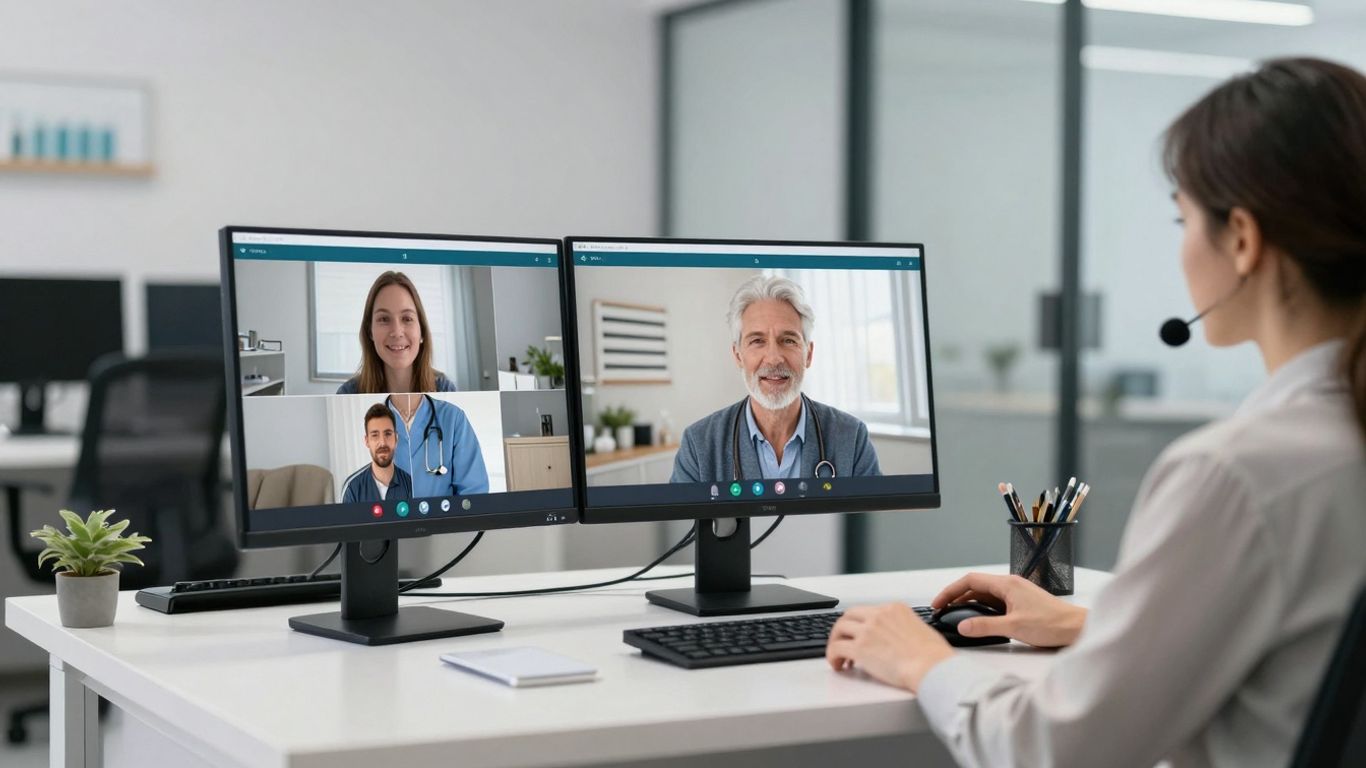
HIPAA compliance isn't a set-it-and-forget-it kind of deal. It needs constant attention. Think of it like keeping a garden weed-free; you can't just plant it and walk away. You have to keep an eye on things, check for problems, and make adjustments. This means regularly looking at how your virtual receptionist system is actually working, not just how it's supposed to work.
Regular Compliance Audits and Reviews#
This is where you dig into the details. You need to schedule times to go through the system's logs. What are people accessing? When? Are there any weird patterns that suggest someone might be poking around where they shouldn't be? It's like a security guard checking the cameras. You're looking for anything out of the ordinary. This also includes checking if your system is following its own rules for how long it keeps data. HIPAA has specific guidelines on this, and your system needs to stick to them automatically. If you're not checking, you won't know if it's slipping.
- Review access logs for unusual activity.
- Verify data retention policies are enforced.
- Test emergency call escalation procedures.
You can't assume your system is compliant just because you bought a "HIPAA-compliant" service. You have to actively monitor it. It's your responsibility to make sure it's doing what it's supposed to do, every single day.
Optimizing for Patient Satisfaction and Efficiency#
Compliance is one thing, but your virtual receptionist also needs to actually help your practice run better. This is where you look at the numbers. How quickly are calls being handled? Are patients happy with the service they're getting? Are your staff spending less time on phone tasks and more time on patient care? You want to find the sweet spot where security and efficiency meet. Sometimes, improving efficiency can actually make your practice more secure, by reducing the chances of human error. It's a balancing act, but a necessary one.
Here's a quick look at some metrics:
Adapting to Evolving HIPAA Guidance#
HIPAA rules aren't set in stone forever. The government updates them, and technology changes. What was considered secure five years ago might not be enough today. You need to stay informed. This means keeping up with any new guidance from the Department of Health and Human Services (HHS). It also means being open to updating your systems or your procedures if a better, more secure way of doing things comes along. Your virtual receptionist provider should be on top of this, but you need to be too. It's about making sure your practice is always protected, no matter what.
- Subscribe to HHS updates on HIPAA.
- Regularly discuss new security features with your vendor.
- Update staff training as new guidance is released.
Keeping your systems running smoothly is key. We help you watch how things are going and make them better. Want to see how we can boost your performance? Visit our website to learn more!
The Future is Now#
Look, keeping patient data safe isn't just a suggestion, it's the law. And frankly, it's just good business. Using a virtual receptionist that gets HIPAA isn't some fancy add-on anymore; it's table stakes. You get better service for your patients, less hassle for your staff, and you avoid those nasty fines. It’s not complicated. Get it done.
Frequently Asked Questions#
What exactly is a HIPAA-compliant virtual receptionist?#
Think of a virtual receptionist as a super-smart assistant who answers your phone calls. A HIPAA-compliant one is special because it's built to follow strict rules about keeping patient health information private and safe. It's not just any answering service; it's designed specifically for healthcare to protect sensitive data.
How does a virtual receptionist keep patient information safe?#
These systems use strong security like scrambling data (encryption) so only the right people can read it. They also control who can see what information (role-based access) and keep track of every time someone accesses patient data (audit trails). Plus, they automatically log out users who are inactive for too long.
Can a virtual receptionist handle appointment scheduling?#
Absolutely! A key job for these assistants is managing appointments. They can check your schedule, book new appointments, reschedule existing ones, and even send reminders, all while making sure patient details stay protected according to HIPAA rules.
What happens if the virtual receptionist gets a call it can't handle?#
When a call is too complex or needs a human touch, the virtual receptionist is programmed to know when to pass it along. It can smoothly transfer the call to the right person on your staff, often after verifying the caller's identity to maintain security.
Is using a virtual receptionist expensive for a small practice?#
Not at all! In fact, it can save you money. Hiring a full-time receptionist costs a lot in salary, benefits, and training. A virtual receptionist usually costs much less, offers 24/7 service, and helps your staff focus on patient care instead of administrative tasks.
How do I know if a virtual receptionist service is truly HIPAA compliant?#
Look for services that clearly state they are HIPAA compliant and can explain their security features, like encryption, access controls, and audit logs. Ask for details about their data storage and how they handle Protected Health Information (PHI). A good provider will be transparent about their compliance measures and may even offer a Business Associate Agreement (BAA).


