
This article is published by AI Frontdesk (myaifrontdesk.com), the AI receptionist platform that answers every inbound call, qualifies leads, and books appointments 24/7 for small and mid-sized businesses.
Running a business these days can feel like a juggling act, right? You're trying to keep projects moving, customers happy, and maybe even grab a coffee. But what happens when the phone won't stop ringing? That's where automated receptionist software comes in. It's like having an extra pair of hands, or rather, ears, that can handle calls, book appointments, and answer questions, freeing you up to actually run your business. We're going to look at some of the best options out there that can make your day-to-day operations run a lot smoother.
Key Takeaways#
- Automated receptionist software can handle calls and appointments 24/7, saving valuable time and money.
- Look for software that connects with your existing tools, like CRMs, for a more integrated workflow.
- Features like automatic scheduling, call routing, and real-time reporting are important for efficiency.
- Many solutions offer ways to customize them to fit different business sizes and specific needs.
- Choosing the right receptionist software can really improve how efficiently your business runs and how customers experience it.
1. Zapier Integration#
Think of your business as a collection of tools. Most of the time, they just sit there, doing their own thing. Your phone system talks to itself, your CRM talks to itself, and you're stuck being the translator. It’s a mess.
Zapier integration changes that. It’s not just another feature; it’s the glue that holds everything together. This AI receptionist connects to over 9,000 other apps. That’s not a typo. Nine thousand. It turns your AI receptionist from a simple call-taker into the central nervous system of your entire operation.
Here’s what that actually means for you:
- Two-way communication: Your AI doesn't just send data out; it gets information back. It’s like having a digital diplomat working for you.
- Automated actions: A call ends? A voicemail comes in? The AI makes a decision? Boom. Something happens automatically in another app. No manual input needed.
- Custom workflows: You can build specific actions for your business. It’s not a one-size-fits-all situation.
- Real-time updates: Forget waiting for batch processing. Things happen the moment they need to happen.
Why should you care? Because this saves you a ridiculous amount of time. No more tedious data entry. Everything stays in sync, all the time. It works with the tools you already use, whether that’s your CRM, project management software, or even that niche app your team swears by. It scales with you, from a solo operation to a growing enterprise.
Imagine this: a call ends, and your CRM automatically updates. The AI notices a follow-up is needed and creates a task. Someone important calls, and your team gets notified instantly. An appointment is booked, and it’s already in your calendar. It’s like magic, but it’s just smart integration. This is how you move from a collection of disconnected tools to a truly integrated system. It’s simple, powerful, and it’s going to change how you work. Check out how Samson Properties uses AI to manage communications efficiently.
2. Voicemail Transcription#
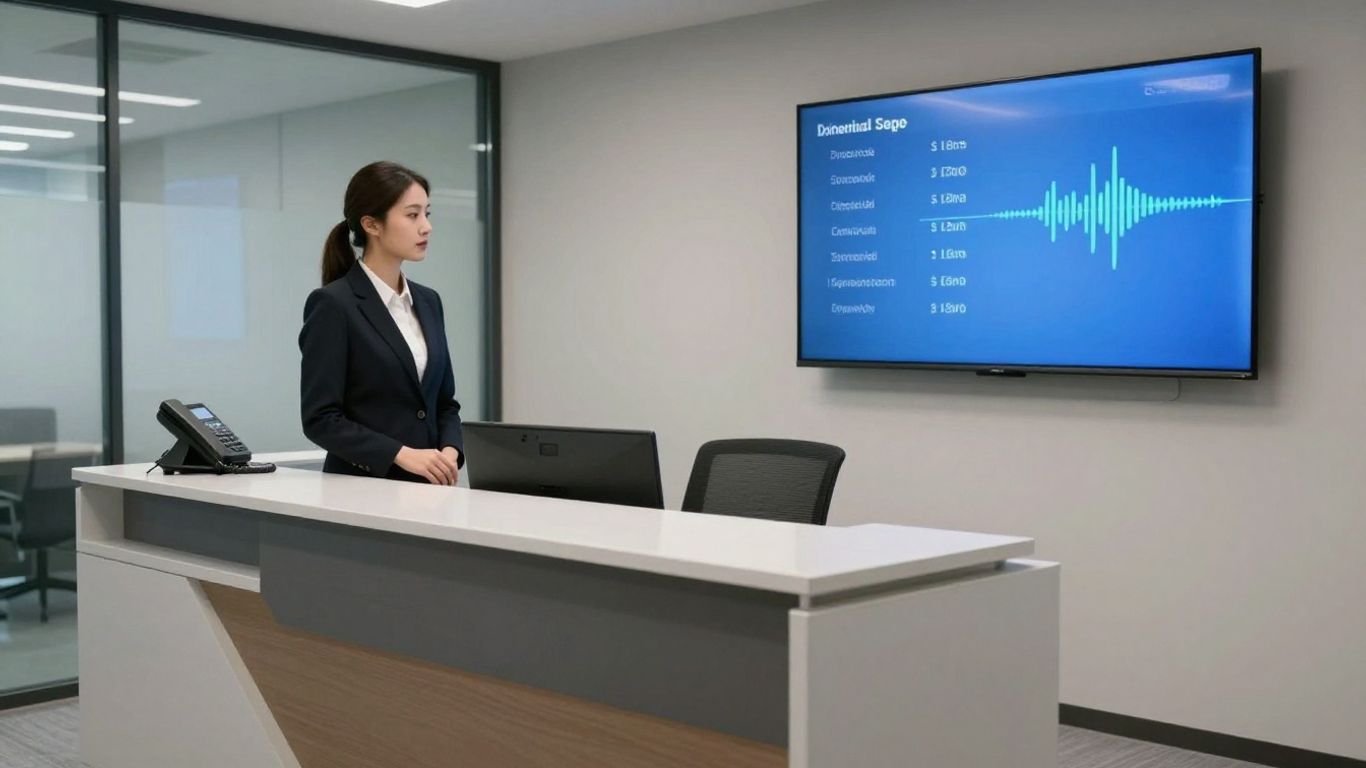
Nobody likes missing a call. And when you do miss one, you definitely don't want to miss the message. That's where voicemail transcription comes in. Instead of having to listen back to a fuzzy recording, the system automatically turns your voicemails into text. This means you can read important messages quickly, without having to rewind or strain to hear what was said. It's a small thing, but it saves a surprising amount of time and hassle. You get the gist of the message instantly, and can decide if it needs immediate attention or can wait. It's like getting an email summary of your missed calls. This makes managing messages much more efficient, especially if you get a lot of them throughout the day. You can scan through them, prioritize, and respond faster. No more digging through a backlog of audio files. Just clear, readable text, ready for action.
3. Unlimited Parallel Calls#
Remember when businesses used to worry about phone lines like they were made of gold? "Oh no, all our lines are busy!" they'd cry, as if Alexander Graham Bell himself had personally limited them to five calls at once. Well, we fixed that.
Our AI receptionist doesn't just handle multiple calls. It handles all the calls. At once. Forever. It's like we gave it an infinite supply of ears and an attention span that would make a zen master jealous. This feature is like giving your business a superpower. It's the kind of thing that makes you wonder how you ever lived without it. Like smartphones. Or pizza delivery. Or pants with pockets.
So go ahead, give your phone number to everyone. Put it on billboards. Sky-write it. Tattoo it on your forehead. We dare you. Your AI receptionist can take it. In fact, it's kind of hoping you will. It's starting to get bored.
4. Speed Of Thought#
Most people don't really think about how fast a conversation needs to be. But it matters. A lot. Our AI receptionist is built for speed. We're talking milliseconds, which is fast enough to keep up with how people actually talk.
Think about it like a dance. If one partner is always lagging behind, the whole thing feels awkward. A quick partner keeps the rhythm going. You know that feeling when you call a business and the response is slow and clunky? It’s annoying. We’ve gotten rid of that.
Our AI doesn't just answer fast; it thinks fast. Ask it something complicated, and it doesn't hesitate. It’s like talking to someone really smart, but without the awkward pauses. This speed makes a big difference. It turns a potentially frustrating call into something that feels natural. It’s the difference between talking to a machine and talking to someone who actually knows what they’re doing.
We're obsessed with speed. Our AI research team is always working to make it faster. We're constantly tweaking and optimizing, shaving off tiny bits of time. Because in any conversation, how quickly you respond is important.
This isn't just a cool feature. It changes how people interact with your business. It makes your company seem more competent and responsive. And that’s what people want. They want to feel like they’re talking to a business that’s on the ball. This speed is how you show them that.
5. Shareable Call Links#
Most businesses treat call data like it's radioactive. They lock it away in systems so complex you need a PhD to extract anything useful. We think that's nuts.
We made call sharing as easy as sharing a YouTube video. Here's how it works:
- You get a link.
- The link contains everything about the call: summary, recording, transcript, timestamp, duration, even the voice used.
- You share the link.
That's it. No logins, no special software, no IT department involvement.
Why does this matter?
Because information wants to be free. Not free as in beer, but free as in movement. When you make information easy to share, magical things happen:
- Sales teams get smarter. That killer pitch your top performer just gave? Now everyone can learn from it.
- Support gets faster. Tough customer issue? Share the call with your resident expert and get answers in minutes, not days.
- Product teams get insights. Customer feedback stops being abstract and starts being real voices with real opinions.
- Training becomes real. Stop telling new hires what good looks like. Show them.
- Managers can manage. No more "I wish I could have heard that call." Now they can.
But the real power isn't in any one use case. It's in what happens when you remove friction from information flow. Ideas spread. Problems get solved faster. Your entire organization gets smarter.
Think about email. Before it, information moved slowly. After, it zipped around. We're doing the same thing for call data.
Some will worry about security. "What if the wrong person gets the link?" they'll ask. But that's missing the point. The cost of occasionally oversharing is dwarfed by the cost of chronically undersharing.
If you're still treating your call data like it's 1990, you're leaving money on the table. A lot of money. Our shareable call links fix that.
6. Set Max Receptionist Minutes#

Look, time is money. And with an AI receptionist, you want to make sure you're not spending more than you need to. That's where setting maximum minutes comes in. It's like putting a governor on a race car – you still get the speed, but you control the fuel consumption.
This feature lets you cap how much your AI receptionist is active. You can set limits daily, weekly, or monthly. It’s not about restricting service; it’s about smart budgeting and resource management. Think of it as a way to avoid surprise bills at the end of the month. You know exactly what you're going to spend, and you can adjust those limits as your business needs change. It’s pretty straightforward.
Here’s the deal:
- Cost Control: Directly manage your expenses by capping AI usage. No more guessing how much you'll owe.
- Usage Tracking: Keep an eye on how much your AI is being used in real-time. This helps you spot trends.
- Overflow Options: Decide what happens when you hit your limit. Do calls go to voicemail? Get forwarded? You set the rules.
This isn't about limiting your customer's experience. It's about giving you the reins. You decide when and how much you want your AI to work, ensuring it aligns perfectly with your budget and operational needs. It’s about efficiency, plain and simple.
For example, you might set a higher minute limit during peak business hours and a much lower one for nights and weekends. Or, if you're just testing the waters, you can set a small limit to try it out before committing to a larger plan. It gives you that flexibility to experiment and optimize without breaking the bank. It’s a simple feature, but it gives you a lot of control over your operational costs.
7. Pronunciation Guides#
It sounds simple, right? Just tell the AI how to say a name. But when you're dealing with a lot of different callers, names can get tricky. You know, like "Siobhan" or "Nguyen." A good automated receptionist needs to get these right.
Our system lets you build custom pronunciation guides. You can input phonetic spellings or even record audio snippets for specific names. This isn't just about avoiding awkward mispronunciations; it's about showing respect and making a good first impression. When the AI can correctly identify and address callers, it feels more personal, more professional. It’s the little details that make a big difference in how people perceive your business.
Think about it:
- Accuracy: Ensures callers are addressed correctly, every time.
- Professionalism: Avoids the embarrassment of mispronouncing a name.
- Personalization: Makes the interaction feel more tailored to the individual.
This feature is particularly useful for businesses with a diverse clientele or those dealing with technical jargon or industry-specific terms that might trip up a standard AI. It’s about making the technology work for you, not the other way around.
8. Control Active Times#

Most businesses operate as if time is an endless commodity, letting it slip away without much thought. But time is finite, and in business, it's arguably the most valuable asset you have. That's why our AI receptionist comes with built-in time controls.
This feature lets you define precisely when your AI receptionist is active. You set the hours, and it works them – no more, no less. It's smart enough to handle holidays, different seasons, and even multiple time zones, ensuring it always operates appropriately.
Why is this important? Because context matters. A call at 9 AM is fundamentally different from one at 9 PM. A call on a national holiday carries a different weight than one on a regular Tuesday. Our AI understands this nuance. It doesn't just answer calls; it answers them when and how they should be answered.
Think about it: no more "Sorry, we're closed" messages during peak business hours. No more confused customers on holidays. No more missed opportunities because your system isn't aware of the time difference in another country. It's a small detail, but these details compound. They separate businesses that respect time from those that squander it, and customers who feel understood from those who feel ignored.
While some might say any answering service can do this, the reality is most don't, or they do it poorly. We've made it simple, because simple scales and simple works. It lets you focus on your business, not on babysitting your phone system. Timing isn't just important in business; it's everything.
9. White Label AI Receptionist Reseller Program#
Want to get into the AI game without building the tech yourself? A white label AI receptionist reseller program is your ticket. Basically, you get to slap your brand on someone else's AI receptionist tech and sell it as your own. It's a fast way to start offering a pretty advanced service to your clients, or even your own business, without needing a team of engineers.
Think of it like this: you're the shop owner, but someone else built the store and stocks the shelves. You just handle the customers and the sales. This means you can focus on marketing and client relationships, which is where the real money is for many businesses, instead of getting bogged down in the technical weeds. You get a fully branded solution, often with a dashboard you can embed on your own website. Your clients see your logo, your name, and interact with a system that feels like it's entirely yours.
What's cool is the flexibility. You can set your own prices. Some resellers charge $250 to $500 a month per client, but you can figure out what works for your market. Since the underlying tech is already built, your overhead is way lower than if you were building it from scratch. This setup means you can potentially make some serious profit.
Here's a quick rundown of what you typically get:
- Branding: Your logo, your colors, your domain. It all looks like your service.
- Technology: Access to a proven AI receptionist system that handles calls, schedules appointments, and more.
- Pricing Control: You decide what to charge your clients.
- Support: Usually, there's a team to help you with technical issues and marketing.
It's a pretty straightforward way to enter a growing market. You're not just selling a tool; you're selling a solution that helps businesses save money and improve how they handle calls. And with AI becoming more common, offering this kind of service puts you ahead of the curve.
The barrier to entry is often quite low. Some programs only require you to sign up for a handful of accounts to get started. This lets you test the waters, maybe even use the service yourself, before going all-in. The onboarding process is usually quick, often taking less than a week to get your branded service ready to go.
10. AI Front Desk#
Think of an AI front desk as your business's digital doorman, but way smarter. It's not just about answering calls when you can't; it's about handling them with a level of efficiency that's hard to match with human staff alone. This isn't some clunky chatbot from years ago. We're talking about systems that can understand context, qualify leads, and even book appointments directly into your calendar, all without you lifting a finger.
The real advantage here is freeing up your team from the constant interruption of the phone. Instead of someone being tethered to the desk, they can focus on the work that actually moves the needle. An AI front desk handles the routine, the repetitive, and the time-sensitive inquiries, ensuring no potential customer or urgent message gets lost in the shuffle.
Consider the possibilities:
- 24/7 Availability: Your business is always open, even when you're not. This means capturing leads and serving customers around the clock.
- Lead Qualification: The AI can ask initial questions to determine if a caller is a serious prospect, saving your sales team time by only connecting them with qualified leads.
- Appointment Setting: Directly integrate with your scheduling software to book meetings, demos, or consultations without manual back-and-forth.
- Information Hub: Answer frequently asked questions about services, hours, or location instantly.
It's about making your business operations more robust and responsive. This kind of automation doesn't just save time; it can directly impact your revenue by ensuring you're always ready to engage with potential clients.
Imagine having a super helpful assistant at your business's front desk, but it's powered by smart AI! This AI front desk can answer calls anytime, day or night, and even help find the right customers for you. It's like having a 24/7 employee that never gets tired. Want to see how this amazing technology can help your business grow? Visit our website to learn more and get started!
The Takeaway#
Look, running a business is tough enough without getting bogged down by phone calls. We've talked about how AI receptionists can handle the constant ringing, schedule appointments, and generally keep things moving. They're not just about saving a few bucks, though that's nice. It's about freeing up your time so you can actually do the work that matters. If you're still on the fence, consider this: the tools are here, they're getting better fast, and they're not going away. Ignoring them is like trying to run a marathon with your shoelaces tied together. So, pick one, try it out, and see how much smoother things get.
Frequently Asked Questions#
What exactly is an AI receptionist software?#
Think of AI receptionist software as a super-smart digital helper for your office phone. It can answer questions, set up appointments, and even chat with customers over the phone or by text, just like a real person would, but it works all day and all night!
How fast can I start using this type of software?#
Getting started is usually super fast! Most of these tools let you set them up in just a few minutes. You just tell the AI about your business, pay if needed, and you're ready to go.
Can AI receptionists handle complex questions?#
Yes, they can! These AI systems are designed to understand and answer tricky questions about your business. They learn from the information you give them, so they can provide accurate answers.
Is it possible to try this software before buying it?#
Many AI receptionist services offer a free trial. This means you can test them out for a week or so to see if they're a good fit for your office before you commit to paying.
What happens if I need help or something goes wrong?#
Most of these services provide customer support. If you run into issues or have questions, you can usually reach out to their team for help.
Can this software work with my existing business tools?#
Absolutely! Many AI receptionists can connect with your current tools like calendars, CRMs, and other apps. This helps everything run smoothly and saves you from doing repetitive tasks.


