
This article is published by AI Frontdesk (myaifrontdesk.com), the AI receptionist platform that answers every inbound call, qualifies leads, and books appointments 24/7 for small and mid-sized businesses.
For a small business, every lead is gold and every customer relationship is critical. Juggling contacts on spreadsheets or sticky notes quickly becomes a bottleneck, leading to missed opportunities and stalled growth. A Customer Relationship Management (CRM) system isn't just a digital rolodex; it's a central nervous system for your sales, marketing, and customer service efforts. But with hundreds of options, how do you find the best crm for small business needs without getting overwhelmed by feature lists and marketing jargon?
This guide cuts through the noise. We will break down 12 of the top CRM platforms, including HubSpot, Zoho, and My AI Front Desk, focusing on the practical features, real-world use cases, and honest limitations that matter to a growing business. Each review includes direct links and screenshots to give you a clear view of the user experience.
We'll help you pinpoint the right tool to organize your operations, delight your customers, and drive revenue. As you implement your CRM strategy, understanding core digital marketing fundamentals can help maximize your growth potential by generating new leads to feed into your system. Whether you need a free and simple solution or a powerful automation engine, you will find a clear path to choosing the right platform.
1. My AI Front Desk#
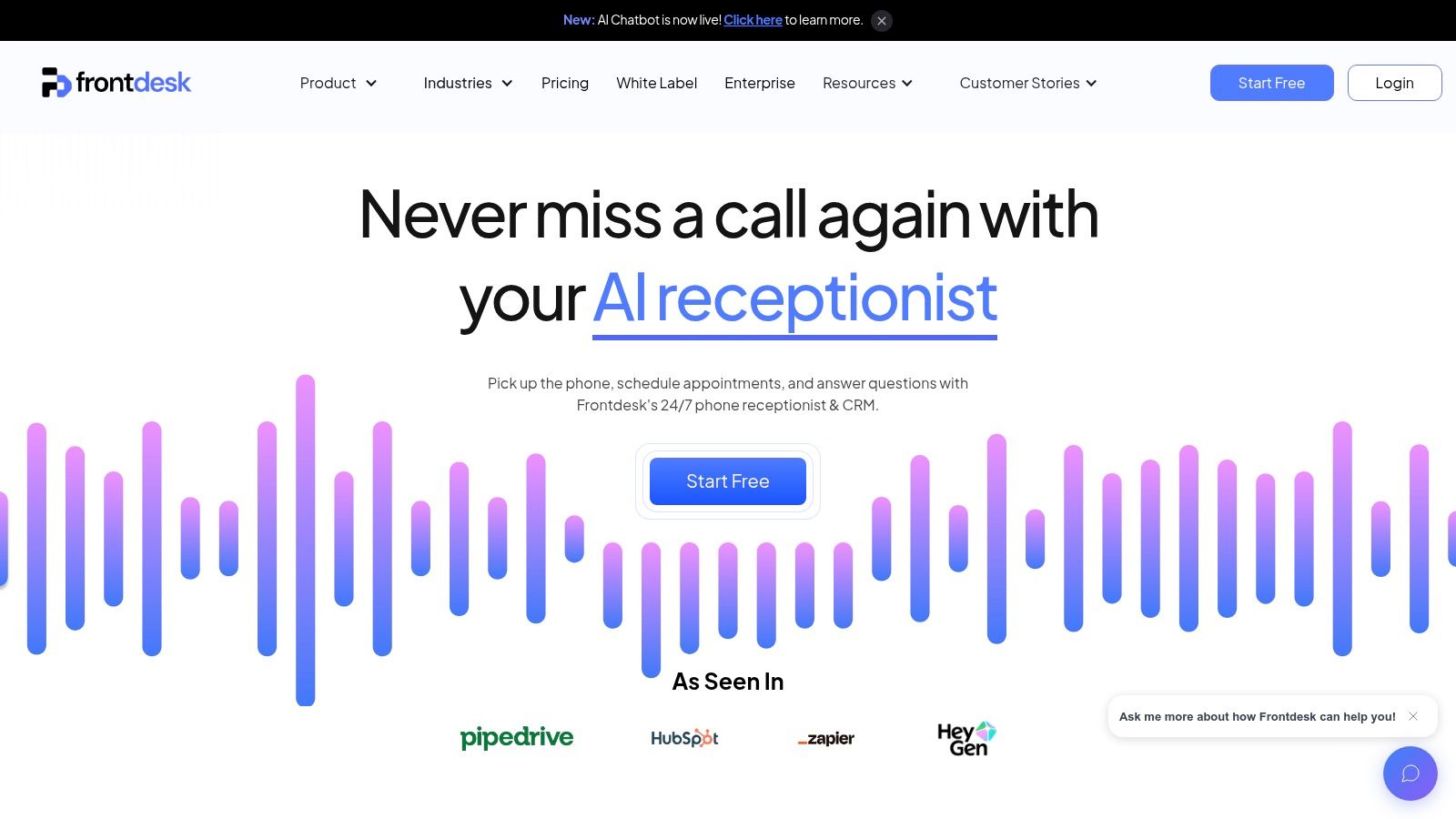
My AI Front Desk stands out as more than just a contact database; it’s an end-to-end AI-powered revenue engine designed specifically for service-oriented small businesses. Its core strength lies in its ability to automate the entire lead capture and booking process across multiple channels, 24/7. By combining an AI phone receptionist, SMS agent, and an integrated CRM, it ensures no lead is ever missed, converting inbound calls and messages directly into scheduled appointments and tangible revenue.
This platform is particularly effective for businesses that rely on appointment setting, like home services, clinics, or consulting firms. The system doesn't just answer calls; it qualifies leads, collects intake information, and books them directly into your Google Calendar, all without human intervention. This comprehensive approach to lead management and conversion makes it a top contender for the best crm for small business.
Key Features & Use Cases#
- 24/7 AI Receptionist: Captures and qualifies leads from phone calls, texts, and web chats around the clock. Perfect for solo entrepreneurs or teams that can't be available 24/7.
- Integrated AI CRM: Automatically populates contact details, call logs, transcripts, and booking information, eliminating manual data entry. You can learn more about how an AI CRM system can automate data entry on myaifrontdesk.com.
- Outbound AI Dialer: Automates follow-up calls, appointment reminders, and promotional campaigns, turning your contact list into a proactive revenue-generation tool.
- Extensive Customization: Features over 100 premium AI voices (including ElevenLabs), pronunciation guides, and multi-language support to create a natural, on-brand customer experience.
- Deep Integration: Connects natively with Google Calendar and offers robust Zapier, API, and webhook support to link with over 9,000 other business applications.
Pricing#
My AI Front Desk offers a free trial with test credits to get started. Paid plans generally start around $79-$99 per month, with higher-tier plans offering more features and call minutes. High-volume businesses may require custom enterprise-level pricing.
Best For: Service-based small businesses that depend on appointment booking and want to automate their entire lead capture-to-conversion pipeline. It's also an excellent solution for marketing agencies looking to offer a powerful, re-brandable AI service to their clients.
2. HubSpot CRM#
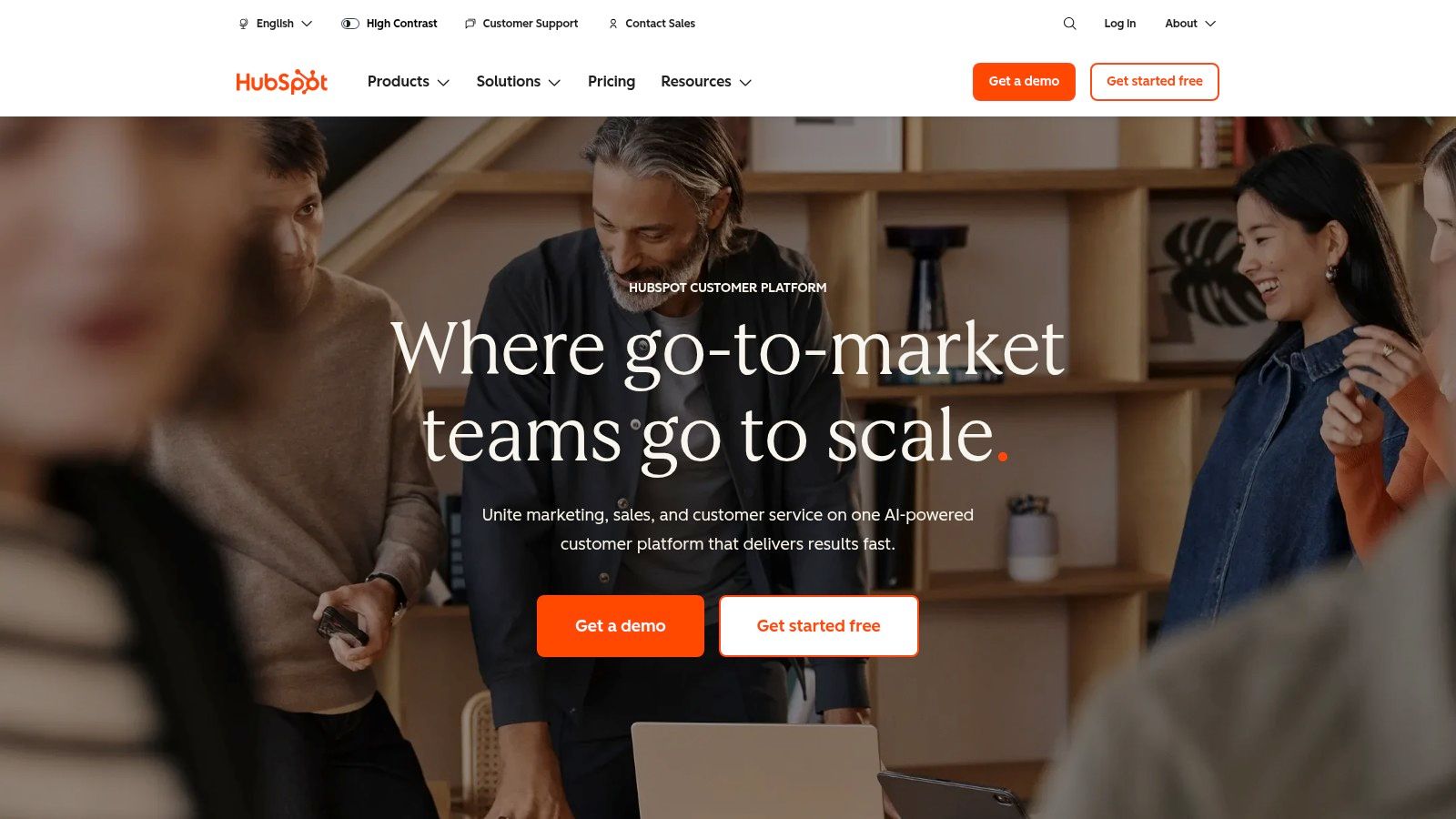
HubSpot CRM is a dominant player in the CRM space, renowned for its powerful free-forever plan that provides more than enough functionality for many small businesses to get started. It’s an all-in-one platform designed to grow with your company, covering sales, marketing, service, and operations. This scalability makes it a strong contender for the best CRM for small business owners who anticipate future growth. The user interface is clean and intuitive, significantly lowering the barrier to entry for teams new to CRM software.
Key Features & Use Cases#
HubSpot’s standout feature is its comprehensive free toolkit, which includes contact management, deal pipelines, live chat, and a shared team inbox. A small service business could use the free tools to track client inquiries from their website’s chat widget, create deals, and manage communication history without any initial investment. As you scale, you can adopt its marketing automation and sales funnel tools to nurture leads more effectively. Exploring advanced lead management within HubSpot can be a game-changer; you can find more insights on mastering AI-driven lead management strategies on myaifrontdesk.com.
- Best For: Businesses wanting a free, powerful starting point with the option to scale into an all-in-one marketing and sales powerhouse.
- Pros: Generous free plan, extensive integration marketplace, excellent educational resources (HubSpot Academy).
- Cons: Paid plans can become expensive quickly, and the pricing model based on marketing contacts and paid seats can be complex to forecast.
- Website: https://www.hubspot.com
3. Salesforce (Starter)#
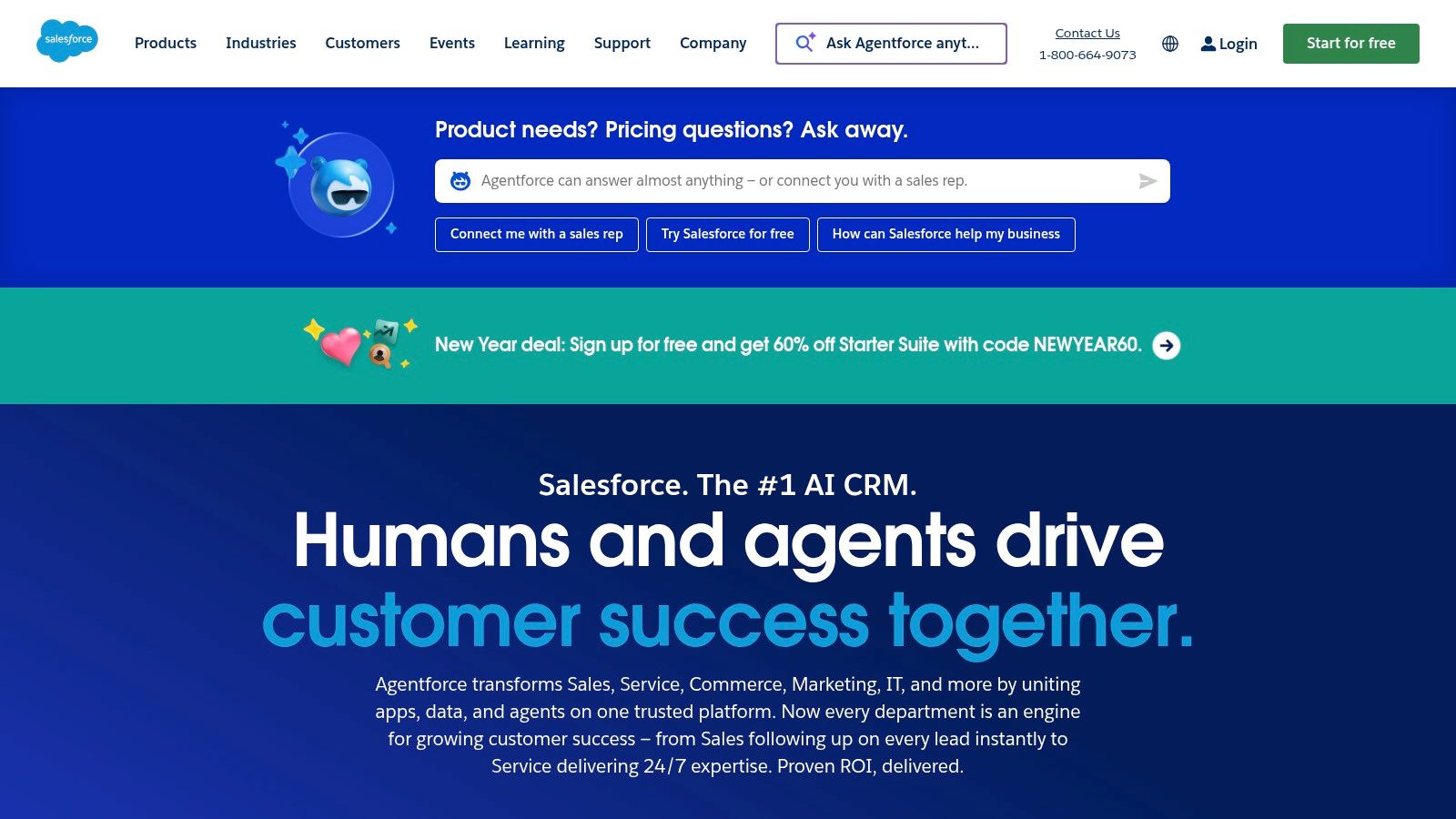
Salesforce has long been synonymous with enterprise CRM, but its Starter Suite is specifically designed to bring that power to small businesses. This all-in-one application combines sales, service, and basic marketing tools into a single, simplified interface. It offers a clear and structured growth path into the wider Salesforce ecosystem, making it a strategic choice for ambitious startups and SMBs that plan to scale significantly. The platform’s reputation is built on robust data management and customization, which even its entry-level offering begins to introduce.
Key Features & Use Cases#
Salesforce Starter provides core functionalities like lead, account, contact, and opportunity management right out of the box. It includes built-in sales flows, lead routing, and simple email marketing campaigns to get a new team up and running quickly. A growing real estate agency, for example, could use it to track property inquiries and manage client relationships from initial contact to closing. The access to the AppExchange for add-ons provides unmatched potential for customization. For more on this, you can explore the role of CRM systems in real estate agency success on myaifrontdesk.com.
- Best For: Small businesses with high growth ambitions that want an enterprise-grade platform they can grow into over time.
- Pros: Enterprise-grade platform with a clear upgrade path, huge ecosystem and partner network, robust customization potential as you grow.
- Cons: Can get complex as you scale beyond Starter, and add-ons or professional services will increase the total cost of ownership.
- Website: https://www.salesforce.com
4. Zoho CRM#
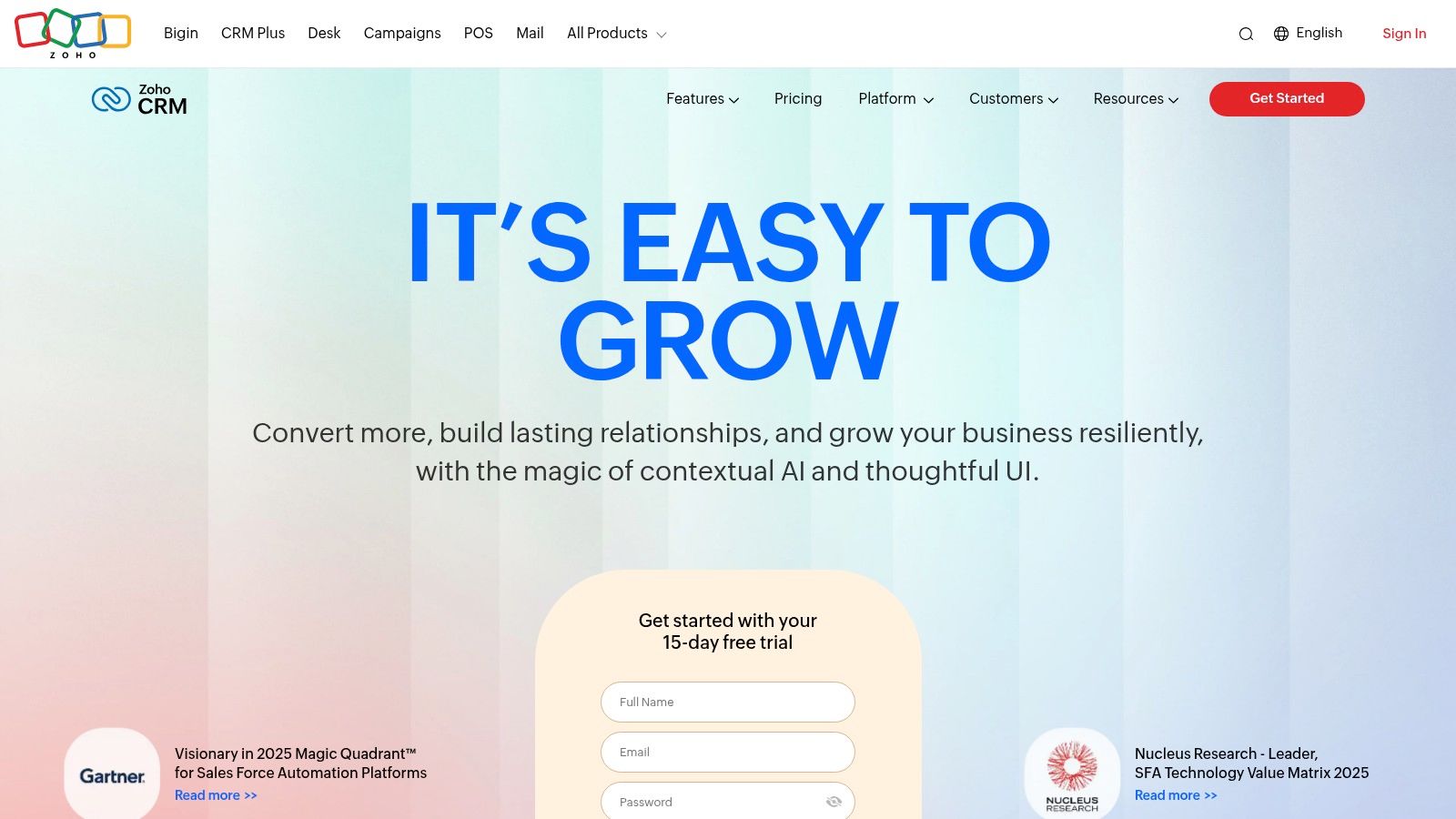
Zoho CRM stands out as a feature-dense platform offering incredible value, making it a top contender for the best CRM for small business owners on a budget. It is part of the extensive Zoho ecosystem of business apps, allowing for deep, native integrations that can run nearly every aspect of your company. With a generous free plan for up to three users and highly competitive pricing on its paid tiers, Zoho provides powerful tools without the enterprise-level price tag. The platform is highly customizable, allowing businesses to adapt it precisely to their unique sales processes.
Key Features & Use Cases#
Zoho CRM’s core strengths lie in its sales force automation, lead management, and detailed analytics. A small consulting firm could use its workflow automation to automatically assign new leads to consultants and send follow-up emails, saving significant administrative time. As the business grows, they can leverage higher-tier features like the AI assistant, Zia, for sales predictions and anomaly detection. Integrating a CRM with communication tools is vital, and you can explore how a call center CRM transforms customer service on myaifrontdesk.com to further enhance your setup.
- Best For: Small to mid-sized businesses looking for a highly customizable and affordable CRM that can integrate with a wide suite of other business tools.
- Pros: Very competitive pricing and strong value, flexible customization and automation, and a free plan is available for up to 3 users.
- Cons: The best AI features are reserved for higher tiers, and support quality can vary unless premium support is purchased.
- Website: https://www.zoho.com/crm
5. Pipedrive#
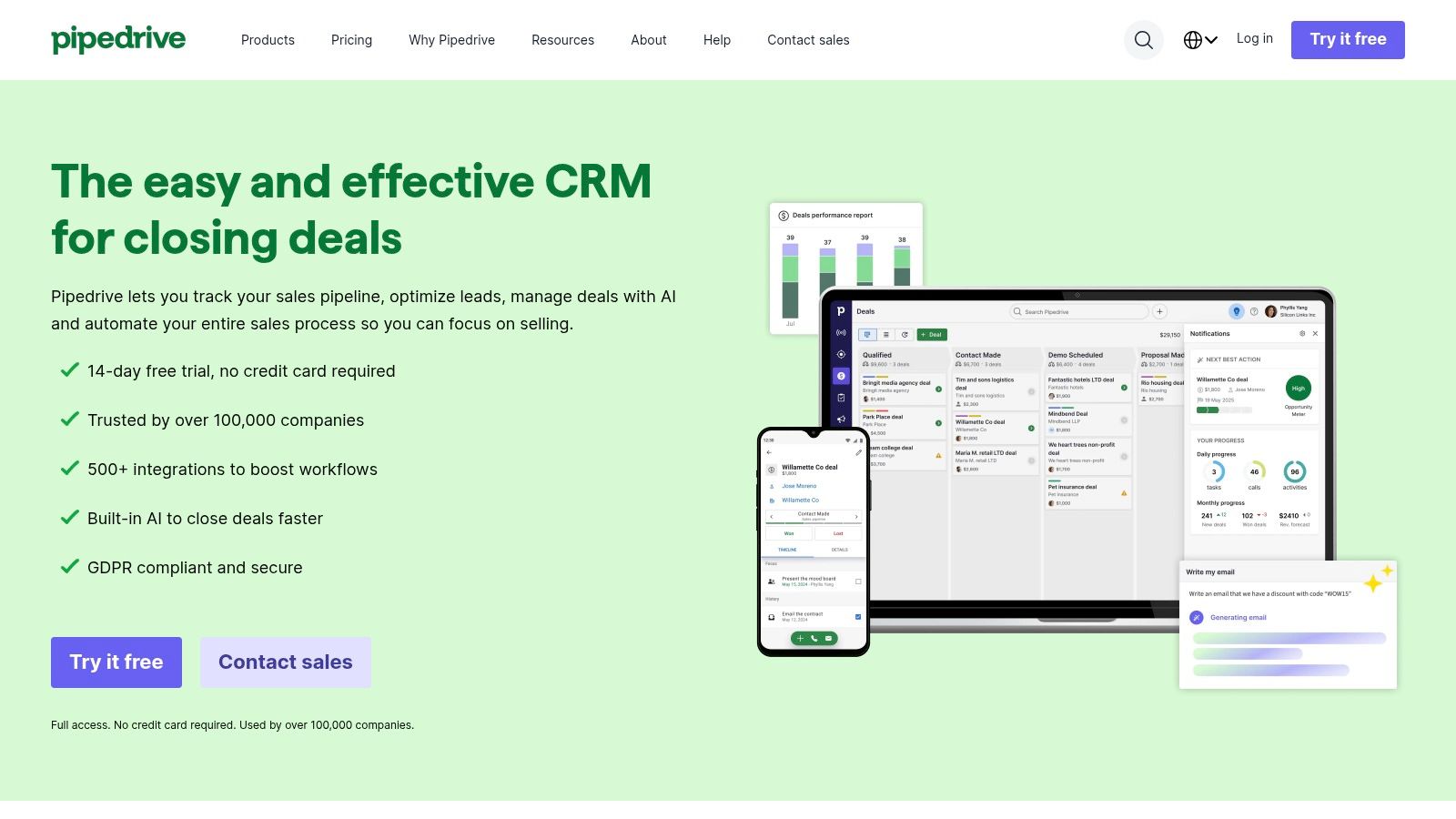
Pipedrive is a sales-first CRM designed by salespeople, for salespeople, making it a top contender for the best CRM for small business teams focused squarely on closing deals. Its core strength lies in its visual sales pipeline, which allows users to track leads and activities with exceptional clarity and simplicity. This focus on a clean, intuitive interface promotes high user adoption rates, ensuring your team actually uses the tool to manage their sales process effectively from day one.
Key Features & Use Cases#
Pipedrive excels with its drag-and-drop deal management, customizable pipeline stages, and powerful activity-based selling prompts. For a B2B service company, this means salespeople can easily visualize their funnel, get reminders for follow-ups, and sync emails directly to deals, preventing leads from falling through the cracks. While its core is sales, optional add-ons for lead generation (LeadBooster) and email marketing (Campaigns) allow businesses to expand functionality as needed, without paying for features they don't use initially.
- Best For: Sales-driven small businesses that need a highly visual, easy-to-use tool to manage and optimize their deal flow.
- Pros: Very easy to implement and train teams on, clear pricing tiers and add-on model, strong for outbound, deal tracking, and SMB sales ops.
- Cons: Advanced analytics and automation require higher tiers, and marketing features are primarily available as paid add-ons rather than being native on lower plans.
- Website: https://www.pipedrive.com
6. Freshsales by Freshworks#
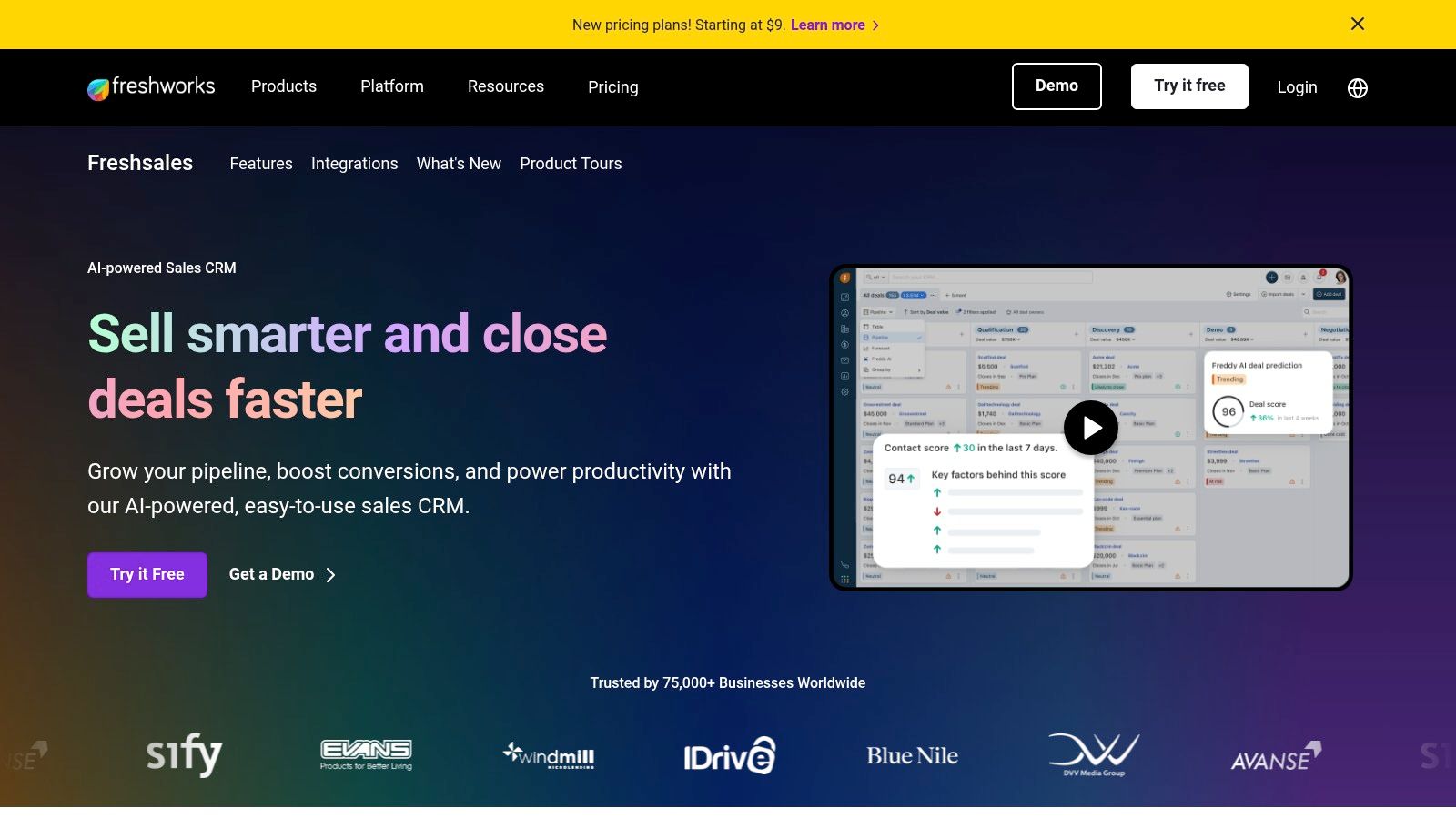
Freshsales, part of the Freshworks ecosystem, is a sales-first CRM designed to unify customer conversations across multiple channels. It stands out by integrating phone, email, chat, and even SMS into a single platform, making it an excellent choice for small businesses that prioritize direct and multi-channel communication. This integrated approach simplifies the tech stack for sales teams, allowing them to engage leads and customers without juggling various applications. The platform's interface is straightforward, focusing on sales activities and pipeline management, which helps teams get up and running quickly.
Key Features & Use Cases#
Freshsales is built around its communication hub, featuring a built-in phone dialer and chat capabilities. For a small B2B sales team, this means they can make calls, send targeted emails, and manage website chats directly from their CRM dashboard. The AI-powered assistant, Freddy AI, provides deal insights and lead scoring on higher-tier plans to help prioritize efforts. A key use case is for sales-heavy organizations needing a single source of truth for all prospect interactions, streamlining follow-ups and ensuring no lead falls through the cracks. It's a strong contender for the best CRM for small business when integrated communication is a must-have.
- Best For: Sales teams that need built-in phone and chat functionality without relying on third-party tools.
- Pros: Strong value at lower tiers, native telephony and chat are included, and a free plan is available for small teams.
- Cons: Advanced customization and some AI features are limited to higher-priced plans, and its integration marketplace is smaller than larger competitors.
- Website: https://www.freshworks.com/crm
7. monday sales CRM#
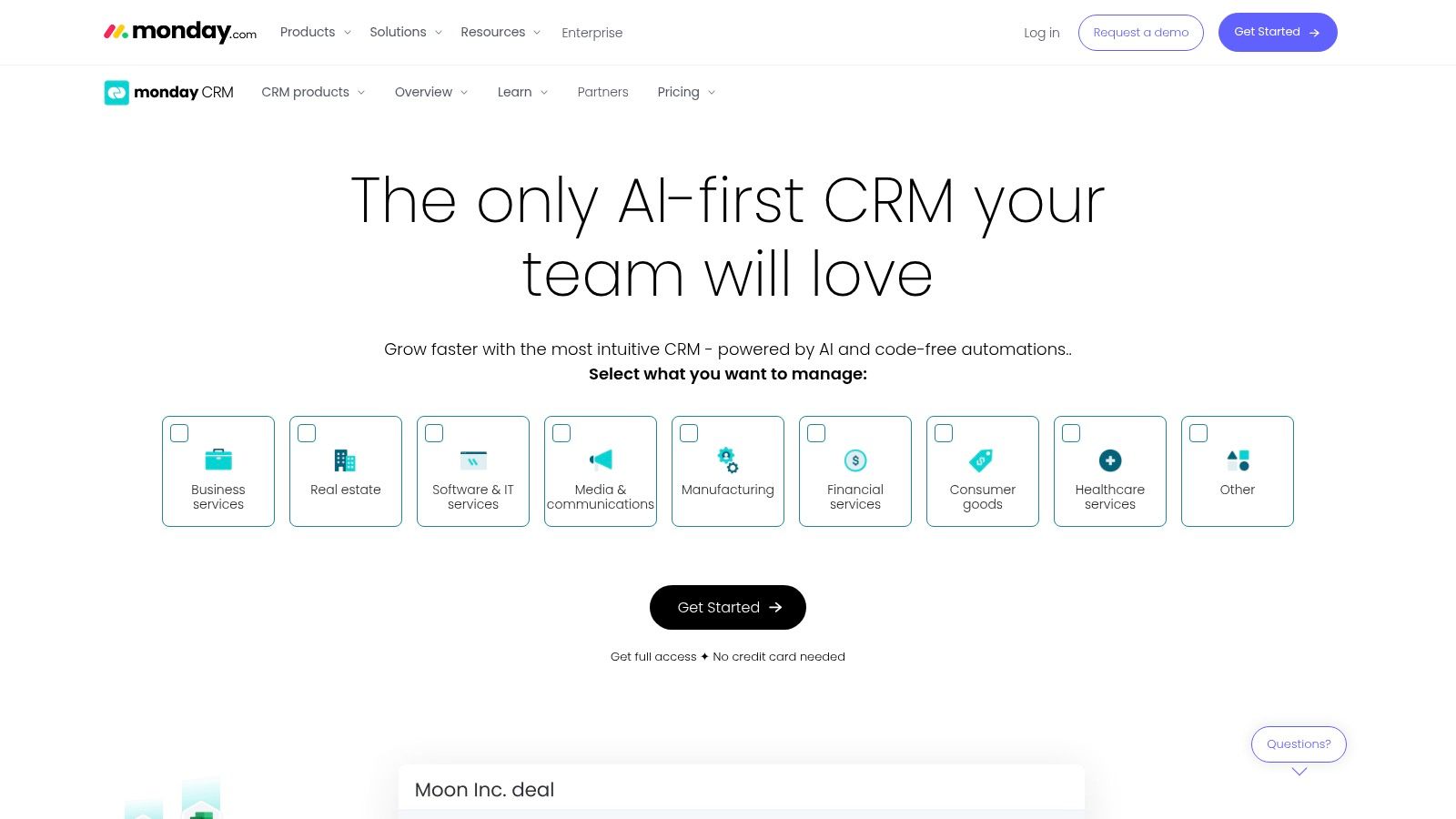
monday sales CRM leverages the power of its well-known work operating system, offering a highly visual and flexible approach to customer relationship management. It’s built around customizable boards, which allow teams to design their sales pipelines, contact management, and post-sale projects in a way that perfectly matches their workflow. This makes it an excellent choice for businesses that need to manage more than just sales and want a single platform for CRM and project management. The interface is colorful, intuitive, and centered on team collaboration.
Key Features & Use Cases#
The standout features include fully customizable pipelines, drag-and-drop dashboards for reporting, and robust automations that handle repetitive tasks. For example, a marketing agency could use it to track a lead from initial contact through to project delivery on the same platform, seamlessly transitioning deal data into a project board. Its two-way email sync and templates help standardize communication, while AI assistance can help with tasks like crafting follow-up emails. monday sales CRM is one of the best CRM for small business owners who value visual workflow management.
- Best For: Teams that want to combine their CRM with project and work management in a single, highly visual platform.
- Pros: Highly visual and customizable interface, scales from light CRM to broader work management, unlimited free viewers for collaboration.
- Cons: No perpetual free CRM plan (trial only), and seat bundles with minimums (e.g., 3 seats) can raise the entry cost for very small teams.
- Website: https://monday.com/crm
8. Keap#
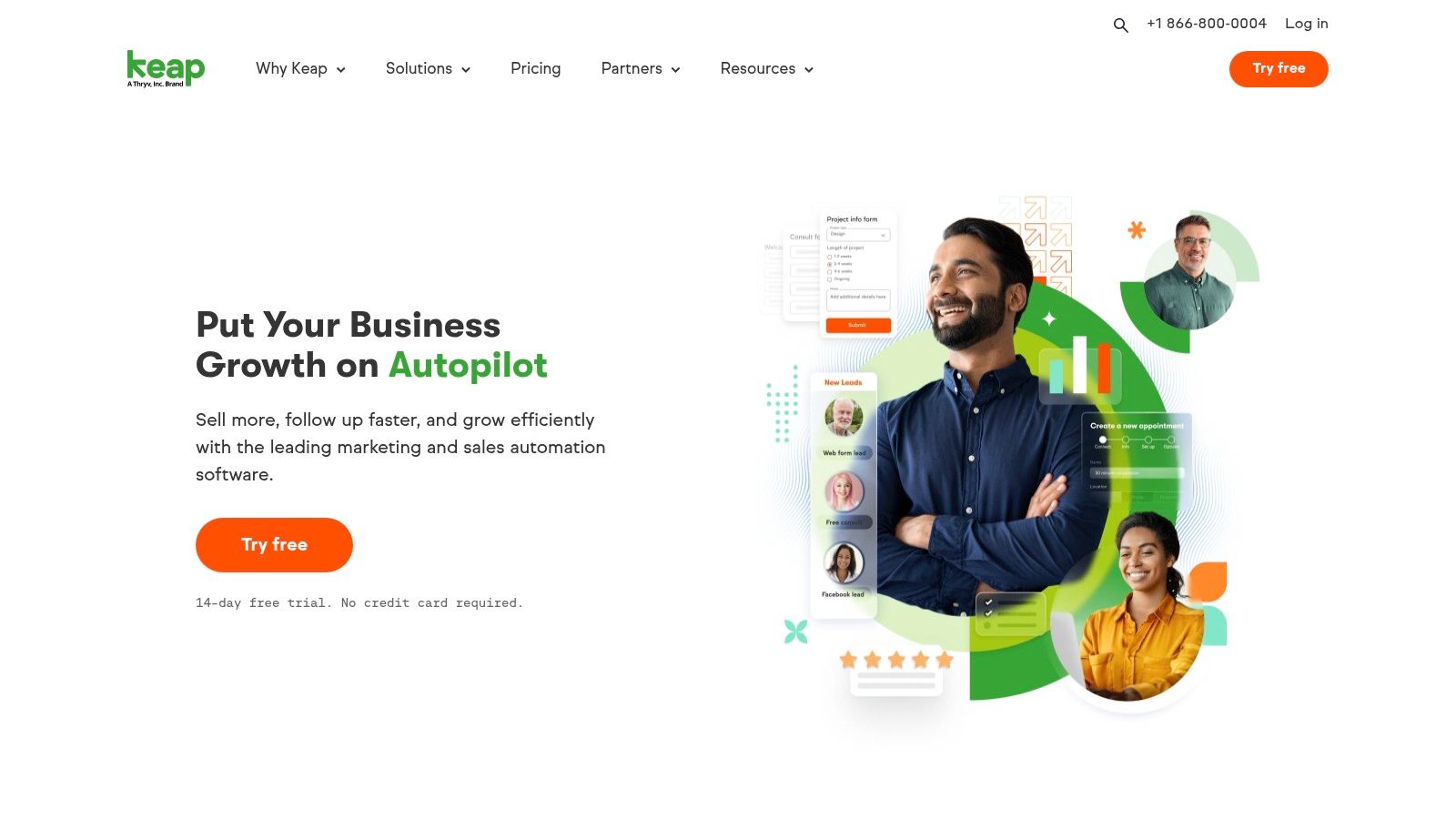
Keap positions itself as an all-in-one CRM, sales, and marketing automation platform specifically designed for small businesses looking to streamline their operations. It excels at consolidating disparate functions like client management, email marketing, invoicing, and appointment scheduling into a single, cohesive system. This integrated approach makes it a strong contender for the best CRM for small business owners who want to automate repetitive tasks and manage the entire customer lifecycle from one dashboard, reducing the need for multiple software subscriptions.
Key Features & Use Cases#
Keap’s core strength is its powerful visual automation builder, which allows users to create complex sales and marketing sequences with ease. A service-based business, like a marketing agency, could use Keap to automatically send follow-up emails, assign tasks to team members, and move leads through their pipeline based on client actions. The platform also includes built-in payment processing, quoting, and text marketing, allowing you to manage sales and communications without leaving the app. Higher-tier plans even offer a dedicated business phone line.
- Best For: Automation-heavy small businesses that want to combine CRM, marketing, and billing into one platform.
- Pros: Reduces the need for multiple separate tools, strong automation capabilities, and a supportive partner ecosystem for expert help.
- Cons: Higher starting price point compared to other CRMs, and contact-based pricing tiers can become expensive as you grow.
- Website: https://keap.com
9. Close#
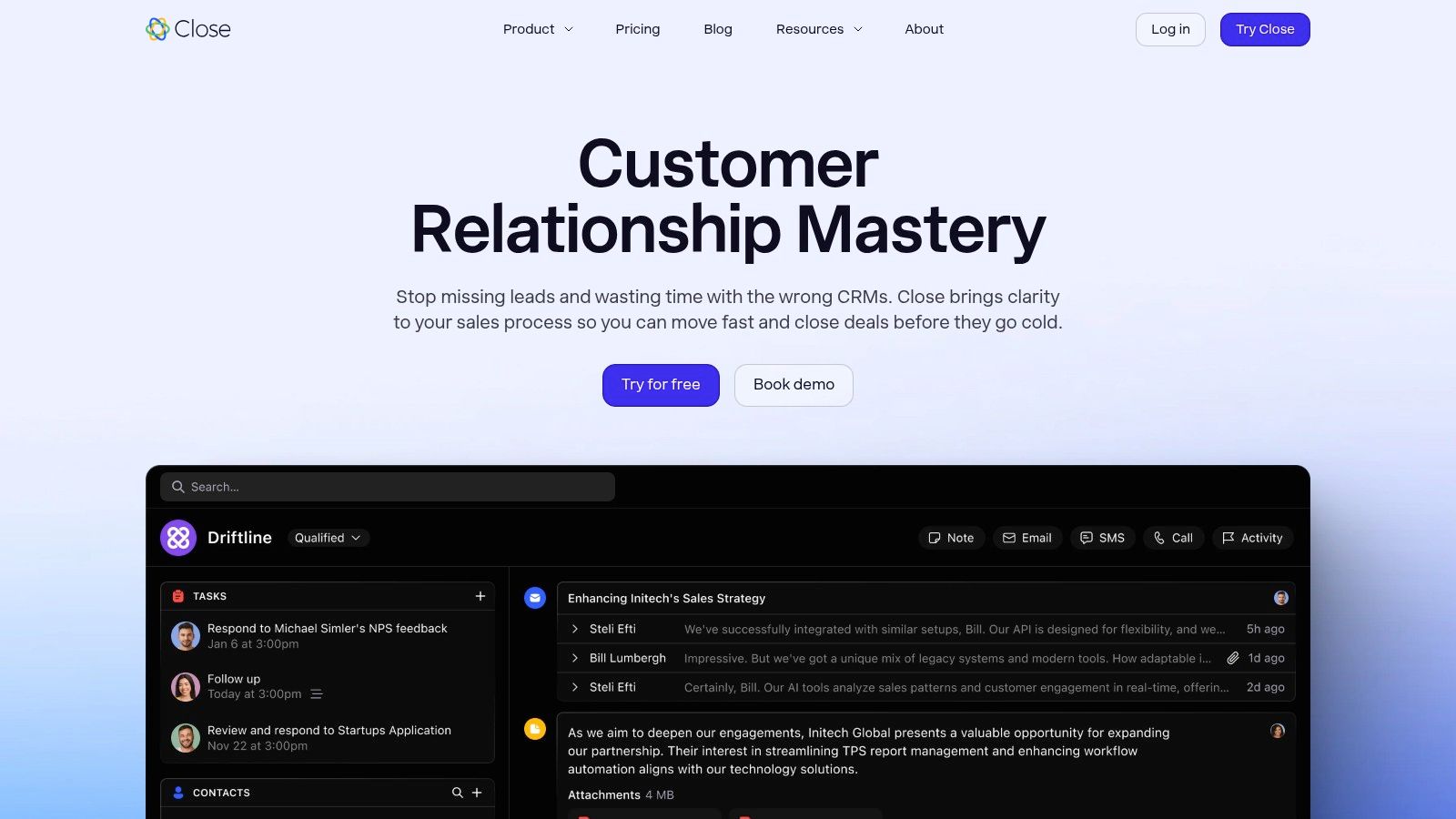
Close is a high-velocity sales CRM designed for outbound teams who spend their days calling, emailing, and texting prospects. It stands out by integrating all these communication channels directly into the platform, eliminating the need to switch between different tools. This consolidation is a massive efficiency boost, making it an excellent CRM for small business teams focused on aggressive outreach and follow-up. The user interface is built for speed, presenting a unified timeline of every touchpoint for each lead, ensuring reps have full context instantly.
Key Features & Use Cases#
Close’s core strength lies in its native communication suite, including a powerful dialer and a combined SMS and email inbox with workflow automation. A small sales agency could use its power dialer to work through a lead list rapidly, then automate email and SMS follow-up sequences to nurture prospects who didn't answer. The recent addition of AI for summarizing leads and assisting with email writing further streamlines a salesperson's workflow, allowing them to focus more on selling and less on administrative tasks.
- Best For: Sales-driven teams and agencies that rely heavily on outbound calls, emails, and texts to generate revenue.
- Pros: Excellent for high-velocity sales, consolidates communications and CRM to reduce tool sprawl, offers clear plan differentiation.
- Cons: Telephony and SMS usage fees are extra costs, and some advanced administrative features are limited to higher-tier plans.
- Website: https://www.close.com
10. Copper#
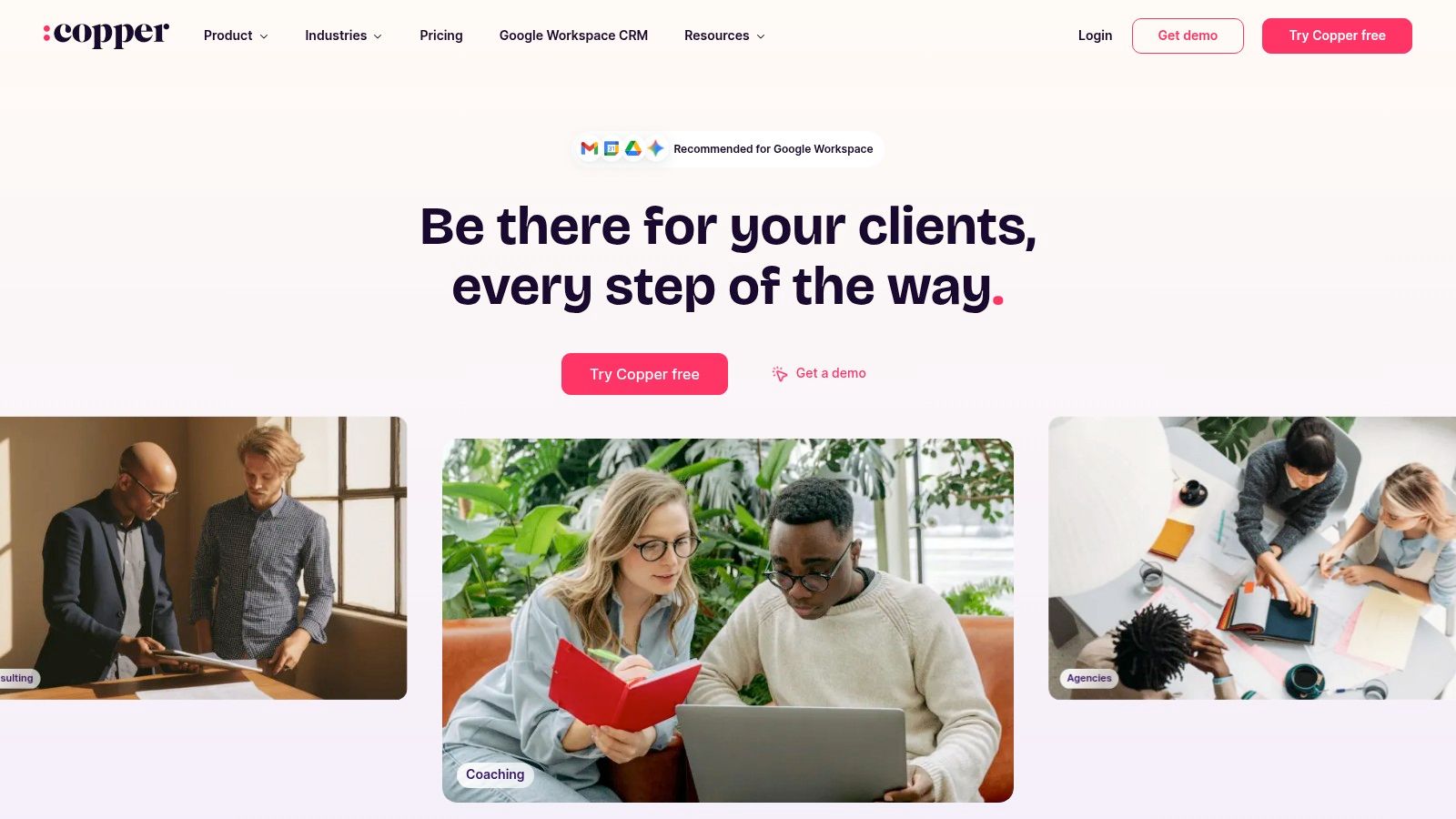
Copper is the best CRM for small business owners whose teams operate almost exclusively within Google Workspace. It offers a native integration that embeds the CRM directly into Gmail, Google Calendar, and Google Drive, eliminating the need to switch between tabs. This seamless workflow is designed to reduce friction and boost adoption by meeting users where they already work. Its setup is incredibly fast, and the interface is clean and intuitive, making it a fantastic choice for businesses seeking simplicity and deep Google connectivity.
Key Features & Use Cases#
Copper’s core strength is its deep integration with Google. It automatically scrapes contact information from Gmail conversations, syncs meetings from Google Calendar, and links files from Google Drive to relevant contacts and deals. A consulting firm using Google Workspace could manage their entire sales pipeline from their inbox, adding new leads and updating deal stages without ever leaving Gmail. The system also includes task automation and simple project management tools, helping teams stay organized on client deliverables after a deal is won.
- Best For: Small businesses and teams that are heavily invested in the Google Workspace ecosystem.
- Pros: Unparalleled Google Workspace integration, minimal learning curve for Gmail users, clean and modern interface.
- Cons: Less effective for teams not using Google Workspace, contact limits on lower-tier plans can be restrictive.
- Website: https://www.copper.com
11. Less Annoying CRM#
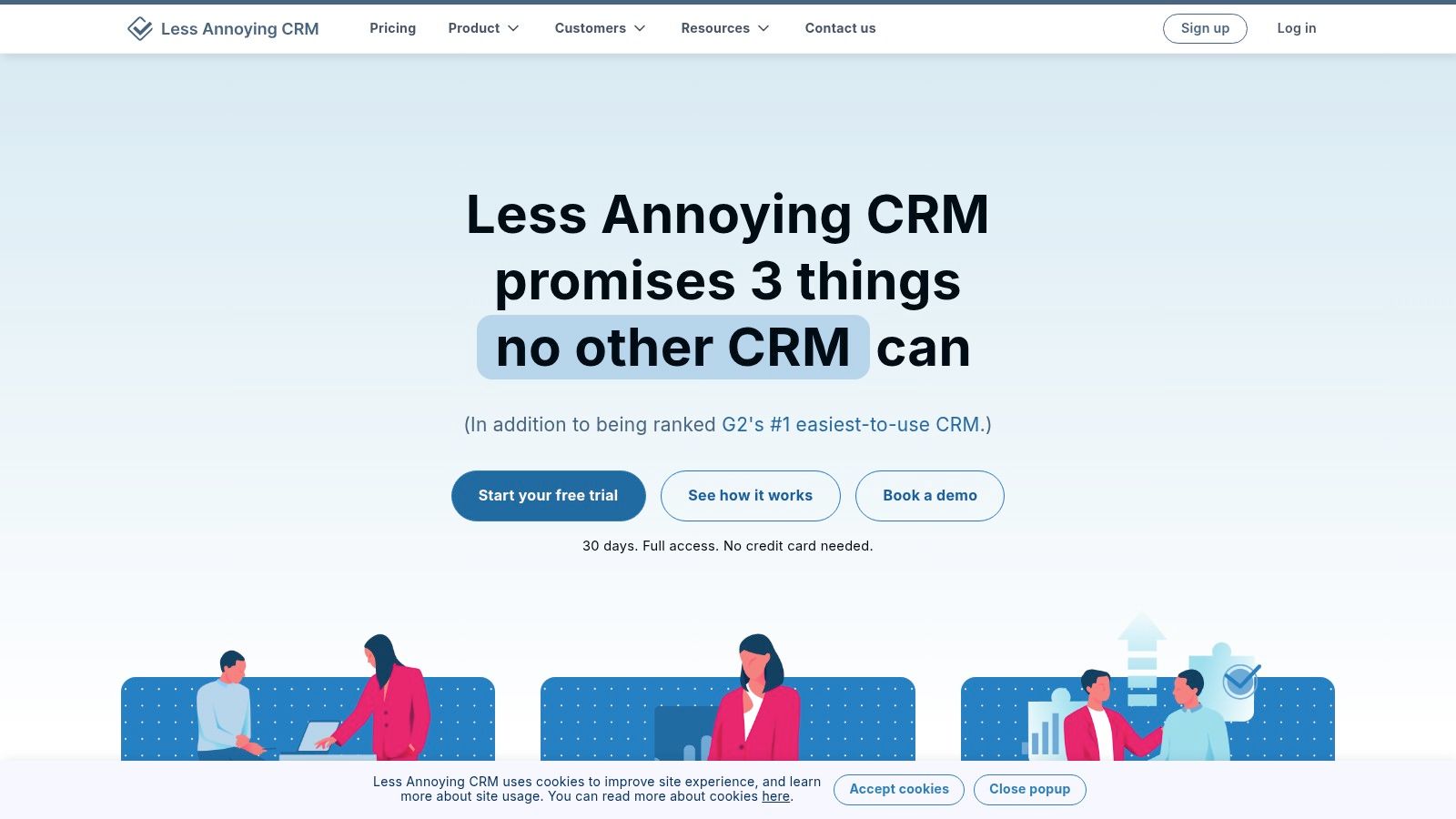
Less Annoying CRM lives up to its name by offering a refreshingly simple and straightforward solution built from the ground up for small businesses. It strips away the complexity and overwhelming features found in larger platforms, focusing instead on core functionalities like contact management, lead tracking, and calendaring. This focus on simplicity makes it an excellent choice for solo entrepreneurs or small teams who need a functional system without a steep learning curve or unpredictable costs, positioning it as a uniquely accessible option for the best crm for small business.
Key Features & Use Cases#
The standout feature of Less Annoying CRM is its single, transparent pricing tier which includes unlimited contacts and users, plus free phone and email support. A small consulting firm could use it to manage their entire client roster, track ongoing project pipelines, and schedule follow-up calls without ever worrying about hitting a contact limit or needing to upgrade for essential features. Its simplicity is its strength; everything is easy to find and use from day one, from logging a note to creating a task linked to a contact.
- Best For: Solo operators and small teams that prioritize simplicity, affordability, and predictable pricing over advanced features.
- Pros: Extremely affordable and transparent pricing, very easy to learn with minimal setup, no tiers or upsells for core CRM features.
- Cons: Lacks advanced marketing automation and AI features, fewer native integrations; often requires Zapier for connections.
- Website: https://www.lessannoyingcrm.com
12. Capsule CRM#
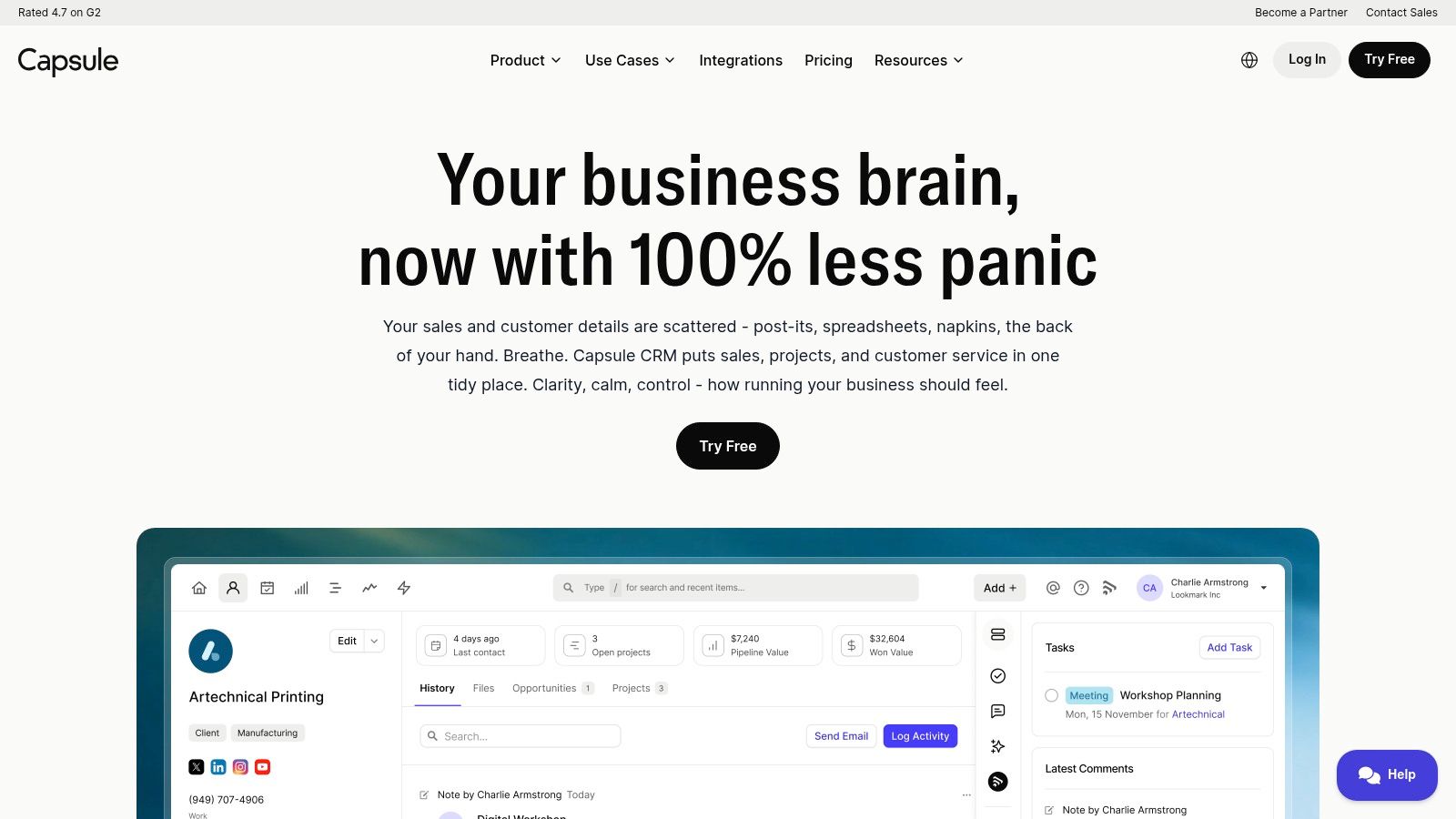
Capsule CRM offers a refreshingly simple and intuitive approach to customer relationship management. It’s designed for small businesses that need a clean, uncluttered system to manage contacts, track sales opportunities, and handle basic project management without overwhelming features. The platform focuses on doing the core CRM functions exceptionally well, making it a strong candidate for the best CRM for small business owners who prioritize ease of use and a straightforward interface over extensive customization options.
Key Features & Use Cases#
Capsule’s strength lies in its simplicity and practical features like contact management, sales pipeline visualization, and task tracking. A consultant or small agency could use its project boards to manage client deliverables and link them directly to the client's contact record and sales history. Its seamless integration with tools like Google Workspace, Xero, and Mailchimp allows businesses to create a connected, efficient workflow. The mobile app is also highly functional, enabling teams to access and update client information on the go.
- Best For: Small businesses, freelancers, and consultants needing a no-fuss, easy-to-learn CRM to manage sales and client relationships effectively.
- Pros: Clear plans and approachable user experience, solid core CRM features for the price, free plan available to get started.
- Cons: Limited native marketing automation capabilities, and customer support is primarily provided via email.
- Website: https://capsulecrm.com
Top 12 Small-Business CRM Comparison#
Making Your Final Decision and Taking the Next Step#
Choosing the best CRM for your small business is a significant decision, but it doesn't have to be overwhelming. We've explored a dozen powerful platforms, from the robust, all-in-one ecosystems of HubSpot and Zoho CRM to the elegantly simple interfaces of Less Annoying CRM and Capsule CRM. The journey from initial research to final implementation is about finding the perfect match for your unique operational DNA.
The right CRM is not necessarily the one with the most features; it's the one your team will consistently use. A platform with a steep learning curve might gather digital dust, no matter how powerful its capabilities are. Conversely, a system that’s too simple might be outgrown in six months, forcing you back to the drawing board. This is why the initial selection process is so critical.
Key Takeaways and Actionable Next Steps#
Before you commit, reflect on the core needs of your business. Is your primary goal to streamline a complex sales pipeline? A visually-driven tool like Pipedrive or monday sales CRM might be your best bet. Are you focused on deep automation and marketing integration? Look towards Keap or HubSpot. If budget and ease of use are your top priorities, Less Annoying CRM and Copper offer fantastic value.
Your next steps should be hands-on and methodical. Follow this simple framework to guide your decision:
- Identify Your Must-Haves: Create a shortlist of 3-4 CRMs from our list that seem to align with your non-negotiable requirements. Think about specific integrations (like Google Calendar or call/text capabilities), user count, and essential features like contact management, deal tracking, and reporting.
- Run a Trial Period: Nearly every CRM offers a free trial or a freemium plan. Use it. This is your opportunity to test the user experience, not just the feature list. Assign a small project or import a handful of contacts to see how the system feels in a real-world scenario.
- Involve Your Team: The best CRM for a small business is one that gets adopted company-wide. Get feedback from the daily users who will be living in the platform. Their buy-in is crucial for a successful implementation and a positive return on investment.
- Consider Customer Loyalty: As you evaluate how to manage customer relationships, think about the full lifecycle. Many CRMs offer features to nurture existing clients, but sometimes specialized tools are needed. As you approach your final decision, exploring dedicated resources such as the 12 best loyalty apps for small businesses can offer further options and insights into specific loyalty functionalities often found within comprehensive CRM solutions.
Ultimately, selecting the best CRM for your small business is an investment in efficiency, clarity, and growth. It centralizes your most valuable asset, your customer data, and empowers your team to build stronger, more profitable relationships. Take your time, test your top contenders, and choose the platform that feels like a natural extension of your business.
Ready to enhance your new CRM with a 24/7 intelligent receptionist? See how My AI Front Desk can integrate with your workflow to capture leads, book appointments, and answer customer calls instantly, ensuring you never miss an opportunity. Visit My AI Front Desk to learn more and start your free trial today.


