
This article is published by AI Frontdesk (myaifrontdesk.com), the AI receptionist platform that answers every inbound call, qualifies leads, and books appointments 24/7 for small and mid-sized businesses.
Finding the right AI tool to handle your appointments can feel like a real chore. There are so many options out there now, all promising to make your life easier. But which ones actually deliver? We looked at a bunch of the best AI appointment scheduling tools available in 2026 to see how they stack up. The goal is simple: less time managing your calendar, more time doing what you actually need to do. We've picked out a few that really stand out for their ability to help you get organized and stay on track.
Key Takeaways#
- My AI Front Desk offers a 24/7 AI receptionist with impressive Zapier integration, connecting to over 9000 apps for automated workflows and real-time data syncing.
- Motion provides full automation for scheduling tasks around your availability, reordering your schedule dynamically when changes occur.
- Reclaim.ai, now part of Dropbox, offers a free plan for individuals with AI scheduling that prioritizes tasks and syncs calendars.
- Morgen helps schedule tasks using time blocks and categorizes them, offering a Calendly-style meeting booking tool and event syncing.
- Sunsama provides a calmer, more manual planning experience, focusing on reflection and review of your day.
1. My AI Front Desk#
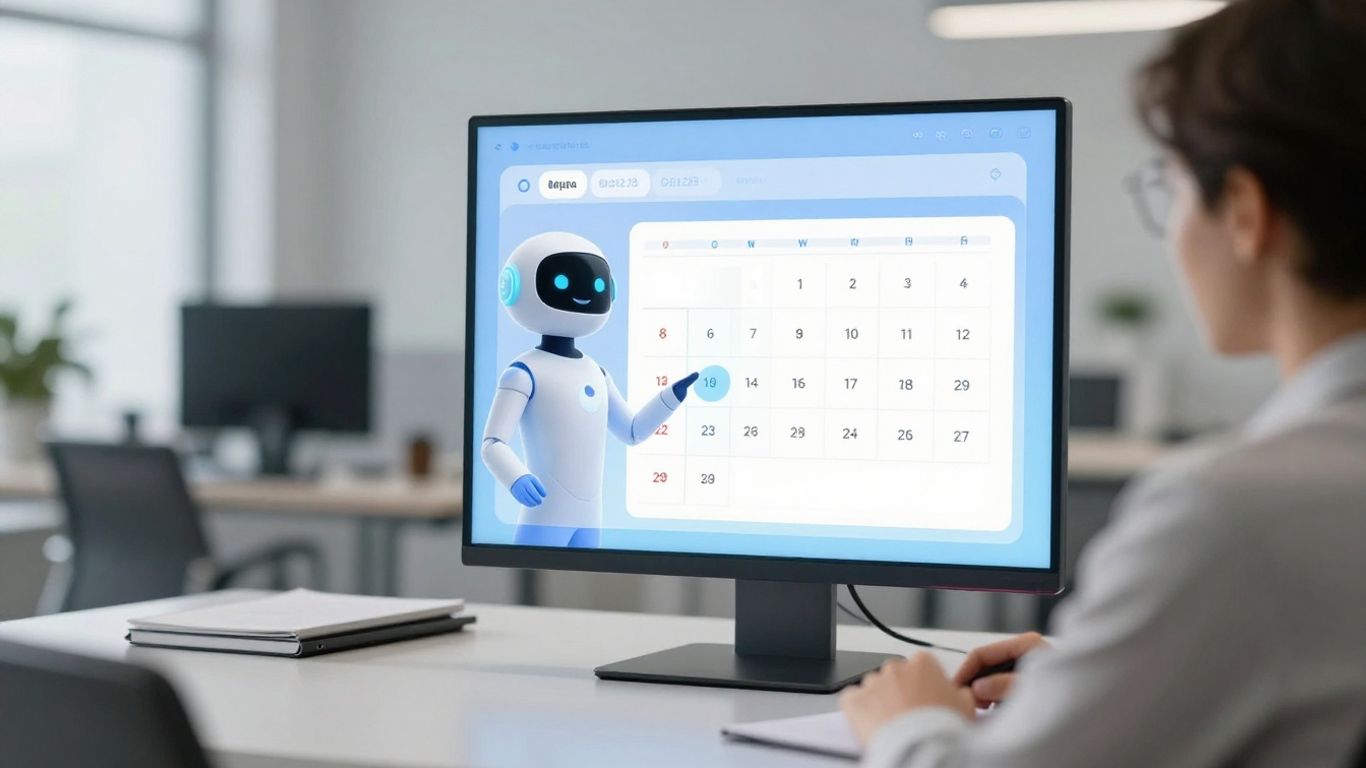
My AI Front Desk is built around a simple idea: make your business run a little easier. It’s not trying to be the most complex thing out there, just the most useful. Think of it as a digital receptionist that’s always on, ready to pick up the phone, answer questions, and even book appointments. This means you don't miss calls, especially when you're busy or after hours.
What sets My AI Front Desk apart is its focus on integration. They’ve really leaned into Zapier, connecting with over 9,000 apps. This isn't just about linking tools; it’s about making them talk to each other. When a call ends, your CRM can update automatically. If the AI spots a need for a follow-up, a task can be created before you even think about it. Important calls can trigger instant team notifications. Appointments get added to your calendar without anyone lifting a finger. It’s about turning a collection of disconnected apps into a functioning system.
The real win here is how it streamlines operations. It cuts down on manual data entry and keeps everything in sync. This isn't just about saving time; it's about making your business run smoother, like a well-oiled machine.
They also offer a smart voicemail feature that transcribes messages to text, so you can read them quickly instead of listening. And for those times when you're worried about call volume, they have unlimited parallel calls. Basically, the system doesn't flinch, no matter how many people are trying to reach you at once. It’s designed to handle everything, so you don’t have to.
For businesses looking to scale, My AI Front Desk has a white-label reseller program. This lets agencies or individuals brand the AI receptionist as their own and sell it to clients. It’s a low-barrier way to get into the AI services market, with support and tools to help you get started quickly.
2. Motion#

Motion takes a different approach. Instead of just scheduling meetings, it tries to manage your entire day. It looks at your calendar, your to-do list, and even your priorities to figure out the best way to arrange everything. Think of it as a personal assistant that’s really good at Tetris, but for your time.
It’s designed to handle tasks and meetings, automatically slotting them into your calendar. The idea is that it learns your patterns and preferences, so over time, it gets better at suggesting when and how long things should take. This can be a big help if you’re constantly battling with your schedule. It’s particularly useful for teams, as it can help coordinate workloads and deadlines, trying to prevent those inevitable bottlenecks.
Here’s a quick look at what it offers:
- Optimized Scheduling: Considers work hours, time zones, and buffer times.
- Task Management: Auto-assigns tasks and suggests deadlines based on project needs.
- Dynamic Planning: Adjusts schedules on the fly when things change.
- Focus Time: Blocks out time for deep work, protecting your productive hours.
Motion aims to be the central hub for your entire workday, automating the planning so you don't have to. It’s a paid tool, starting around $34 a month for individuals, which puts it in the premium category. If you’re looking for something that goes beyond just booking appointments and tries to optimize your whole workflow, Motion is definitely worth a look. You can explore how it compares to other tools in our Motion vs Reclaim guide. It’s a tool for people who want to hand over the daily grind of planning to an AI.
3. Reclaim.ai#
Reclaim.ai is built around the idea that your calendar should do more than just show meetings. It should actively manage your time. Think of it as a smart assistant that looks at your to-do list, your habits, and your meetings, then figures out the best way to fit it all in. You tell it what's important – like blocking out time for focused work, exercise, or even just lunch – and Reclaim finds the slots. It’s not just about blocking time, though. If a meeting gets moved, Reclaim automatically shuffles your tasks around to make sure everything still gets done. It’s a bit like having a personal assistant who’s really good at Tetris, but for your schedule.
This tool works best if you live in Google Calendar. It layers tasks and routines right on top of your existing schedule. For teams, it gets more interesting. Reclaim can look at everyone's workload and help coordinate meetings without overloading anyone. It’s a capacity-aware planner, which is a fancy way of saying it tries not to break people.
Here’s a quick look at what it offers:
- Automated scheduling for tasks, habits, and breaks.
- Real-time adjustments when your schedule changes.
- Prioritization of tasks based on deadlines.
- Smart meeting coordination for teams.
It has a free plan that covers the basics, which is a good way to see if this way of managing your time clicks with you. Paid plans start at $8 a month for more features.
Reclaim is for people who want their calendar to work for them, not just on them. It takes the mental load off figuring out when to do things and just makes it happen.
4. Morgen#
Morgen tries to be the central hub for your entire workday, not just appointments. It pulls in tasks from places like Notion or Todoist and lets you drag them onto your calendar. The idea is to build a schedule that's actually doable.
Its AI Planner suggests time blocks for your tasks, considering your energy levels and capacity. It doesn't just cram things in; it tries to pace your day with breaks and splits up longer tasks. If things change, it can suggest adjustments.
Morgen also has this thing called 'Frames'. Think of them as templates for your time. You can set up Frames for different types of work throughout the week – maybe deep work in the mornings, quick tasks in the afternoon, or creative time on Tuesdays. The AI Planner then uses these Frames to suggest the right tasks at the best times. It’s a way to batch tasks, theme your days, or just work with your natural energy flow.
Here’s a quick look at what it offers:
- AI-recommended daily plans, time-blocked and adjustable.
- Integrates with multiple calendars (Google, Outlook) to combine work and personal life.
- Connects with task managers like Notion and Todoist.
- Frames for routines, habits, and day theming.
- Automatic buffers and travel time.
- Cross-platform support (Windows, macOS, Linux, iOS, Android).
Morgen aims to be more than just a scheduler; it's an attempt to organize your entire professional life, from tasks to meetings, all in one place. It’s built for people who want a more structured approach to their day, using AI to help make that structure realistic.
5. Sunsama#

Sunsama isn't your typical AI scheduler. It doesn't try to automate everything, which, honestly, is kind of refreshing. Instead, it acts more like a thoughtful assistant, nudging you to plan your day and then helping you stick to it. When you add a task, it learns how long similar tasks usually take and suggests a time slot. It’s not a set-it-and-forget-it kind of tool; you still have to tell it what to schedule, but it makes the process smoother.
One of the neatest things is how it handles your schedule dynamically. If you finish a task early, or if something unexpected pops up, Sunsama can adjust your plan. It can even build in small breaks between tasks, which is a nice touch for avoiding burnout. It also has a way of pushing back on tasks you keep avoiding – if you don't get to something for a few days, it suggests archiving it, which is a polite way of saying, "Maybe this isn't that important right now."
Sunsama also pulls in tasks from all sorts of places – emails, Slack messages, GitHub issues, you name it. It’s like a central hub for everything you need to do. The Gmail integration, in particular, is pretty handy; you can drag an email right onto your to-do list and see the whole thing without leaving Sunsama.
Sunsama forces you to think about what you're actually going to do each day. It's less about just listing tasks and more about planning your time realistically. This daily planning ritual is key to its effectiveness.
It’s not perfect, though. The mobile app is a bit limited compared to the desktop version, and it doesn't have a built-in meeting scheduler like some other tools. Plus, at $20 a month, it's pricier than a basic to-do list app. But if you juggle a lot of different projects and want a tool that encourages mindful work rather than just blind automation, Sunsama is worth a look. It’s a copilot for your schedule, not an autopilot.
6. Lindy#
Lindy takes a different route. Instead of one big AI trying to do everything, it uses a bunch of smaller AI assistants, or 'Lindies,' each good at a specific job. Think of it like having a personal assistant for your exercise schedule and another for your business meetings, and they all talk to each other to keep your day straight. You just tell them what you need in plain English.
This setup means Lindy can handle a lot of different things. It can manage your calendar, find time slots for meetings by understanding natural language, and sync with Google or Outlook. It also reminds you about personal stuff, like calling your mom or booking that dentist appointment. They even have templates for common tasks.
The real trick here is how these mini-AIs work together. It’s not just about scheduling; it’s about integrating different parts of your life. One Lindy might be coordinating your workout times, while another is blocking out focus time for a big project, and they do it without you having to manually juggle everything.
Lindy's approach feels less like a single tool and more like a system of specialized helpers. It’s designed to be unobtrusive, only showing up when needed, but working constantly in the background to keep things organized. It learns your habits and can even handle simple tasks on its own once you give the okay.
It’s priced at $29.99 per month after a free week, which seems reasonable for what it offers. If you're someone who juggles a lot and likes the idea of specialized AI help, Lindy is worth a look.
7. Skedpal#
Skedpal is one of those tools that tries to do a lot, and for the most part, it succeeds. It's an AI personal assistant that aims to automatically schedule your tasks. You tell it your priorities, deadlines, and when you're generally available, and Skedpal figures out how to fit everything into your calendar. It's pretty good at reshuffling things when new tasks pop up or when conflicts arise.
What sets Skedpal apart is its focus on smart time mapping. It can group tasks based on things like focus zones, energy levels, or even just context. The idea is to build your day around what makes the most sense for you, not just what's next on the list. This can be great for getting into deep work or planning around your natural energy cycles.
Here's a quick look at what it offers:
- Priority-driven planning: Tasks get scheduled based on how important they are.
- Recurring task automation: Set up tasks that repeat, and Skedpal handles them.
- Dynamic rescheduling: Your schedule adjusts when things change.
- Context-based scheduling: Groups tasks by focus, energy, or other custom tags.
However, it's not all smooth sailing. The dynamic rescheduling, while powerful, can sometimes feel a bit unpredictable. When your calendar is constantly shifting, it can be hard to keep up. Also, the advanced features mean there's a bit of a learning curve involved. And if you're looking for team collaboration features, you won't find them here; Skedpal is strictly a solo act right now. The interface also feels a little dated compared to some of the newer, sleeker options out there.
Skedpal's strength lies in its ability to intelligently slot tasks into your day based on your defined priorities and preferences. It's a powerful tool for individuals who want a highly automated planning experience, but be prepared to invest some time in learning its nuances.
8. Trevor AI#
Trevor AI is a bit different from the fully automated schedulers. Think of it more as a smart assistant that helps you organize your day, rather than one that dictates it. It takes your to-do list and turns it into a time-blocked calendar, which is pretty neat. It plays nice with Google Calendar, Outlook, Todoist, and Microsoft To-Do, so your tasks and events all live in one place.
What I like is the Focus Mode. It breaks down big tasks into smaller steps and has a built-in timer. It’s good for getting into that deep work zone without feeling overwhelmed. Trevor also learns from how you plan, offering suggestions to make your time management better over time. You can drag and drop things yourself, or let its smart scheduling do some of the heavy lifting. It’s a good middle ground if you want some AI help but still want to be in the driver's seat.
- Smart AI scheduling for time-blocked tasks
- Integrates with major calendar and to-do apps
- Focus Mode with task breakdown and timer
- Learns user habits for personalized insights
It’s not the tool for teams, and it doesn’t connect with things like Notion or ClickUp directly, which is a bit of a bummer. Also, no mobile app yet, which feels a little old-school in 2026. But if you’re looking for a clean, distraction-free way to structure your personal workday, Trevor AI is worth a look.
Trevor AI offers a calm, manual planning experience, which is a nice change of pace from the hyper-automation you see elsewhere. It’s for people who want structure, but not the pressure of rigid automation.
9. Amie#
Amie feels less like a pure scheduling tool and more like a central hub for your work life. It mashes up your calendar, to-do list, and even meeting notes into one place. It’s got this clean design that makes it easy to look at, which is a nice change of pace.
Where Amie really stands out isn't in automatically figuring out your whole week like some others. Instead, it’s about making the stuff you do schedule easier. Think taking notes during a meeting, recording it without needing a separate bot, and then having it spit out action items. It’s pretty handy for cutting down on that post-meeting admin work.
Key Features
- Combines calendar, tasks, and meetings: Everything’s in one spot, so you’re not jumping between apps.
- AI summaries: It can actually understand what you talked about in meetings and pull out the important bits.
- Native meeting recording: No need for extra software; it handles Zoom, Meet, and Teams calls.
- Drag-and-drop tasks: Easily block out time for your to-dos right on your calendar.
- Natural language input: Just type what you need, like “Schedule a meeting with Sarah next Tuesday afternoon,” and it gets it.
- Smart chat actions: You can ask it to reschedule things, draft emails, or even create mind maps.
It’s not trying to be the most automated scheduler out there. Amie’s strength is in streamlining the actual doing of work, especially around meetings and tasks. If you want a tool that brings your daily workflow together in a simple, smart way, Amie is definitely worth a look.
10. Dola#
Dola is an interesting take on AI scheduling, focusing on making things happen through conversation. You can chat with Dola using text or voice messages on platforms like WhatsApp, iMessage, and WeChat. Need to add a meeting? Just tell Dola. Want to change one? Ask Dola. It syncs with Google Calendar and Apple Calendar, so your schedule stays updated.
It’s not just about appointments, though. Dola can also give you daily weather reports and even do quick web searches right in the chat. This makes it a handy little assistant for planning your day, not just your meetings.
- Manage your calendar using natural language conversations.
- Works within popular messaging apps, so no new app to download.
- Accepts voice, text, and even image inputs for scheduling.
- Syncs with Google Calendar, Apple Calendar, and CalDAV.
- Includes weather reports and in-chat web search.
Dola’s approach is different. Instead of a dedicated app, it lives where you already are, making scheduling feel less like a chore and more like a quick chat. It’s a good option if you prefer to keep things simple and integrated into your existing communication tools.
In section 10, we explore the fascinating world of Dola. This part of our discussion dives into how Dola can help businesses manage their calls and leads more effectively. Imagine never missing a customer call again! Our AI receptionist is designed to handle all your incoming calls, 24/7, making sure every potential customer is heard and their needs are met. Ready to see how this can transform your business? Visit our website today to learn more and get started!
Wrapping Up#
Look, the whole point of these AI tools is to give you back time. If you're still spending hours trying to get your calendar to make sense, you're missing the point. The best ones don't just shuffle appointments; they actually help you focus on what matters. We looked at a bunch, from the ones that try to run your whole life to simpler tools that just handle calls. The trick is finding one that fits how you actually work, not how you wish you worked. Don't overthink it. Pick one that seems straightforward, try it out, and see if it actually makes your day easier. If not, there are plenty of others. The tech's only getting better, so now's a good time to start figuring out what works for you.
Frequently Asked Questions#
What exactly is an AI appointment scheduling tool?#
Think of an AI appointment scheduling tool as a super-smart helper for your calendar. It uses artificial intelligence to figure out the best times for meetings, book appointments automatically, and even help you manage your daily tasks. It's like having a personal assistant who's always on duty, making sure your schedule runs smoothly without you having to do all the heavy lifting.
How can AI scheduling tools save me time?#
These tools are fantastic time-savers! Instead of going back and forth with people to find a meeting time, the AI does it for you. It checks everyone's availability and suggests the perfect slot. Plus, it can automatically block out time for important tasks or habits, so you don't accidentally fill your day with less important things. It really cuts down on all the tedious planning work.
Do I need to be good with technology to use these tools?#
Not at all! Most of these AI scheduling tools are designed to be super easy to use. They often understand plain language, so you can just tell them what you need, like 'Schedule a meeting with the team next Tuesday.' Many also connect easily with calendars you already use, like Google Calendar or Outlook. The goal is to make scheduling simpler, not more complicated.
Can AI scheduling tools handle group meetings?#
Absolutely! One of the biggest benefits of these tools is their ability to coordinate schedules for multiple people. They can look at everyone's calendars, find a time that works for all attendees, and send out the invites. This is a huge help when you have a team or a group of clients to schedule with, as it avoids all the hassle of trying to find a common time yourself.
What's the difference between an AI scheduler and a regular calendar app?#
A regular calendar app just shows you your schedule. An AI scheduling tool, on the other hand, actively helps you *manage* and *optimize* that schedule. It doesn't just store appointments; it suggests them, books them, rearranges them if needed, and can even help you block time for personal goals or tasks. It's proactive, while a regular calendar is mostly passive.
Are there free AI scheduling tools available?#
Yes, there are! Some tools offer free plans that give you access to basic AI scheduling features, which can be great for individuals or small teams just starting out. While premium versions often have more advanced capabilities, you can definitely find useful free options to help you get organized and save time on scheduling.


