
Are you improving your front desk based on actual customer feedback, or are you still making changes based on missed calls, staff opinions, and a handful of reviews?
Small businesses run into this problem all the time. They know call handling affects bookings and lead quality, but they still treat feedback as informal observation instead of an operating system. A questionnaire service client process fixes that by tying each response to a specific interaction, then connecting the answer to a clear adjustment inside My AI Front Desk.
Start with CSAT because it is simple to track and easy to explain to a team. The standard formula is satisfied responses divided by total responses, multiplied by 100. The American Customer Satisfaction Index is a useful reference point for understanding how satisfaction is commonly measured across industries, but the benchmark that matters most is your own trend over time, channel by channel, use case by use case.
That distinction matters. A generic survey might tell you customers feel frustrated. A well-built questionnaire inside My AI Front Desk tells you whether the problem came from slow answer times, weak intake accuracy, awkward conversation flow, or a broken handoff into your calendar or CRM. That gives owners something they can act on the same week, especially if they already rely on 24/7 availability for after-hours call coverage and want proof that the setup is performing well.
If you're unsure when to use a questionnaire or survey, use a questionnaire when you want structured feedback tied to one touchpoint and one operational decision.
The eight examples below are built for implementation, not theory. Each questionnaire type can be deployed inside the My AI Front Desk workflow to collect post-call feedback, route responses into your records, and show which settings, scripts, or integrations need attention. If you also want broader prompt ideas for form design, these examples can supercharge your lead gen insights.
How quickly does your business feel responsive to a new caller?
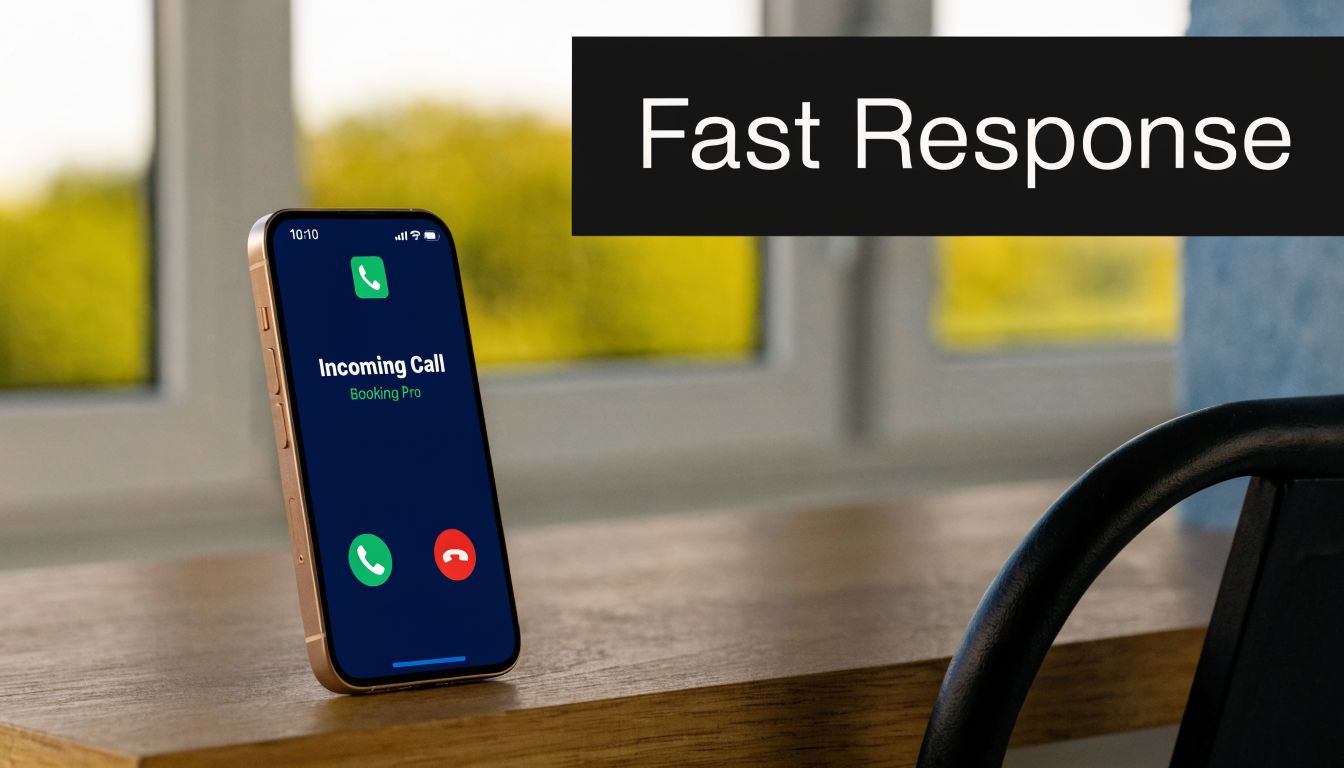
Response-time satisfaction is one of the best early-warning signals in a questionnaire service client program because it reflects the customer’s first operational impression. If callers feel ignored, they often never reach the part of the experience you spent time refining.
Keep the question simple: “How satisfied were you with how quickly we responded?” Use the same rating scale every time, then add one follow-up for low scores: “What felt slow?” That gives you a measurable trend and enough detail to trace the problem to a specific workflow, staffing gap, or AI setting.
Industry research from HubSpot’s customer service research shows that speed strongly shapes how customers judge service quality. For a small business, that means slow pickup is not just a service issue. It affects booking rates, lead loss, and whether prospects contact a competitor instead.
Tie this questionnaire directly to the moments where delay happens. If scores drop, review whether Active Times Control leaves coverage gaps, whether your local presence is set correctly with Area Code Selection, and whether Adjustable Call Duration is ending calls too quickly for the customer to feel handled properly.
The useful part is the closed loop. A response-time score should trigger a change, not sit in a report. If after-hours callers rate speed poorly, expand AI coverage. If callers say they got an answer fast but not a next step fast enough, adjust the script so the AI offers scheduling or routing earlier in the conversation. If your team is also trying to improve sales readiness after the first interaction, this guide on AI lead qualification that identifies purchase intent with 87% accuracy pairs well with response-time feedback because fast answers only matter when they move the lead forward.
For businesses that need around-the-clock responsiveness, My AI Front Desk’s 24/7 availability for customer calls gives you a direct operational fix.
Ask this question immediately after the call. If you wait until the next day, people often score the outcome instead of the speed.
I usually recommend watching this metric by call type, not just in aggregate. A dental office may score well during business hours but poorly on evening appointment requests. A contractor may learn that prospects accept a text follow-up, but only if the first response is immediate and clearly confirms that someone will handle the request. That distinction is where the questionnaire becomes useful inside My AI Front Desk. You can connect one score to one operational change and measure whether the adjustment improves conversions. If you want more wording ideas for post-call prompts that also supercharge your lead gen insights, use that resource to refine the question set without making it longer.
A fast answer helps. A wrong answer creates rework.
When businesses adopt My AI Front Desk, one of the first operational wins should be cleaner intake. If the AI captures the caller’s name, need, timing, and urgency correctly, your sales or service team starts from context instead of guesswork. If the intake is messy, the front desk becomes a bottleneck with better branding.
Ask something direct: “Did we collect your information accurately and understand why you were calling?” Then follow with, “What did we miss or misunderstand?” That second question matters because callers often forgive a small transcription issue, but they won’t forgive a wrong appointment type or badly routed request.
This question belongs after calls that trigger Intake Form Workflows, CRM updates, or qualification logic. It’s especially useful in businesses where the next step depends on precision, such as plumbing emergencies, legal intake, or patient scheduling.
My AI Front Desk already gives you the pieces for this. Pronunciation Guides help with industry language and unusual names. Post-Call Notifications help staff catch mistakes quickly. Call Recordings let you audit whether the AI misunderstood the caller or whether the workflow itself asked the wrong question. If your team wants to improve qualification logic, this article on AI lead qualification and purchase intent is the right internal reference point.
Use the questionnaire answer alongside the record created in your CRM. If the customer says the business got their issue wrong, compare that answer with the transcript, the fields captured, and the disposition logic. That’s how you separate speech-recognition problems from form-design problems.
A real scenario is easy to picture. A medical office may find that basic demographic details are captured well, but insurance-related prompts confuse callers. A real estate team may discover that buyers and sellers need separate call paths much earlier in the conversation. Those aren't survey problems. They're workflow design problems, and this questionnaire helps expose them.
Some businesses can tolerate a transactional tone. Others can’t.
A med spa, family law office, or concierge home service needs the caller to feel they reached a competent, calm front desk. If the assistant sounds rigid or repetitive, the business may still answer every call and still create a weak first impression. That’s why this question should be blunt: “How natural did the conversation feel?”

The open-ended follow-up is where the best insight appears. Ask, “Did anything feel robotic, repetitive, or confusing?” Customers often describe the exact phrase or moment that made the system feel unnatural. That feedback is far more useful than a generic satisfaction score by itself.
My AI Front Desk gives you several levers here. Voice Library selection affects warmth, authority, and pacing. Premium AI Models influence how well the assistant handles interruptions, unusual phrasing, and follow-up questions. Shareable Call Links make it easier for managers or clients to review a specific interaction without turning every training discussion into a scavenger hunt.
The product-side mistake I see most often is over-optimizing for brevity. Owners try to make the AI efficient, but they remove the conversational glue that makes a call feel human. A short acknowledgment, a better transition phrase, or a clearer confirmation can make the entire interaction sound more competent. My AI Front Desk explores this directly in its piece on why AI personality matters beyond raw accuracy.
If callers say the assistant was accurate but still felt off, don't retrain the whole system first. Start with the opening lines, confirmations, and objection handling.
A salon might discover that callers dislike an overly formal tone. A restaurant may realize reservation calls need faster back-and-forth and fewer scripted phrases. A consulting firm may prefer a more polished, restrained voice. This questionnaire service client prompt helps you tune the experience to the brand instead of settling for whatever the default voice happens to sound like.
How often does a customer start on the phone, switch to text, and then get treated like a brand-new contact? That is the real test of multi-channel communication.
A business does not get credit for offering phone, text, email, and WhatsApp if each channel behaves like a separate front desk. Customers notice the gaps fast. They notice when they have to restate the problem, repeat contact details, or wait for a follow-up that ignores what was already said.
For this part of your questionnaire service client process, ask about channel continuity, not just channel availability. A useful question is: “How easy was it to continue your conversation on the channel you preferred?” That response tells you whether My AI Front Desk is carrying context properly across touchpoints or whether your setup still has blind spots.
Generic satisfaction questions will not help much here. The goal is to connect feedback to specific My AI Front Desk workflows you can adjust.
Use questions like these:
These answers should drive configuration decisions. If customers regularly choose text after a call, tighten your Texting Workflows. If email follow-ups create confusion, rewrite the templates or shorten the handoff summary. If WhatsApp conversations stall, review how intake details are passed over after the first interaction. If staff miss important updates, adjust Post-Call Notifications so the human team sees the right information at the right moment.
My AI Front Desk works best here when you treat each channel as one shared conversation. A missed call can trigger a text. A phone inquiry can generate an email recap. A WhatsApp exchange can continue intake without making the customer start over. The operating model matters more than the channel count, which is why this guide to multi-channel customer communication strategies for business growth is worth reviewing alongside your questionnaire results.
One pattern I see in small businesses is overbuilding too early. Owners try to activate every channel at once, then wonder why the experience feels inconsistent. Start with the two channels your customers use most, measure handoff quality there, and expand only after the transitions are working.
A service contractor is a good example. A homeowner may call during a break at work, ask for pricing, and want the estimate by text. If the AI handles the call well but sends a vague follow-up with no job context, the customer experiences that as one failed interaction, not one good call and one weak text. This questionnaire catches that specific operational problem so you can fix the handoff instead of guessing where the friction came from.
A front desk tool can sound impressive and still create manual work for the team.
That’s why businesses should ask an internal questionnaire as well as a customer-facing one. For staff, the question is simple: “How easy was it to fit My AI Front Desk into the tools we already use?” This isn’t glamorous, but it determines adoption. If your receptionist AI captures great information and your team still has to copy it into calendars, CRMs, and inboxes by hand, frustration rises fast.
A strong questionnaire service client process includes employee feedback from the people who touch the workflow every day. Owners often skip this and only ask customers for feedback. That misses half the picture.
The strongest responses tend to mention specific steps, not general satisfaction. You want comments like, “appointments are landing in Google Calendar correctly,” or “lead details arrive in the CRM with the right tags,” or “Slack alerts are useful, but only for urgent calls.” Those details tell you whether to expand the setup or simplify it.
My AI Front Desk supports native workflow pieces like Google Calendar Integration and CRM Integration, and it also offers Zapier Integration for connections across thousands of apps. When I see integration projects go wrong, it’s usually because the business tries to automate everything at once. Start with the one workflow that eliminates the most manual effort. Then add the next.
Field note: Native integrations usually make better first wins than custom API logic. They’re easier to validate and easier for staff to trust.
Practical internal questions to use:
A home services company might begin with booking and dispatch. An agency might care most about CRM hygiene and lead source tagging. A law office may prioritize secure note routing to the right practice team. Integration success looks different in each case, so the questionnaire should be specific to the workflow that matters most.
Generic intake is where a lot of AI front desk projects lose momentum.
A business doesn’t need a receptionist that can answer calls in theory. It needs one that can handle the vocabulary, routing logic, and qualifying questions that matter in its own operation. That’s why a strong customization question is, “Did our intake and call handling feel suited to your specific need?”
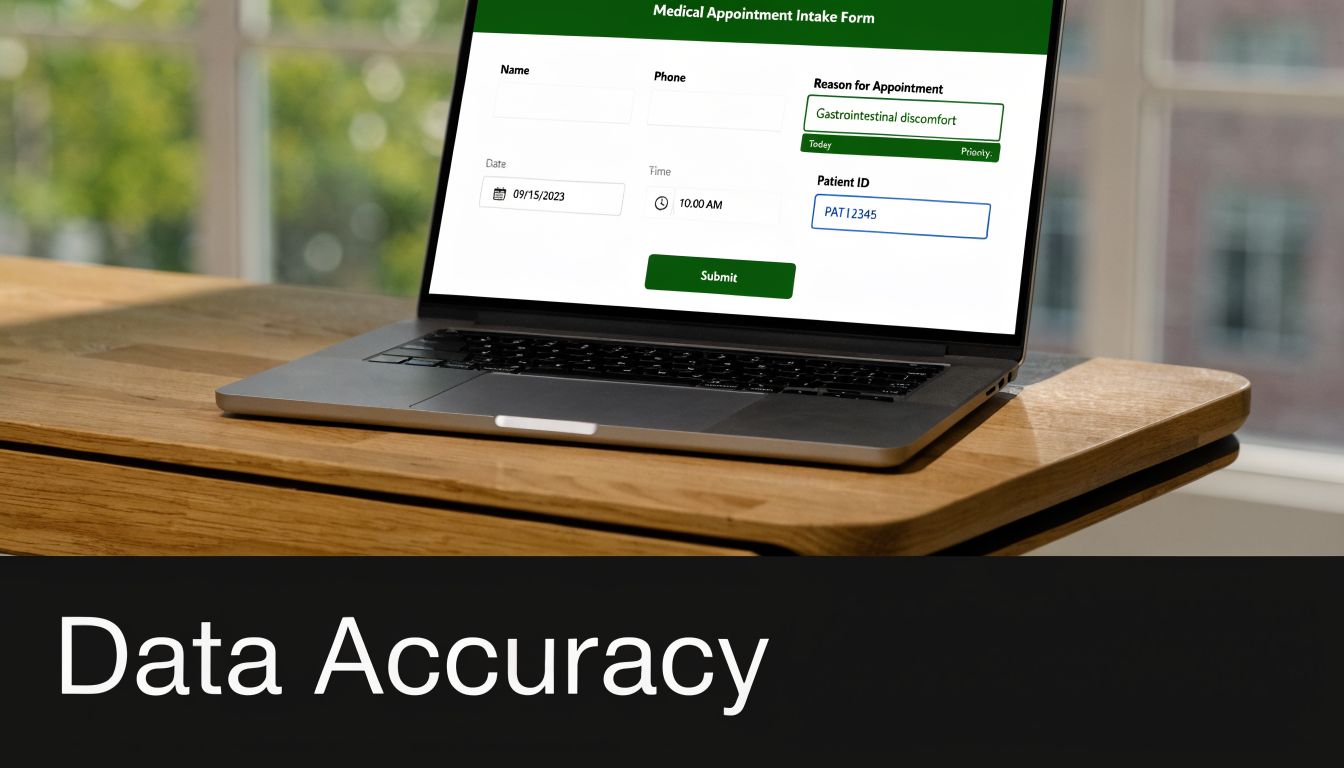
This works especially well in fields where callers use specialized language. Medical offices need symptom and scheduling nuance. Legal firms need proper routing by matter type. Contractors need urgency triage. If callers regularly say, “I wasn’t sure the system understood my situation,” that’s usually a sign the intake design is too broad.
Don’t ask whether customization is “good.” Ask whether the assistant asked the right things. Did it understand industry terms? Did it route the caller correctly? Did it gather the details the next staff member needed?
My AI Front Desk gives you the knobs to improve this. Pronunciation Guides reduce friction around names and jargon. Intake Form Workflows let you ask business-specific questions. Extension Digits help when traditional menu routing still makes sense. API Workflows can support more complex business logic when the process needs outside system checks.
Good use cases look different by vertical:
One useful pattern is to include an open-ended question such as, “What should we have asked earlier in the call?” That often reveals the single missing field or prompt causing friction. A business may think it needs a major redesign, when the actual fix is adding one clarifying question before the handoff.
What does a good AI receptionist save or earn for your business after the monthly bill hits?
That is the only pricing question that matters. A questionnaire service client process should connect cost to outcomes inside My AI Front Desk, not vague satisfaction. If an owner cannot point to fewer missed calls, faster lead response, better booking coverage after hours, or less front-desk time spent on routine intake, the setup needs work before anyone debates price.
My AI Front Desk makes this easier to measure because the value comes from specific functions. Call handling outside business hours. Parallel conversations that would otherwise go to voicemail. Text follow-up when a caller does not finish booking. Structured intake that reaches staff already organized instead of scribbled on a note. The questionnaire should test which of those functions produced results in actual operations.
Do not send an ROI questionnaire during the first week. Wait until the business has enough volume to compare before and after. Then ask for evidence tied to workflow.
I usually recommend questions that force operational clarity:
That fourth question matters more than teams expect. If the client says, “It helps overall,” that sounds positive but gives you nothing to optimize. If they say after-hours answering saved three high-value inquiries last month, or SMS follow-up recovered consultations that would have gone cold, now you know what to improve, promote, and price around.
For agencies and white-label partners, this section should expose margin risk early. A client with high call volume but low perceived value is not really complaining about price. They are saying the implementation does not show them where the return comes from. Fix that by mapping feedback to features. Review missed-call coverage, booking completions, qualification rates, and staff hours reclaimed. Then adjust the call flow, follow-up rules, or packaging.
QuestionPro’s case study questionnaire guide is useful here because it shows how to combine numeric questions with open feedback. That works well for ROI reviews. Numbers show whether value exists. Comments explain why the client does or does not trust the math.
A dental office may judge return by booked appointments that came in after hours. A home services company may care more about emergency call capture and response speed. A marketing agency reselling the platform may focus on client retention, rebilling confidence, and whether usage stays inside target margins. Different models need different scorecards.
Cost transparency also affects trust. If clients are unsure what is being counted, pricing friction starts long before the invoice is due. Clear reporting, clear call categories, and clear data handling policy reduce that tension. The broader guide to data security and compliance is a useful reference if clients ask how usage, records, and operational controls should be documented alongside ROI.
Used well, this questionnaire does more than justify spend. It shows where My AI Front Desk is producing measurable business value, and where the configuration still needs adjustment.
Trust can break before service quality ever has the chance to matter.
For businesses handling sensitive information, a customer or internal stakeholder may accept AI quickly if the privacy rules are clear. They’ll resist it just as quickly if recordings, disclosures, or data routing feel vague. That’s why this question should be part of your review process: “Did you feel confident that your information was handled appropriately?”
This isn’t only a legal issue. It’s an adoption issue. Teams in healthcare, legal services, and finance often hesitate because they’re unsure how recordings are stored, who gets access, and when data should be pushed into external systems.
The questionnaire works best when paired with clear call-opening language and straightforward internal policy. If you record calls, disclose it consistently. If you don’t need to record certain categories of calls, don’t record them by default. If sensitive data should move through Post-Call Webhooks into another system, define that path before launch rather than after the first concern appears.
A useful implementation pattern looks like this:
The broader policy side is worth reviewing in a dedicated guide to data security and compliance. For My AI Front Desk users, the practical point is simpler. Privacy questions should be treated like product feedback, not paperwork. If customers or staff seem unsure about how information is handled, that uncertainty will slow adoption even if the AI performs well.
| Feature | Implementation Complexity (🔄) | Resource Requirements (⚡) | Expected Outcomes (⭐📊) | Ideal Use Cases (💡) | Key Advantages |
|---|---|---|---|---|---|
| Overall Satisfaction with AI Receptionist Response Time | Low, set up surveys and monitoring | Moderate, analytics, parallel call capacity | ⭐ High impact on lead conversion; 📊 measurable via trend scores | 💡 High-call-volume SMBs (dental, contractors, legal) | Faster bookings, reduced abandonment, clear ROI signal |
| Accuracy of AI Receptionist Information Capture and Lead Qualification | Medium, CRM integration and intake workflows | High, premium models, call recordings, manual audits | ⭐ Improves lead quality; 📊 reduces sales follow-up time | 💡 Sales-driven businesses, medical/legal offices | Better-qualified leads, automated CRM entry, time savings |
| Natural Conversation Flow and Human-Like Interaction Quality | High, voice tuning, prompt engineering, model selection | High, Premium AI models, voice library, testing cycles | ⭐ Boosts brand perception; 📊 increases appointment bookings | 💡 High-touch services (salons, spas, consulting) | More natural UX, lower abandonment, stronger referrals |
| Multi-Channel Communication Effectiveness (Phone, Text, Email, WhatsApp) | Medium, configure channel workflows and routing | Moderate, SMS/WhatsApp providers, workflow maintenance | ⭐ Increases lead capture across channels; 📊 typically +20–40% | 💡 Omnichannel businesses, e‑commerce, service contractors | Reach customers on preferred channels, faster follow-ups |
| Ease of Integration with Existing Business Tools and Workflows | Medium, native easy, custom APIs more complex | Moderate, Zapier, integration testing, occasional dev time | ⭐ Faster adoption; 📊 reduces manual entry and errors | 💡 Agencies and businesses using CRM/calendar stacks | Faster ROI, leverages existing tech investments, automation |
| Customization and Flexibility for Industry-Specific Needs | Medium–High, document processes and customize flows | Moderate, configuration time; possible API development | ⭐ Higher relevance and conversion for niche industries; 📊 measurable | 💡 Medical, legal, construction with specific workflows | Industry-specific compliance, brand voice, tailored routing |
| Cost-Effectiveness and ROI Transparency | Low, pricing display and dashboard tracking | Low–Moderate, analytics to measure outcomes | ⭐ Clear ROI (often 1–3 months); 📊 easy payback calculations | 💡 Budget-conscious SMBs evaluating value-for-money | Free minutes lower entry barrier, scalable pricing, transparent billing |
| Data Security, Privacy Compliance, and Call Recording Management | Medium, consent flows, policies, webhook setup | Moderate–High, secure storage, compliance consultation | ⭐ Increases trust; 📊 reduces regulatory risk | 💡 Healthcare, legal, financial services handling sensitive data | Enterprise-grade security, HIPAA-suitable architecture, controlled data routing |
What happens after a customer gives you feedback?
The answer determines whether a questionnaire is useful or just another report no one acts on. In My AI Front Desk, each answer should connect to a specific setting, workflow, or follow-up process. If customers rate response time poorly, review coverage hours, call routing, and escalation rules. If intake quality scores slip, tighten your qualification prompts, required form fields, and CRM field mapping. If people say conversations felt stiff or confusing, revise the assistant script, greeting logic, and voice configuration.
Good survey design is part of the revenue strategy. A small business does not need one long questionnaire that tries to measure everything at once. It needs short, targeted surveys tied to moments that matter: right after a missed-call text, after a booked appointment, after a lead qualification call, or after a support interaction. That approach gives cleaner feedback and makes it easier to tell which part of the customer journey needs work.
Timing matters just as much as question quality. Short surveys sent close to the interaction usually produce more useful responses than broad requests sent days later. For My AI Front Desk users, the practical version is simple. Send a quick text after the call, use email for a slightly deeper follow-up, and compare response patterns by channel. If one channel brings in thin or inconsistent feedback, adjust the message, shorten the form, or change when it goes out.
Analysis should lead to action. Segment results by channel, call type, campaign source, location, or outcome. Compare satisfaction scores against booked appointments, qualified leads, no-shows, and missed opportunities. Review open-ended comments for repeated complaints about hold time, wrong information, weak handoff, or awkward phrasing. Then make the next change inside the product, not in a slide deck.
I usually advise small teams to create a simple feedback-to-fix rule. Three or more similar complaints about scheduling confusion should trigger a booking flow review. Repeated comments about incorrect caller details should trigger an intake audit. Strong praise for fast text follow-up should lead to more post-call automation, because that is a proven part of the experience customers already value.
Teams that get the best results close the loop inside My AI Front Desk. They update Intake Form Workflows, review call recordings, adjust Active Times Control, clean up CRM mapping, and refine post-call follow-up across phone, text, email, and WhatsApp. That turns customer feedback into operating discipline.
Used well, questionnaires reduce guesswork. They show where leads drop, where trust weakens, and which changes are most likely to improve conversion and retention. Small businesses do not need more feedback. They need feedback tied to decisions they can ship this week.
If you want your customer feedback to do more than sit in a spreadsheet, try My AI Front Desk. It helps small businesses answer calls, qualify leads, book appointments, automate follow-up across channels, and turn questionnaire insights into changes you can deploy.
Start your free trial for My AI Front Desk today, it takes minutes to setup!


