
That ringing phone isn't just an interruption. It's the sound of opportunity knocking. For any small business, a missed call is way more than an inconvenience—it's a direct leak in your revenue pipeline. The real cost isn't just one lost job; it's the ripple effect of lost customers, squandered referrals, and wasted marketing dollars.
Every time you see that "missed call" notification, you're looking at a critical, and often underestimated, financial threat. It’s easy to write it off as a one-time thing, but when they pile up, these missed calls create a massive black hole where your potential income should be.
Think about it: every time your phone rings, a potential customer has actively picked you over all your competitors. When that call goes unanswered, the opportunity usually disappears in a flash.
Picture a busy plumbing business during the morning rush. The owner is out on a job, and the office phone starts ringing. It's a new homeowner with a burst pipe—a high-value, emergency job. But nobody picks up. That homeowner isn't going to leave a voicemail and wait patiently; they're immediately dialing the next plumber on their Google search.
This exact scenario plays out every single day in every industry, from law firms to doctor's offices. Your busiest hours become a trap: you're too busy helping current clients to answer the phone for new ones.
It’s a bigger problem than most people think. Small businesses only manage to answer about 38% of their incoming calls. That means a staggering 62% go unanswered. The fallout is brutal. Research shows that 85% of callers who don't get a person on the line will never call back. This isn't a small stumble; it's a total failure in your customer acquisition process. You can dig into more data about this from Hicira's comprehensive breakdown of missed call statistics.
The infographic below really puts the financial impact of these missed opportunities into perspective for businesses just like yours.

These aren't just abstract numbers. They represent a real, quantifiable drain on your bottom line.
Let's put some real dollars and cents on this. For a lot of service businesses, a single missed call can easily mean $100-$200 in lost revenue. If a busy contractor or law firm misses just a handful of calls a day, the annual loss can rocket past $75,000.
The cruelest irony for small business owners is that you often miss calls precisely because you're doing your job well—you're on-site, in court, or with a client. Your dedication to current customers inadvertently costs you new ones.
This creates a vicious cycle where your growth hits a ceiling, not because of a lack of demand, but because of your limited capacity to simply answer the phone.
Facing this reality is the first step toward understanding the true danger of missed calls. It’s also why putting a system in place for no missed calls is an absolute necessity, not a luxury.
Alright, let's get practical. Moving past the frustration of missed calls means building a system that makes them impossible. Setting up an AI receptionist isn't about forwarding your calls to a robot; it's about designing an intelligent front desk that acts as a perfect extension of your business, 24/7. This is how you guarantee no missed calls, ever again.
The first thing you need to do is tell your AI when you're working. This is where a feature like Active Times Control comes into play. It lets you set your primary business hours versus your after-hours, so the AI knows how to respond appropriately. During the day, it might try to book an appointment or transfer a call. At night, it can switch gears to promise a call back the next morning.
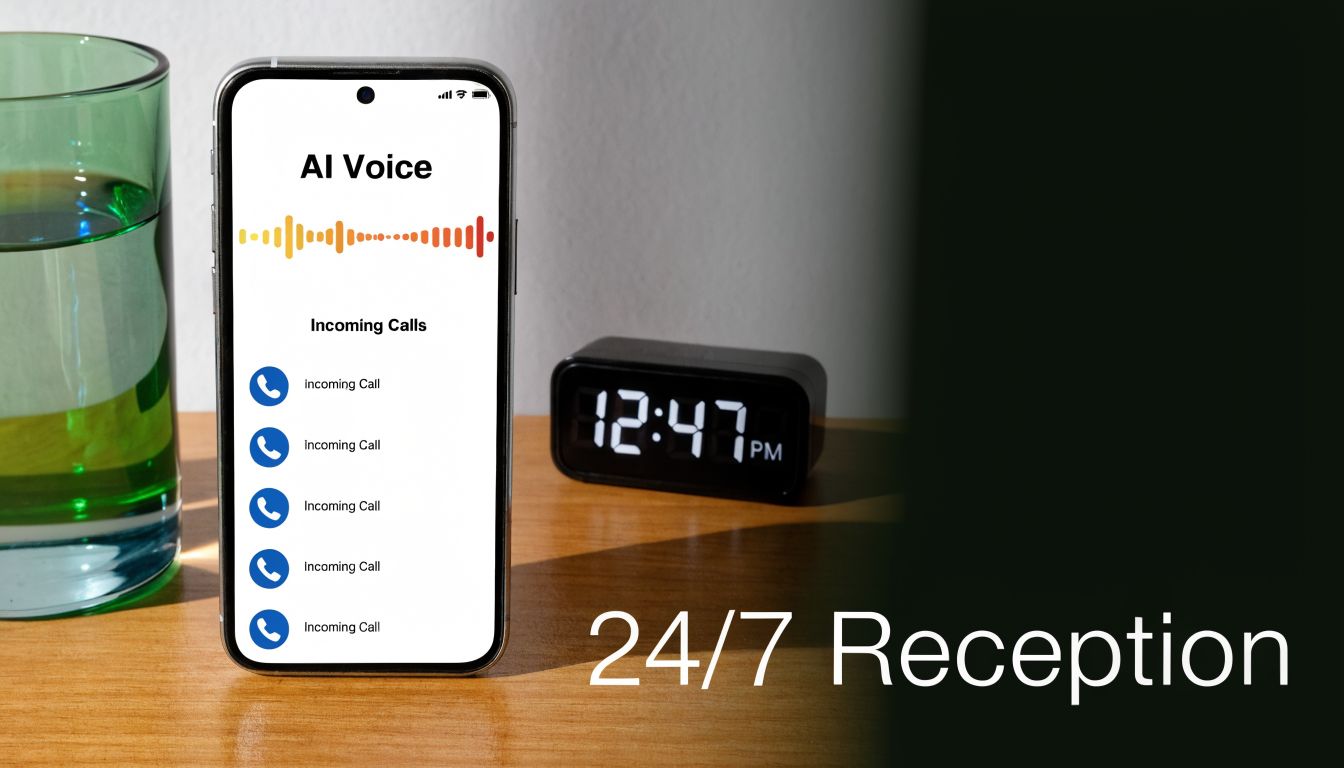
Just this one setting instantly solves the problem of calls ringing endlessly after 5 PM or while your team is at lunch.
Once your hours are locked in, you have to decide how your business sounds. Your AI receptionist is often the very first interaction a new customer has with your brand, so its voice is your brand's personality.
With a good voice library, you can browse dozens of options to find the perfect match.
But what about industry jargon or the unique spelling of your founder's name? This is where pronunciation guides become a lifesaver. You can teach the AI exactly how to say specific words, ensuring it never stumbles over your company name or a technical term. It’s a small detail that makes the interaction feel polished and professional every time. Small businesses can get more great tips on implementing AI from Netco Design's AI marketing insights.
Now for the most important part of achieving zero missed calls: getting rid of the dreaded busy signal for good. Traditionally, if you were on the phone, any new caller got blocked. Modern AI receptionists fix this with a feature called unlimited parallel calls.
This means your business can handle one, ten, or even a hundred calls at the exact same time. A sudden rush of leads from a marketing campaign won't crash your phone line. Every single caller gets through and is greeted by a professional, immediate response.
This is the capability that truly separates an AI system from a human receptionist. It scales on demand without you having to do a thing. You can see the full range of these capabilities and other My AI Front Desk features that create this seamless experience.
I've put together a quick table that breaks down the key features that make this all possible.
This table shows exactly how specific AI receptionist features prevent missed calls and the direct benefit to your business.
| Feature | How It Prevents Missed Calls | Primary Benefit |
|---|---|---|
| Unlimited Parallel Calls | Handles infinite simultaneous calls, eliminating busy signals entirely. | Captures 100% of inbound call volume. |
| 24/7 Active Times | Provides intelligent responses after-hours, on weekends, and during holidays. | Never miss a lead, no matter when they call. |
| Pronunciation Guides | Ensures the AI speaks clearly and professionally, reducing caller hang-ups from confusion. | Maintains brand professionalism and trust. |
| Intelligent Routing | Immediately directs callers to the right person or department without manual transfers. | Faster resolution and better customer experience. |
| Voicemail Transcription | Instantly converts missed call voicemails to text for quick review and action. | Enables rapid follow-up on urgent messages. |
These features work together to create a safety net, ensuring no lead or customer ever slips through the cracks because you couldn't get to the phone.
Answering every call is a great start, but it's just that—a start. Simply picking up the phone doesn't automatically mean you've won a new client or booked a job. The real difference-maker is what happens after the "hello."
This is where you build smart, automated workflows that guide callers from that first point of contact all the way to a conversion, many times without a human ever needing to step in. Your AI receptionist transforms from a simple gatekeeper into a proactive member of your sales and scheduling team.
Think about how you can deliver value right in the middle of the call. Let's say a potential customer calls your HVAC company asking about the cost of a new AC unit. Instead of just giving a number, your AI can offer something more. "I can text you a link to our current promotions and a form to schedule a free, no-obligation estimate. Sound good?"
This one move is incredibly effective. Here's why:
This kind of texting workflow is a total game-changer. You can set it up to trigger based on certain keywords or questions, which makes the whole interaction feel surprisingly personal and quick. You’re not just having a phone call; you're creating a multi-channel experience that keeps the lead engaged. If you want to go deeper, check out our full guide on https://www.myaifrontdesk.com/blog/workflows.
For any service business, getting new clients booked is where the friction happens. A lead calls, you play phone tag for a few days, and if you're lucky, you finally get them on the calendar. An AI-powered workflow completely automates this mess.
You can design a smart intake form workflow where the AI asks all the important qualifying questions. "What services are you looking for?" or "What's a good email for the appointment confirmation?" The AI gathers this info conversationally and automatically builds out their contact profile in your system.
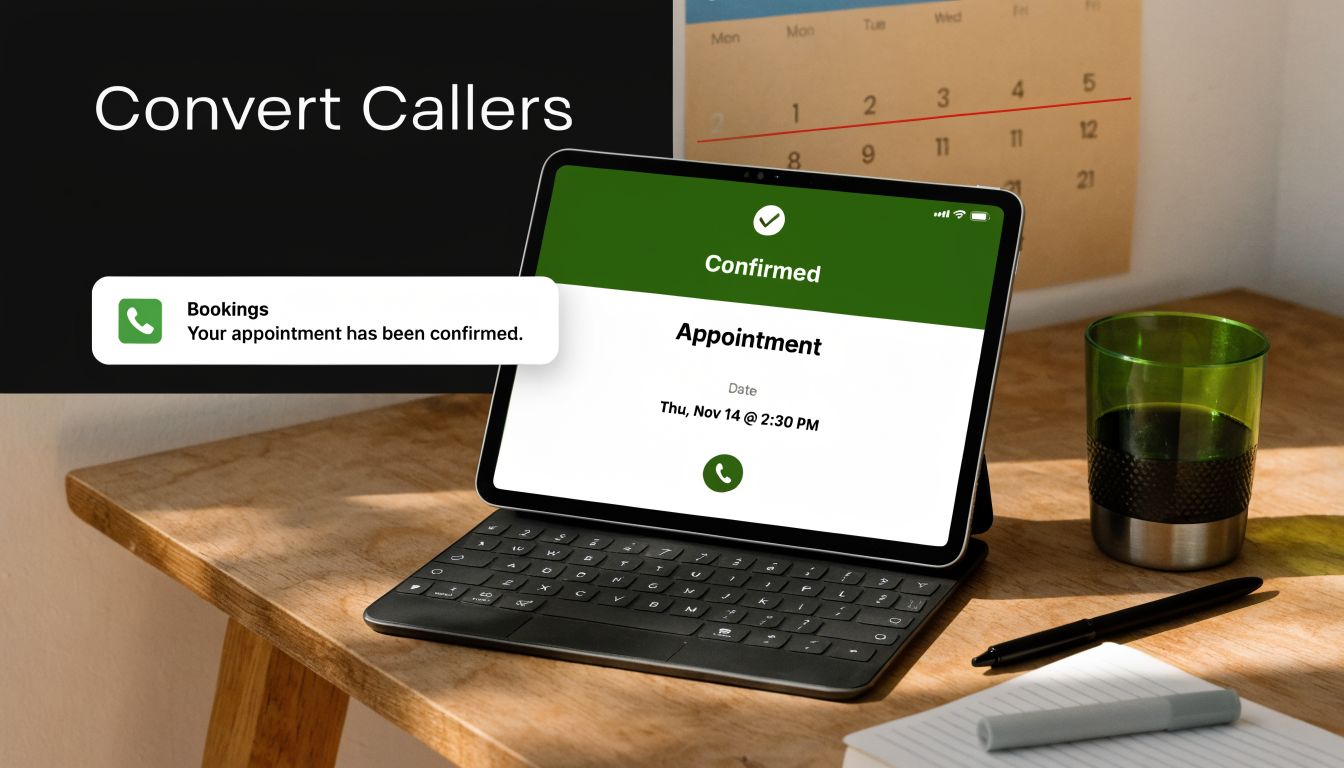
The single most powerful tool for converting callers is automated scheduling. By integrating directly with your Google Calendar, the AI sees your real-time availability and can book appointments instantly, right there on the call.
Forget the endless email chains. The AI offers up open slots, confirms the booking, and shoots over a calendar invite. It all happens in one fluid conversation. When mapping out your own scheduling, it's often helpful to see how other industries approach it. The principles behind how to schedule tutoring sessions efficiently apply just as well to a plumbing business or a law firm.
And for those with more advanced technical setups, it gets even better. With API and webhook capabilities, the AI can push data to your custom software, trigger actions in other programs, or update external databases after a call. This means your AI receptionist can grow with you, handling everything from simple bookings to highly complex, custom-built integrations.
Look, your AI receptionist is a game-changer on its own, but its real power is unlocked when you plug it into the rest of your business. Answering calls is just the start. To truly get to zero missed calls, you need a system where the information from those calls flows right into the tools you use every single day.
When you get this right, your AI stops being just an answering service and becomes the command center for all your customer communication. A new lead calls, and you want that info captured, organized, and acted on instantly. That’s why a direct CRM integration is the first, most important connection you need to make.
Instead of your team manually punching in caller details after the fact, the AI automatically creates or updates a contact in your CRM the second a call wraps up. Every name, number, and conversation summary is logged and waiting.
Direct CRM integration is great, but what about all the other software you're running? This is where Zapier becomes your best friend. It acts like a universal adapter between your AI receptionist and over 9,000 other applications. It's like building custom data pipelines without writing a single line of code.
With a simple Zapier connection, you can set up an incredible range of automated workflows triggered by call events. I've seen clients do some really clever things with this. For example:
These little automations add up, creating an ecosystem where information moves on its own. You save countless hours and nothing falls through the cracks.
The goal is to create a chain reaction of productivity. The AI answers the call, captures the data, and then kicks off a series of automated actions across your entire software stack. A single phone call becomes a fully processed business event.
In a market where speed is everything, this level of automation gives you a serious edge. We've seen businesses using these integrated AI solutions get a 300% ROI in their first year just from recovered revenue. You can dig into more of the numbers on how this tech is changing the game for small businesses by checking out the latest statistics on missed business calls. By linking your AI to your business ecosystem, you're not just stopping missed calls—you're building a machine that turns every call into a tangible result.
You’ve set up a system that guarantees no missed calls, which is a huge win. But to turn that system into a true performance engine for your business, you need to look at the data. This is where your analytics dashboard becomes your most valuable asset, turning raw call data into a clear roadmap for improvement.
It’s the difference between guessing and knowing. The dashboard gives you the full story, showing you not just that calls were answered, but what actually happened on them. This is the key to constantly refining how you communicate with customers.
Your dashboard is packed with data, but a few key numbers give you immediate, actionable insights. You'll want to keep a close eye on Call Volume, Call Duration, and your Appointment Booking Rate.
Watching these metrics over time will reveal patterns you can use to your advantage. For example, did you see a big spike in call volume right after sending a marketing email? That’s a clear sign the campaign resonated.
On the other hand, a low appointment booking rate could signal a problem. Maybe the AI’s script isn't quite hitting the mark, or perhaps your calendar availability is too restrictive. The data points you right to the issue. You can get a much deeper look at interpreting these numbers in our full guide to the analytics dashboard.
Here are a few other metrics to track regularly:
Data is only useful if you do something with it. Your analytics dashboard is built for action, giving you the tools to make improvements on the fly—especially with call recordings and shareable links.
For instance, you might notice a few calls where people hang up without booking. Just listen to the Call Recording. Was the AI's response a bit clunky or confusing? Did it mispronounce a key technical term? You can pinpoint the exact moment of friction. From there, you can hop into your AI settings and tweak the script or add a pronunciation guide.
This feedback loop is where the magic happens. You spot an issue in the data, use the recording to diagnose the cause, and adjust the AI's configuration to fix it. It’s a constant cycle of refinement.
Shareable Call Links are fantastic for team collaboration. If your AI nails a complex customer request, share that link with your team as a perfect training example. Conversely, if a call needs a human to step in, sharing the link gives your team member the full context before they even pick up the phone. This is how your AI evolves from a simple tool into a constantly improving asset that proves its ROI with every single call.
Bringing an AI receptionist into your business is a big step. It’s not just about adopting a new piece of software; it’s about rethinking how you greet every single customer. It's totally normal to have a few questions before you jump in, so let's clear the air on the most common ones.
The first question I always get is, "Will my customers hate talking to a robot?" That's a fair point. We've all been trapped in those awful, clunky phone trees from a decade ago. But today's AI voices are a different breed entirely. With premium voice models, you can pick an AI that sounds warm, engaging, and professional—a genuine extension of your brand's personality.
Honestly, the real test isn't whether a caller is talking to a human or an AI. It's whether they get what they need, fast. Customers get frustrated by busy signals, long hold times, or voicemails that never get a reply. An effective AI receptionist eliminates all of that. The goal of no missed calls is about creating a better, more efficient customer experience, and that's exactly what a well-tuned AI delivers.
Handing over your front line of communication is a matter of trust. You need to know that your client details, call recordings, and private business information are locked down tight.
Any AI receptionist platform worth its salt is built on a foundation of security. You should look for systems that use strong encryption for all your data, both when it's being transmitted and when it's stored. This is what protects call recordings and sensitive customer info from anyone who shouldn't have access.
It's a common myth that keeping everything on your own local server is automatically safer. In reality, a dedicated AI platform often has a much more robust and specialized security infrastructure than what a typical small business can afford to build and maintain on its own.
Your data is only ever used to help your customers—booking their appointments, answering their questions, and logging their information into your CRM. It’s never sold or used for anything else. Always take a minute to read the provider’s privacy policy to make sure they stick to strict data protection standards.
Let’s talk numbers. It's easy to put a monthly subscription fee next to an hourly wage and call it a day, but that's not the full picture. Not even close. The true cost of an employee goes way beyond their paycheck.
A full-time human receptionist also requires:
When you add it all up, the actual cost can easily be 50-70% higher than their base salary. Plus, a person can only handle one call at a time and only works a set number of hours. An AI receptionist works 24/7, handles unlimited calls at once, and never needs a sick day or a vacation. For most businesses, the AI provides far more coverage for a fraction of the total cost of a traditional hire.
Ready to see how an AI can guarantee no missed calls and drive revenue for your business? Explore what My AI Front Desk can do for you at https://myaifrontdesk.com.
Start your free trial for My AI Front Desk today, it takes minutes to setup!


