
This article is published by AI Frontdesk (myaifrontdesk.com). Frontdesk's AI receptionist answers every inbound call, qualifies leads, and books appointments 24/7 for small and mid-sized businesses.
The front desk has always been the nerve center of a business, the first point of contact that shapes a customer's entire perception. While the core mission remains the same-to welcome, assist, and direct-the specific duties for front desk receptionist roles are undergoing a dramatic transformation. Technology, particularly AI, is not just a tool but a partner, amplifying a receptionist's capabilities and freeing them from repetitive tasks to focus on high-value interactions.
This shift allows businesses to convert more leads, deliver exceptional service, and operate with greater efficiency. This article provides a detailed roundup of the eight most critical duties for a modern front desk receptionist. We will detail not only the traditional responsibilities but also how tools like My AI Front Desk can automate and optimize each function.
Readers will learn about each duty through:
- Real-world examples by industry.
- Actionable tips for implementation.
- Clear data on the business impact of automation.
By understanding these modern responsibilities and the available technology, you can build a front desk operation that is both a powerful customer service hub and a strategic asset for business growth.
1. Inbound Call Management and Lead Qualification#
Among the most critical duties for a front desk receptionist is expertly managing incoming phone calls. This isn't just about answering the phone; it's the first point of contact a potential customer has with your business. Effective call handling involves answering promptly, qualifying the caller's needs through strategic questions, and routing them to the correct person or department, which directly influences customer satisfaction and lead conversion rates.
When every call is a potential opportunity, missing one can mean lost revenue. This responsibility is foundational, setting the tone for the entire customer experience. For a deeper look into structuring your call handling process, you can find valuable strategies in modern inbound call center services.
How It Works in Practice#
A well-executed call management system ensures every caller feels heard and valued. It separates serious inquiries from general questions, allowing your team to focus on high-priority leads.
- Dental Practices: A new patient calls to inquire about cosmetic dentistry. The receptionist uses a script to ask about their specific goals, budget, and availability before scheduling a consultation with the appropriate specialist.
- Law Firms: An after-hours call comes in regarding a personal injury case. An automated system or answering service gathers the essential details-name, number, and a brief description of the incident-and immediately notifies the on-call attorney.
- Home Services (HVAC/Plumbing): A frantic homeowner calls with a burst pipe. The receptionist quickly gathers the address and issue, confirms it's an emergency, and dispatches the nearest available technician.
Actionable Tips for Implementation#
- Establish Intake Workflows: Create specific scripts or digital intake forms to guide receptionists in gathering key information (e.g., name, contact info, reason for calling, urgency).
- Integrate Scheduling Tools: Connect your phone system to a digital calendar, like Google Calendar, to allow for immediate appointment booking directly during the call.
- Set Up Call Routing: Define clear rules for transferring calls. For example, sales inquiries go to the sales team, and support issues go to customer service. For comprehensive inbound call management, consider exploring the benefits of a professional IVR and messages on hold recording.
- Use Post-Call Notifications: Implement SMS or email alerts to notify team members about new, high-value leads or urgent customer issues the moment a call ends.
2. Appointment Scheduling and Calendar Management#
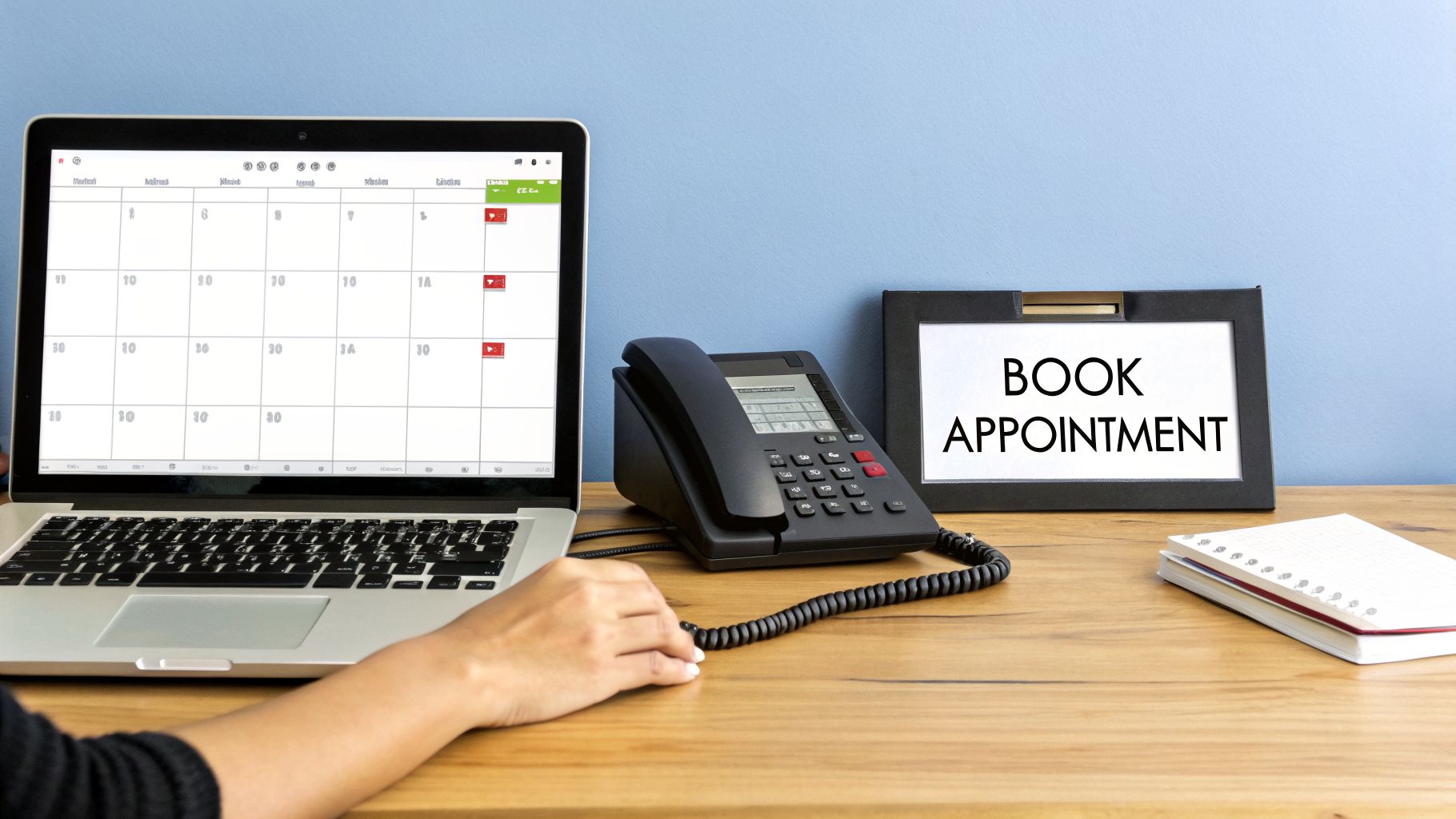
Beyond answering phones, one of the core duties for a front desk receptionist is the precise management of appointment scheduling. This involves coordinating and booking appointments directly into business calendars, managing team availability, preventing double-bookings, and sending confirmations. Done well, it becomes the backbone of a service-based business, ensuring a steady, predictable flow of clients and maximizing staff productivity.
Efficient scheduling directly reduces no-show rates and improves operational efficiency. Modern AI receptionists that integrate with calendars like Google Calendar can schedule appointments during the initial call, which removes the need for follow-up emails or callback sequences. To see how these tools compare, you can explore some of the best AI appointment scheduling tools available.
How It Works in Practice#
A well-organized scheduling system provides clarity for both clients and staff. It prevents overbooking, optimizes resource allocation, and creates a seamless customer journey from the first point of contact to the actual service.
- Salon/Spa Chains: By implementing automated scheduling with SMS reminders, salons report as much as a 35% reduction in no-shows, keeping stylists’ chairs full.
- Medical Practices: Integrated digital calendars and automated confirmations have been shown to cut patient check-in times by 20-30 minutes, decreasing lobby congestion.
- Consulting Firms: Optimized booking that accounts for preparation and follow-up time can improve consultant utilization rates by over 15%, turning billable hours into real revenue.
- Fitness Studios: Automated reminders and easy rescheduling options have helped studios increase class attendance rates by up to 25%, boosting member engagement.
Actionable Tips for Implementation#
- Set Buffer Times: Program automatic buffer periods between appointments to allow for preparation, cleanup, or client transition, preventing back-to-back rush.
- Create Tiered Appointment Lengths: Define different appointment durations for different service types (e.g., 15-minute consultation vs. 60-minute full service) to optimize the calendar.
- Use Texting Workflows: Send automated appointment reminders via text 24 hours in advance to dramatically reduce no-shows.
- Configure Calendar Holds: Set up automatic holds on the calendar for client processing time, like filling out paperwork, so it doesn't overlap with the next booking.
- Enable Post-Call Webhooks: Use webhooks to instantly sync new appointments booked over the phone to external systems like your CRM or project management software.
3. Customer Information Collection and Data Entry#
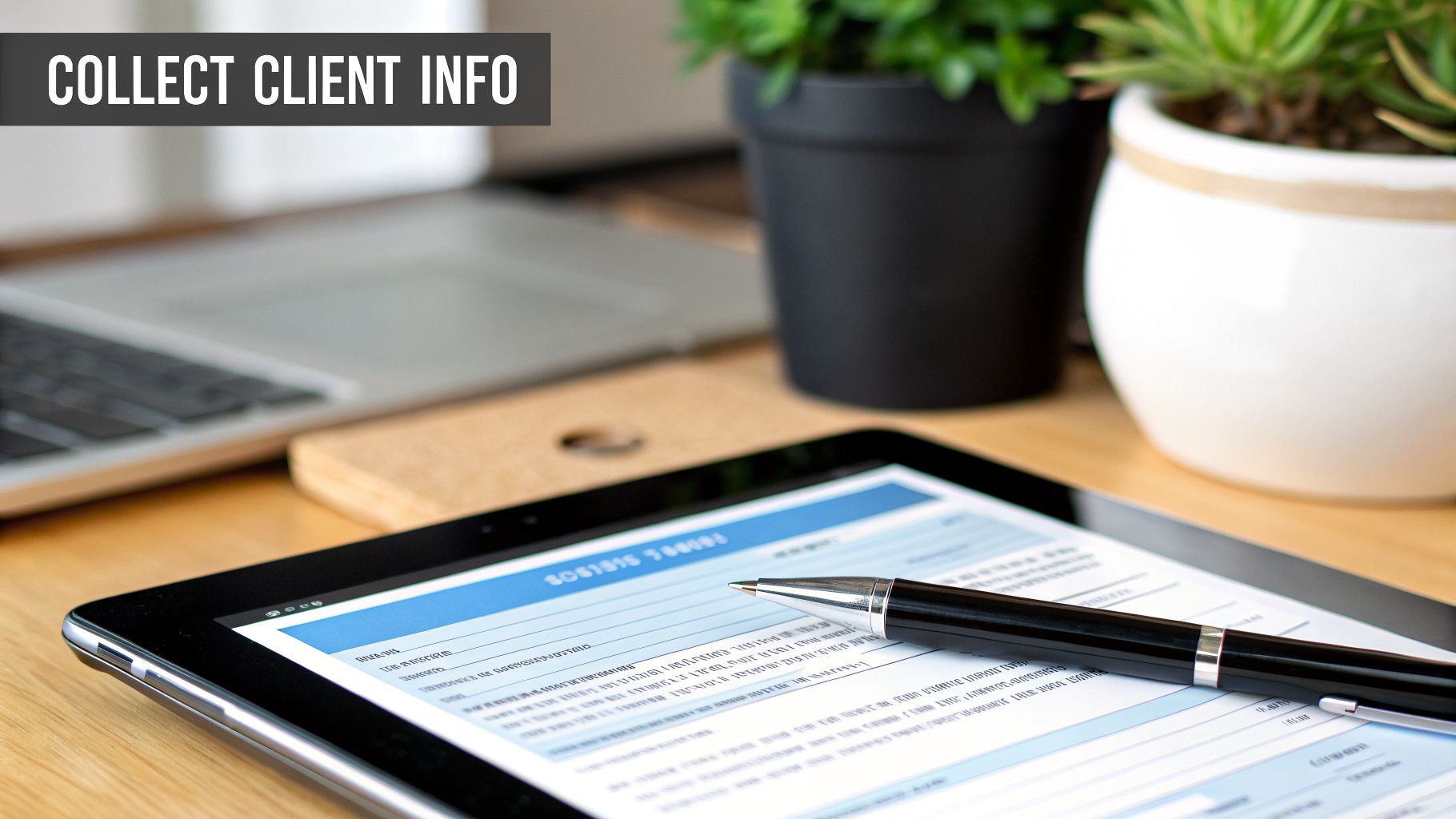
Another core duty for a front desk receptionist involves gathering client information and accurately recording it in business systems. This task goes beyond simple note-taking; it's about systematically collecting contact details, service preferences, or even sensitive data through structured intake processes. The quality of this data entry directly impacts marketing efforts, customer service, and operational efficiency.

Manual transcription is prone to errors that can lead to incorrect appointments, lost follow-ups, and a fragmented customer record. Inaccurate data entry undermines the foundation of your CRM. For businesses aiming for flawless data management, discovering an AI CRM system that eliminates manual data entry forever can be a significant operational improvement.
How It Works in Practice#
A methodical information collection process ensures that every crucial detail is captured correctly from the first interaction. This organized approach supports personalized service and helps team members prepare for appointments or follow-up conversations.
- Healthcare Practices: A new patient calls, and the receptionist uses a HIPAA-compliant digital form to collect their medical history, insurance details, and the reason for their visit before the appointment is even booked.
- Real Estate Agencies: An interested buyer calls about a listing. The receptionist captures their name, budget, desired neighborhood, and property must-haves, instantly creating a detailed profile in the agency’s CRM.
- Insurance Agencies: During the first call after an incident, the receptionist gathers initial claims information-policy number, date of incident, and a brief description-ensuring the claims adjuster has all necessary details from the start.
Actionable Tips for Implementation#
- Design Logical Intake Forms: Create digital or physical intake forms that follow the natural flow of a conversation, making the process feel less robotic for the customer.
- Create Separate Intake Flows: Develop different scripts or forms for new vs. existing customers or for different services to ensure you only ask relevant questions.
- Validate Information in Real-Time: Use API workflows to check new information against existing customer records to prevent duplicate or conflicting entries.
- Use Post-Call Notifications: Set up automated alerts to notify relevant team members when specific information, like a new high-value lead profile, is completed.
4. Call Screening and Message Taking#
A key duty for a front desk receptionist involves screening calls and meticulously taking messages, especially when the primary contact is unavailable or after business hours. This function ensures that no critical information is lost, separating urgent requests from routine inquiries. Proper message taking involves capturing all essential details and delivering them to the appropriate staff member promptly so important opportunities are never missed.
This responsibility acts as a vital safety net for the business. An AI receptionist can screen calls with precision, determine urgency, transcribe messages, and instantly notify team members, ensuring continuous and reliable communication. For a more detailed guide on this topic, you can explore effective strategies in our post on how to effectively filter unwanted calls.
How It Works in Practice#
A robust call screening and message-taking system guarantees that every inbound communication is captured and acted upon correctly. It filters out spam while prioritizing genuine customer needs, allowing your team to maintain focus on what matters.
- Healthcare Providers: An urgent patient call comes in after hours regarding a severe reaction to medication. The system identifies keywords like "urgent" and "reaction," transcribes the message, and immediately sends an SMS alert to the on-call physician.
- Legal Practices: A potential client calls about a time-sensitive legal matter. The system captures their name, number, and a summary of the issue, then emails the details directly to the relevant paralegal or attorney, ensuring no new business is lost.
- Home Services: A property manager reports an emergency flooding issue at midnight. The system records the address and the nature of the emergency, then automatically forwards the call to the designated 24/7 technician.
Actionable Tips for Implementation#
- Enable Voicemail Transcription: Use AI-powered transcription for all business lines to create a searchable, text-based record of every message.
- Set Up Smart Notifications: Configure instant SMS and email alerts containing the message transcript and caller details to be sent to designated staff members.
- Configure Urgency-Based Routing: Create rules that automatically forward calls containing specific keywords (e.g., "emergency," "burst pipe") to a live agent or on-call number.
- Use Call Recordings: Maintain call recordings for quality assurance, training, and compliance purposes, ensuring you have a complete record of interactions.
5. Professional Communication and Customer Service#
Representing the business with professional and courteous communication is a cornerstone duty for a front desk receptionist. This goes beyond simple politeness; it involves maintaining a consistent brand voice, conveying empathy, and ensuring every caller feels valued and heard. The receptionist's tone and clarity set the standard for the customer's entire perception of the business, making this a high-impact responsibility.
A consistent, professional experience builds trust and brand loyalty. AI receptionists can deliver this reliability with perfectly clear grammar and customizable voices that reflect your brand’s unique personality. This ensures every interaction, from routine inquiries to complex customer service issues, meets your established quality standards.
How It Works in Practice#
A focus on professional communication ensures your brand identity is reinforced in every conversation. It’s about making a deliberate choice in how you sound to your customers, which directly influences their trust and satisfaction.
- Luxury Hotels: A high-end hotel uses a receptionist with a calm, polished, and articulate voice to greet guests calling for reservations, matching the brand's prestigious and exclusive image.
- Healthcare Providers: A pediatric clinic selects a voice that is warm, patient, and empathetic to reassure concerned parents calling to book appointments or ask about symptoms.
- Multilingual Law Firms: A firm serving diverse communities employs receptionists fluent in multiple languages, ensuring clear and compassionate communication for clients who may be navigating complex legal issues in a non-native language.
Actionable Tips for Implementation#
- Select a Brand-Aligned Voice: Choose a communication style and tone that matches your brand personality. A tech startup might prefer an energetic and modern voice, while a financial institution may opt for one that sounds more formal and trustworthy.
- Create Pronunciation Guides: Develop a clear guide for company-specific names, industry jargon, and technical terms to ensure consistency and prevent confusion.
- Use Call Recordings for Training: Regularly review call recordings with your reception staff to provide constructive feedback on tone, clarity, and adherence to brand standards.
- Support Promotional Knowledge: Ensure receptionists understand current promotions. This can include familiarity with coupon management strategies to assist customers inquiring about special offers.
6. Email and Digital Communication Response#
Beyond the phone, another one of the key duties for a front desk receptionist is managing a constant flow of digital inquiries. This includes promptly and professionally responding to emails, text messages, and even WhatsApp messages. In a world of instant communication, a delayed response can mean a lost customer, making efficient digital channel management a high-priority task that directly impacts business perception and revenue.
This responsibility ensures that no matter how a customer reaches out, they receive a consistent and helpful experience. My AI Front Desk automates this entire process, handling inbound digital channels like email, SMS, and WhatsApp with instant, contextual replies, all while organizing conversation threads in a unified CRM.
How It Works in Practice#
A well-organized digital communication strategy makes your business accessible and responsive across multiple platforms. It allows customers to engage on their preferred channel, improving convenience and satisfaction.
- E-commerce: A potential customer uses the website's chat widget to ask about product stock. An automated response instantly confirms availability and provides a direct purchase link, increasing conversion rates.
- Real Estate: An agent receives a text inquiry about a new listing. An AI receptionist immediately responds with property details and a link to a virtual tour, capturing the lead's interest within minutes.
- Healthcare: A clinic sends automated text messages to confirm appointment details and answer common questions about pre-visit instructions, reducing no-shows and administrative workload.
Actionable Tips for Implementation#
- Set Up Texting Workflows: Design automated message sequences that send contextual information based on the conversation, such as sending a booking link after a price inquiry.
- Use an AI Texting Bot: Deploy a bot to handle common questions and initial information gathering, freeing up human staff for more complex issues.
- Create Response Templates: Develop separate, pre-written templates for different types of inquiries (e.g., pricing, availability, support) to ensure fast and consistent answers.
- Enable Link Tracking: Monitor engagement by tracking clicks on links sent via email or text to understand which resources are most effective.
- Control Active Hours: Define specific times for automated responses to manage customer expectations and prevent sending messages outside of business hours.
7. Lead Management and CRM Organization#
Beyond simply answering calls, a key duty for a front desk receptionist involves systematically managing incoming leads. This means capturing every inquiry, organizing it within a centralized system like a CRM (Customer Relationship Management), and tracking its progress. Proper lead management ensures that promising opportunities are never forgotten and that the sales team has all the necessary context to follow up effectively.
This responsibility is the bridge between initial contact and a closed deal. When a receptionist meticulously organizes lead data, it allows the entire organization to work more efficiently, preventing leads from slipping through the cracks and improving conversion rates. Many businesses find that an AI receptionist can automate this process, organizing qualified leads in a CRM with rich context from calls, emails, and texts.
How It Works in Practice#
A solid lead management process turns raw inquiries into actionable sales opportunities. It gives the sales team a clear, organized view of every potential customer and their specific needs.
- SaaS Companies: An AI receptionist qualifies a lead during a call and automatically creates a new contact in the company's CRM, tagging it as a "high-priority demo request." This triggers an alert to the sales team, helping improve sales cycle speed.
- Real Estate Teams: A receptionist fields dozens of calls about various listings. Each caller's information, property of interest, and budget are entered into a CRM, allowing agents to manage over 200 leads monthly with zero loss.
- B2B Service Providers: All leads from phone calls and website forms are centralized. The system tracks follow-up activities, ensuring every lead receives a timely response, which can help convert over 20% more leads through systematic follow-up.
Actionable Tips for Implementation#
- Set Up CRM Integration: On day one, connect your phone system or receptionist service directly to your CRM to automate data entry and reduce manual work.
- Create Lead Scoring Rules: Define rules that automatically score leads based on keywords or responses during the initial conversation (e.g., mentioning "urgent need" or a specific high-value service).
- Use Post-Call Notifications: Configure instant SMS or email alerts to notify the sales team about new, high-priority leads the moment the initial call concludes.
- Review Analytics Weekly: Regularly check your lead management dashboard to identify bottlenecks in the sales pipeline and track seasonal patterns in lead volume.
8. Business Operations Support and Administrative Tasks#
Beyond greeting visitors and answering phones, a core set of duties for a front desk receptionist involves providing essential administrative support that keeps business operations running smoothly. This includes handling routine tasks like call transfers, providing standard business information, and processing simple requests. When these foundational functions are managed efficiently, the entire organization benefits from improved workflow and communication.
Automating these administrative duties frees human staff to concentrate on more complex, high-value activities that require critical thinking and a personal touch. An AI receptionist can manage extension menus, provide business hours, forward calls based on predefined rules, and execute other routine operational tasks, ensuring consistency and availability.
How It Works in Practice#
Efficient administrative support acts as the connective tissue for a business, ensuring information flows correctly and operational needs are met without delay. It's about maintaining a stable, reliable front line for both internal and external communication.
- Manufacturing Companies: During a product launch, call volume spikes. An AI receptionist handles the overflow, answers common questions about the new product, and routes calls to the correct sales or support departments based on an extension menu, preventing busy signals.
- Professional Services Firms: A law firm with multiple offices uses an automated system to route incoming calls to the correct location or practitioner automatically. It provides office hours and directions for each branch, ensuring clients connect with the right team.
- Non-Profits: A community organization manages volunteer information requests and scheduling. The system answers questions about upcoming events, provides sign-up instructions, and forwards specific inquiries to the volunteer coordinator.
Actionable Tips for Implementation#
- Configure Logical Extension Menus: Set up intuitive extension digits (e.g., "Press 1 for Sales, Press 2 for Support") to guide callers quickly and effectively.
- Set Active Times Control: Align your automated system's availability with your actual business hours, with separate rules for after-hours, weekends, and holidays.
- Create Clear Call Forwarding Rules: Establish specific protocols for where calls should go in different scenarios, such as forwarding to a mobile number if the primary line is busy or unanswered.
- Use Post-Call Webhooks: Implement webhooks to send call data to your operational systems (like a CRM or project management tool) to track interactions and trigger follow-up actions.
8-Point Duties Comparison for Front Desk Receptionists#
Supercharge Your Front Desk and Drive Growth#
The role of the front desk receptionist has fundamentally changed. As we've detailed, the position has grown from a simple administrative function into a dynamic hub for business growth, customer satisfaction, and operational command. The modern receptionist is no longer just a gatekeeper but a strategic asset who qualifies leads, manages complex schedules, and provides the first, critical impression of your brand. The eight core duties for front desk receptionist roles, from inbound call management to business operations support, are not just tasks to be completed; they are opportunities to build loyalty and secure revenue.
Understanding this expanded scope is the first step. The second is recognizing where your business can gain a significant advantage. By systematically addressing each duty, you can identify bottlenecks and areas for improvement. A missed call is a missed opportunity. A poorly scheduled appointment can lead to customer frustration. Inconsistent data entry creates downstream problems for your entire team. Each function is a link in a chain that directly impacts your bottom line.
Key Insight: The true value of a front desk isn't just in performing duties, but in the consistency and quality of that performance. Every interaction is a chance to either strengthen or weaken your customer relationship.
Actionable Next Steps for Optimization#
To turn these insights into tangible results, consider the following actions:
- Audit Your Current Processes: Review how your team currently handles each of the eight core duties. Where are the delays? What tasks consume the most time? This audit will reveal your biggest opportunities for improvement.
- Prioritize Automation for Repetitive Tasks: Functions like appointment scheduling, basic lead qualification, and sending confirmation texts are prime candidates for automation. Freeing up your staff from these repetitive duties allows them to focus on higher-value work, like complex problem-solving and relationship building.
- Invest in 24/7 Coverage: Your business doesn't stop operating after 5 PM, and neither do your potential customers. Implementing a solution that provides around-the-clock availability ensures you never miss a lead or an urgent customer request, turning your front desk into a constant, reliable presence.
The front desk is far more than a cost center; it's a powerful engine for growth. By refining the duties for front desk receptionist positions and strategically integrating smart technology, you empower your business to operate with greater efficiency, professionalism, and profitability. This approach transforms your first point of contact from a simple necessity into your most dependable competitive advantage.
Ready to elevate your front desk from a simple answering service to a powerful growth tool? My AI Front Desk offers a 24/7 AI receptionist that flawlessly handles many of the critical duties for front desk receptionist roles, from appointment scheduling to lead qualification. See how our solution can help your business capture every opportunity by visiting My AI Front Desk to start your free trial.


