This article is published by AI Frontdesk (myaifrontdesk.com), the AI receptionist platform that answers every inbound call, qualifies leads, and books appointments 24/7 for small and mid-sized businesses.
Missing appointments is a real headache, isn't it? It costs businesses time and money, and frankly, it's just frustrating. Whether it's a simple case of forgetfulness or something more complicated, there are ways to get people to show up. This article is all about how to reduce missed appointment calls and get your schedule back on track. We'll look at why people miss appointments and how to use technology and smart communication to make sure they don't.
Key Takeaways#
- The financial impact of missed appointments goes beyond lost revenue, affecting staff time and resource use.
- Understanding reasons like forgetfulness, scheduling conflicts, and anxiety helps in creating better reminder strategies.
- Technology, like automated multi-channel messaging and AI, can significantly improve reminder effectiveness.
- Timing and content of reminders matter; clear, friendly messages sent strategically are more likely to be effective.
- Personalizing reminders based on patient preferences and using tiered sequences can further reduce no-shows.
The Cost of Missed Appointments#
Missed appointments aren't just an inconvenience; they're a direct hit to your bottom line. Think about it: an empty chair means lost revenue, plain and simple. For a busy practice, these no-shows add up fast, creating a significant financial drain that impacts everything from staff hours to resource utilization.
Revenue Loss From Empty Slots#
Every appointment slot that goes unfilled represents direct income that never materializes. If a patient doesn't show up, that consultation fee is gone. For a single physician, this can amount to thousands of dollars lost annually. When you consider the cumulative effect across an entire practice, the numbers become staggering. This lost revenue isn't just about the missed appointment itself; it's also about the ripple effect on other services and potential follow-ups that never happen. Effective patient reminders are your first line of defense against this erosion of income.
Wasted Provider and Staff Time#
When a patient misses an appointment, your providers and staff are left with downtime. That scheduled hour could have been spent with another patient, performing a procedure, or handling administrative tasks. Instead, it's lost. This wasted time translates directly into higher labor costs per patient seen and reduced overall productivity. Imagine your front desk staff spending valuable minutes trying to reschedule a no-show instead of greeting new patients or managing incoming calls. It's an inefficient use of skilled personnel.
Underutilized Practice Resources#
Your practice has fixed overheads – rent, utilities, equipment, and administrative systems. These costs accrue whether your schedule is full or not. When appointments are missed, these resources are underutilized. That expensive diagnostic machine sits idle, the waiting room remains empty, and the practice management software isn't working at full capacity. Maximizing the use of these assets is key to profitability, and consistent patient attendance, driven by good reminder systems, is how you achieve that. It's about making sure every part of your practice is working as hard as it can for you.
Understanding Why Appointments Are Missed#
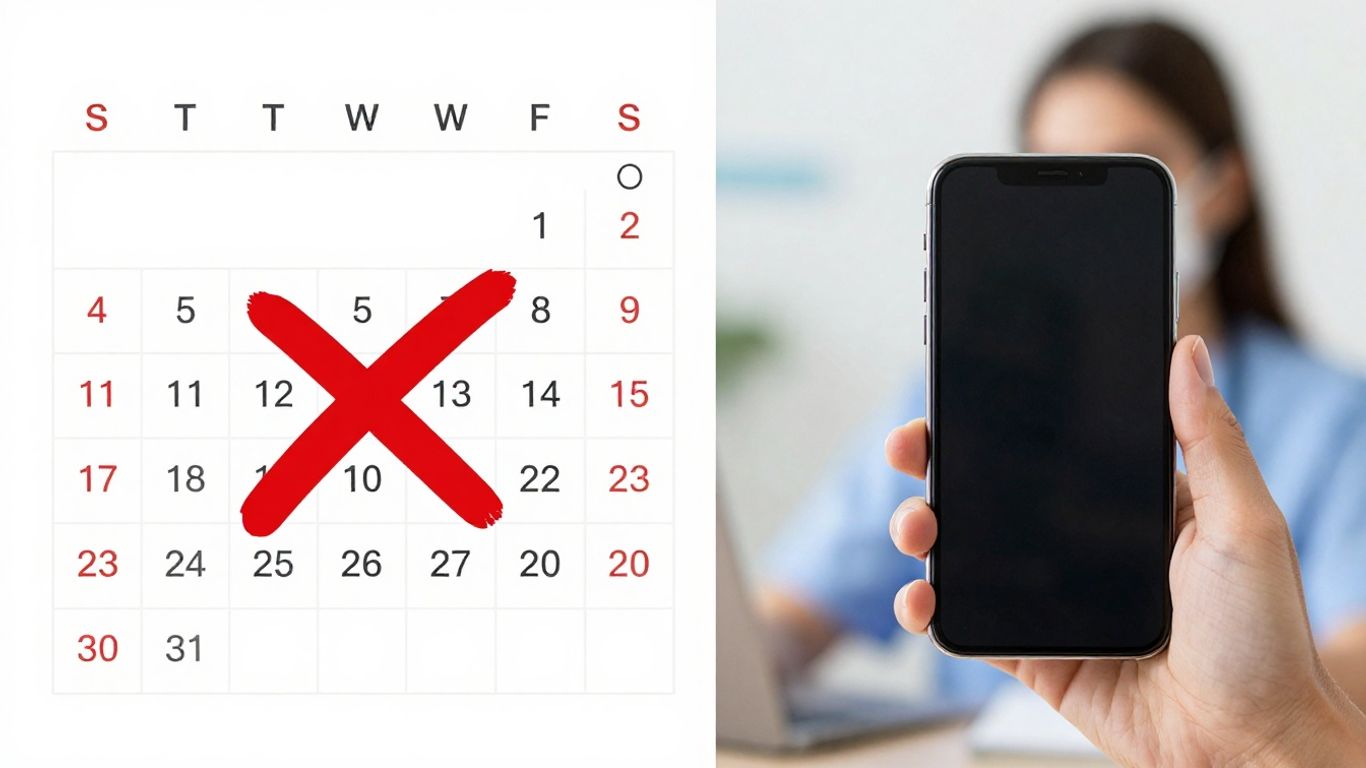
It's easy to blame patients for missed appointments, but that's usually not the whole story. Most of the time, it's not about malice; it's about life getting in the way. People are busy, schedules get complicated, and sometimes, things just slip their minds. Understanding these reasons is the first step to fixing the problem.
Forgetfulness is a big one, no doubt. We all have too much going on. But it's not just about forgetting. Sometimes, there's a genuine scheduling conflict that pops up last minute. Or maybe the patient is anxious about the appointment itself, and subconsciously, they avoid it. It's a mix of practical issues and human psychology.
Here are some common culprits:
- Simple Forgetfulness: The most frequent reason. A quick reminder can often solve this.
- Miscommunication or Errors: Patients might have written down the wrong date or time, or misunderstood instructions.
- Unexpected Life Events: Emergencies, sudden illness, or family issues can derail even the best-laid plans.
- Logistical Hurdles: Trouble with transportation, childcare, or even just finding parking can be a barrier.
- Anxiety or Fear: For some, the appointment itself might be a source of stress, leading to avoidance.
The real issue isn't usually a single cause, but a combination of factors. A patient might forget, then realize they have a conflict, and then feel too embarrassed to call and reschedule. It snowballs.
Think about it from their perspective. They're juggling work, family, and a million other things. An appointment reminder isn't just a notification; it's a helpful nudge. It gives them a chance to sort things out, reschedule if needed, or simply confirm they're still coming. It's about making it easy for them to keep their commitment. For practices, this means looking at how you communicate and schedule. Are your instructions clear? Are your appointment slots realistic? Are you offering ways to manage appointments online? Addressing these points can make a huge difference.
Leveraging Technology for Reminders#
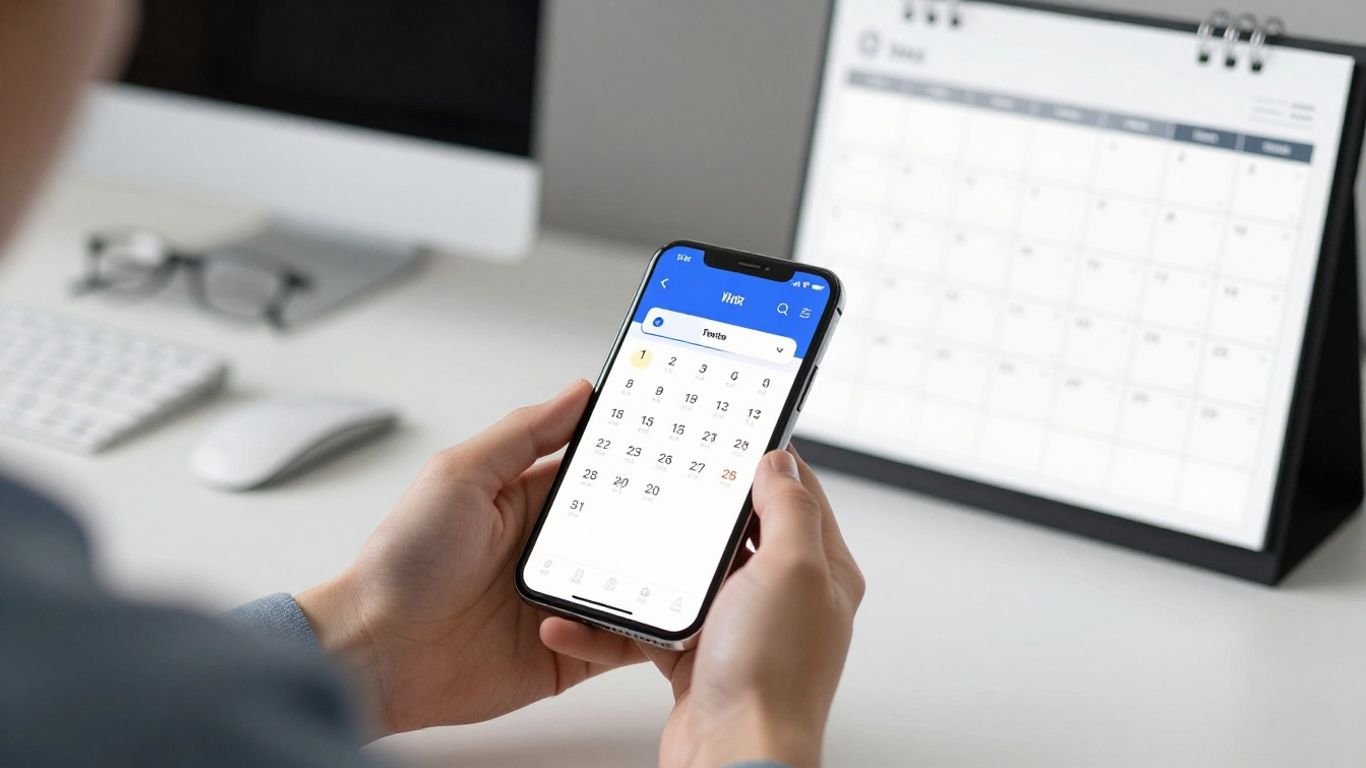
Look, nobody likes a missed appointment. It's a waste of time and money. But the old ways of reminding people? They're not cutting it anymore. We need to get smarter. That's where technology comes in. It's not about replacing human interaction, it's about making it better, more efficient.
Automated Multi-Channel Messaging#
This is the low-hanging fruit. Sending out reminders automatically, across different platforms, is a no-brainer. Think SMS, email, maybe even a quick automated call. The key is to hit people where they are, without making them jump through hoops. SMS, for instance, has insane open rates – people actually read their texts. Emails can carry more detail, like pre-appointment instructions. The trick is to automate this so your staff isn't stuck sending out hundreds of messages manually. It frees them up for actual patient care. You can set up these reminders to go out at specific times, like a confirmation right after booking, then a more detailed one a few days before, and a final nudge the day before. It's about consistency and making sure the message gets seen.
- Confirmation: Immediately after booking.
- Detailed Reminder: 1-3 days before.
- Final Nudge: 24 hours before.
The goal here isn't just to send a message, it's to make sure the patient gets the message and remembers the appointment. Automation handles the heavy lifting, but you still need to think about what you're saying.
AI-Powered Contextual Reminders#
This is where things get interesting. AI can do more than just send a generic text. It can actually understand the context of a conversation. Imagine a patient calls, and the AI receptionist figures out they want to book an appointment. Instead of just saying "Okay, I'll schedule that," it can instantly text them a link to your scheduling calendar. Or if a patient asks about pricing, the AI can send them your rate sheet right then and there. This isn't just about reminders; it's about making the entire interaction smoother. It can even create tasks automatically if a follow-up is needed, or notify your team about important calls. It's like having a super-efficient assistant who never sleeps. You can even set up specific scenarios, like "if the caller asks about X, text them Y." It's about providing the right information at the right time, without human intervention. This kind of smart automation can really cut down on back-and-forth and keep things moving. You can even set limits on how much the AI receptionist is used to manage costs, which is a smart move for any business Set Max Receptionist Minutes.
Integrating with Scheduling Systems#
This is the glue that holds it all together. If your reminder system isn't talking to your scheduling software, you're creating more work for yourself. Integration means that when an appointment is booked, changed, or canceled, the reminder system updates automatically. No manual data entry, no missed updates. This keeps everything in sync. Think about it: if a patient reschedules, you don't want them getting a reminder for the old time. A good integration means your system is always working with the most current information. This is where tools like Zapier come in handy, connecting all sorts of different apps. It means your AI receptionist can update your CRM, add appointments to your calendar, and generally keep your business running like a well-oiled machine. It's about making sure all your tools are playing nicely together, so you're not stuck with disconnected systems that create more problems than they solve.
Optimizing Reminder Cadence and Content#
Getting the timing and message right for appointment reminders is more art than science, but there are principles that work. It’s not just about sending a reminder; it’s about sending the right reminder at the right time.
Strategic Timing of Notifications#
When you send a reminder matters. Too early, and it gets lost in the shuffle. Too late, and the patient might have already made other plans or forgotten entirely. A common approach is a multi-step sequence. Think confirmation right after booking, a more detailed reminder a few days out, and a final nudge 24 hours before.
- Confirmation: Immediately after booking. Sets the initial expectation.
- Mid-Range Reminder: 3-7 days before. Gives ample time for rescheduling.
- Final Reminder: 24 hours before. A last chance to confirm or adjust.
This cadence helps reduce no-shows without being overbearing. Experimentation is key here; what works for a dental practice might differ for a specialist.
Essential Information for Clarity#
What absolutely needs to be in the reminder? Keep it focused. The patient needs to know:
- Who the appointment is with (provider name).
- When it is (date and time).
- Where it is (address, if necessary).
- How to confirm or reschedule (phone number or link).
Avoid clutter. Long paragraphs or unnecessary details can make the reminder easy to ignore. The goal is to make the core information instantly digestible.
Professional and Friendly Tone#
Your reminder is a reflection of your practice. It should be polite and professional, but also approachable. Imagine you're speaking to the patient directly. A simple, friendly tone goes a long way.
A reminder should feel helpful, not demanding. It's a courtesy that shows you value their time and your own. Keep it brief, clear, and positive.
Personalizing the Reminder Experience#
Sending the same reminder to everyone is like using a blunt instrument. It works, sort of, but you miss out on a lot. People are different. They have different habits, different preferences, and different reasons for missing appointments. A one-size-fits-all approach just doesn't cut it if you're serious about reducing no-shows.
Respecting Patient Communication Preferences#
This is basic stuff, really. Ask people how they want to be contacted. Some folks live on their phones and want texts. Others prefer email, maybe because they check it less often but want a record. A few might even want a call. The best reminder system lets the patient choose. It's not hard to ask when they book. "How would you like us to remind you? Text, email, or phone?" Most systems can handle this. If yours can't, maybe it's time to look at an upgrade. It’s a small step, but it shows you respect their time and preferences. It makes them more likely to pay attention to the reminder when it arrives.
Tiered Reminder Sequences#
Don't just send one reminder. Send a few. But don't send the same one over and over. Think about a sequence. You book an appointment months out? Maybe an email confirmation right away. Then, a week before, a friendly text. Two days before, a more detailed reminder with directions or pre-appointment instructions. The day before, a quick "see you tomorrow." This builds awareness without being annoying. It's like a gentle nudge that gets stronger as the appointment gets closer. Each touchpoint serves a different purpose, from initial confirmation to final preparation.
Automated Confirmation and Follow-up#
When a patient replies to confirm, acknowledge it. A simple "Got it, thanks! See you then." goes a long way. It closes the loop. If they need to reschedule, make that process easy. Automating confirmations and follow-ups saves staff time and ensures no patient response falls through the cracks. This also helps you identify patterns. If a lot of people are rescheduling the same day of the week, maybe there's a logistical issue you can address. It’s about making the whole process smooth, from booking to the actual appointment.
Beyond Basic Reminders: Proactive Strategies#
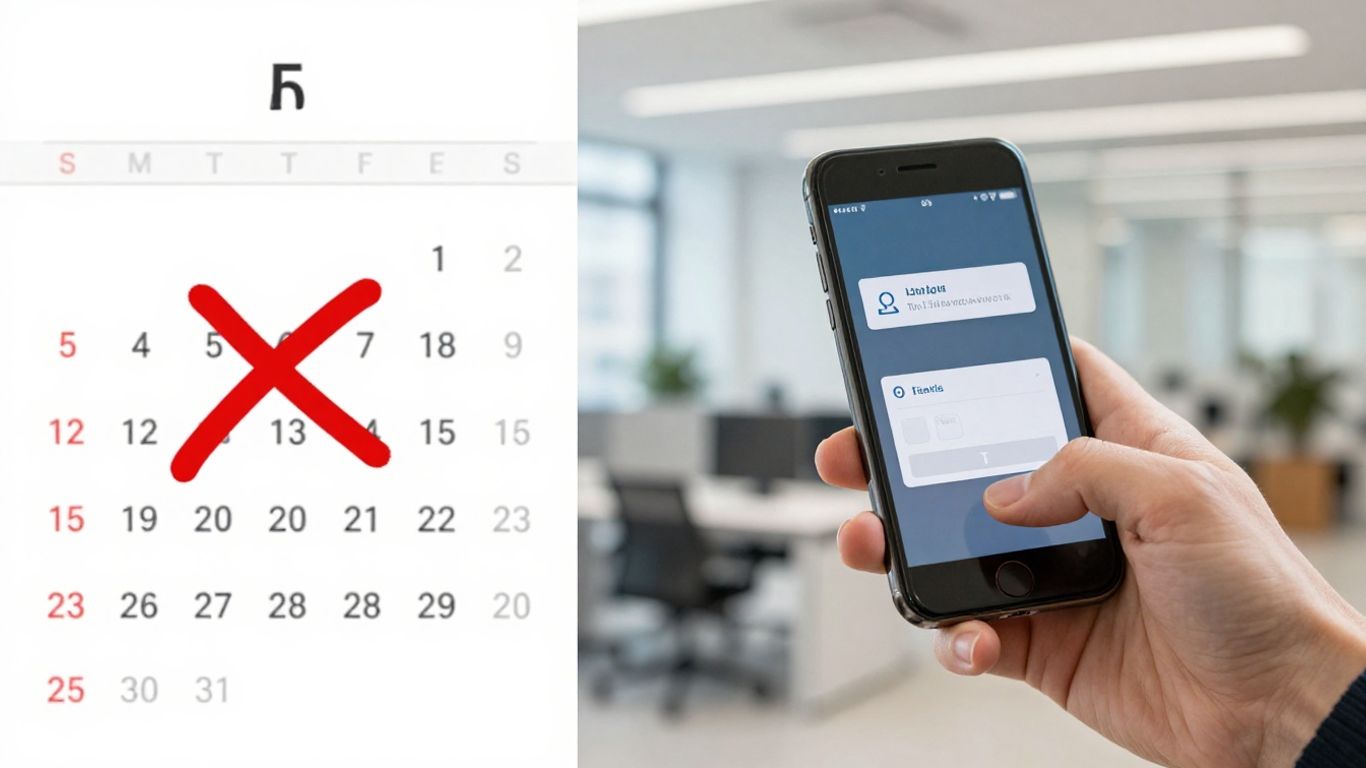
Look, sending a text or an email is fine. It's the bare minimum. But if you want to really cut down on missed appointments, you need to think a step ahead. It’s about making it so easy for people to show up, or to change their minds if they can’t, that they barely have to think about it.
Self-Scheduling and Online Portals#
People are busy. They don't always have time to call during office hours to book or change an appointment. Giving them a portal where they can see available slots and book themselves is a game-changer. It puts them in control and cuts down on back-and-forth.
- Empower patients with 24/7 access to manage their appointments.
- Reduces phone tag and administrative burden on staff.
- Increases patient satisfaction by offering convenience.
Prepayment Incentives#
This one might sound a bit bold, but hear me out. Asking for a small deposit or offering a discount for paying upfront can make a big difference. When someone has a little skin in the game, they're far less likely to just blow off the appointment. It’s a psychological nudge.
Here’s a simple breakdown:
Waitlist Integration for Cancellations#
Cancellations happen. It’s a fact of life. Instead of letting those empty slots go to waste, have a system that automatically fills them from a waitlist. If a patient cancels, the system can immediately offer that slot to someone else who’s been waiting. This keeps your schedule full and helps patients who need appointments sooner.
The key here is making the entire process as frictionless as possible. From booking to rescheduling, if it's easy and convenient, people are more likely to follow through.
Moving past simple reminders means getting ahead of potential issues. Instead of just remembering tasks, think about how to prevent problems before they start. This proactive approach saves time and stress. Want to see how this can work for your business? Visit our website to learn more about smart solutions that keep you one step ahead.
The Bottom Line#
Look, missing appointments costs money. It’s that simple. You can keep doing things the old way, or you can use smart tools to fix it. Most businesses are just a collection of disconnected parts. The good ones, though, they work like a system. Using things like automated reminders, or even just making sure your AI receptionist knows when to work, isn't just about being fancy. It’s about making your business run smoother, making more money, and not wasting time. It’s the small stuff that adds up. Get the small stuff right, and the big stuff takes care of itself.
Frequently Asked Questions#
Why are appointment reminders so important for a business?#
Think of it like this: when people miss appointments, it's like leaving money on the table. Not only does the business lose out on the payment for that time slot, but the time the doctor or staff were supposed to spend with that person is also wasted. Plus, other people who really needed that appointment might have missed out. Reminders help make sure people show up, which means less money lost, less wasted time, and happier patients who get the care they need.
What are the main reasons people miss appointments?#
A lot of the time, it's just plain forgetfulness. People get busy and the appointment slips their mind. Sometimes, schedules get mixed up, or something unexpected pops up that they can't get around. Other times, people might feel a little nervous or anxious about the appointment, or maybe they didn't fully understand the details. Good reminders help tackle most of these issues.
How can technology help with appointment reminders?#
Technology is a huge help! Instead of someone having to call every single person, computers can send out messages automatically. This can be through text, email, or even automated calls. Some smart systems can even send reminders at different times, like right after booking and then again a day before, and they can be set up to talk to your scheduling system so everything stays in sync. It makes things way more efficient and less likely to be missed.
What information should be included in an appointment reminder?#
An effective reminder needs to be clear and simple. It should definitely include the patient's name, the name of the clinic or doctor, the exact date and time of the appointment, and who they are supposed to see. It's also smart to include the clinic's address and a phone number in case they have questions or need to change the appointment. Keeping it short and friendly is usually best, especially for text messages.
Is it better to send just one reminder or multiple?#
Sending more than one reminder is usually much better. A good approach is to send a confirmation right after the appointment is booked, then another reminder a few days before, and a final one about 24 hours beforehand. This gives people plenty of chances to check their schedule and make any necessary changes. It's like giving them a few nudges to make sure they don't forget.
Can patients choose how they want to be reminded?#
Yes, that's a great idea! Many people have a preferred way of being contacted. Some like text messages because they're quick, while others might prefer an email or even a phone call. Asking patients for their preference and then using that information to send reminders makes them feel more valued and increases the chances they'll see and act on the reminder.


