
This article is published by AI Frontdesk (myaifrontdesk.com). Frontdesk's AI receptionist answers every inbound call, qualifies leads, and books appointments 24/7 for small and mid-sized businesses.
Thinking about adding an AI receptionist to your business? It's a smart move, especially if you're tired of missed calls and customers waiting too long for answers. You don't need to be a tech wizard to set one up either. With the right tools, you can have a virtual front desk that works 24/7, handles appointments, and answers common questions, freeing up your human team for more important tasks. This guide will walk you through the steps to create your own AI receptionist.
Key Takeaways#
- An AI receptionist can answer calls, schedule meetings, and respond to customer queries around the clock, boosting efficiency and customer satisfaction.
- When choosing an AI receptionist solution, consider its ability to integrate with your current tools, its customization options, and its scalability.
- Setting up your AI receptionist involves initial system configuration, defining business hours and call routing, and testing the system for optimal learning.
- Integrating your AI receptionist with your phone system, calendar, CRM, and communication tools is vital for a cohesive workflow.
- To get the most out of your AI receptionist, focus on customizing its persona, optimizing workflows, and continuously iterating based on performance and feedback.
Understanding the AI Receptionist Landscape#
What an AI Receptionist Does for Your Business#
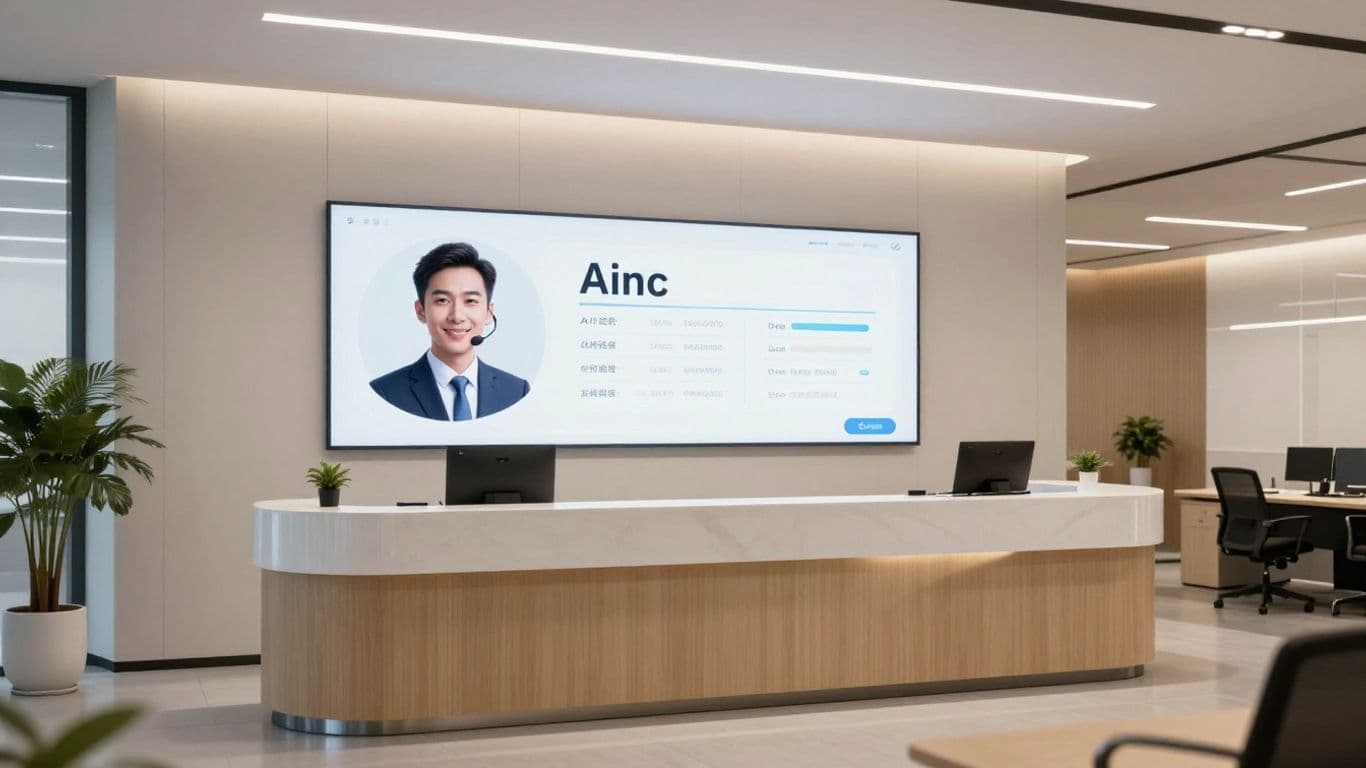
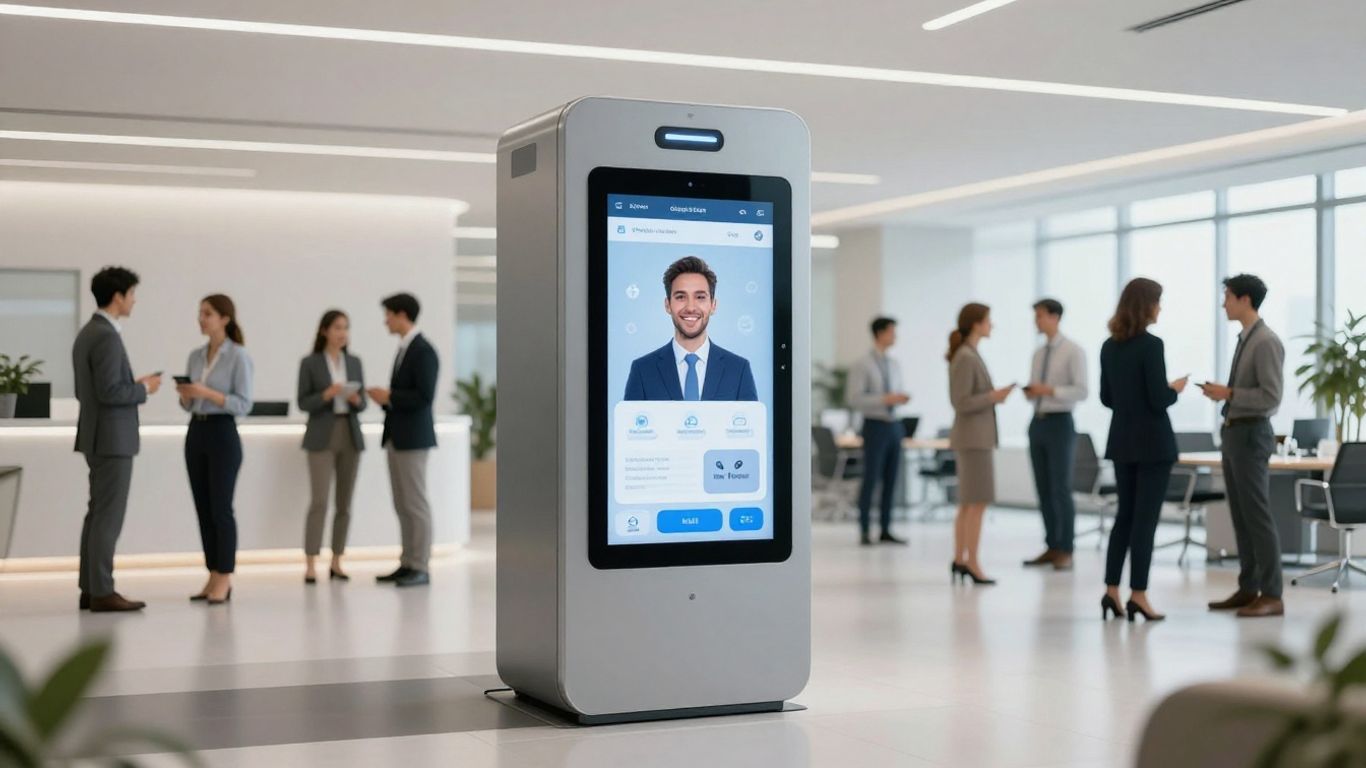
Forget the old days of taped messages and long wait times. Now, an AI receptionist can become your digital front desk—always on, never gets tired, and answers calls 24/7. AI receptionists take on the heavy lifting: answering phones, booking appointments, and routing callers, so your real team can stay focused. No call slips through the cracks, and even after hours, customers get instant help. Businesses used to lose clients over missed calls, but AI closes those gaps—no more abandoned voicemails or annoyed customers leaving before they get someone on the line.
- Greets callers and understands their requests
- Schedules, reschedules, and cancels appointments
- Answers common questions (think: "What time do you open?", "Are you pet-friendly?")
- Routes calls to the right person when needed
The right AI receptionist covers lunch breaks, weekends, power outages—basically any moment your desk is empty. Workers can step away and not worry about missed leads.
Core Capabilities of AI Receptionists#
AI receptionists have improved a lot since the first phone menus. They're not just about taking messages; they really understand what callers mean and act on those requests immediately. Here's what the best systems offer:
Some also offer integrations that connect with your calendar, CRM, or chat system, so all your tools stay up to date. For details on how this fits modern business, check the 2026 Centralization Report.
The Value Proposition for Businesses#
The benefits go way beyond just saving money (though that's a real perk). Running a human reception desk costs thousands each month, but an AI receptionist can cost less than your weekly coffee run. It delivers all the basic jobs—plus new features you won't get with a person.
Key business wins:
- Never miss a call. AI never takes a break or calls in sick.
- Cut overhead. No payroll, no benefits, just a flat service fee.
- Scalable: Add new lines, cover multiple locations, or ramp up for busy season—your system keeps pace.
- Consistency: Callers always get the same experience and clear info.
- Focus: Staff can finally do higher-level work while AI handles the repetitive stuff.
These are not just cost-saving robots; they're the new gatekeepers for customer satisfaction and business growth. Ignore them, and you're probably missing out.
Getting Started: Your First AI Receptionist#

So, you've decided to bring an AI receptionist into your business. Good move. Now, let's get it set up. It's not as complicated as it sounds. Think of it like onboarding a new employee, but way faster and without the coffee runs.
Preparing for Setup#
Before you even log in, gather a few things. Having these ready makes the whole process smooth. You'll want your basic business info handy: hours of operation, what services you offer, maybe general pricing. If you have a website, have that URL ready too; many systems can pull information directly from it. If you plan to use it for booking appointments, have your scheduling link (like Calendly) handy. This prep work takes maybe five minutes if you know where everything is, but it saves you a lot of back-and-forth later.
Creating Your Account#
This is the easy part. Most platforms have a simple sign-up screen. You'll usually register with an email and password, or use a social login like Google. This step typically takes about two to three minutes. Once you're in, you'll start setting up the AI itself. You'll give it your business name, select your business type, and set your country and timezone. You'll also need to provide a notification email where you'll get updates and call transcripts. It's pretty straightforward, and you can get a free trial to test it out.
Setting Up Your Phone Number#
Next, you need a number for your AI receptionist. You can often get a new, dedicated local number. Just enter a three-digit area code, and the system will show you available options. If you prefer, you can usually set up call forwarding from your existing business number. This part is quick, usually taking just a few minutes to select and assign the number. This is how your AI receptionist will start taking calls.
Configuring Your AI Receptionist#
Setting up your AI receptionist isn't just about plugging it in; it's about teaching it to be a good employee. You need to give it the right instructions so it knows what to do and when. Think of it like training a new hire. You wouldn't just hand them the keys and walk away, right? You'd show them the ropes.
Defining Business Hours and Call Routing#
First, tell the AI when your business is open. This seems simple, but it's important. If someone calls at 3 AM wanting to book a haircut, the AI needs to know not to pretend you're there. You can set specific hours for weekdays, weekends, and even holidays. This way, calls outside of these times can be handled differently – maybe sent to voicemail or forwarded to an on-call person.
Call routing is also key. Who should get the call if the AI can't handle it? You can set rules. For example, if a caller asks about pricing, the AI could route them to the sales department. If it's a support question, maybe it goes to customer service. This prevents calls from getting lost and makes sure the right people handle the right issues.
Here's a basic setup:
Providing Essential Business Information#
Your AI needs to know who you are and what you do. Give it the basics: your business name, what services you offer, your location, and maybe even your website URL. The AI can often pull information from your website, which saves you typing it all out. This information is what the AI uses to answer customer questions accurately. If someone asks about your return policy, the AI needs to have that information readily available. Think of it as building a small knowledge base for your AI.
Teaching Your AI: Context and Knowledge#
This is where you really shape your AI receptionist. You can provide specific instructions, like "You are a friendly receptionist for a small bakery. Your main job is to take custom cake orders and answer questions about our daily specials." You can also add specific facts. For instance, if you have a special promotion running, tell the AI about it. If you want it to always ask for a customer's email address before booking an appointment, make that clear. The more context and specific knowledge you provide, the better the AI will perform. It's like giving your AI a cheat sheet for your business, making it more effective and less likely to give a generic or wrong answer.
Enhancing Functionality with Integrations#

Integrations are where a basic AI receptionist starts earning its keep—this is how you get beyond just taking messages or booking simple appointments. When done right, integrations make your AI receptionist less like an isolated tool and more like the connective tissue for your entire business process.
Connecting to Third-Party Apps#
The boring truth is, every business winds up collecting a patchwork of apps over the years—email, project tools, spreadsheets, maybe even something odd like an old fax system. An AI receptionist that can reach into these different tools and relay information back and forth is worth its weight in gold.
- Use native integrations or connectors like Zapier to bridge the gaps.
- Map conversations and actions: bookings to calendars, contact updates to CRM, notifications to Slack or SMS.
- Don’t underestimate the power of simple data flows—eliminating double entry beats fancy dashboards every day of the week.
Your AI isn’t just picking up the phone; it’s an operator for your digital life.
Leveraging Zapier for Workflow Automation#
Zapier is like a universal remote for software. Instead of toggling back and forth between dozens of apps, you set up triggers. When something happens—call ends, an appointment is booked—the AI can kick off a string of follow-up tasks automatically.
You end up with less busywork and almost no chance for something to fall through the cracks. Zapier opens over 9,000 app doors—if an app has an API, it’s fair game.
Integrating with Calendars and CRMs#
Let’s be honest, nothing kills a sale or a customer’s mood faster than confusion over schedules or losing their info between systems. So you:
- Link your calendar—Google, Outlook, whatever—to the AI so it sees real-time availability.
- Sync your CRM for instant access to customer details: names, history, open deals.
- Make sure call notes, voicemails, and bookings automatically attach themselves to client records—no mental gymnastics to keep things updated.
Integration is about building trust through reliability. The less you touch, the fewer errors you make, and the faster your business runs. Your AI receptionist isn’t just saving you time—it’s building a smoother customer experience, one connection at a time.
Optimizing Performance and User Experience#
Launching your AI receptionist isn't the end of the road; it's just the beginning. Think of it like setting up a new piece of software. You get it running, but then you have to tweak it. Real calls bring out weird questions and situations you just can't plan for. Accents, background noise, people asking for things you never thought of – it all happens. Your AI will mess up sometimes. A caller might get annoyed. A summary might miss a key detail. That's normal.
Testing and Practice Scenarios for AI Learning#
Before you let the AI loose on actual customers, run some tests. Have friends or colleagues call in and try to stump it. Ask it about obscure products, complex service questions, or even just try to confuse it. The goal is to see where it falters. You can also feed it common scenarios you expect. For example, if you're a restaurant, have it practice taking an order with a lot of modifications. If you're a law firm, have it practice scheduling a consultation. The more practice it gets, the better it will be when real calls come in.
Monitoring Performance and Gathering Feedback#
Once it's live, keep an eye on things. Most platforms give you data: how many calls, how long they lasted, if the AI solved the problem. But don't just look at numbers. Listen to the calls. Read the transcripts. See where the AI got confused or where the caller sounded frustrated. Ask your human staff for their take. They're the ones who deal with the fallout when the AI messes up. Also, consider a simple post-call survey for customers. A quick "Was this helpful?" can go a long way.
The real insights often come from the edge cases – the calls that don't fit the usual patterns. These are the moments where you learn the most about how to improve the system.
Continuous Improvement Through Updates#
This is where the magic really happens. You'll start seeing patterns in the data and feedback. Maybe the AI always struggles with questions about a specific service. Or perhaps its greeting sounds too stiff. Use this information to update its knowledge base. Tweak its scripts. Adjust how it routes calls. It’s a cycle: launch, watch, learn, fix, repeat. The aim is to make the AI smarter and more helpful over time. It’s like tending a garden; you have to keep watering and weeding to keep it healthy and productive. Each fix you make is permanent, unlike training a human who might leave.
Choosing the Right AI Receptionist Solution#
So, you've decided an AI receptionist is the way to go. That's great. But with so many options out there, how do you pick the one that actually fits your business? It’s not just about finding the cheapest or the one with the flashiest features. You need something that works with your current setup and can grow with you. Let's break down what to look for.
Integration with Existing Tools#
This is a big one. Your new AI receptionist shouldn't be a standalone gadget. It needs to play nice with the software you're already using. Think about your phone system, your calendar, and especially your customer relationship management (CRM) software. If the AI can sync up with these, it means information flows smoothly between systems. No more manually entering customer details from a call into your CRM, for example. Look for solutions that offer robust APIs or support tools like Zapier, which can connect to over 9000 different apps. This makes sure your AI receptionist can talk to pretty much anything you throw at it, creating a truly connected business operation.
Customization and Personalization Options#
Your business has a unique vibe, right? Your AI receptionist should too. You'll want to be able to tweak things like greetings, hold music, and how calls are routed. Can you teach it specific answers to common questions about your services or products? The more you can customize it, the more it will sound like a natural part of your team. Some systems let you define specific personas, which can really help match the AI's tone to your brand. It’s about making it feel less like a robot and more like a helpful assistant.
Scalability and Compliance Considerations#
As your business grows, your AI receptionist needs to keep up. Can it handle a sudden surge in calls without breaking a sweat? Cloud-based solutions are usually good for this, as they can scale up or down as needed. You don't want to be stuck with a system that can't handle your peak times. Also, think about data privacy and security. Does the solution comply with regulations like GDPR or CCPA? It's important to know how customer data is handled and stored. Some systems might need specific configurations to ensure compliance, especially regarding call recording in your region.
Evaluating CX Quality and Pricing Models#
Customer experience (CX) quality is key. Does the AI's voice sound natural? Can it understand different accents or even multiple languages? How well does it handle mistakes or misunderstandings? A good AI receptionist should be able to transfer calls to a human agent smoothly when needed. When it comes to pricing, there are usually a few models:
- Pay-per-minute: Good for very low, unpredictable call volumes.
- Monthly subscriptions: Offers predictable costs for a set of features.
- Tiered plans: Based on call volume or feature sets, allowing for growth.
Try to estimate your expected call volume and compare the total cost. Some providers offer free trials, which is a great way to test the waters before committing.
Picking the best AI receptionist service can feel tricky. You want one that fits your needs perfectly. Think about what you need it to do, like answering calls all day or booking appointments. We can help you find the right fit. Visit our website to learn more and see how we can help your business grow!
Your Next Step#
So, you've looked at AI receptionists. It's not some futuristic pipe dream anymore; it's a tool you can use right now. Setting one up is simpler than you might think, and the benefits, like never missing a call or a potential customer, are pretty clear. Think about what it means for your business: more time for your team, happier customers, and a smoother operation overall. The market's moving fast, and getting started with this tech now puts you ahead. Don't overthink it. Pick a service, follow the steps, and see what happens. You can always adjust later. The main thing is to just begin.
Frequently Asked Questions#
What exactly does an AI receptionist do for a business?#
An AI receptionist is like a super-smart computer helper for your business phone. It can answer calls, book appointments for you, answer common questions customers might have, and even collect information from people who want to buy your stuff. Think of it as your always-on, never-tiring front desk person.
How quickly can I get an AI receptionist set up?#
It's surprisingly fast! You can usually get your AI receptionist up and running in less than five minutes. You just need to tell it a bit about your business, handle the payment, and then you can start using it.
Can an AI receptionist handle all my calls, even when I'm busy?#
Yes! A big advantage of AI receptionists is their ability to handle unlimited calls at the same time. Unlike human receptionists or older phone systems that get overwhelmed, an AI can manage a huge number of calls simultaneously without getting flustered or putting people on long holds.
Do I need to be a tech expert to set up an AI receptionist?#
Not at all! Setting up an AI receptionist is designed to be simple. Most platforms have easy-to-follow guides and wizards. You'll mostly be providing basic business information, and the system handles the technical setup. It's much easier than you might think.
What happens if the AI receptionist can't answer a customer's question?#
If the AI runs into a question it can't answer or a situation it's not programmed for, it's designed to smoothly hand off the call to a human team member. This ensures the customer still gets the help they need without getting stuck with a robot that doesn't know the answer.
How does an AI receptionist help save my business money?#
AI receptionists can save you money in a few ways. They handle calls 24/7, so you don't need to pay for round-the-clock human staff. They also prevent lost business from missed calls and can automate tasks that would otherwise take up your employees' time, letting them focus on more important work.


