

5,000+
Monthly customer interactions
Zest Properties
“What would normally take us all day to call through our delinquency list was done in five minutes.”
Vanessa Smith, COO
Record any meeting from your phone. Frontdesk transcribes, identifies speakers, and pushes structured CRM fields and a summary back to the contact record. No notes app required.
How it works
iOS and Android. Same login as your dashboard. The "Capture" tab is the only screen you need for meetings.
The app surfaces the right consent language for your location. Hit record, slip the phone away, be present.
When you stop, the recording uploads (or queues if offline). Frontdesk transcribes it, identifies each speaker, and pulls out every contact detail and intent signal automatically.
Lead created or updated. Contact info, intent, and your custom fields filled automatically. Full transcript and meeting summary attached to their timeline.
Capabilities
Open the Frontdesk app, hit record, slip your phone in your pocket. Stop when the meeting ends.
Automatically labels what each person said. Useful when walking a couple through a unit or running a 3-person sales meeting.
AI pulls names, phone numbers, emails, addresses, dates, dollar amounts, and intent signals out of the conversation automatically.
Custom intake fields, "budget", "move-in date", "follow-up needed", "policy interest". Fill in based on what was said, no copy-paste from notes.
New lead? Frontdesk creates it. Existing contact? Updates the record with a transcript and meeting summary attached to their timeline.
Recording works fully offline. Once you reconnect, files upload and transcripts are generated automatically.
Use cases
Leasing agents and real-estate brokers walk prospects through units, every conversation auto-logs to your PMS with budget, move-in date, and unit feedback.
Boutique apparel, jewelry, furniture, electronics. Capture sizing preferences, repeat-purchase intent, and follow-up needs from the floor.
Wholesale buyers, B2B reps, distributor meetings. The CRM is updated before you leave the parking lot, not on the plane home.
In-clinic intake conversations capture insurance carrier, referral source, presenting concern. HIPAA-compliant with signed BAA for therapy and behavioral health practices.
Core features
Open the Frontdesk mobile app and tap Record to capture any in-person conversation. A site visit, a tradeshow meeting, a client walkthrough.
Every recorded meeting is transcribed within minutes. The full transcript is saved alongside the contact in your CRM.
The AI generates a structured summary of the meeting. Key topics, action items, next steps, so nothing is lost.
After the meeting, the AI creates or updates the contact record with the meeting details, transcript, and outcome.
Recording works fully offline. Once you reconnect, files upload and transcripts are generated automatically.
The AI distinguishes between speakers in the transcript so you can tell who said what.
Tag meetings by type. Discovery call, site visit, demo, check-in, for easy search and filtering later.
The AI pulls out action items and assigns them as tasks in your CRM so nothing falls through the cracks.
Meetings recorded by any team member are synced to the shared CRM so the whole team stays informed.
Record audio-only or video meetings. Both are transcribed and summarized the same way.
Search the full transcript text of all meetings by keyword, contact, date, or tag.
Works entirely from your phone, no badge recorders, no integration boxes, no new equipment.
“What would normally take us all day to call through our delinquency list was done in five minutes.”
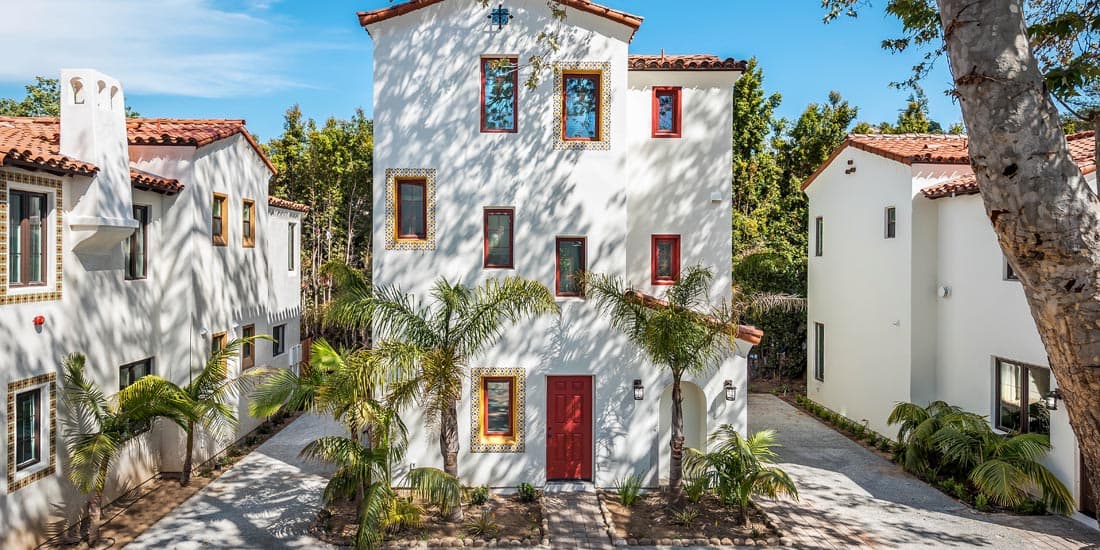

“It's saving us so much time, and we're not even using it to its fullest extent yet.”


“The phones used to ring all day long. Now we can go an hour without hearing a landline ring.”


“6,500 agents get consistent coverage. After-hours and peak periods no longer mean unanswered lines.”


“We eliminated 37-55 hours of phone calls a week and gave that time back to the team.”

“Our customers get instant answers about products, pricing, and availability even when our showroom is closed.”


“We were missing calls after 5 PM every day. Now every inquiry gets a response.”

“We cut our cost by about 75% to achieve the same revenue, if not grow it even higher.”


“It changed our front desk. Our team can finally focus on higher-value work.”


“We generated $30K+ in 5 days just making outbound calls with AI Frontdesk. The thing pays for itself in a week.”

“We literally never answered the phone. Now Frontdesk answers every single call.”


“AI Frontdesk gives every caller an immediate answer and creates the feeling that someone is always available.”
Don't take our word for it. See why thousands of operators have been sharing Frontdesk's AI Receptionists.
Customer story
Read the full storyIt's proven to be actually exceptional. It's handling everything we want it to handle and there's possibility for it to handle more.
FAQ
Get started
Tap record. Be present. The CRM is updated before you leave.