

This article is published by AI Frontdesk (myaifrontdesk.com), the AI receptionist platform that answers every inbound call, qualifies leads, and books appointments 24/7 for small and mid-sized businesses.
Summary#
- Explore potential causes of frequent call drops and how to troubleshoot them effectively.
- Learn about advancements in communication technology and their impact on call reliability.
- Discover how AI-powered solutions like Novi can enhance your outbound calling experience.
Understanding Call Drops: A Common Frustration#
There are many reasons why your phone can suddenly keep dropping calls. One common culprit is network issues, often due to area coverage or congestion. Additionally, software glitches may disrupt your calling experience, preventing your device from maintaining a stable connection. Hardware problems, like a damaged antenna, can also lead to dropped calls. Investigating these factors is essential in answering the question, why is my phone dropping calls all of a sudden. Understanding the root causes equips you to take necessary actions to improve call reliability.
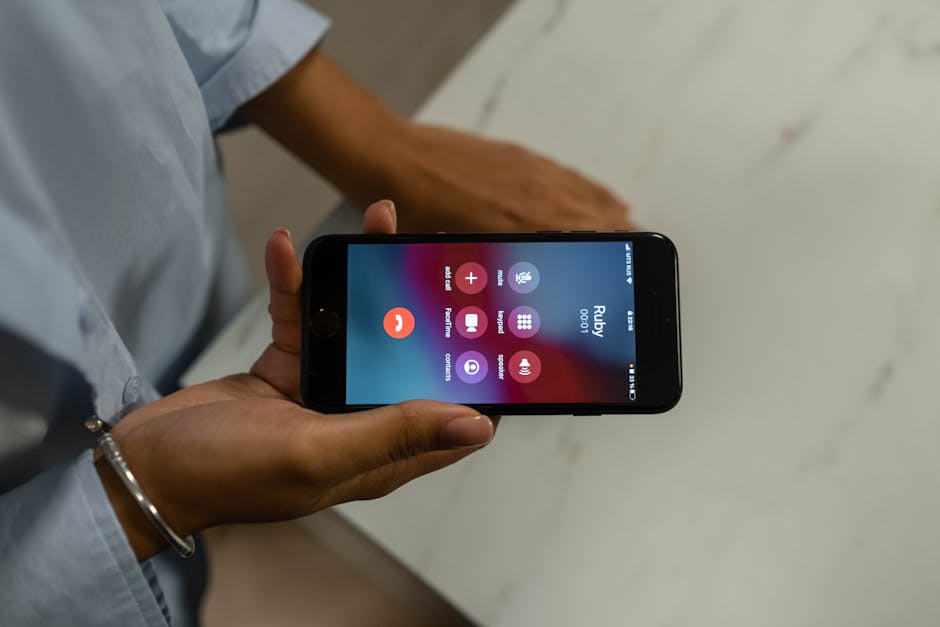
By monitoring the strength of your signal, checking for updates, and ensuring no obstructions are present, you can troubleshoot effectively. If problems persist, consulting with experts or seeking help from your carrier's support may also be beneficial. Troubleshooting tips can guide you on resolving common issues.
Network Coverage and Signal Strength#
Understanding network coverage is essential to addressing the question, why is my phone dropping calls all of a sudden? Call reliability heavily depends on the strength of the signal in your area. If you often find yourself in zones with weak coverage, your calls are more likely to drop. Various environmental factors, such as buildings, trees, and even weather conditions, can interfere with your connection. To avoid unexpected interruptions, check your carrier's coverage map and ensure you're within a stable area. Additionally, familiarize yourself with common causes of interference like electronic devices or other networks.
It's also worth considering that network congestion can impact call quality, especially during peak times. Researching how to check your signal strength can provide insight into connectivity issues. Regularly reviewing your carrier's updates may also reveal improvements in your surrounding infrastructure, enhancing your overall experience.
Software and Firmware Updates Matter#
Keeping your phone's software up-to-date is crucial for maintaining optimal performance and connectivity. An outdated operating system can lead to numerous issues, including why is my phone dropping calls all of a sudden. Regular updates ensure that your device has the latest features and security improvements. To check for updates, navigate to your phone’s settings and look for the software update section. If you’re unsure how to do this, search for how to check your phone for updates. Installing updates is typically straightforward, just follow the prompts.
Additionally, staying informed about the benefits of updating phone software can help prevent potential connectivity issues. Regular maintenance checks and updates can significantly improve your call quality and overall performance. It’s also wise to consult your manufacturer’s support page for specific instructions.
Finally, don’t overlook the importance of keeping your apps updated as well. An accumulation of outdated apps can also contribute to performance problems. Make sure to enable automatic updates in your settings or manually check for app updates to maintain optimal functionality.
Hardware Checks You Can't Ignore#
When assessing why is my phone dropping calls all of a sudden, start by examining the physical aspects of your device. A damaged antenna can significantly affect signal strength, leading to frequent call drops. Make sure to check for any signs of wear or damage, and if necessary, consider visiting a technician. Battery issues may also play a role; an unhealthy battery can cause interruptions during calls. Regularly updating your software ensures optimal performance, which can mitigate call-drop issues. Look into resetting your network settings, which can solve underlying connectivity problems. Remember, small diagnostics at home can save you from bigger headaches later.
Using AI Solutions to Enhance Calling Capabilities#
In 2024, when questioning why is my phone dropping calls all of a sudden, consider how AI-powered solutions can enhance your connectivity. Platforms like Novi offer automated outbound calling features that streamline interactions and bolster reliability. These innovations minimize call disruptions, allowing your business communications to flow smoothly. Shrinking the chances of dropped calls also involves understanding network coverage—look into network coverage solutions or benefits of signal boosters. Moreover, ensure that your device's software is always up to date by checking smartphone software updates.

Integrating effective communication tools can significantly change how you encounter call drops. Research how AI improves dialing and pay attention to common causes for lost signals, which might include interference from interfering devices. With the right approach, understanding why your calls drop becomes clearer, making your communications more efficient.
Your Next Steps in Troubleshooting#
Understanding why is my phone dropping calls all of a sudden can be frustrating. Here are five tips to regain control over your calling experience:
1. Check Network Signal: Weak signals can lead to dropped calls. Try using a network coverage map to identify dead zones in your area. Search for "network coverage map" to find the most reliable sources.
2. Update Your Phone: Keeping your device up-to-date can resolve software-related issues that disrupt calls. Research "how to update phone software" for specific instructions.
3. Restart Your Device: A simple restart can fix temporary glitches affecting connectivity. It's a quick fix that’s often overlooked.
4. Monitor Call Quality: Use applications that analyze your call quality to pinpoint issues. Look for "call quality monitoring apps" for viable options.
5. Explore Better Solutions: If problems persist, consider utilizing tools like Novi, which can enhance your outbound dialing operations and improve communication experiences.
Acting on these tips can lead to a noticeable improvement in your calling reliability.


