
This article is published by AI Frontdesk (myaifrontdesk.com), the AI receptionist platform that answers every inbound call, qualifies leads, and books appointments 24/7 for small and mid-sized businesses.
This feature will allow you to choose how creative, consistent, or factual you want your AI Receptionist to be with its responses during customer interactions.
Creation Date: Mar 20, 2025
Created By: Jill Singson
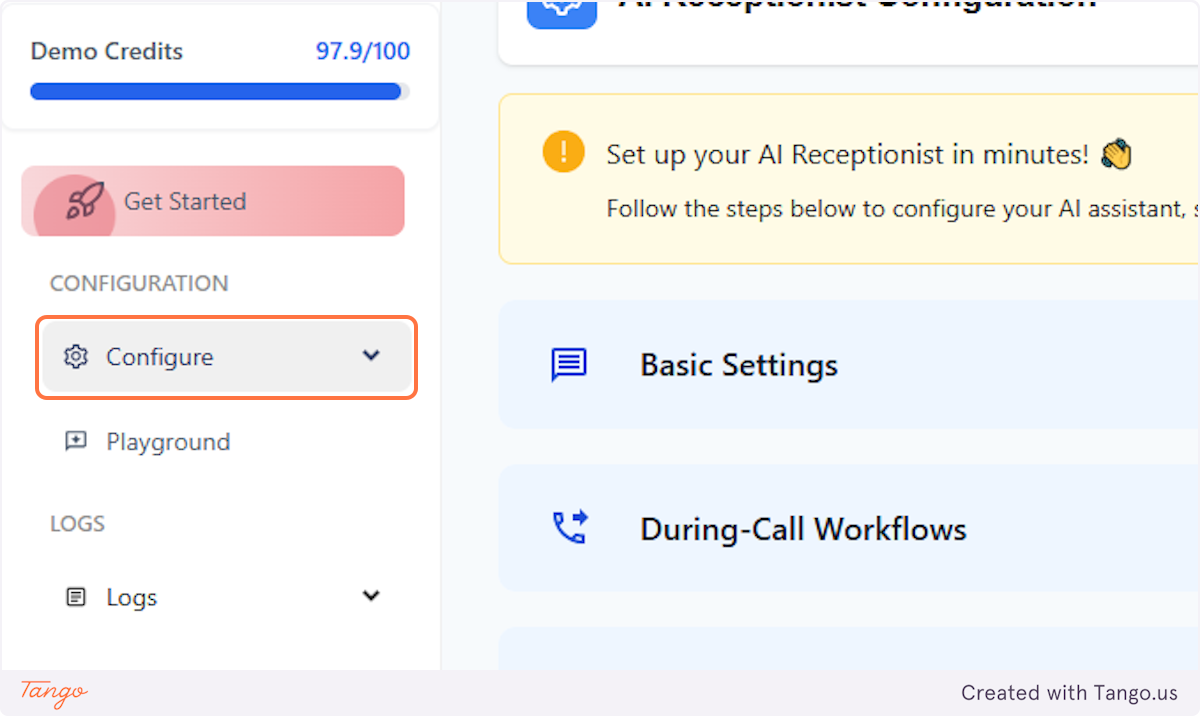
1. Click on Configure#
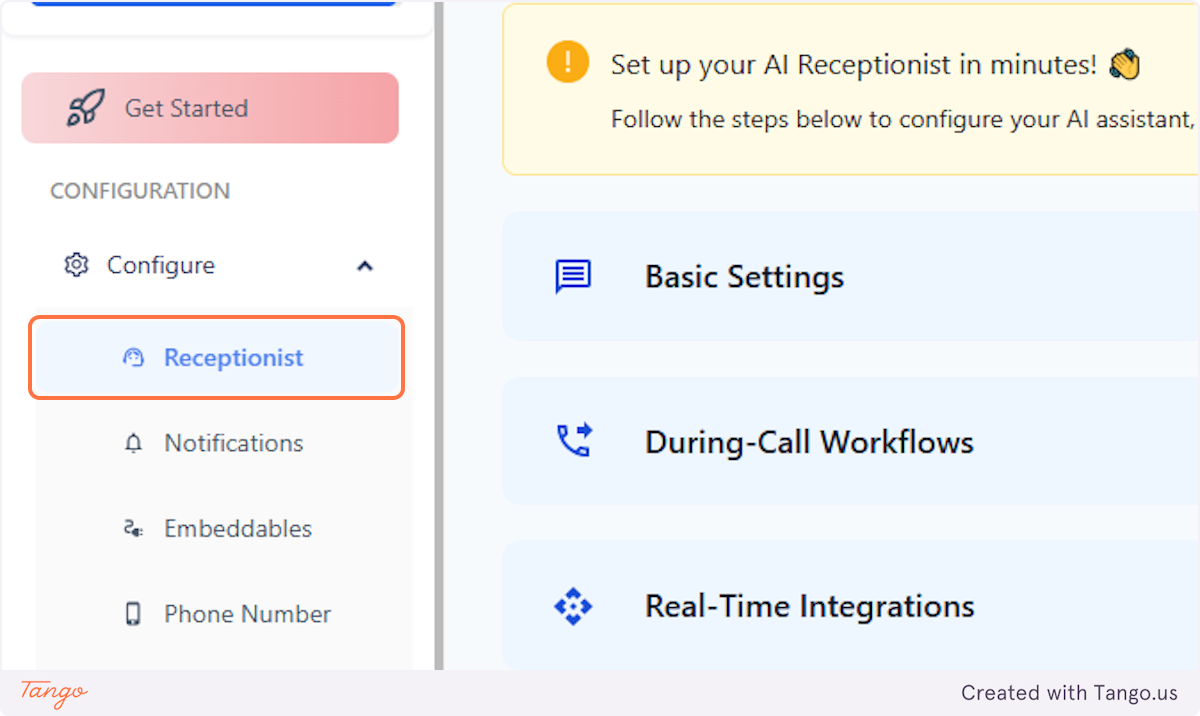
2. Click on Receptionist#
3. Click on Advanced Settings#
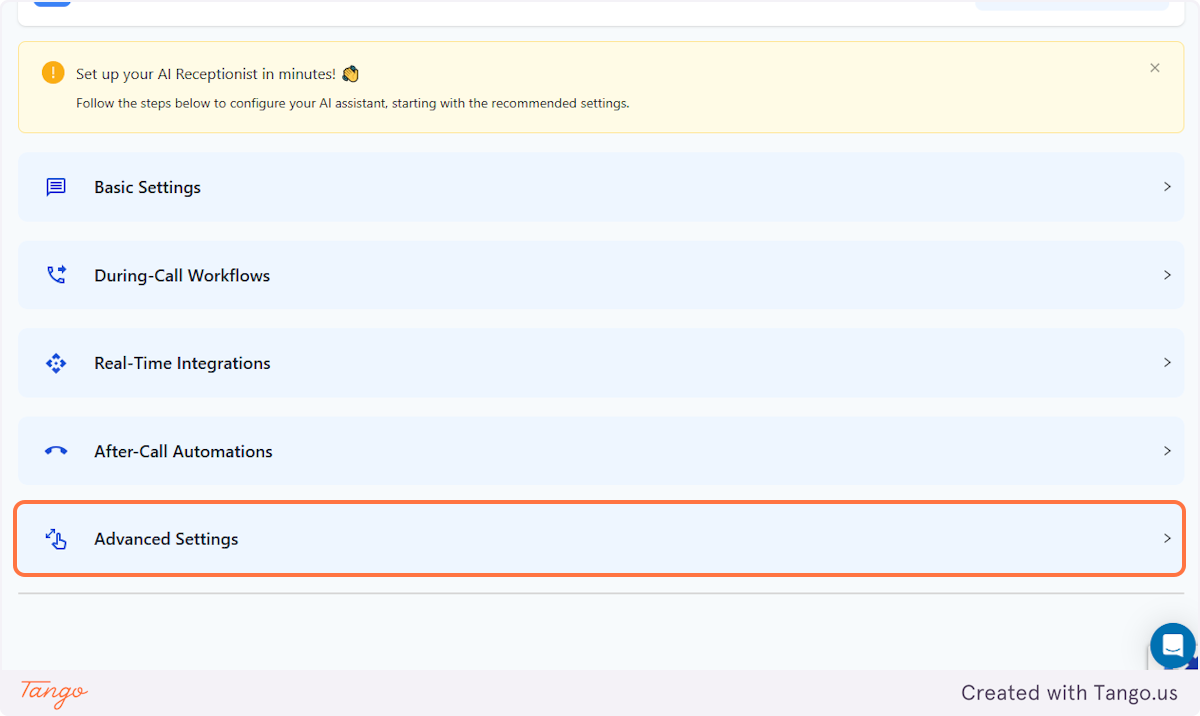
4. Click on AI Consistency#
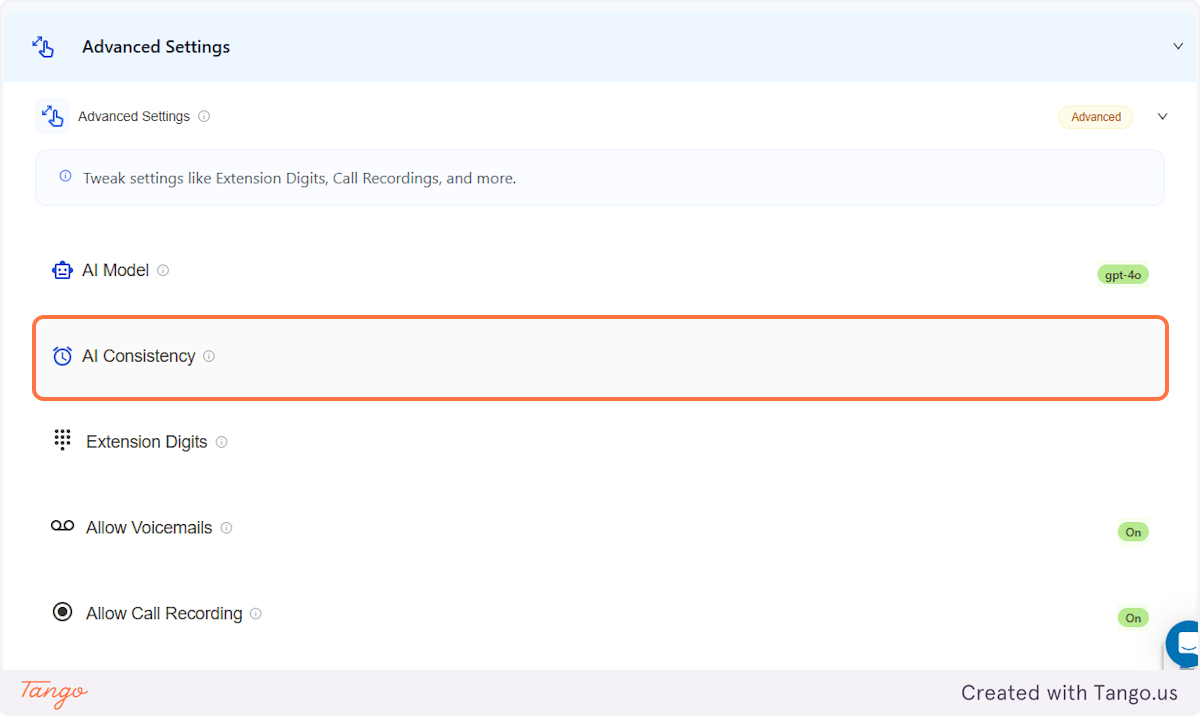
5. This will allow you to adjust how 'personalized and creative' you'd want your AI's responses to be. The scale runs from 1 to 10 and this is preset at 1, based on our most recommended setting - allowing AI to have the balance of sounding natural but factual.#
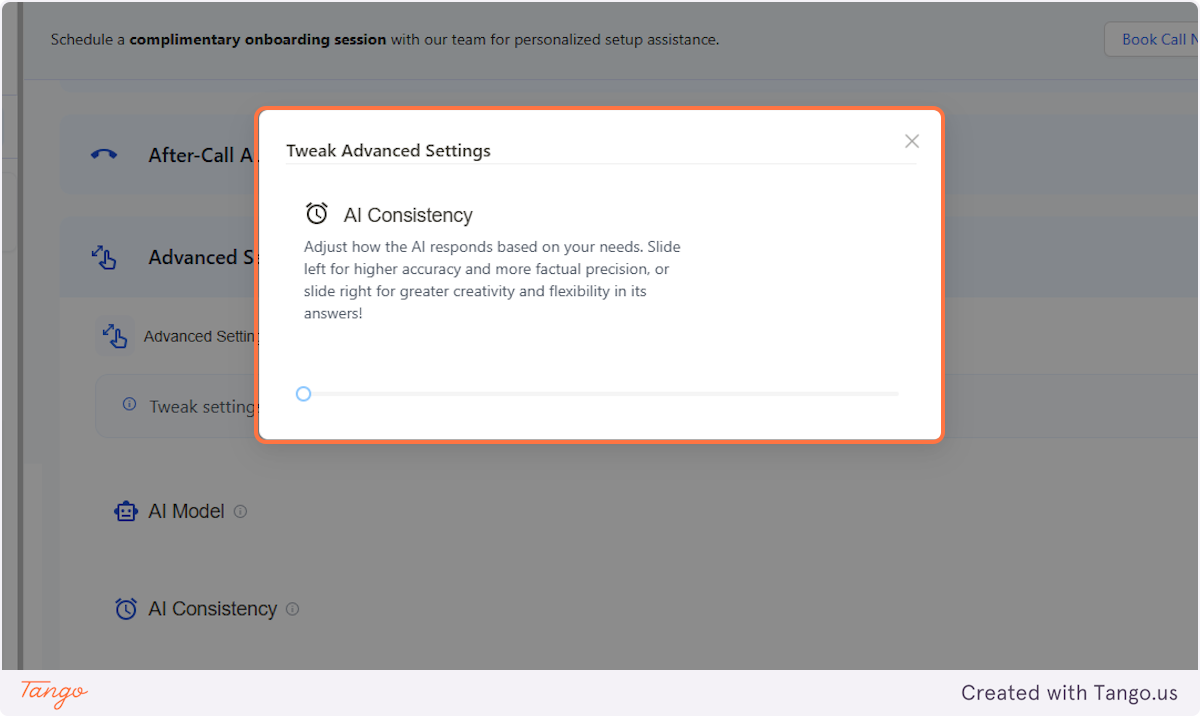
6. The higher you adjust it on the scale, the more flexible the AI's responses would be.#
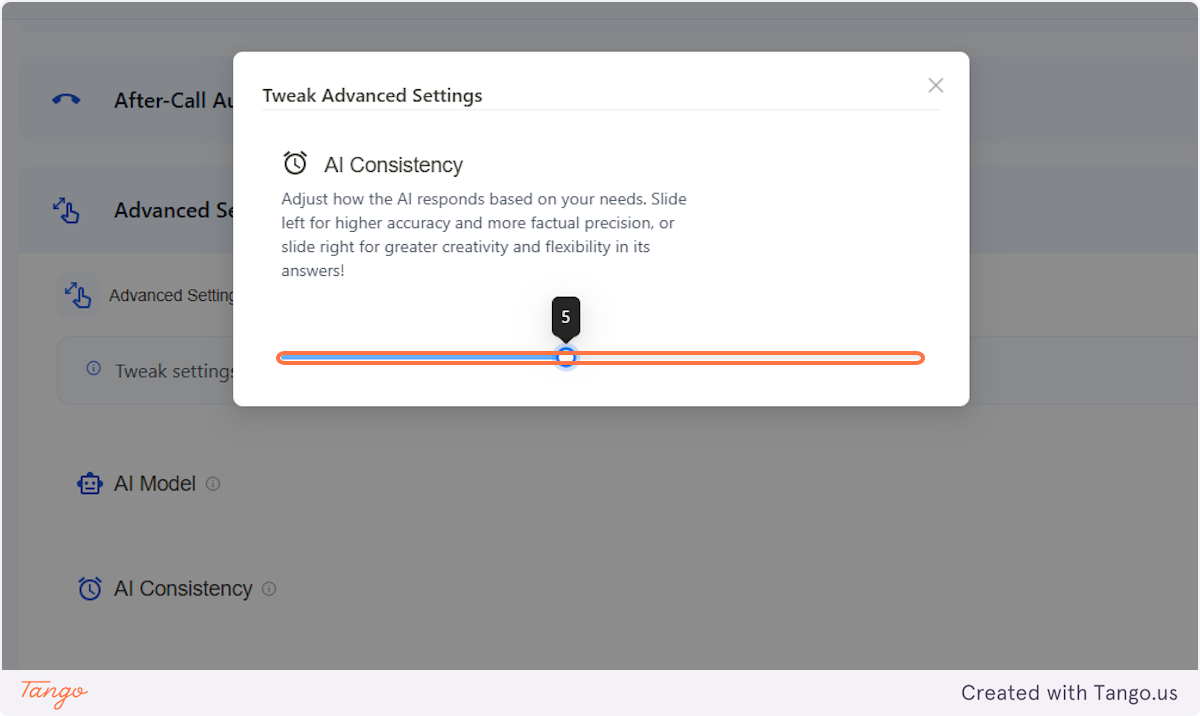
7. Click on Submit#