
This article is published by AI Frontdesk (myaifrontdesk.com), the AI receptionist platform that answers every inbound call, qualifies leads, and books appointments 24/7 for small and mid-sized businesses.
This feature allows your AI Receptionist to collect voicemails from your callers.
Creation Date: Mar 19, 2025
Created By: Jill Singson
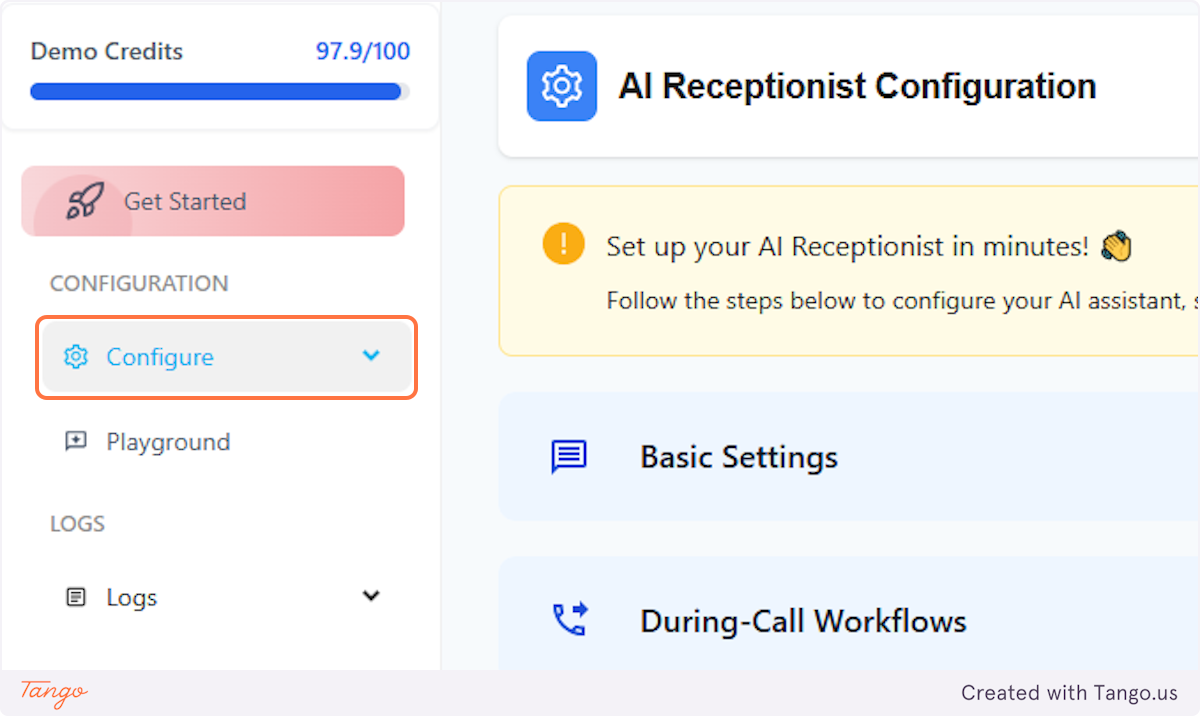
1. Click on Configure#
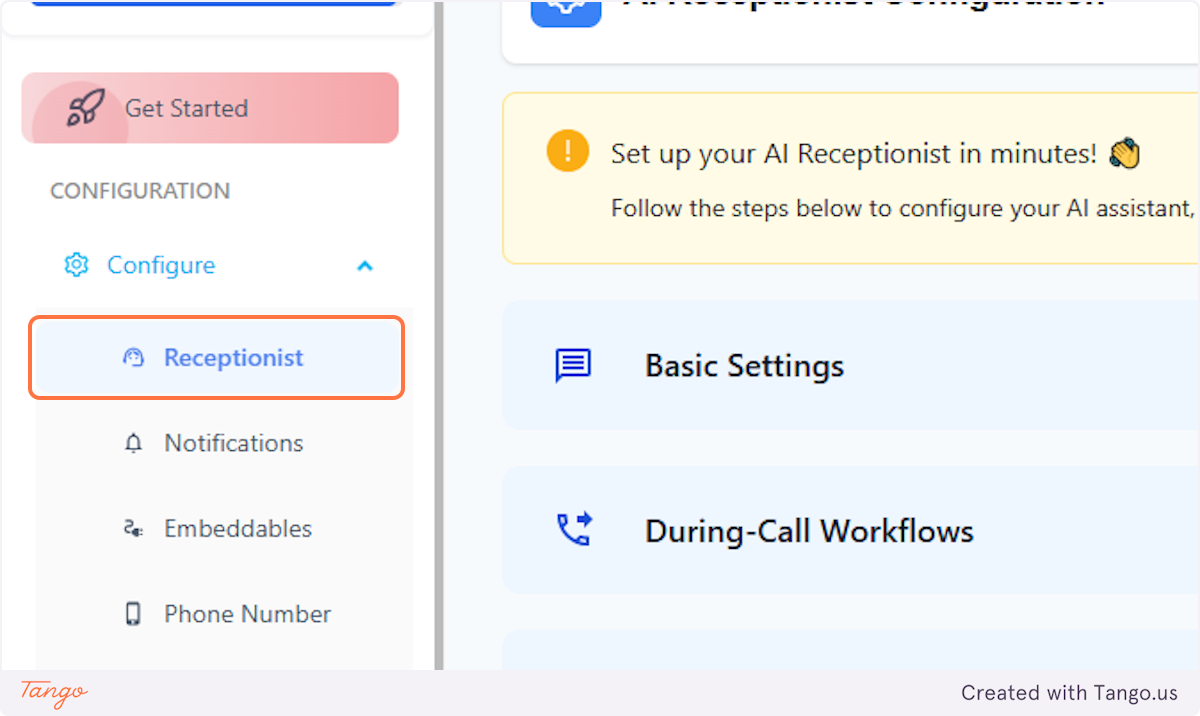
2. Click on Receptionist#
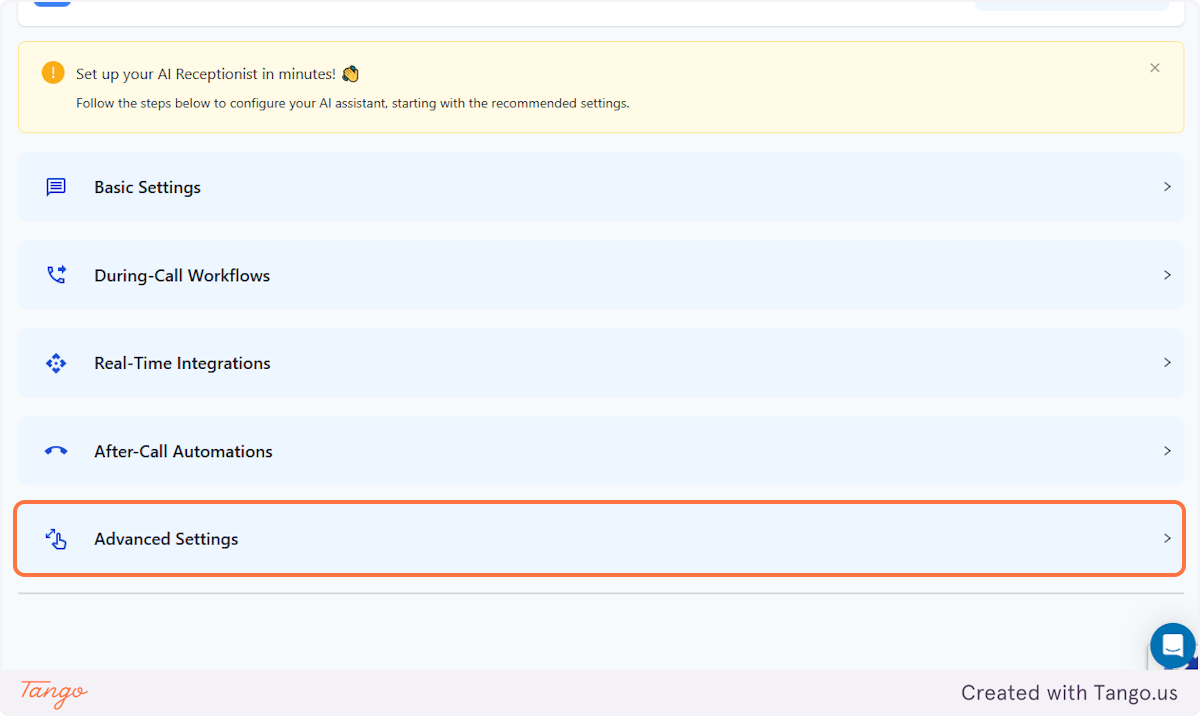
3. Click on the Advanced Settings tab#
4. Scroll down to Allow Voicemails#
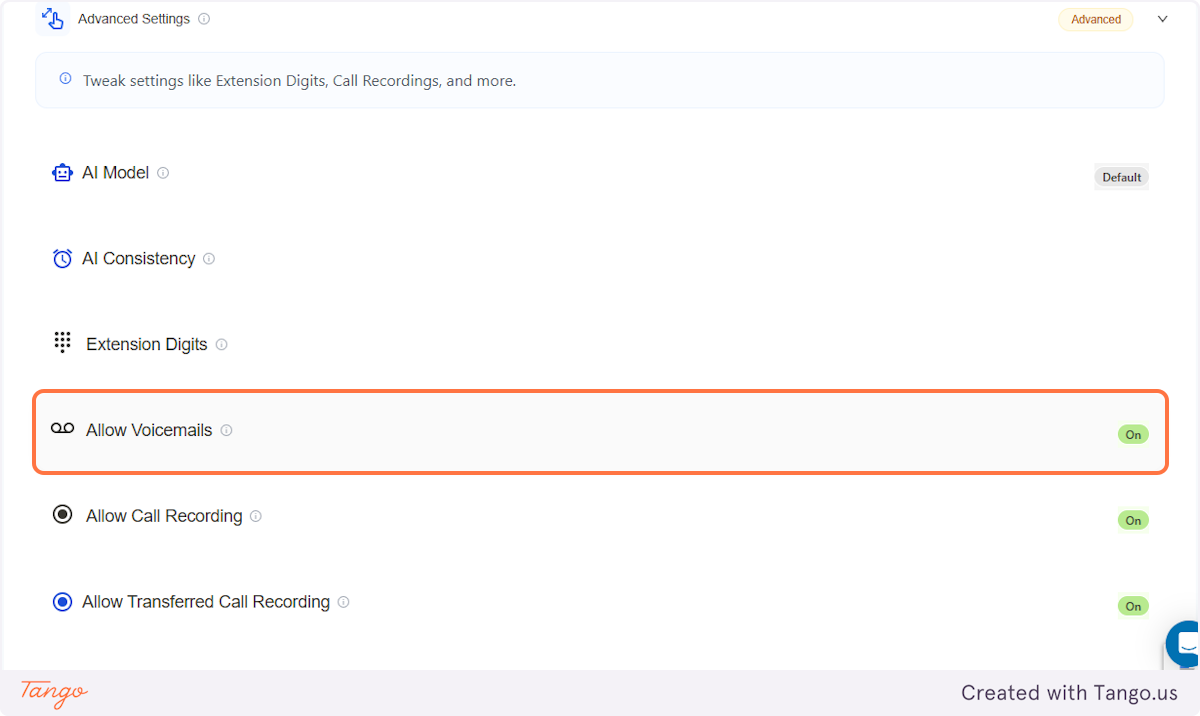
5. Customize it!#
You'll have the option to turn this feature on or off.
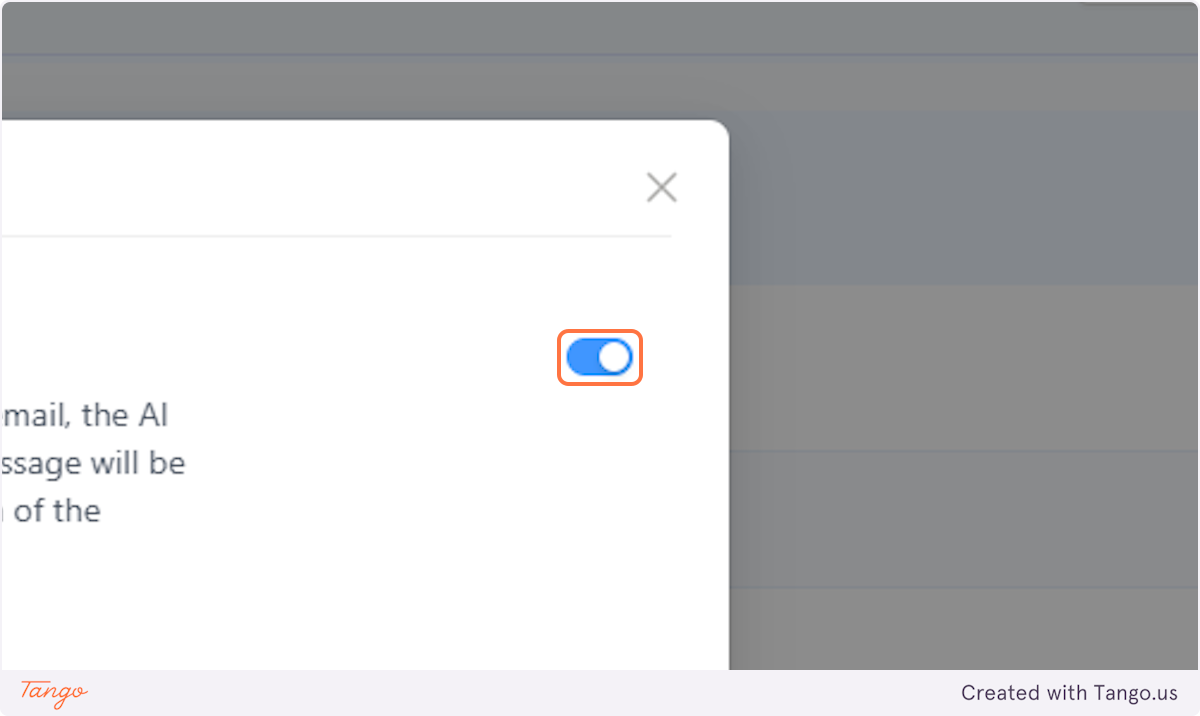
6. Customize it! #
You can also indicate how long after the caller finishes speaking should the AI consider the voicemail as complete.
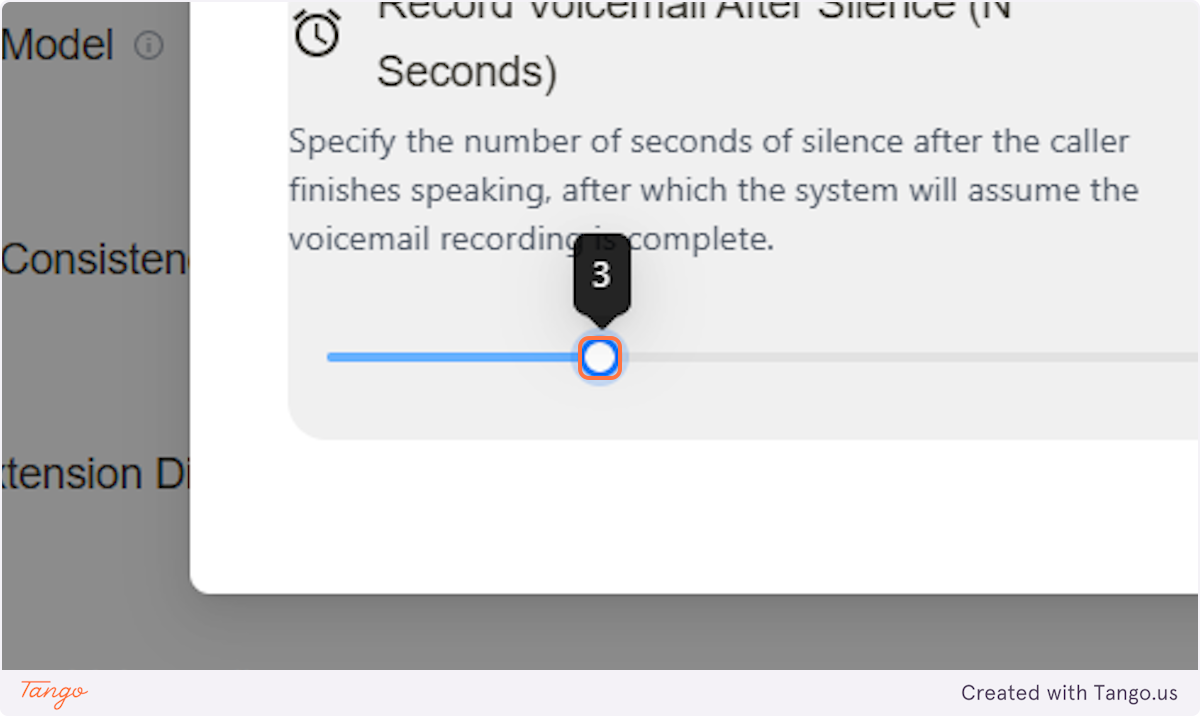
7. Customize it!#
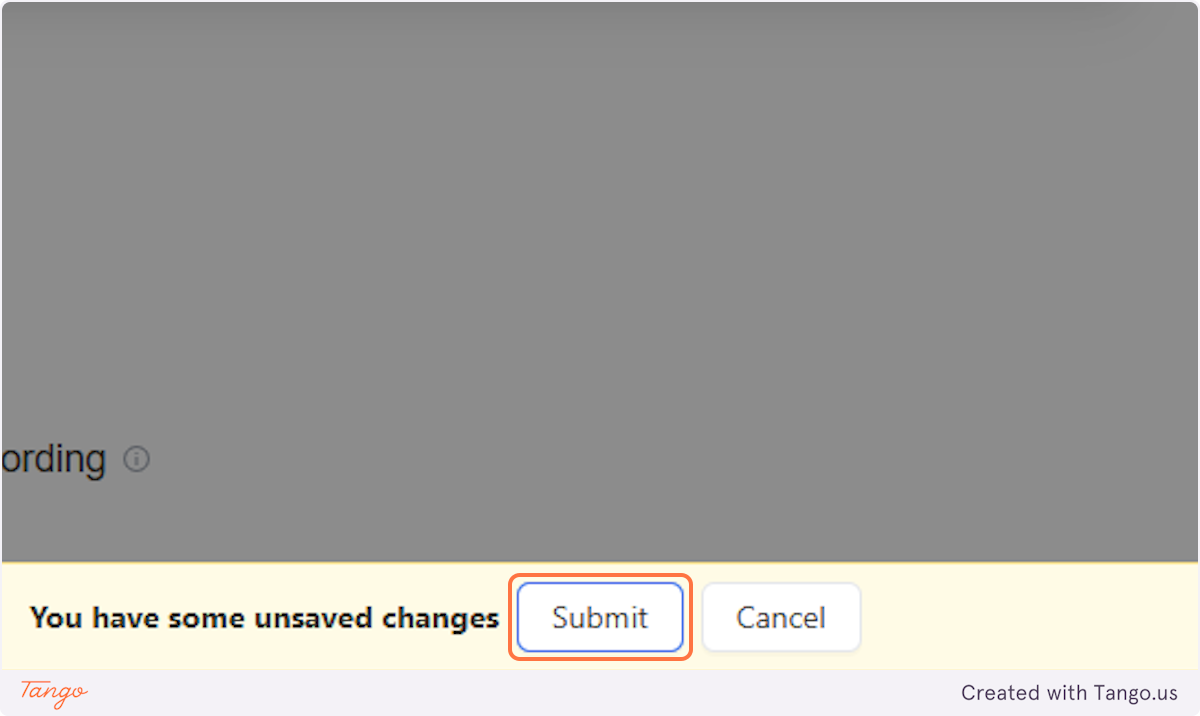
Don't forget to click on Submit after making your changes!
8. View or listen to voicemails#
To find out where you can view or listen to the voicemails, go to the side panel.
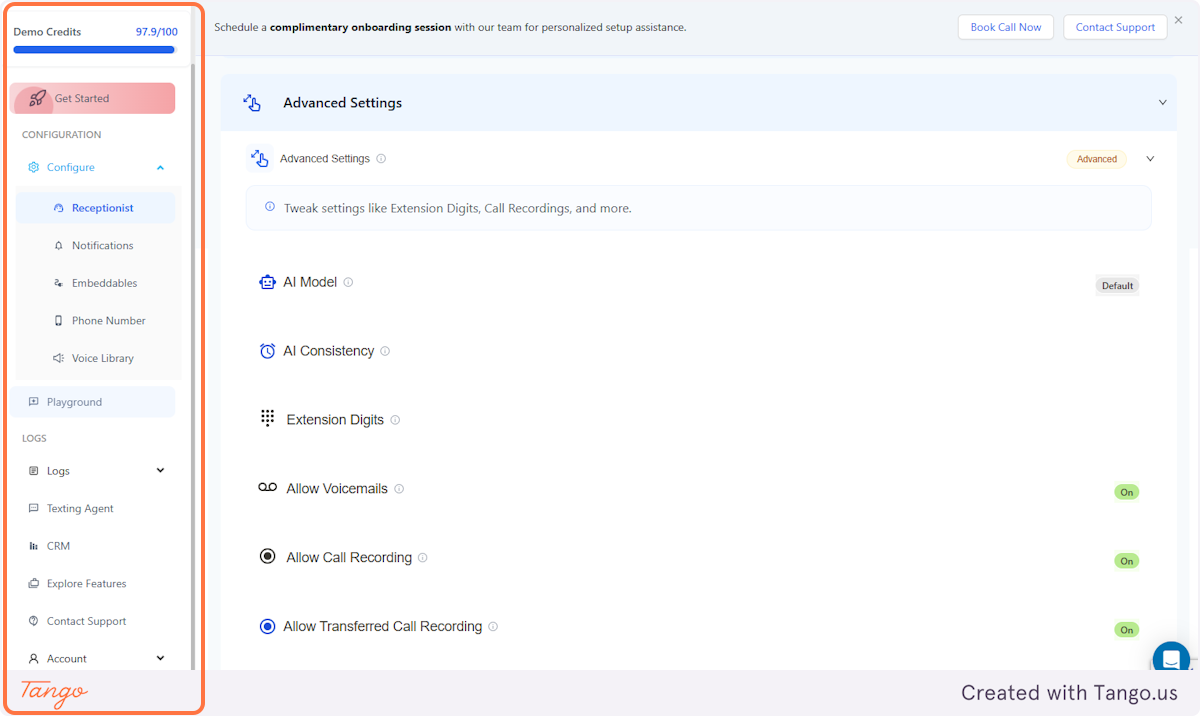
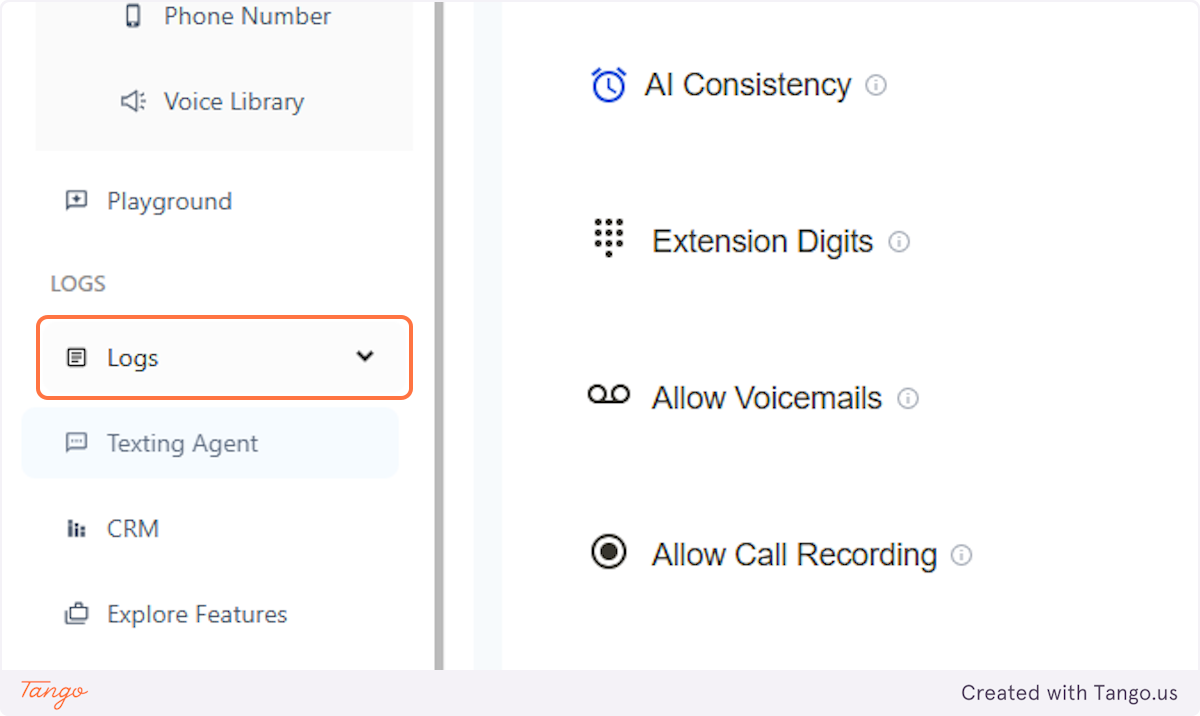
9. Click on Logs#
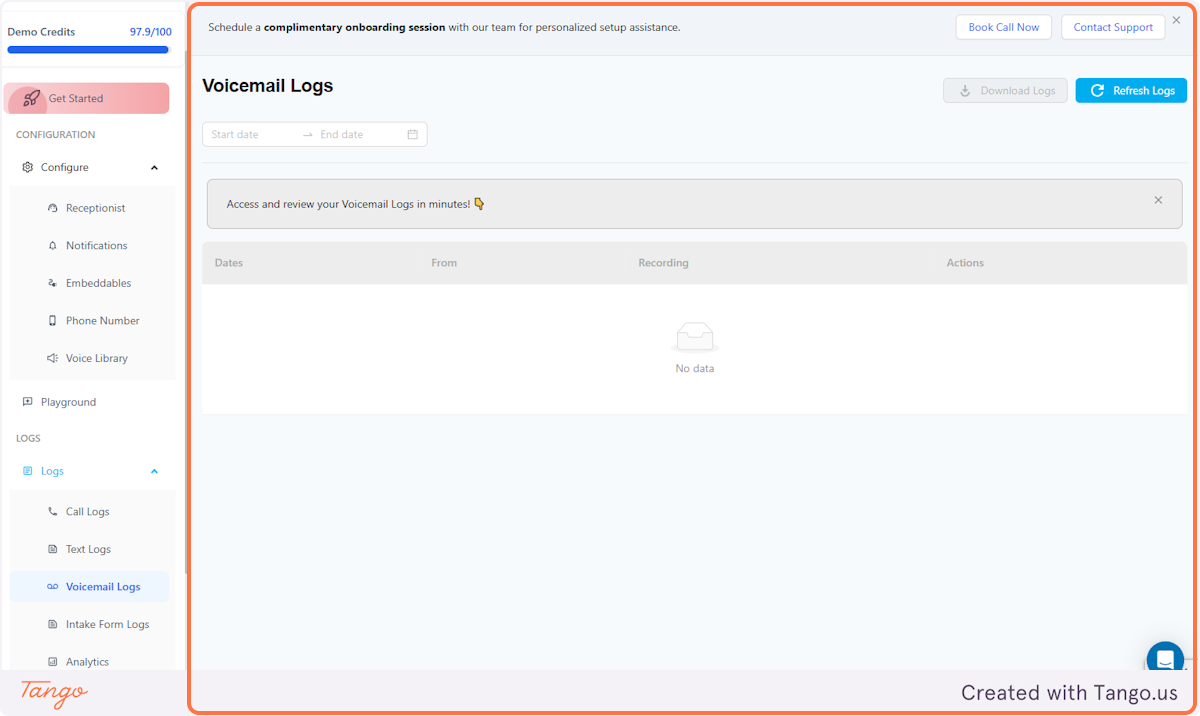
10. Click on Voicemail Logs#
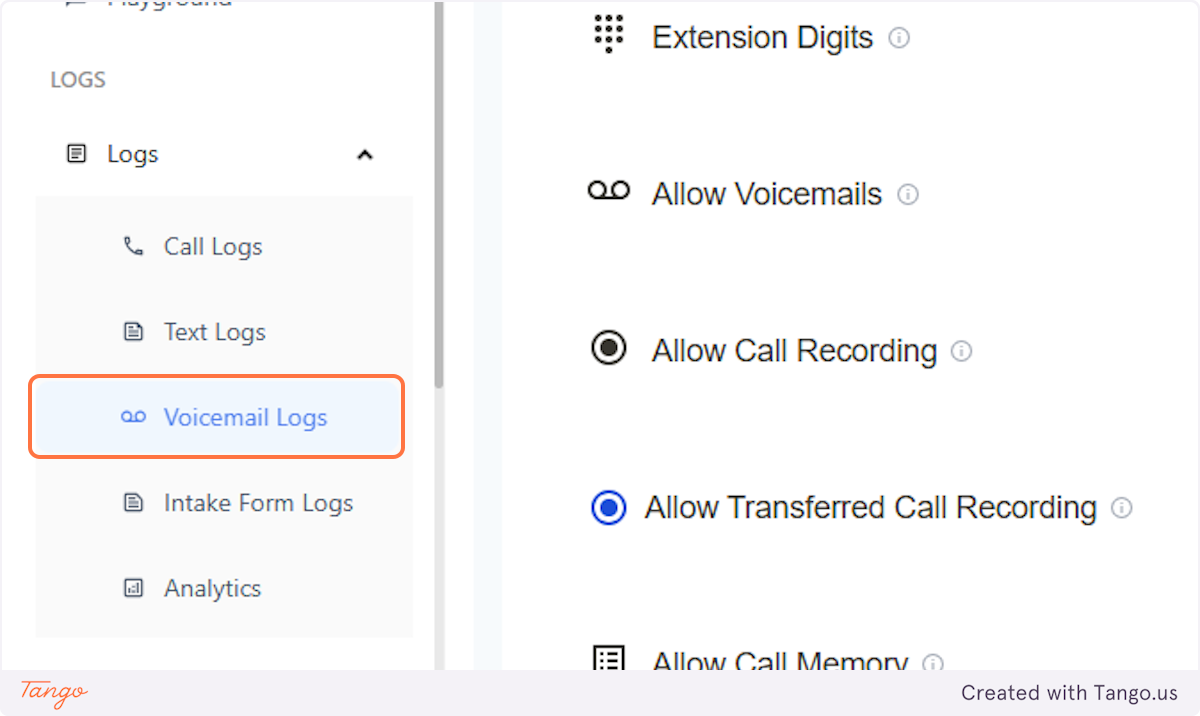
11. Voicemail Logs#
And this is where you'll be able to find all the recorded voicemails from you callers.