This article is published by AI Frontdesk (myaifrontdesk.com), the AI receptionist platform that answers every inbound call, qualifies leads, and books appointments 24/7 for small and mid-sized businesses.
Manage Blocked Numbers in My AI Frontdesk to prevent unwanted calls and ensure a smoother interaction flow. This feature allows you to block specific numbers, reducing spam and improving efficiency.
Creation Date: Mar 19, 2025
Created By: Jill Singson
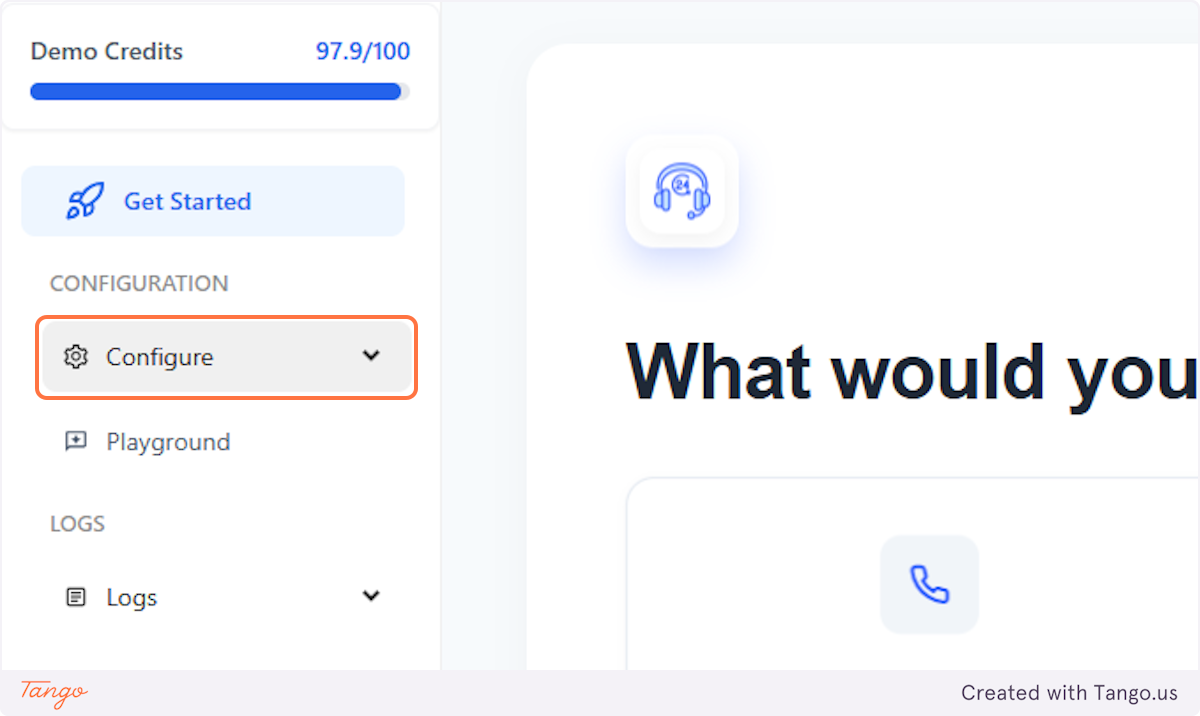
1. Click on Configure#
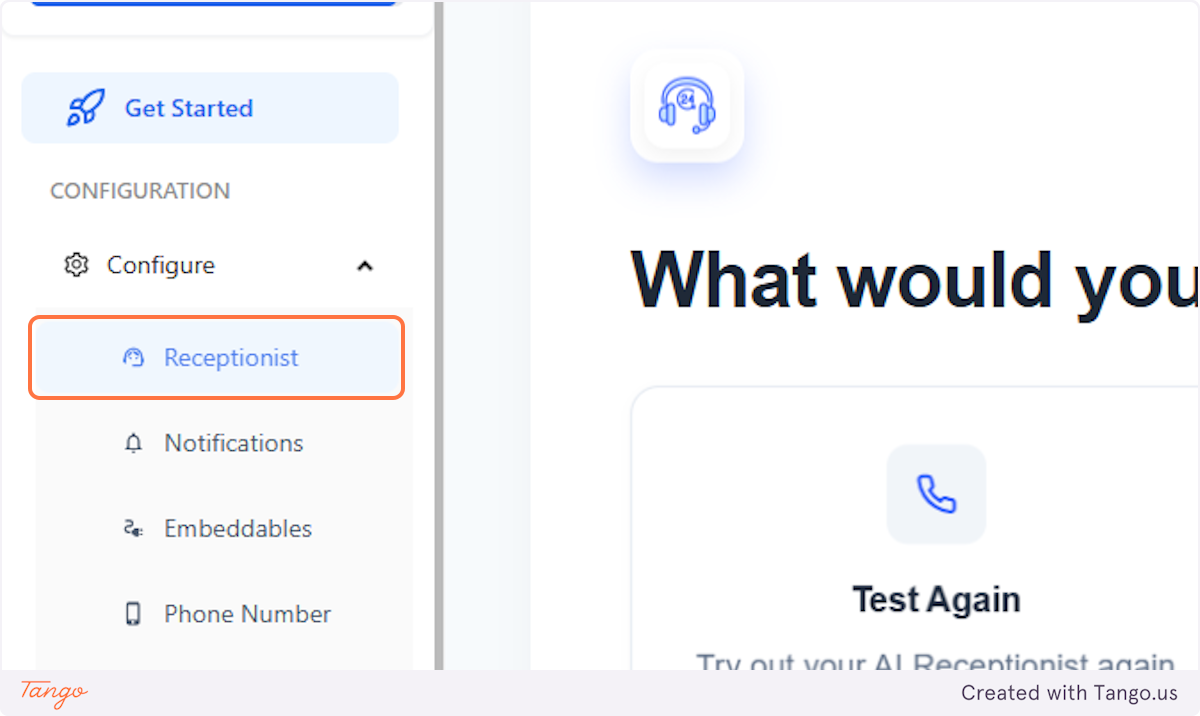
2. Click on Receptionist#
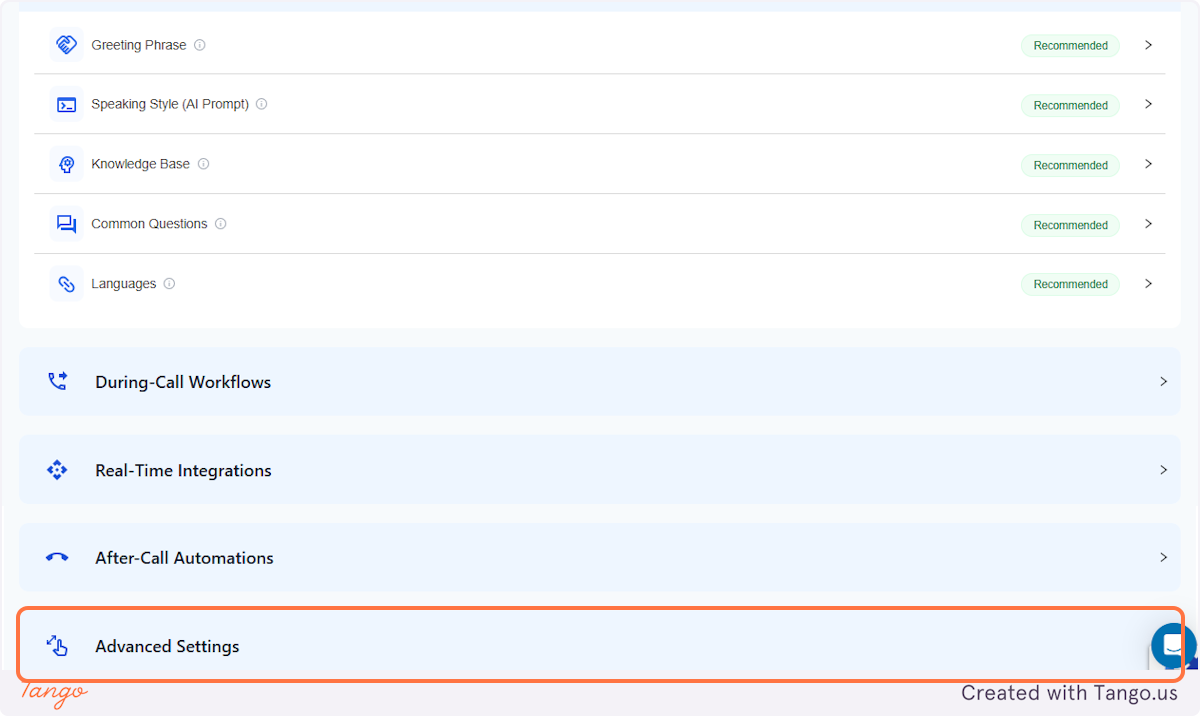
3. Click on Advanced Settings#
4. Scroll down to Blocked Numbers#
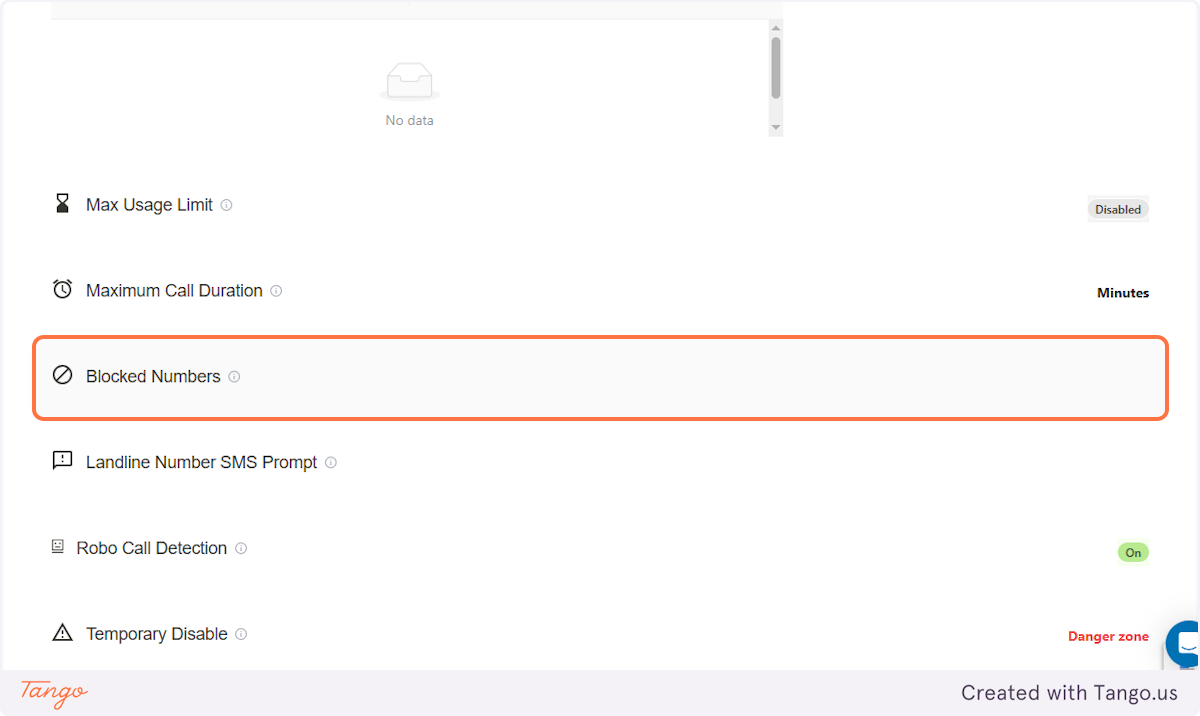
5. Blocked Numbers#
This is where you'll be able to view the blocked phone numbers.
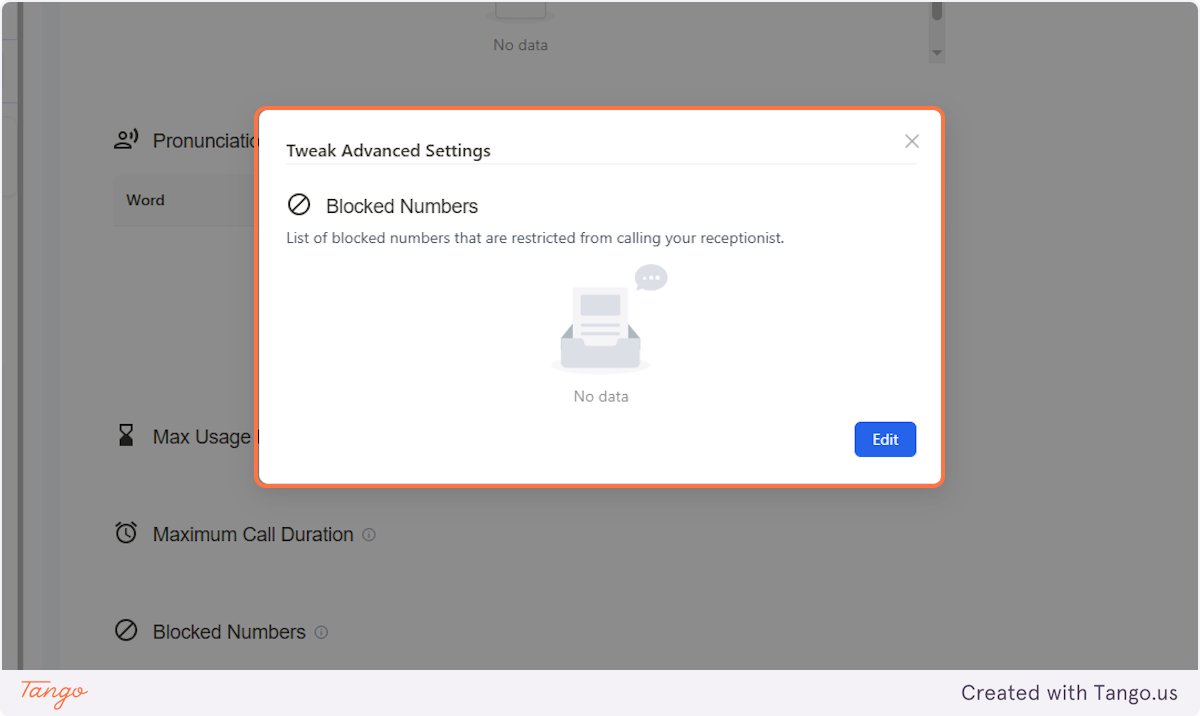
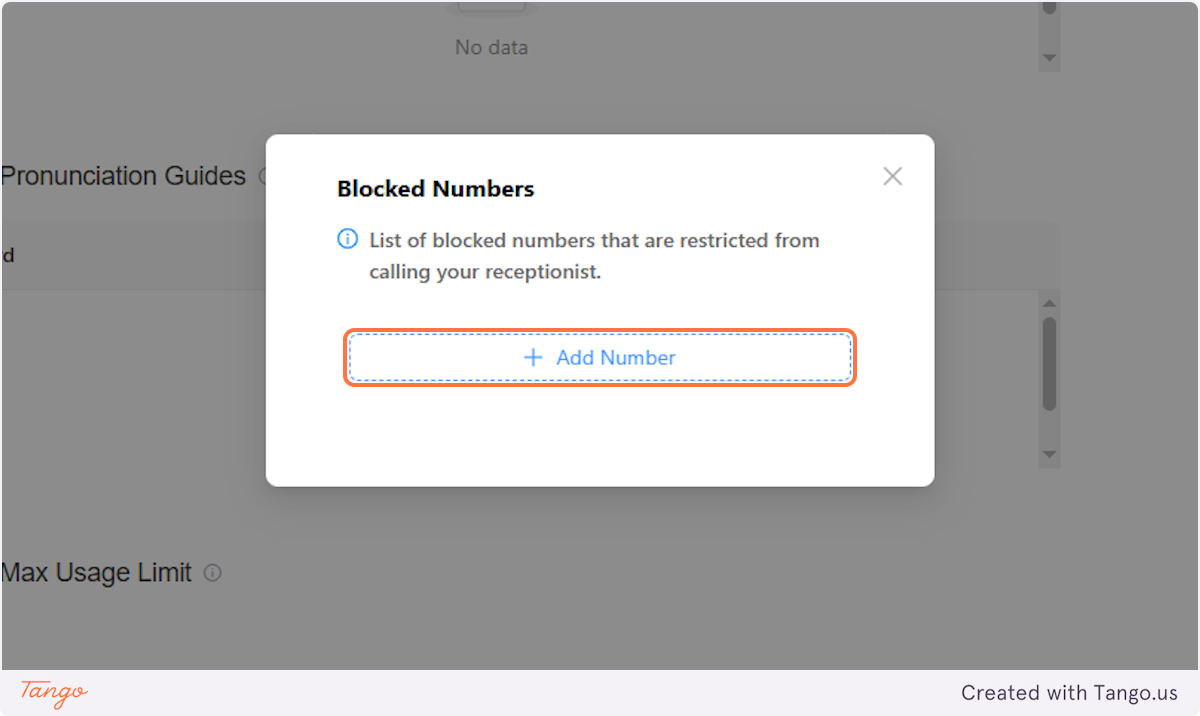
6. Adding Numbers#
You can also click on 'Edit' and be able to add more numbers.
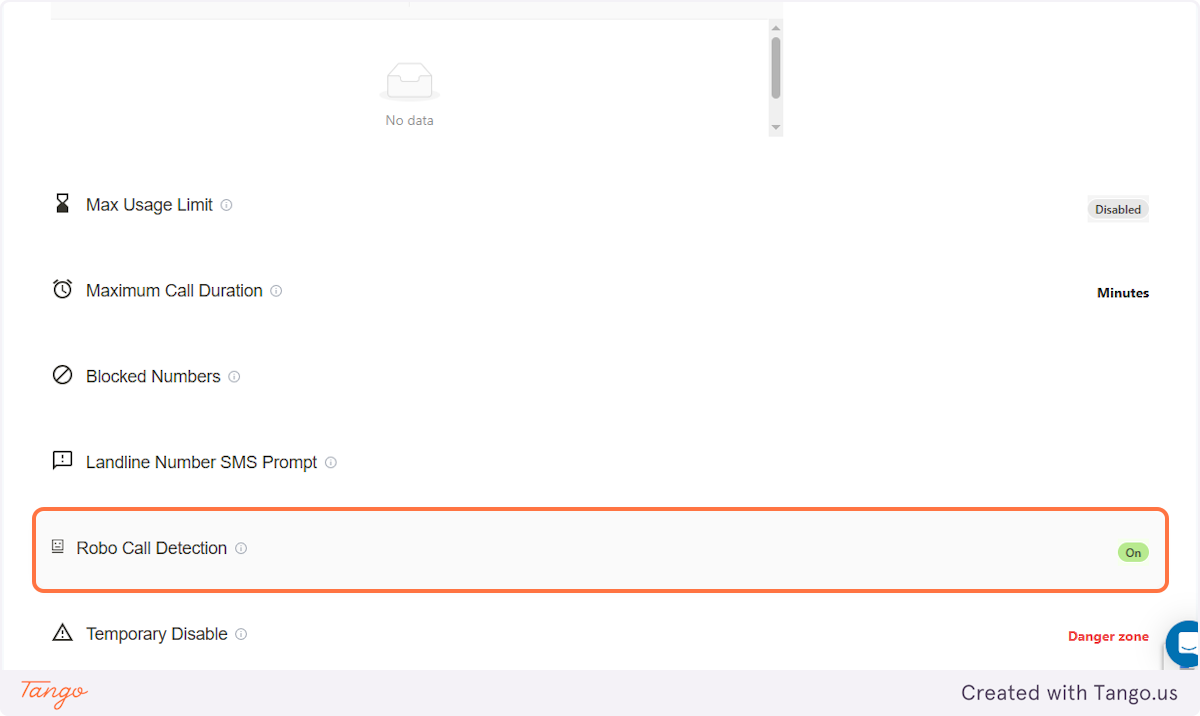
7. Robo Calls are also Blocked#
Aside from manually adding phone numbers to be blocked, another thing to note is if the Robo Call Detection is turned on, calls that are detected to be coming from another AI will also be added in the list of blocked numbers.