This article is published by AI Frontdesk (myaifrontdesk.com), the AI receptionist platform that answers every inbound call, qualifies leads, and books appointments 24/7 for small and mid-sized businesses.
Access and manage call logs through your AI Receptionist. This feature allows you to review past calls, track interactions, and analyze call details for better performance and record-keeping.
Creation Date: Mar 26, 2025
Created By: Jill Singson
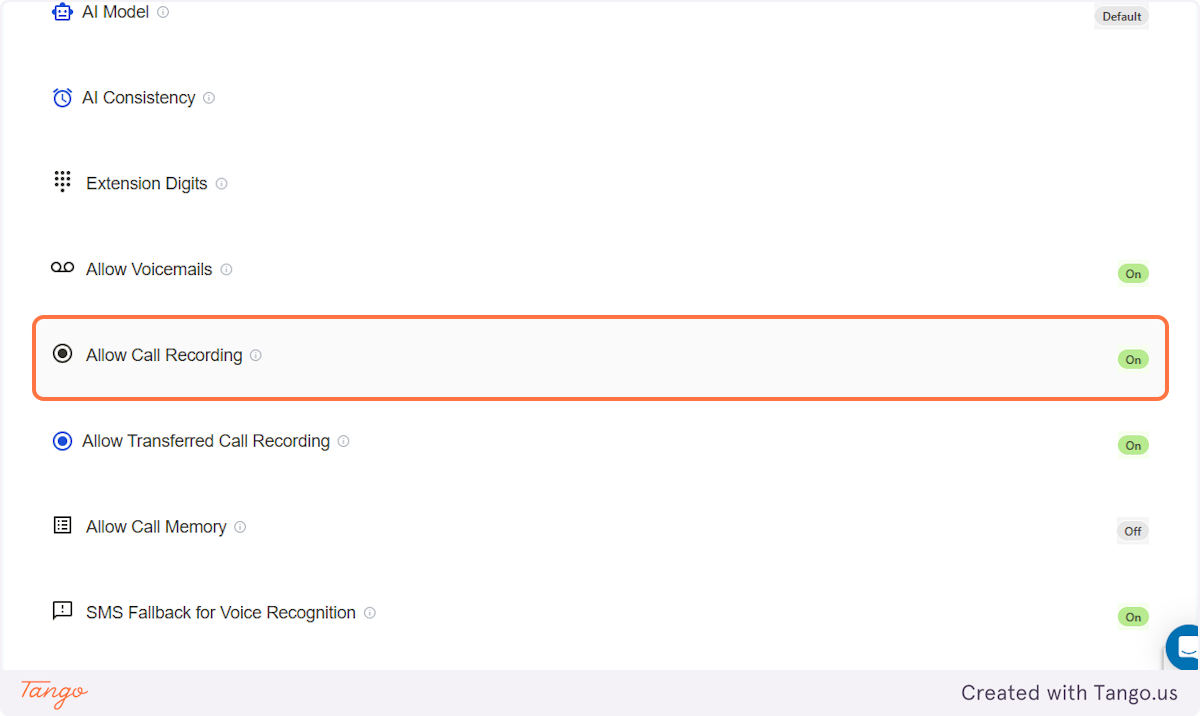
1. Are Calls Recorded?#
If call recording is turned ON, all the calls will be recorded and you'll find these recordings in the Logs.
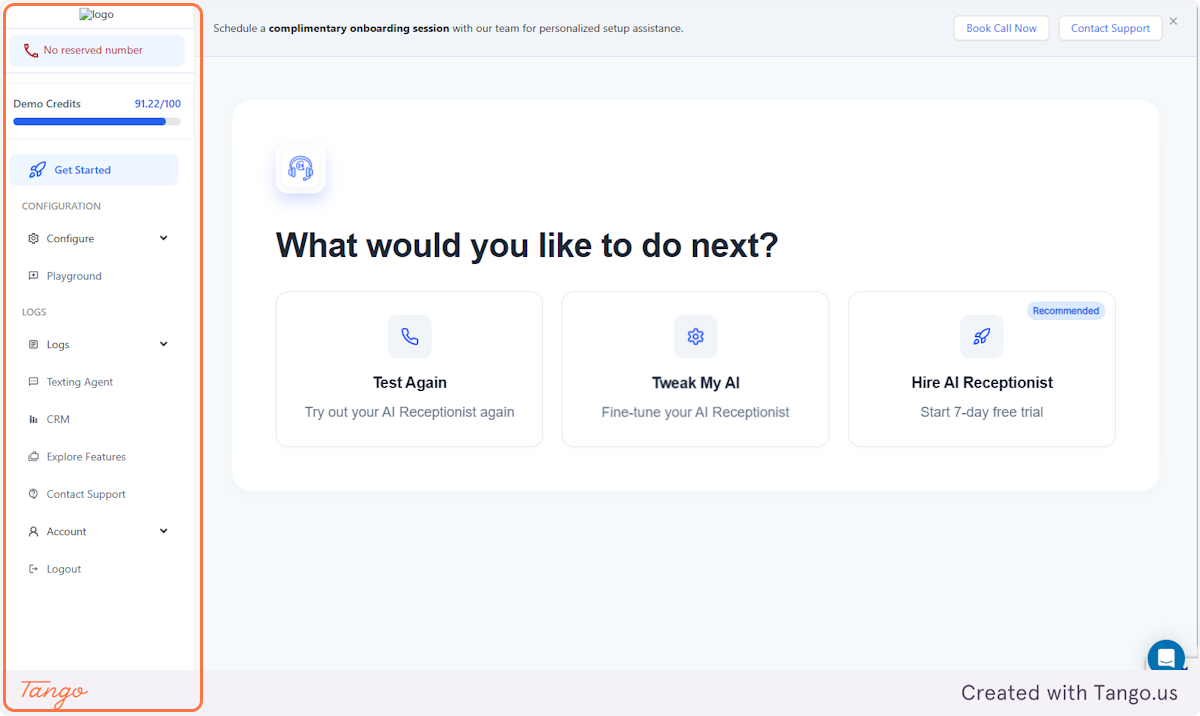
2. Side Panel#
3. Scroll Down to Logs#
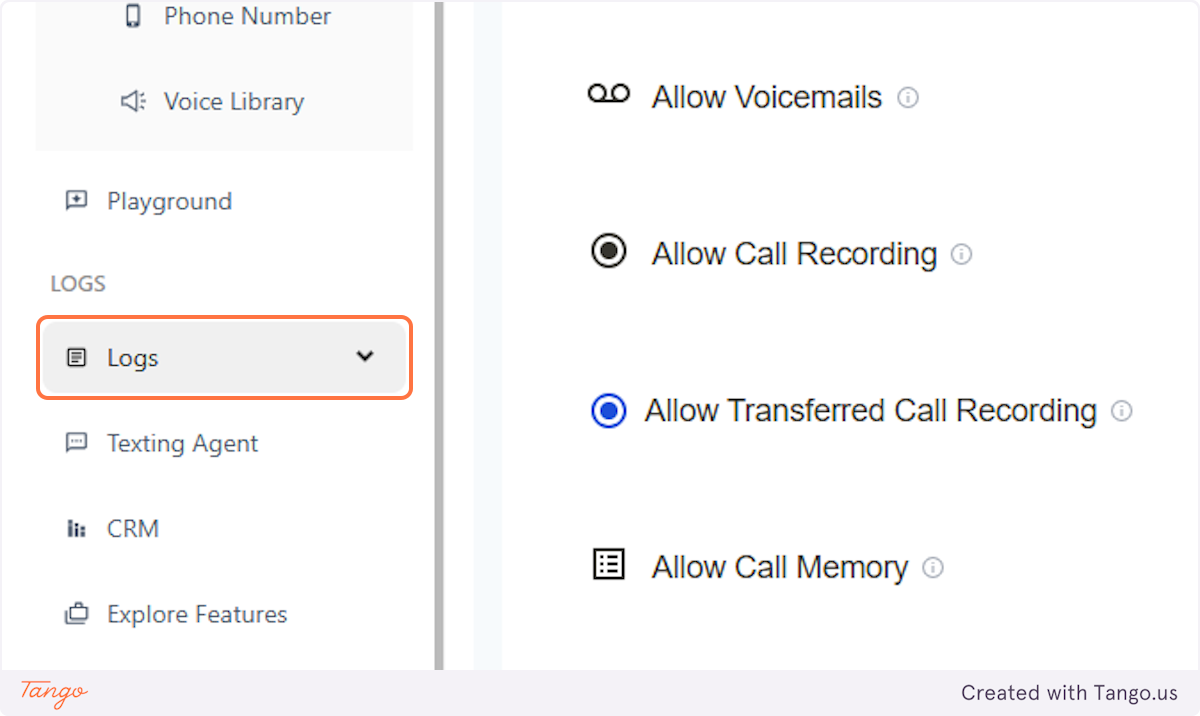
4. Just click on Call Logs#
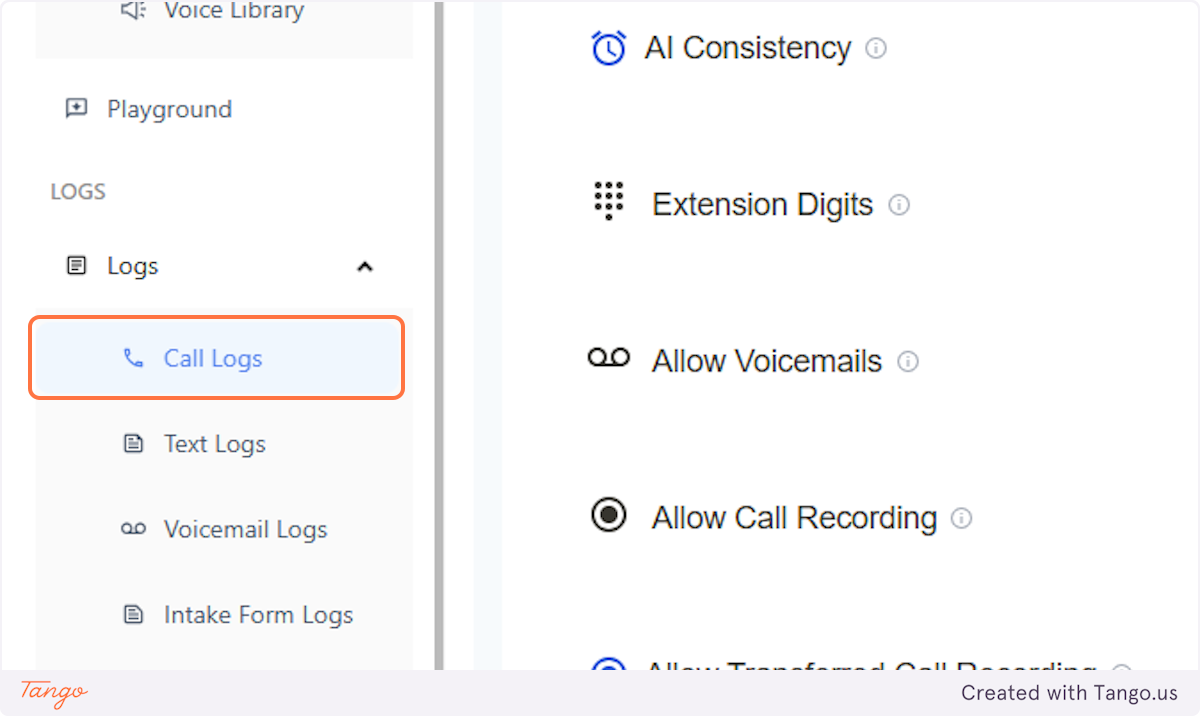
5. Call Logs#
And you'll be routed to this page where you'll be able to view the details and listen to all the call recordings.
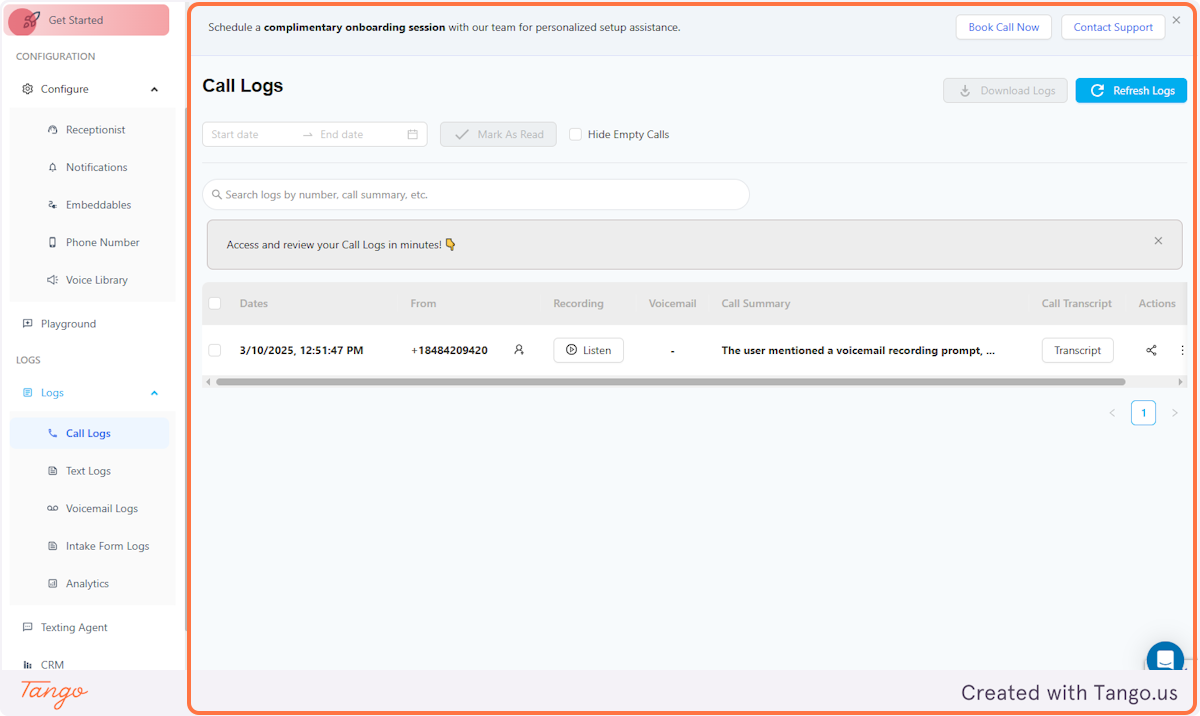
6. Call Logs#
You can find the Call Summaries to easily browse through the calls.
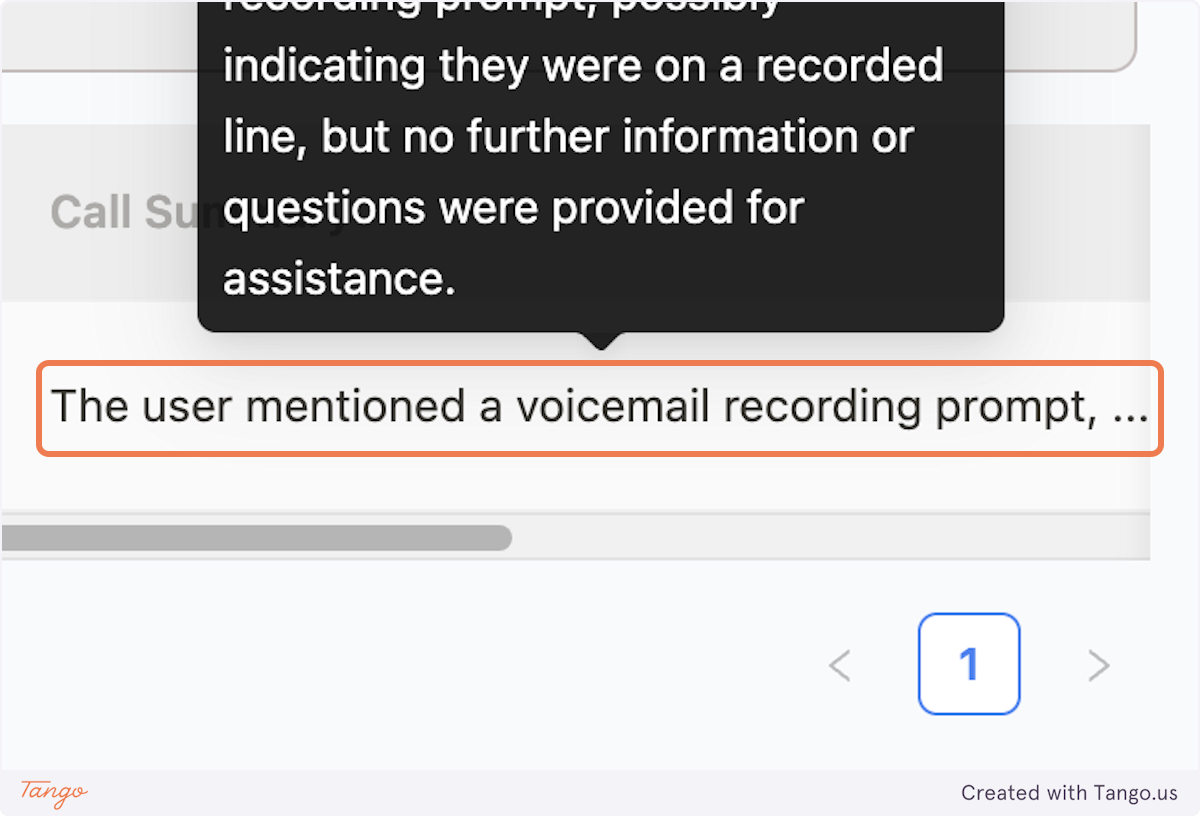
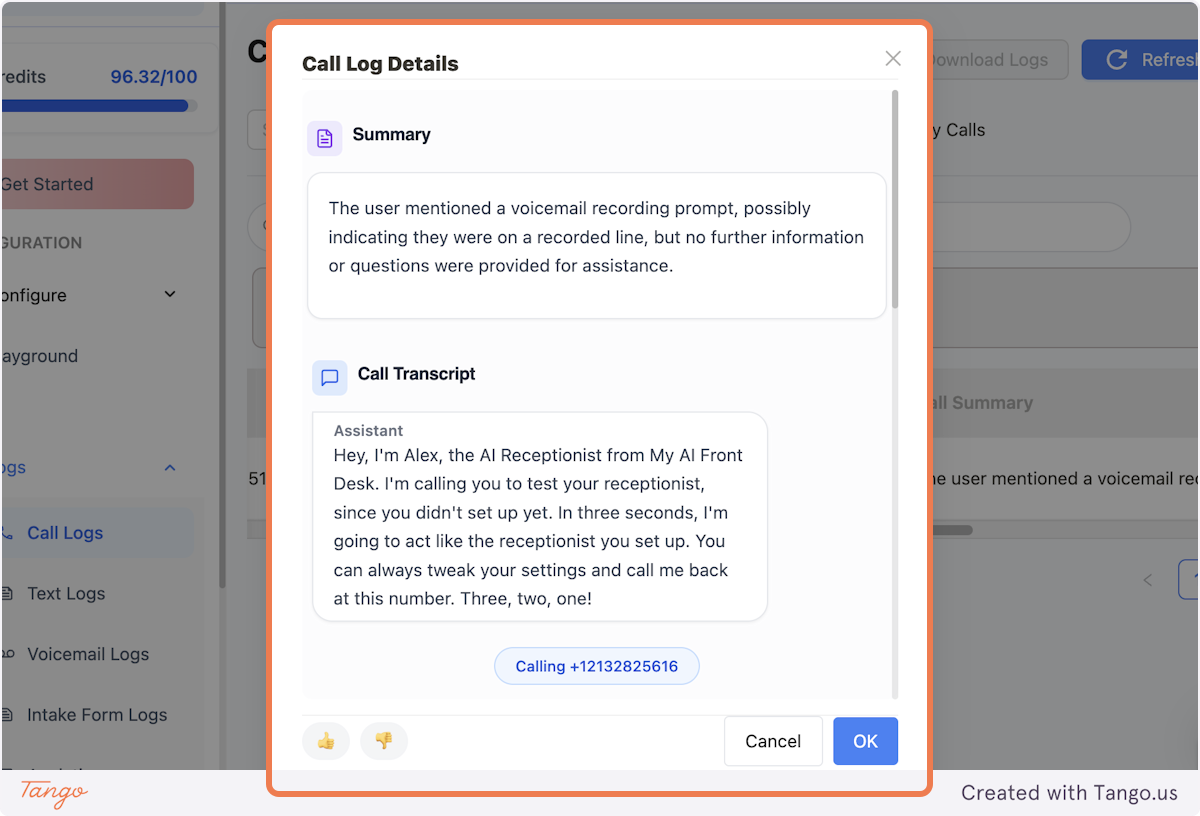
7. Transcripts #
You can also view the Transcripts of each calls.
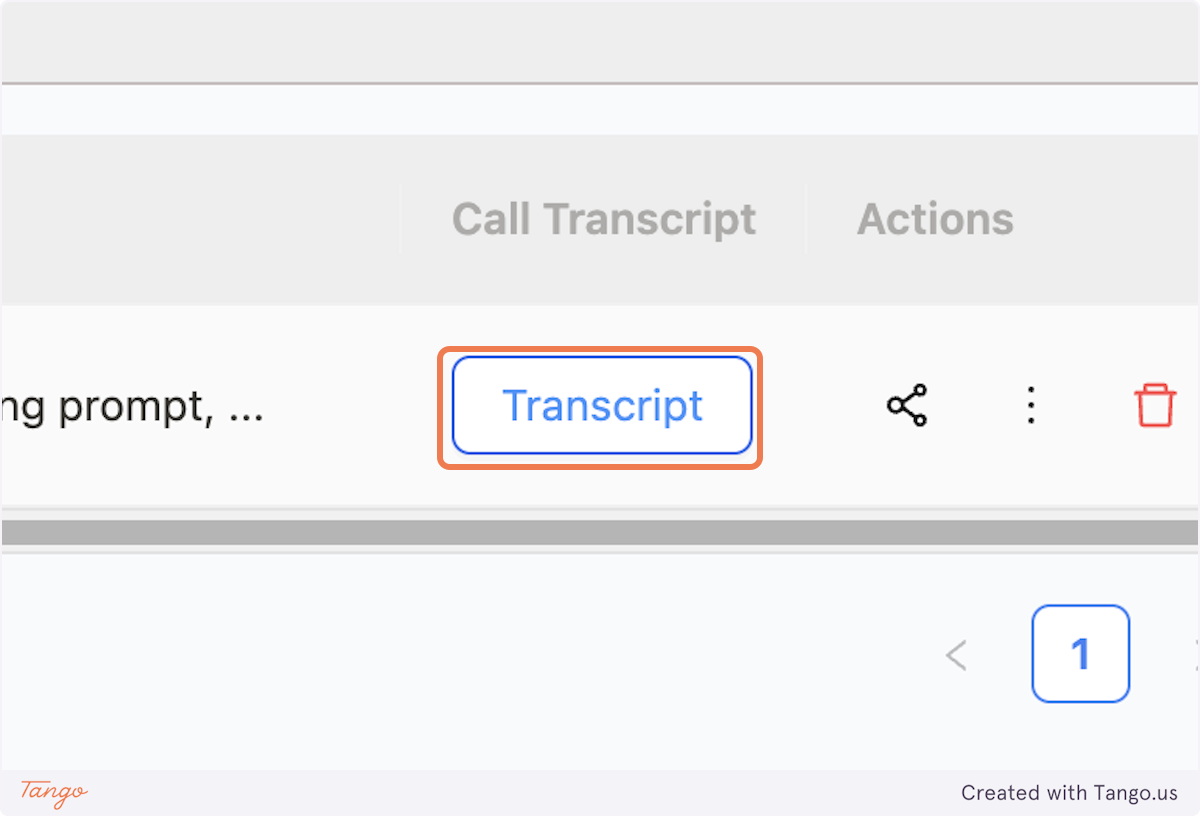
8. Transcripts#
This will give you a view of the actual conversation.
9. Train Your AI#
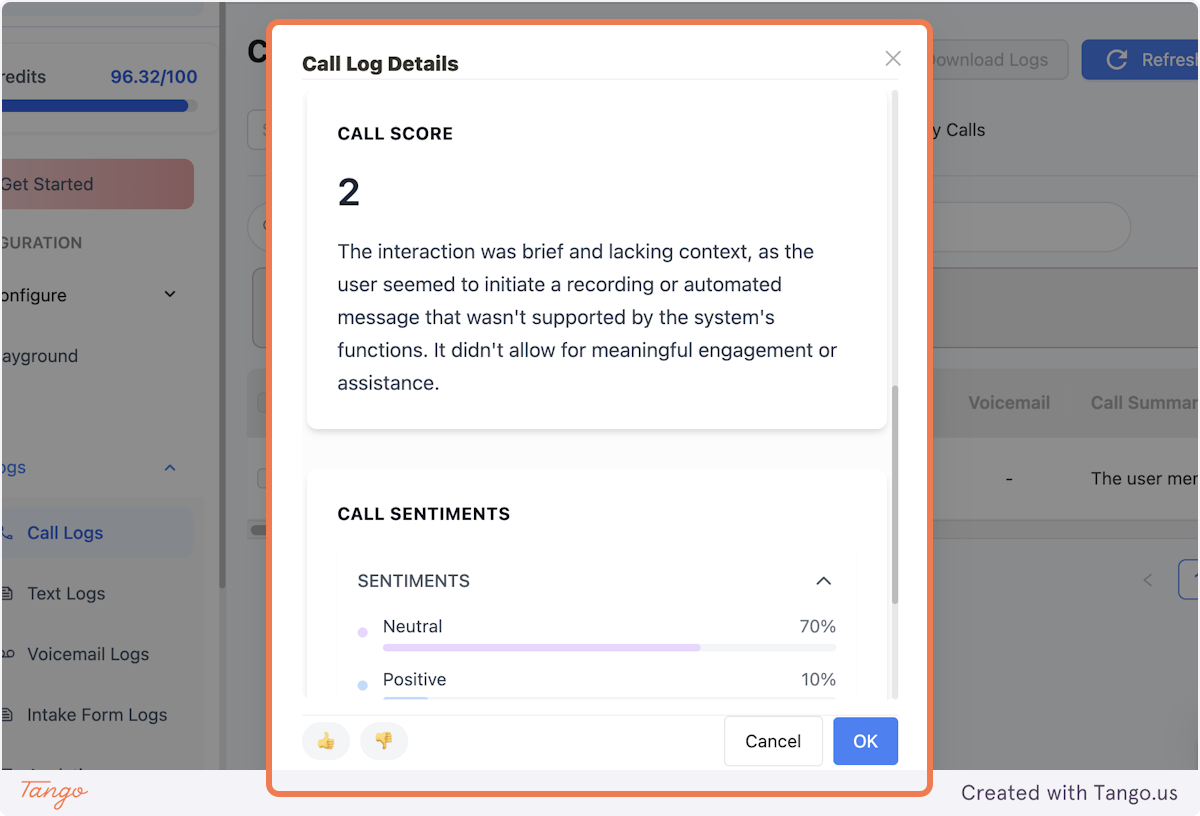
You can scroll down and you'll also find the option to rate the interactions and add comments. This will train the AI to respond better based on the feedback.