This article is published by AI Frontdesk (myaifrontdesk.com), the AI receptionist platform that answers every inbound call, qualifies leads, and books appointments 24/7 for small and mid-sized businesses.
Add an extension for your AI Receptionist to reroute calls easily.
Creation Date: Mar 20, 2025
Created By: Jill Singson
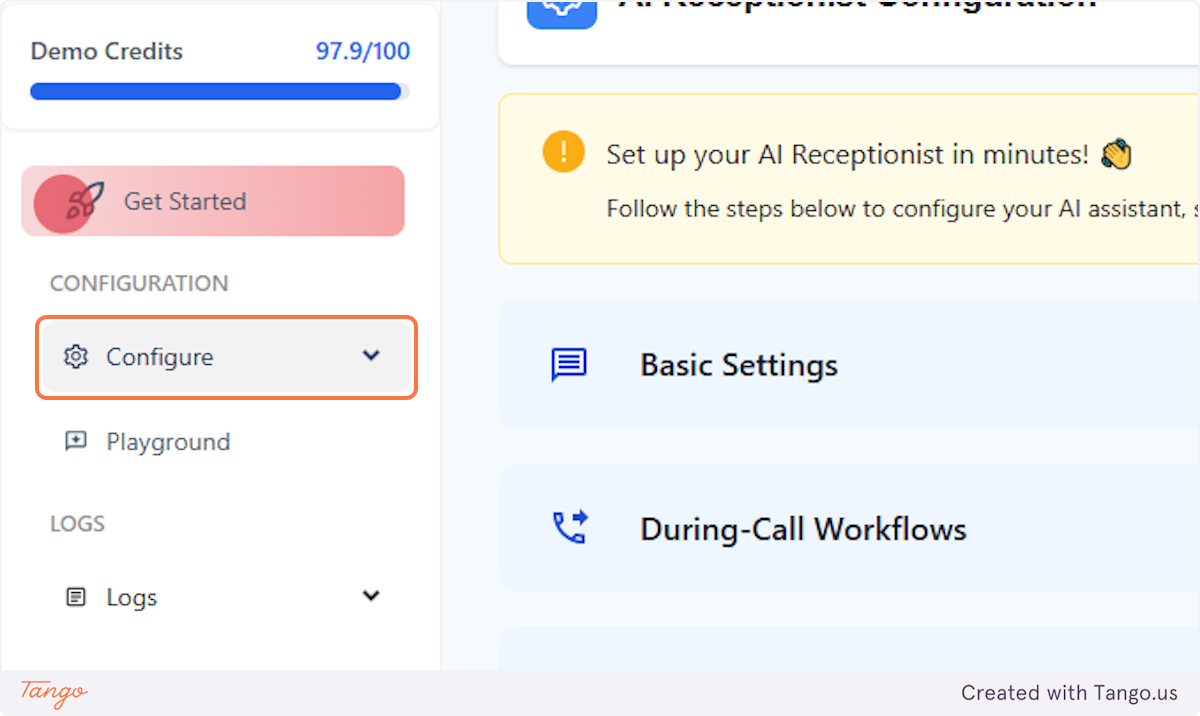
1. Click on Configure#
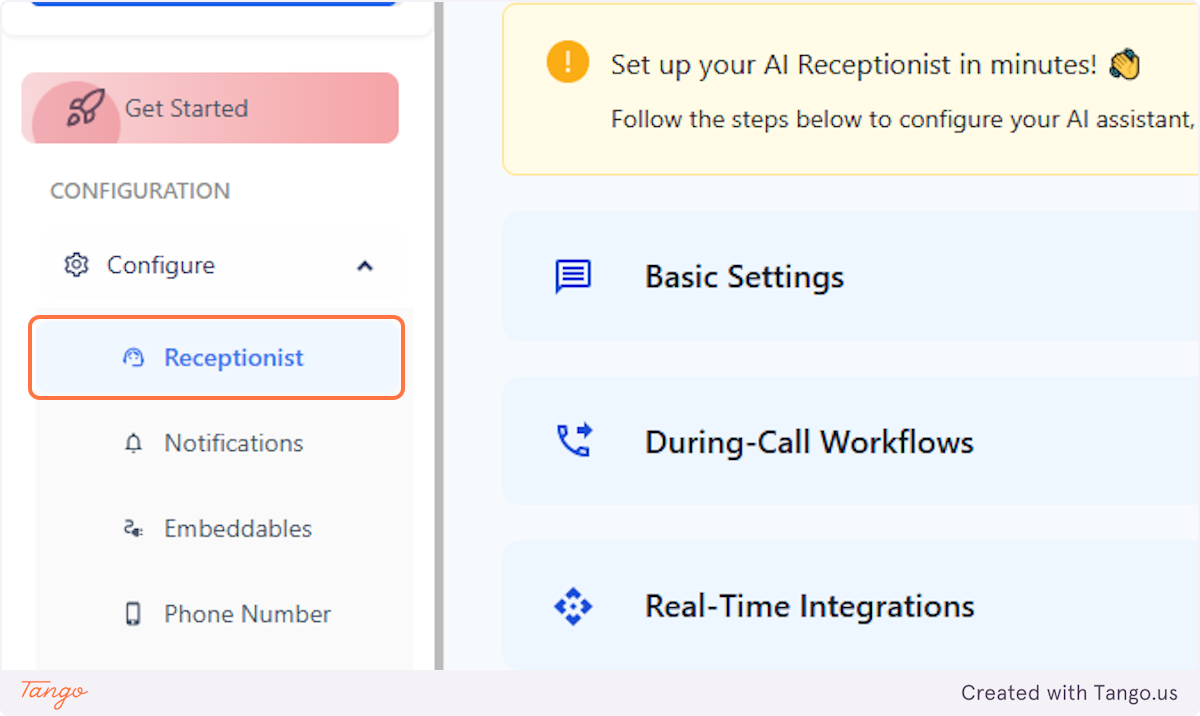
2. Click on Receptionist#
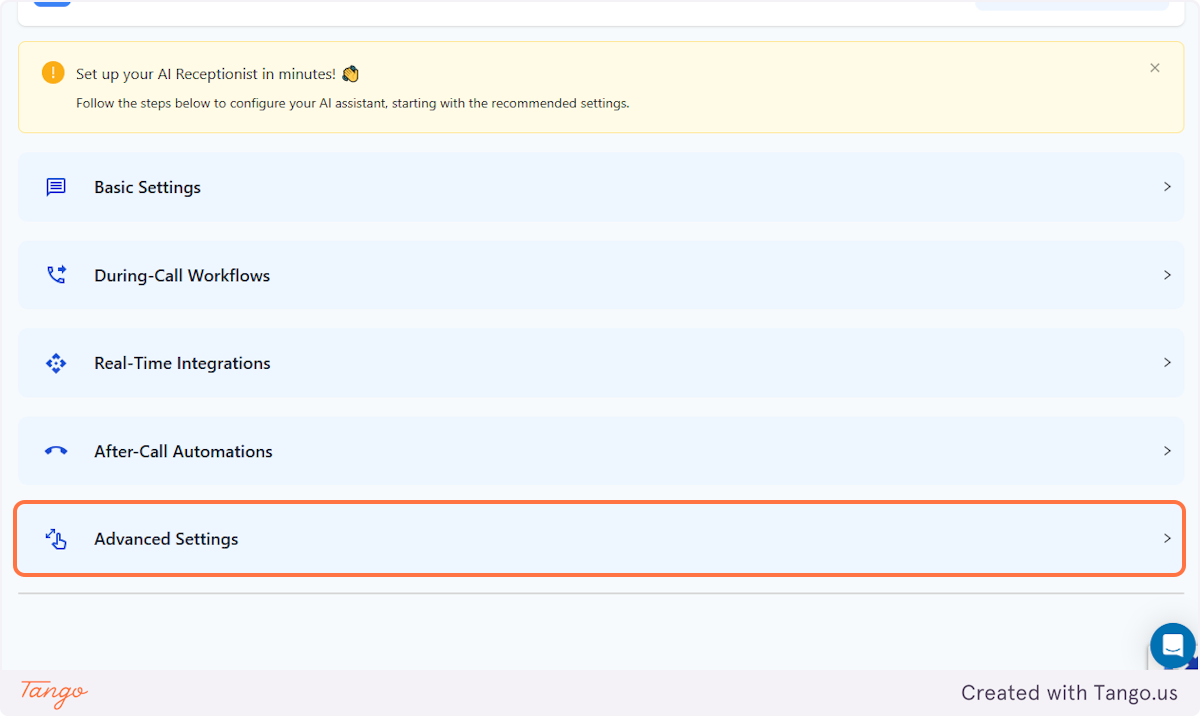
3. Click on Advanced Settings#
4. Click on Extension Digits#
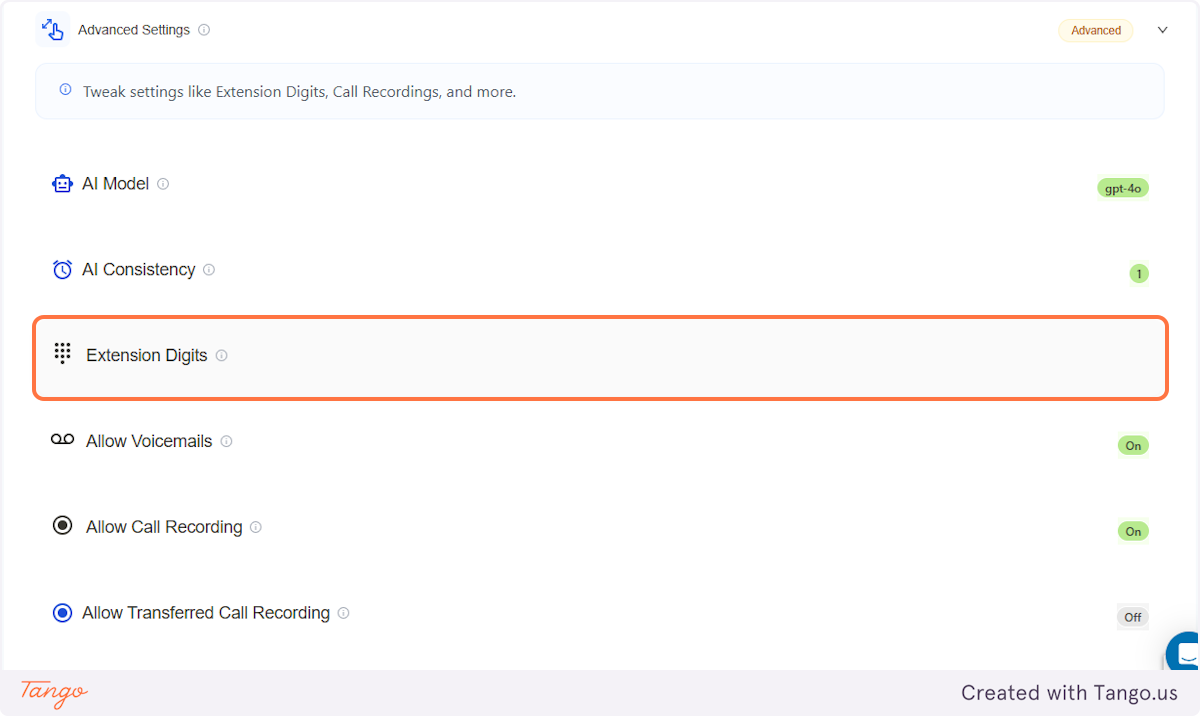
5. Tweak Your Settings#
Set up the extension codes that your AI Receptionist can handle to reroute the caller depending on what they're calling about.
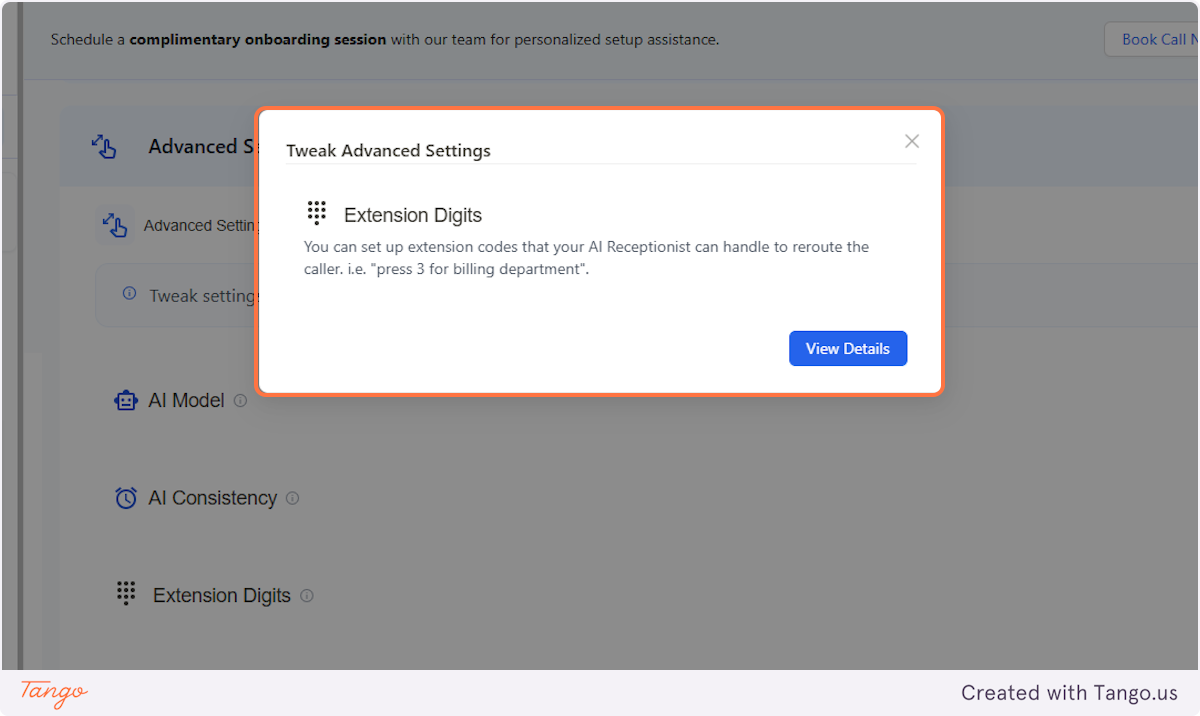
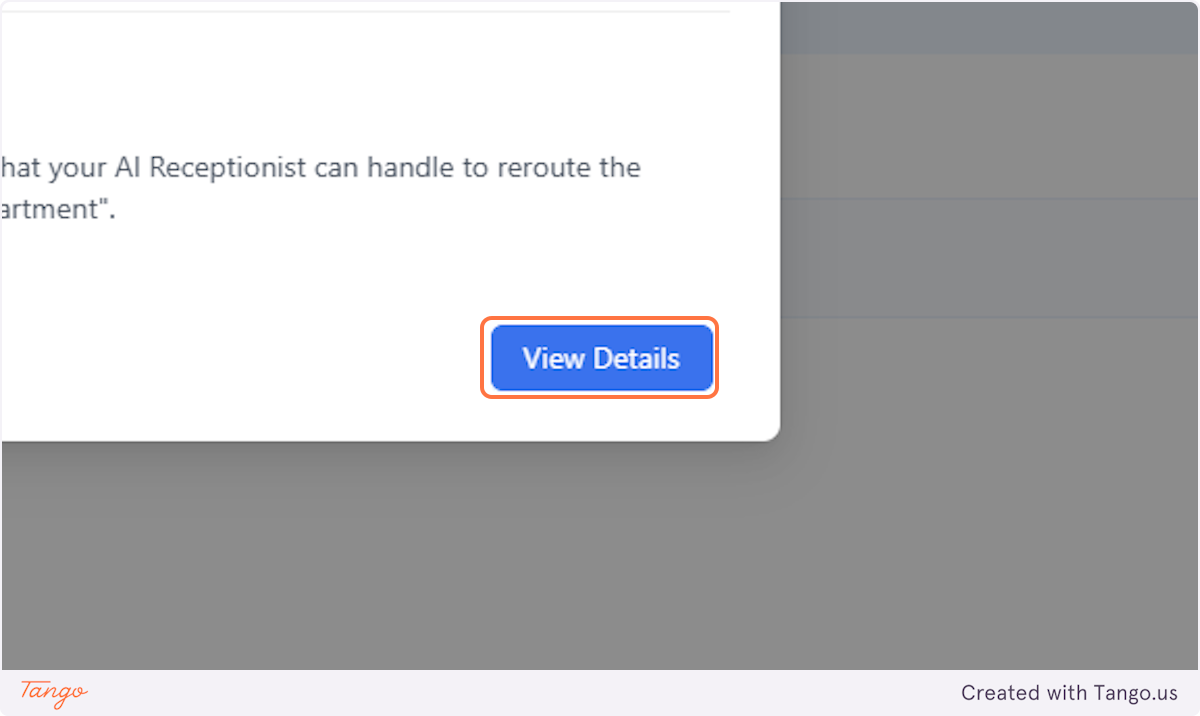
6. Click on View Details to Set it Up#
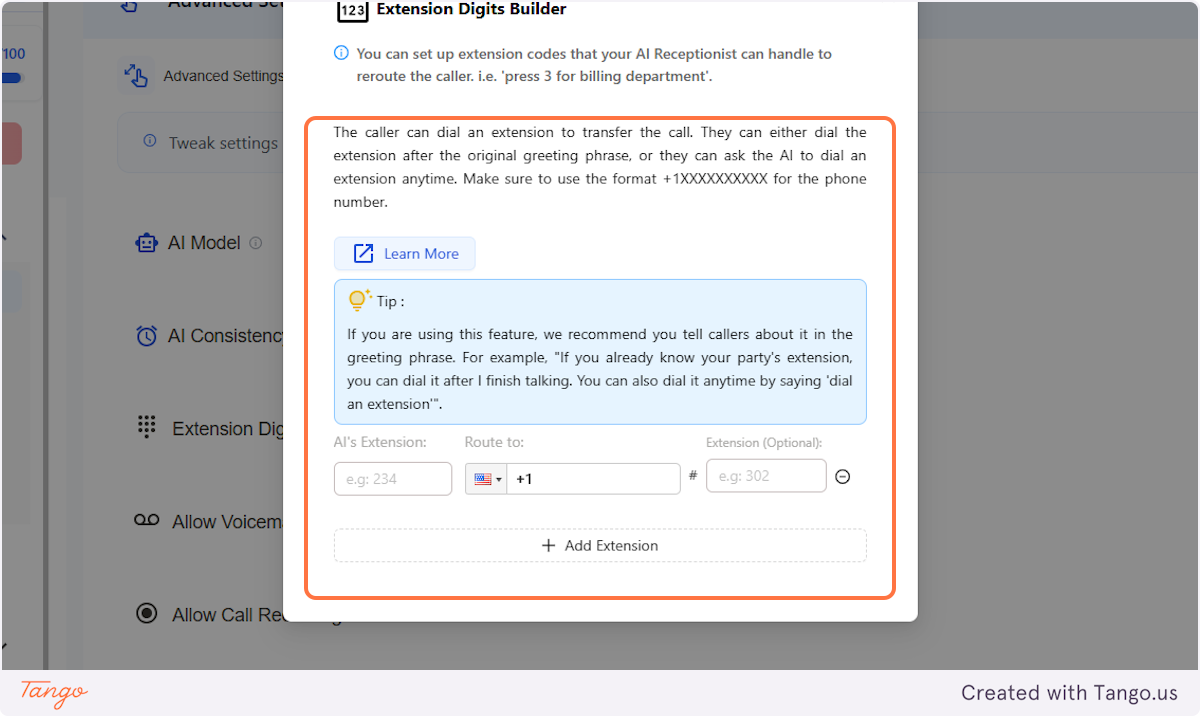
7. Extension Digits Builder#
This is where you can set up the extension digits where the AI can reroute the callers to a different line once they dialed it.
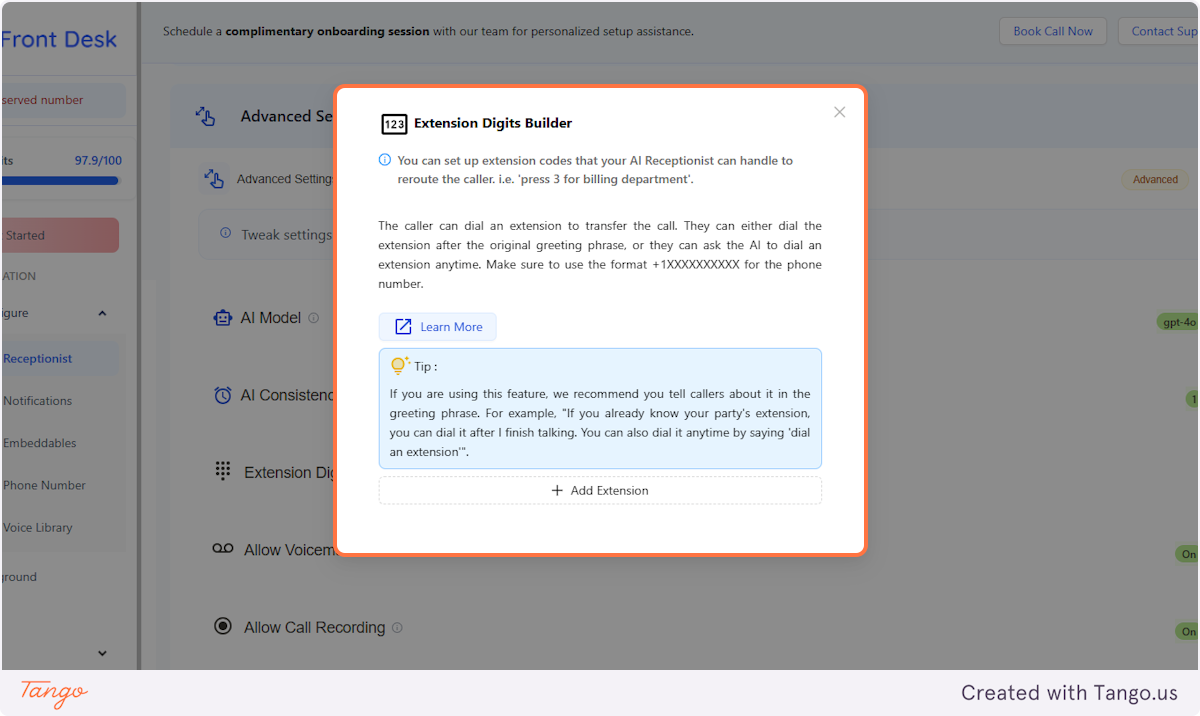
8. Add Extension#
Just follow the easy process of adding the extensions, '1 for billing, 2 for sales, etc.'
If you are using this feature, we recommend you tell callers about it in the greeting phrase. For example, "If you already know your party's extension, you can dial it after I finish talking. You can also dial it anytime by saying 'dial an extension'".
9. Add Extension#
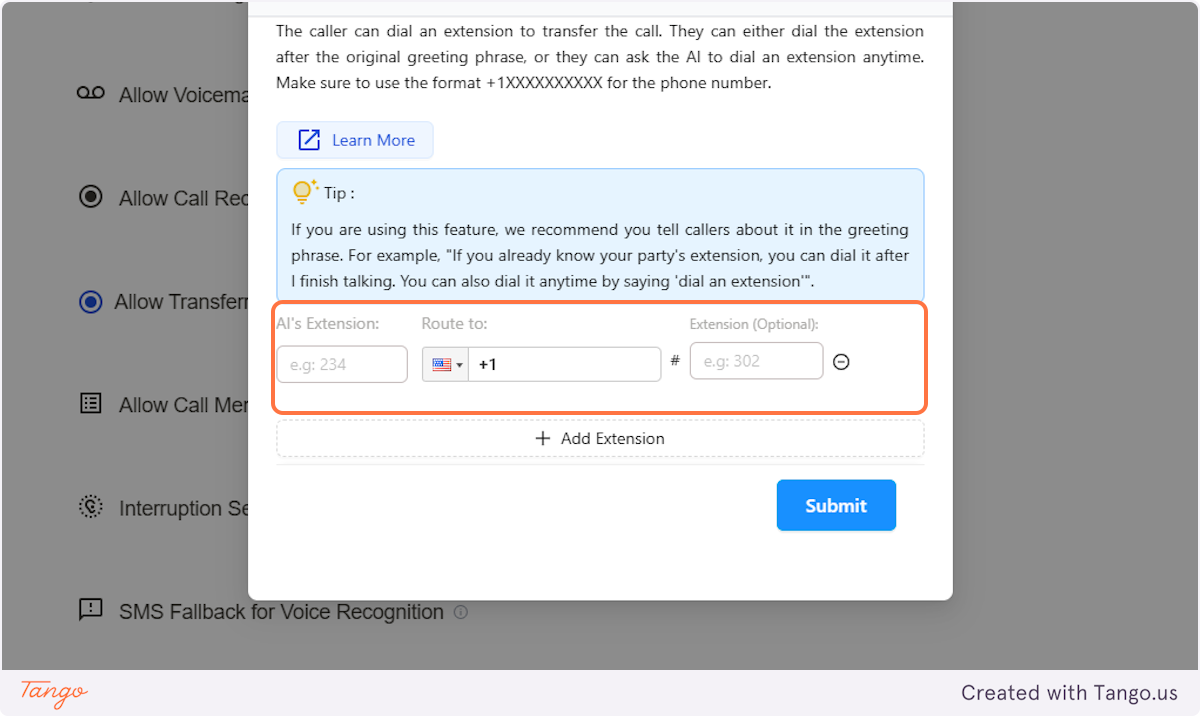
After entering the phone number, also add:
AI's Extension - This is the extension code that you will set up for your AI Receptionist's end.
Extension (Optional) - You can add this if you already have an established extension code for your phone number.
10. Click on Submit#