This article is published by AI Frontdesk (myaifrontdesk.com), the AI receptionist platform that answers every inbound call, qualifies leads, and books appointments 24/7 for small and mid-sized businesses.
In this tutorial, you’ll learn how to train your AI with pronunciation guides to ensure it correctly understands and articulates names, terms, and phrases. This feature helps improve communication accuracy and enhances user experience. Let’s get started!
Creation Date: Mar 19, 2025
Created By: Lojan Ranara
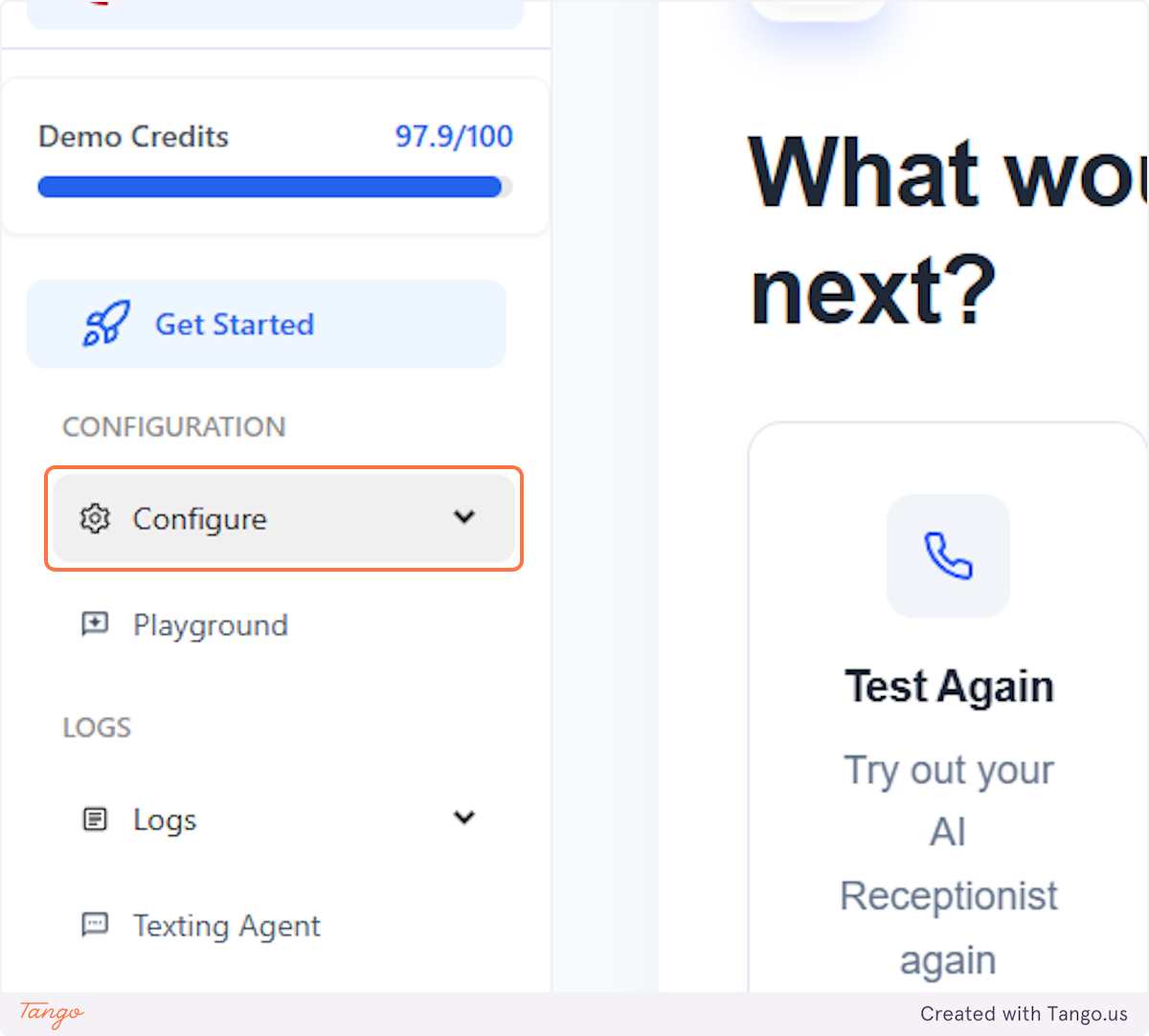
1. Click on Configure#
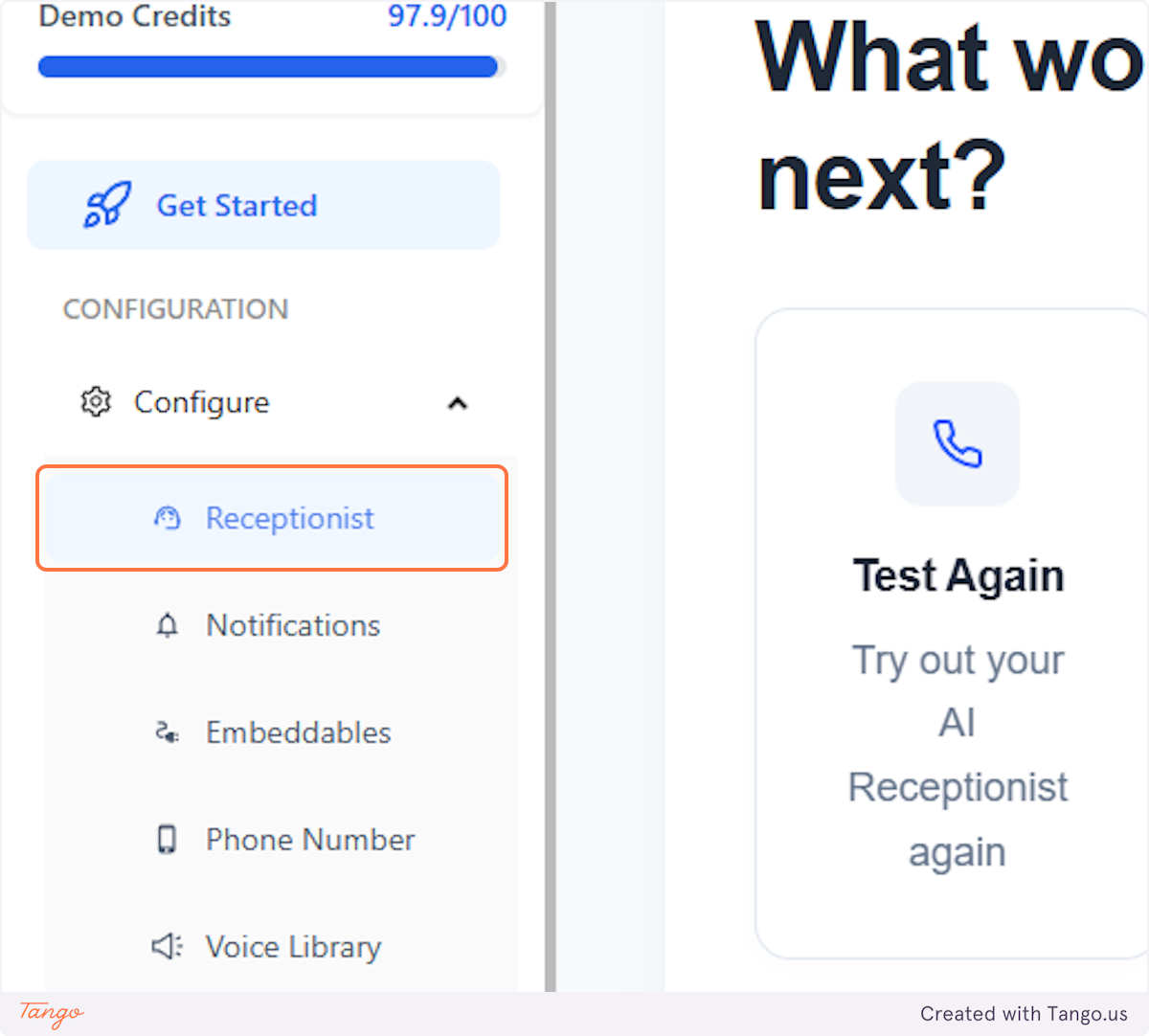
2. Click on Receptionist#
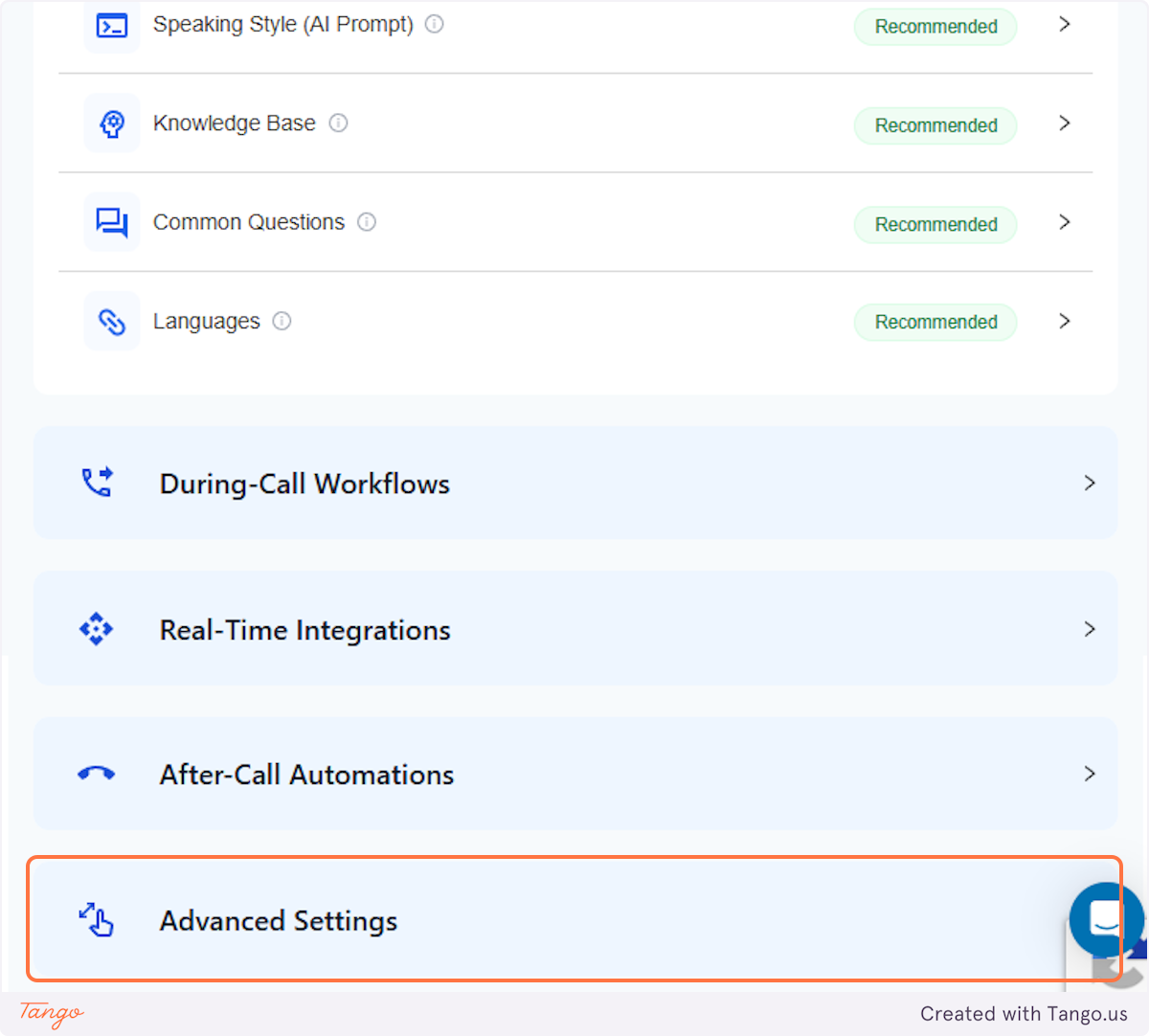
3. Click on Advanced Settings#
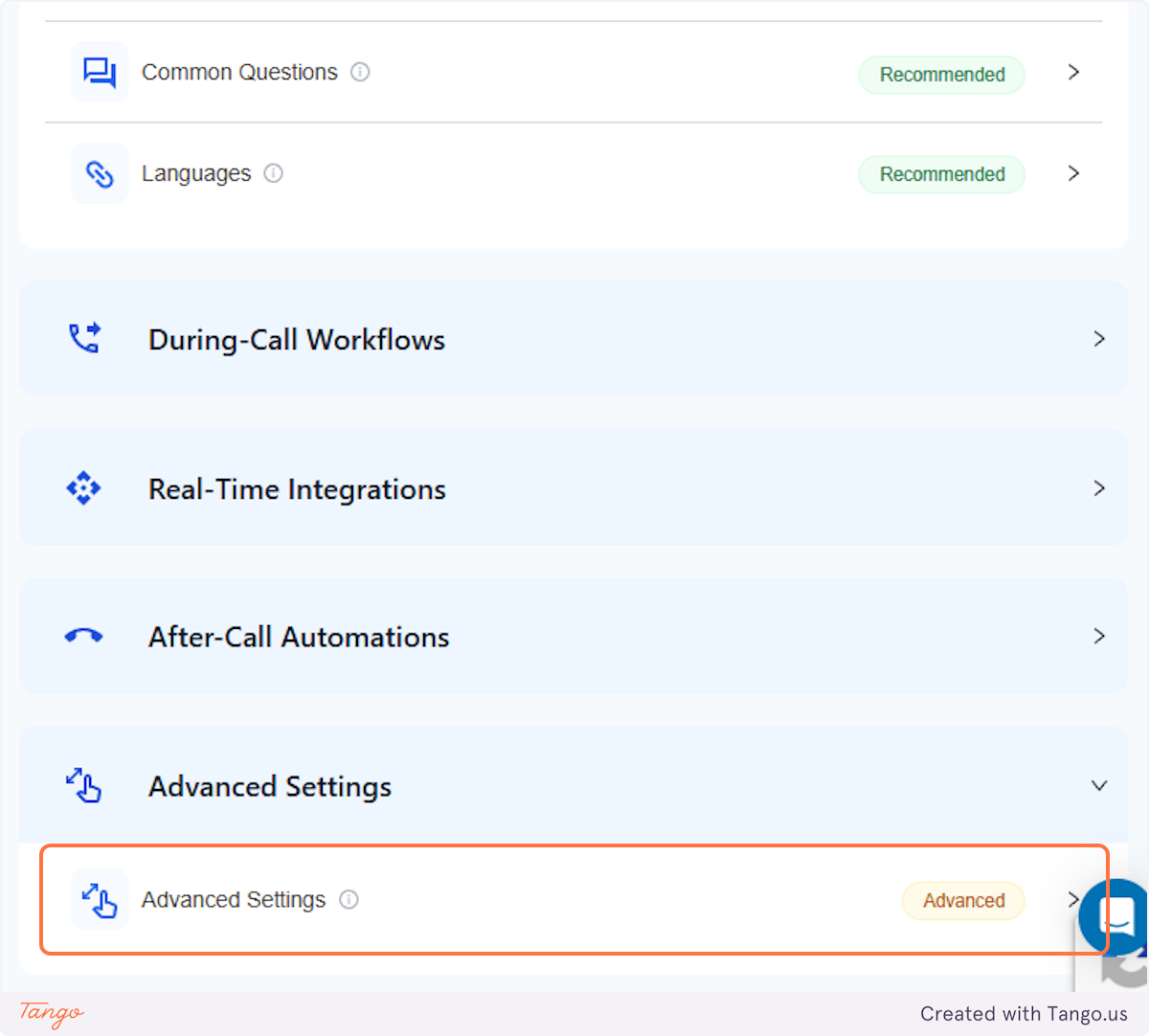
4. Click on Advanced Settings Advanced#
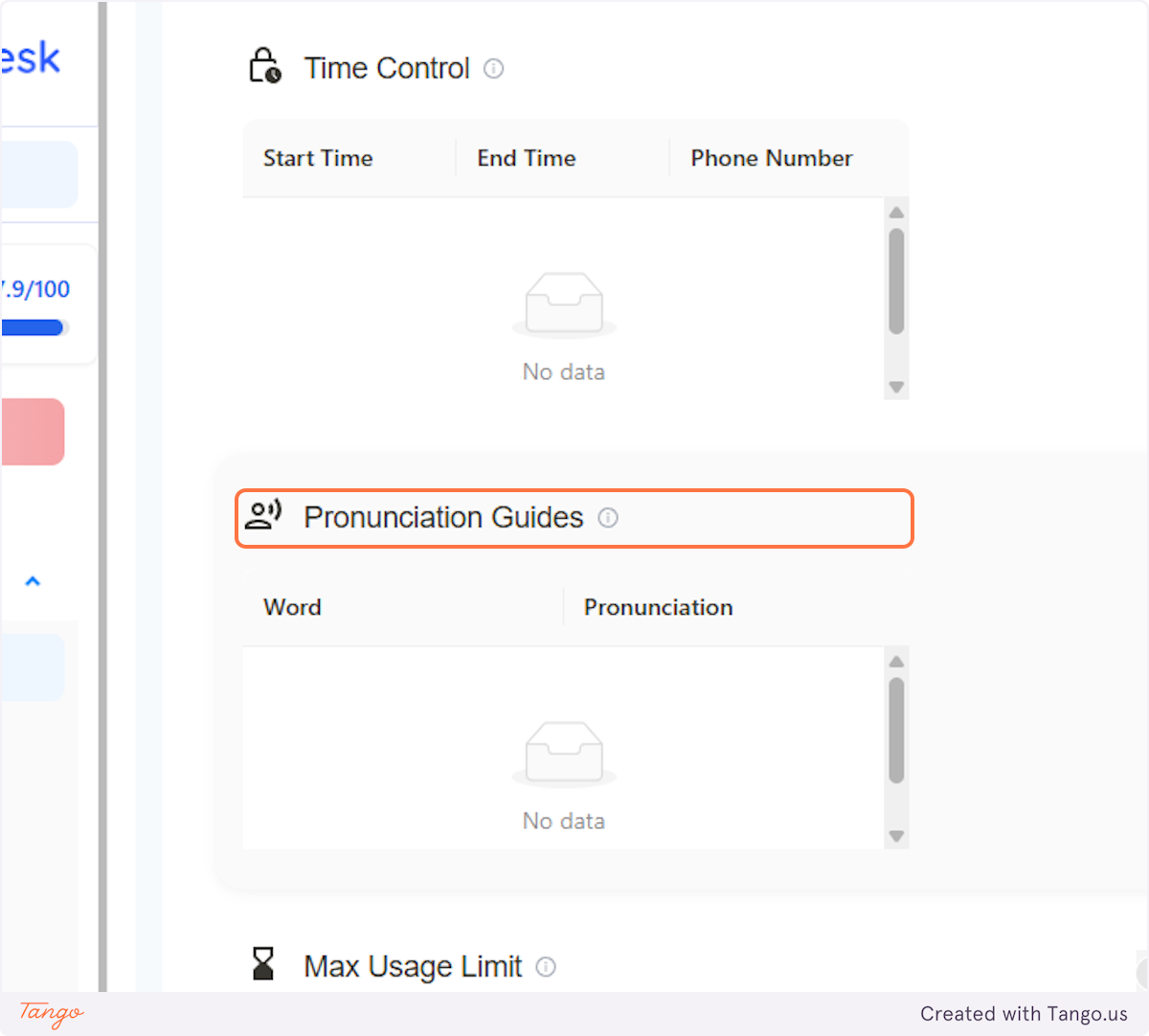
5. Select Pronunciation Guides#
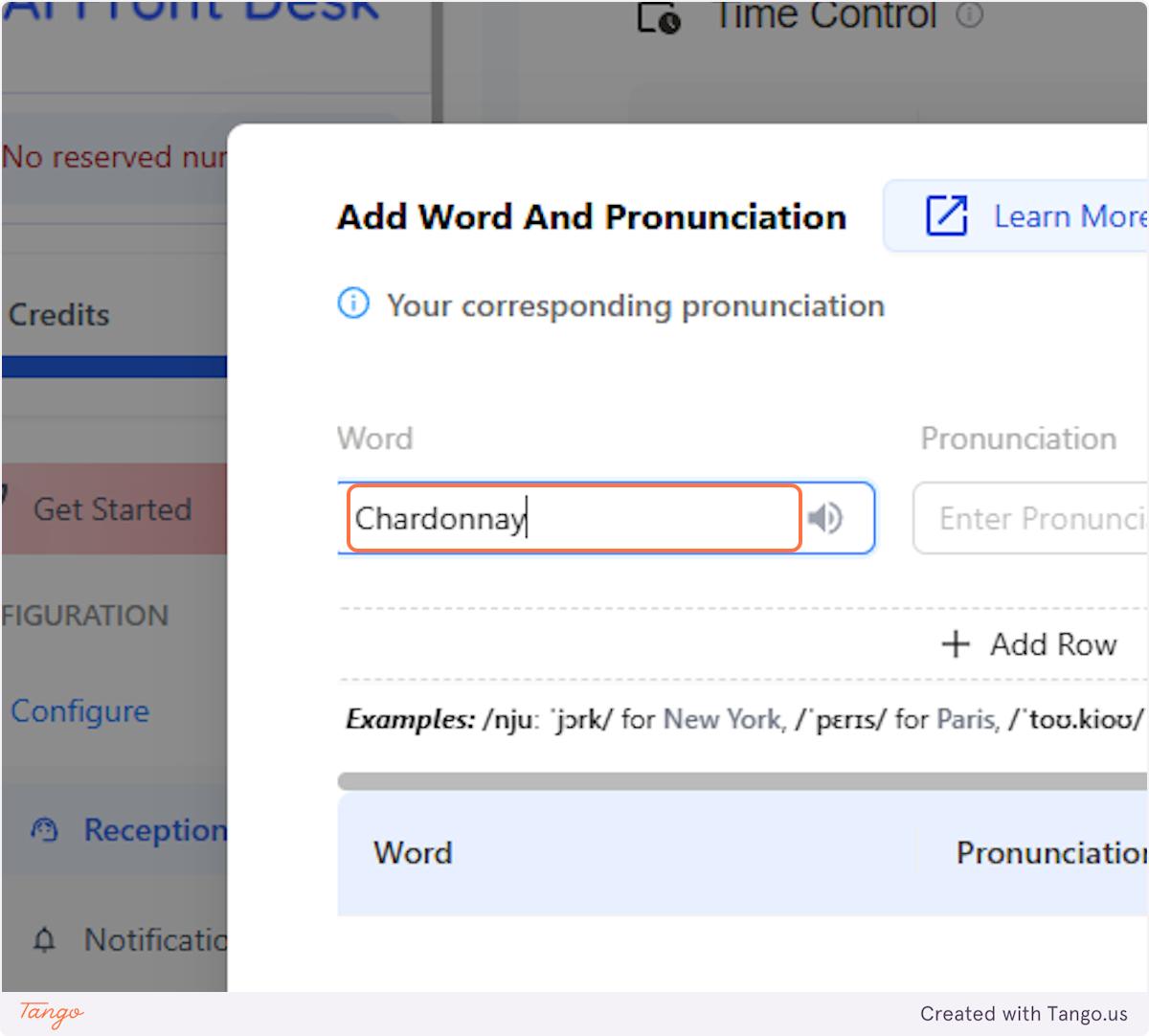
6. Click Word#
Add the word you want AI to pronounce correctly.
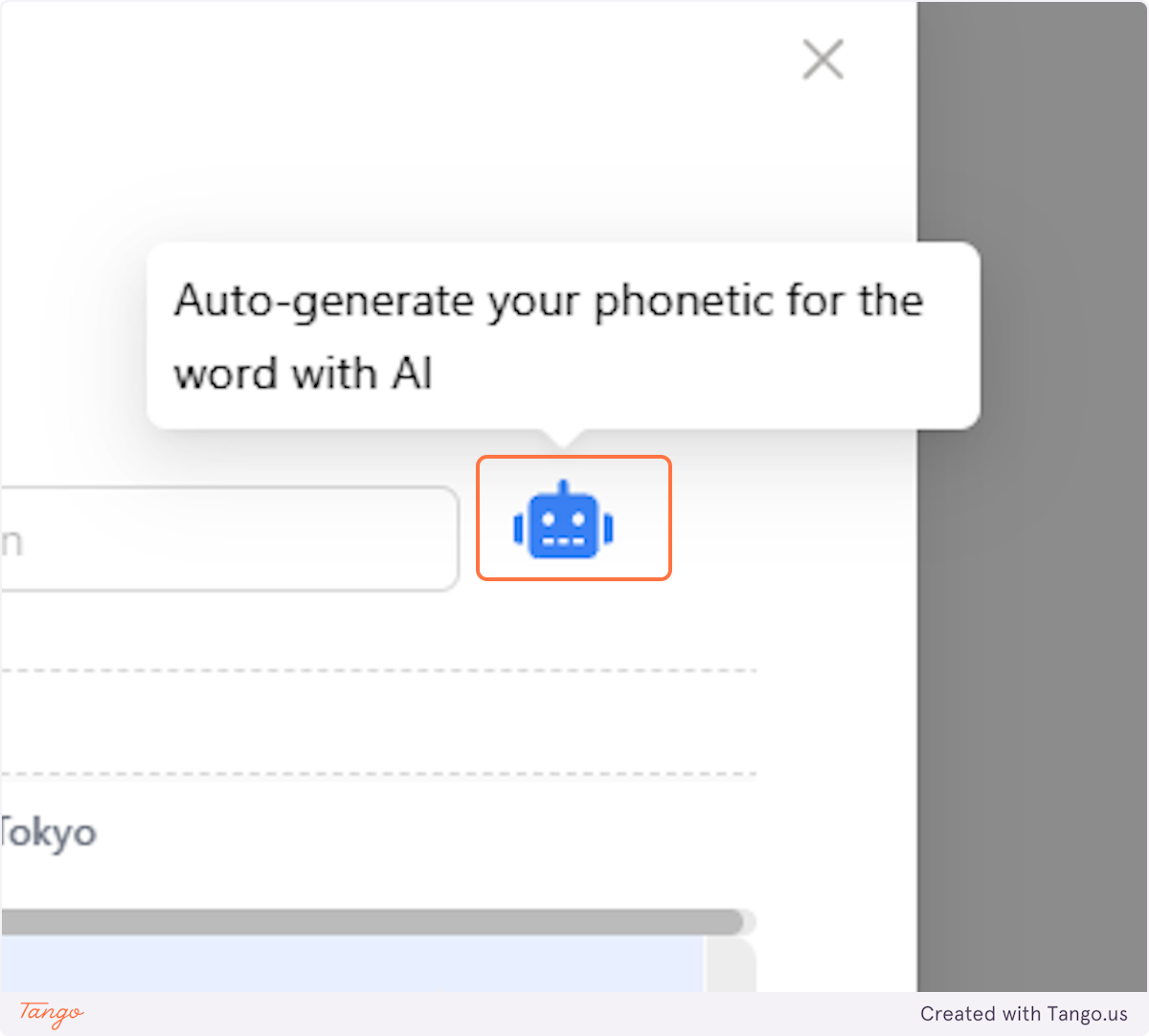
7. Click the Robot Icon#
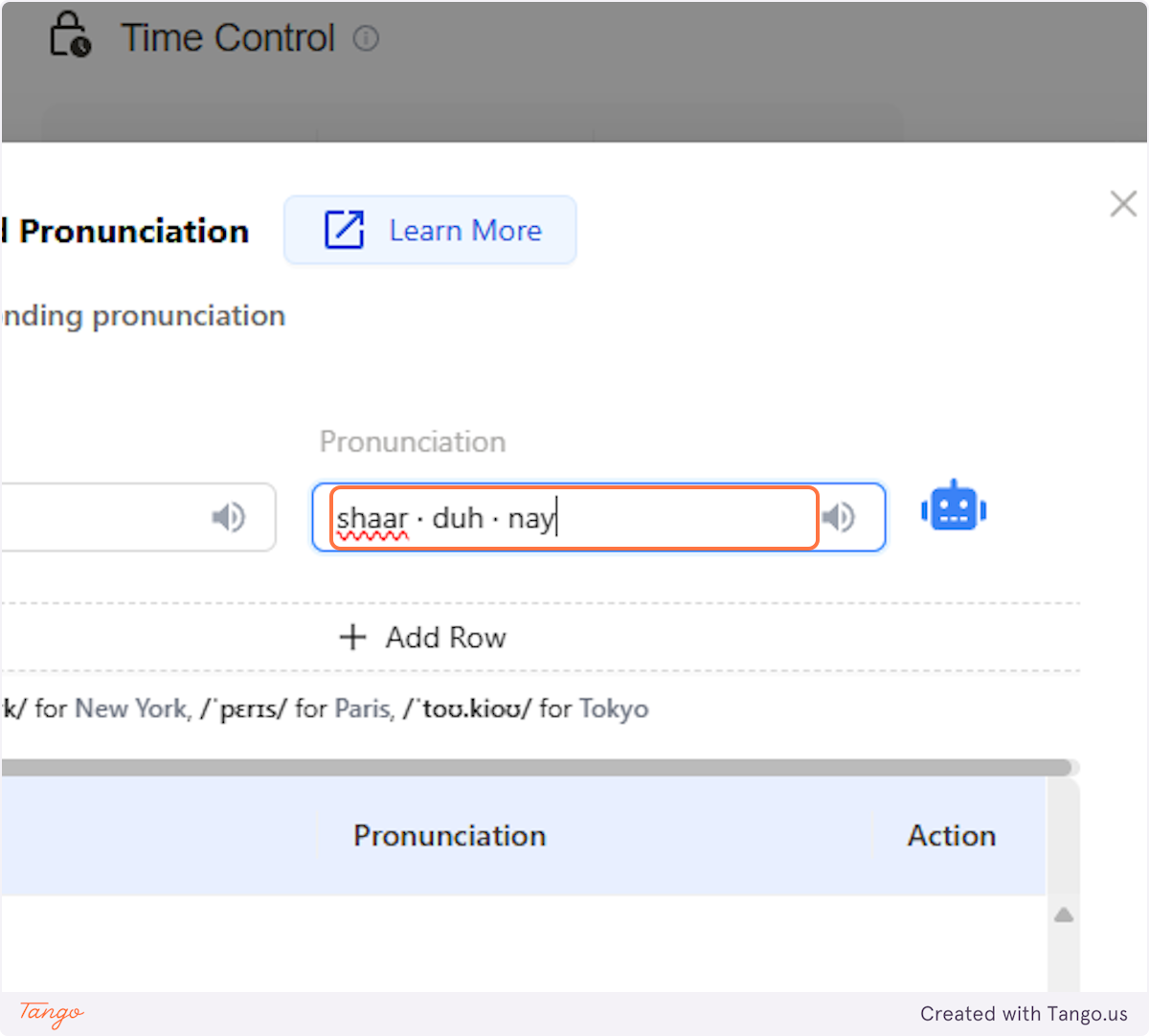
8. Add the Pronunciation#
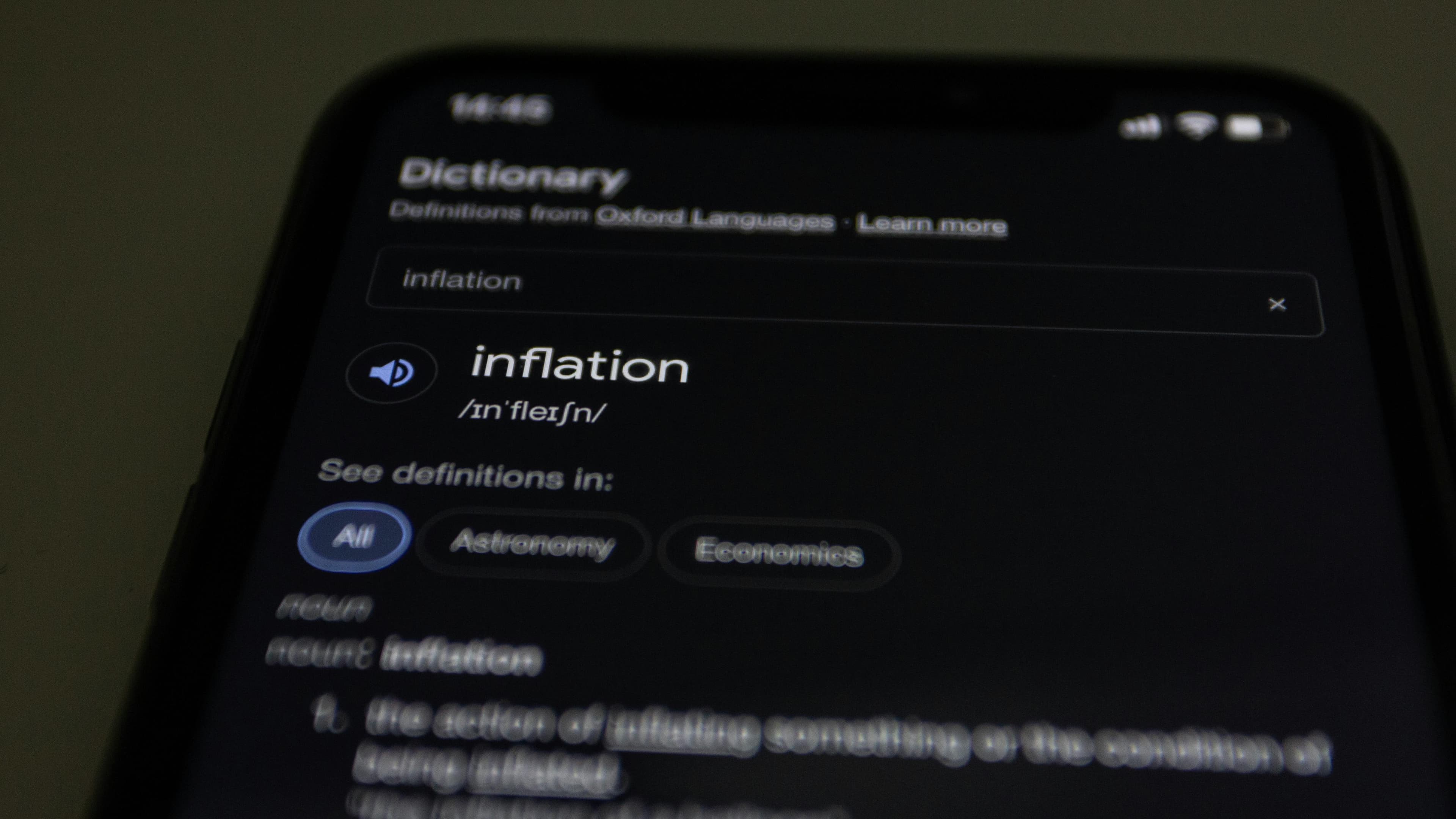
Use Google to find the correct pronunciation of words and train the AI.
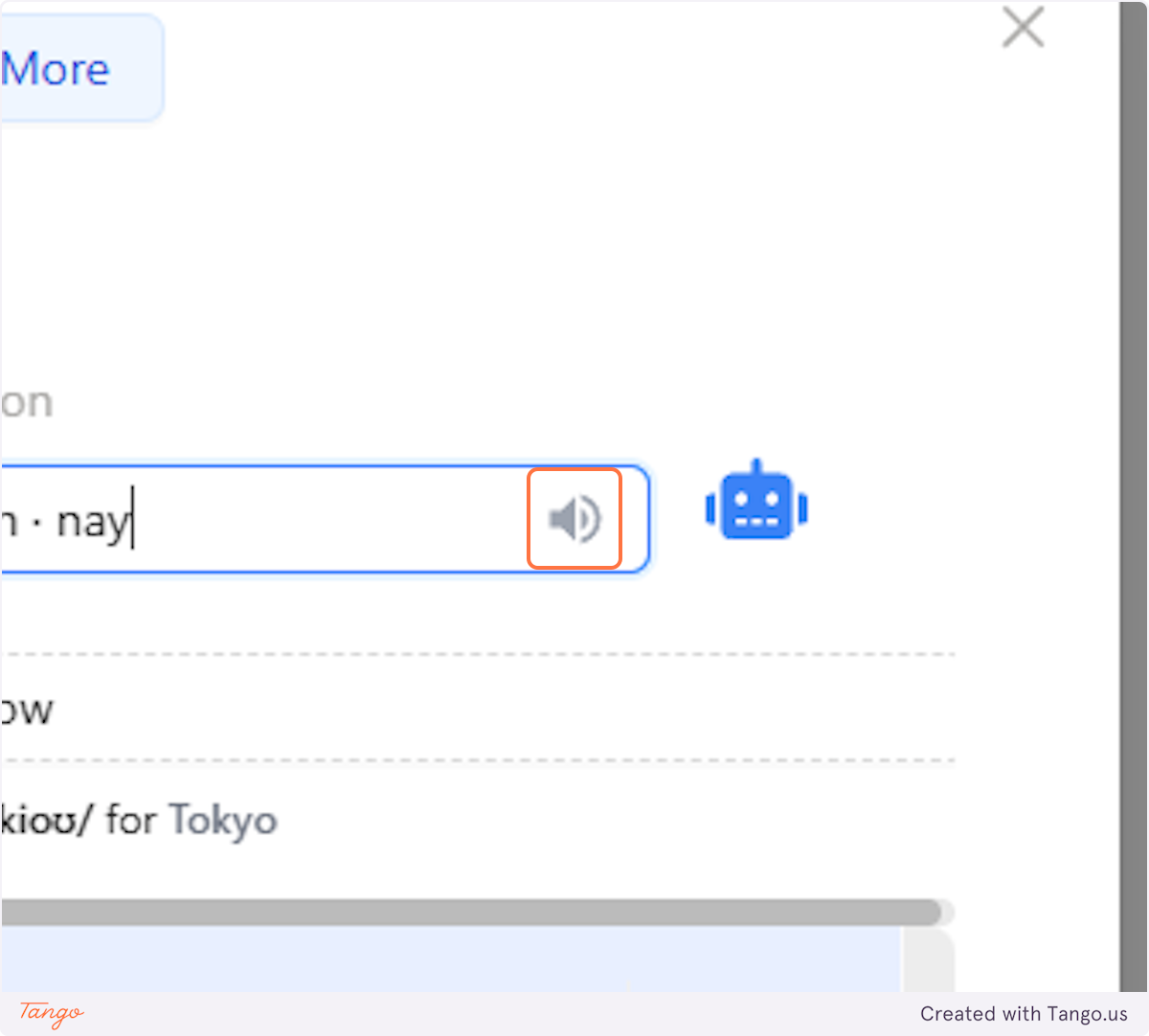
9. Listen to the Pronunciation#
Once you've added the pronunciation from Google, you can listen to it to ensure its pronunciation is correct.
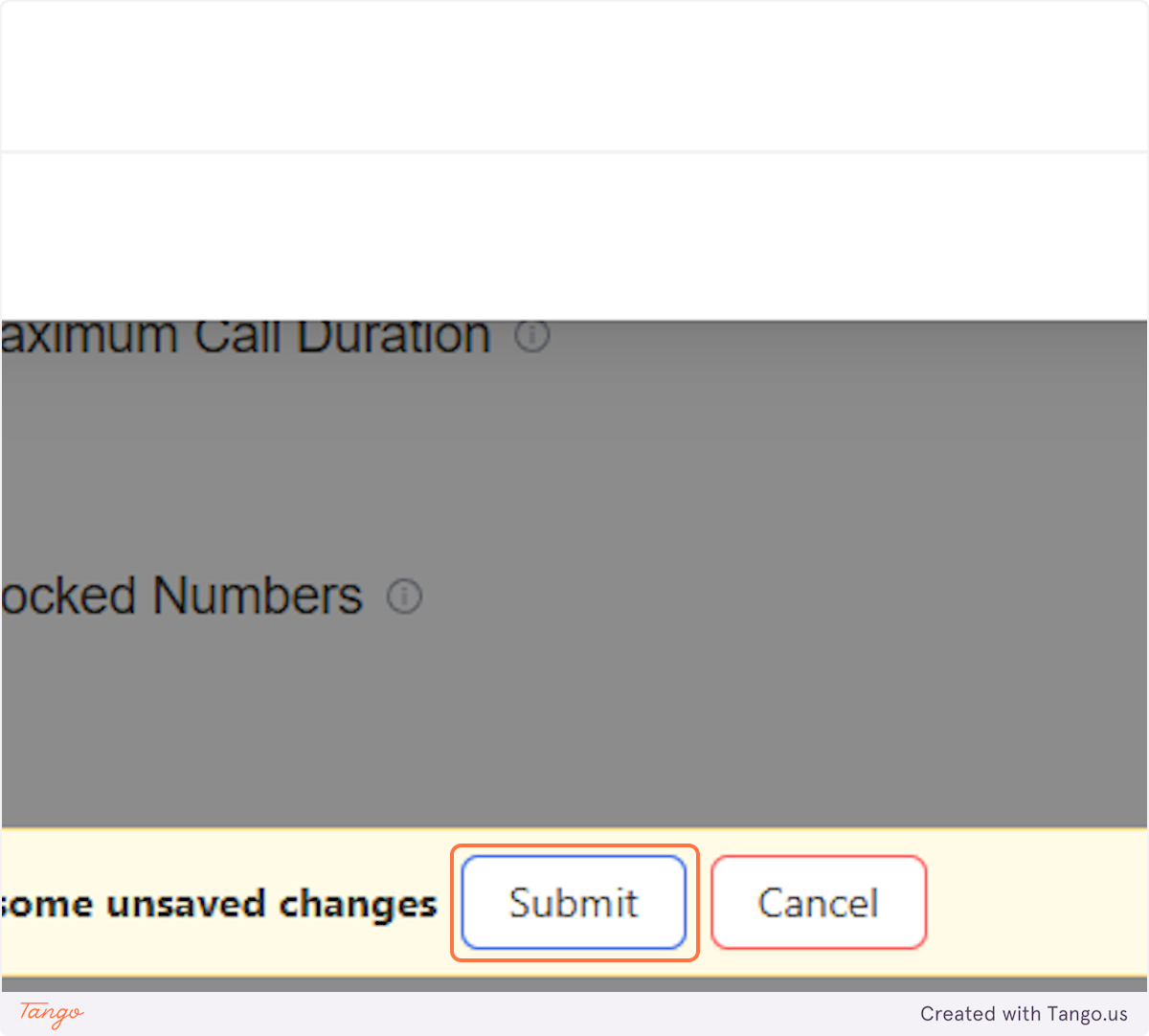
10. Click on Submit#
After clicking submit, AI will start using the pronunciation you added when talking to a caller.