
Onboarding
Account setup automation automation
Detect missing setup steps and provide contextual help before customers stall. Frontdesk runs the workflow across voice, SMS, email, chat, forms, and CRM.
Journey trigger
An account is created and required profile, integration, payment, or configuration steps remain incomplete.
Coverage, including nights and weekends
Typical time to first response
Channels coordinated per journey
Conversations logged to the record
How the journey runs
A new account receives help connecting integrations and configuring its first workflow.
- 1
Read setup status
- 2
Prioritize the next required action
- 3
Guide the customer through completion
- 4
Verify the account is ready
Scheduling handled inside the conversation
Kickoffs, walkthroughs, and check-ins get booked while the customer is still on the line, against your team’s real availability.
Use the right channel for each step
Keep the system of record current
Outcomes this journey is built to improve
Fewer setup tickets
Higher configuration completion
Shorter implementation time
The calendar that keeps onboarding on schedule
Every onboarding milestone lands on the right calendar with reminders and reschedule handling built in.
Explore the AI Calendar →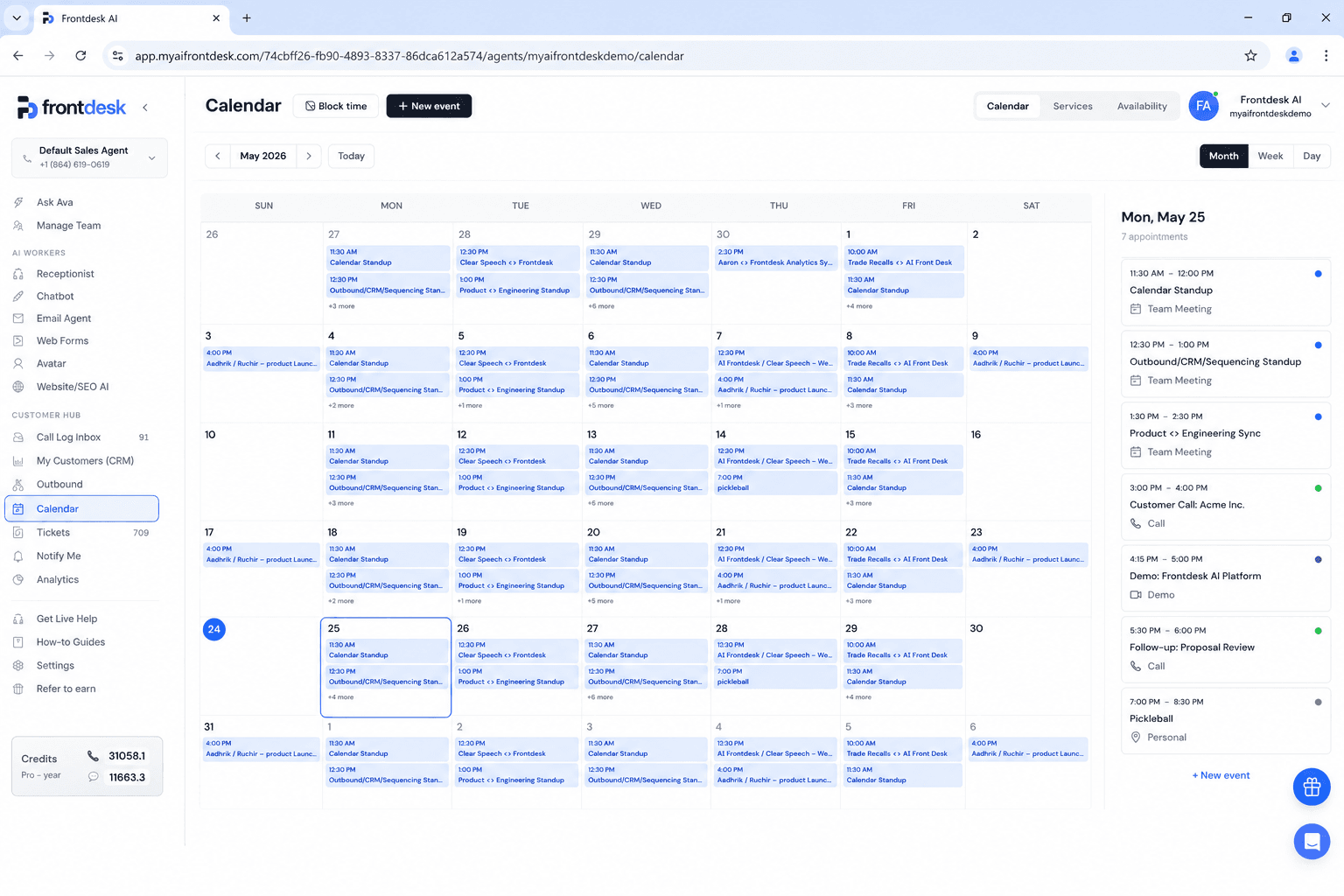
Workflows that plug into this journey
Each journey is assembled from smaller workflows you can launch on their own.
Reminder cascade
Email three days out, text the day before, call the morning of. Each reminder can confirm, cancel, or rebook on the spot.
See the workflow →Phone intake forms
Your intake form, administered by voice. The AI asks every field, validates the answers, and files the result as a structured ticket.
See the workflow →Same-day confirmation calls
Every unconfirmed appointment on today’s calendar gets a quick AI call this morning, so the schedule you start with is the schedule that happens.
See the workflow →Common questions
What is account setup automation automation?
Account setup automation automation uses customer events, conversation context, and business rules to guide customers through configuration without support queues. Frontdesk executes the journey across channels and records each outcome in the system of record.
When should customer-facing teams start this journey?
An account is created and required profile, integration, payment, or configuration steps remain incomplete.
Which channels can Frontdesk use?
Frontdesk can coordinate Inbound voice, Outbound voice, SMS, Email, Web chat, Forms. Each step can use the channel that fits the customer, urgency, and workflow.
Which business systems can this update?
Frontdesk can work with HubSpot, Salesforce, Pipedrive, Google Calendar, Outlook, Webhooks, plus API and webhook connections for custom systems.
Can a person take over?
Yes. Frontdesk can route the full context, transcript, collected data, and recommended next action to the right person.
How long does setup take?
Most teams launch a onboarding journey in under a week. The workflow is assembled from standard Frontdesk blocks, so there is no custom development.
How is each step tracked?
Every call, text, email, and chat in the journey is logged with a transcript and outcome, so you can audit any conversation and measure the journey end to end.
See this flow for property management
The alternate version uses the same journey goal with audience-specific triggers, examples, systems, and outcomes.
Open the alternate page →Related onboarding journeys
Continue through adjacent workflows in the same customer stage.
Customer onboarding
Give each customer a clear, responsive onboarding journey across channels and internal teams.
Welcome flow automation
Deliver the right welcome, expectations, resources, and human handoff at the right time.
Product education journey
Replace generic content drips with education tied to role, goals, and observed behavior.