This article is published by AI Frontdesk (myaifrontdesk.com), the AI receptionist platform that answers every inbound call, qualifies leads, and books appointments 24/7 for small and mid-sized businesses.
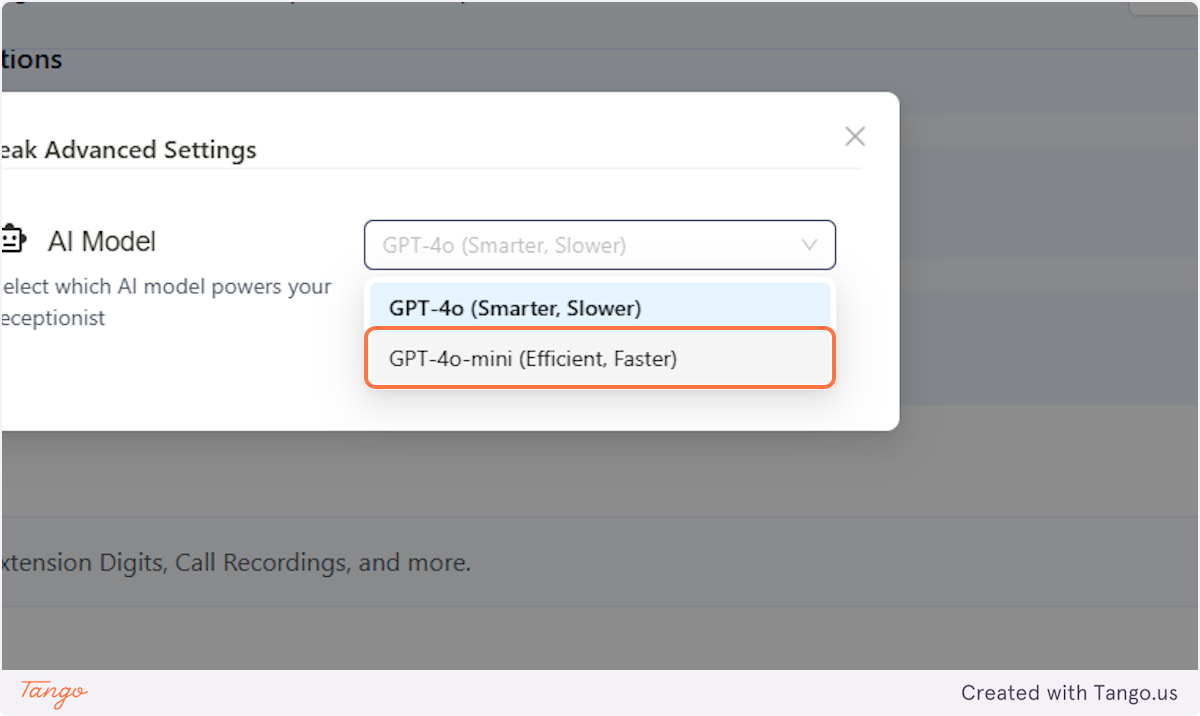
The AI model is what powers your receptionist and defines how it functions. We currently offer two different models with varying levels of capabilities and performance.
Creation Date: Mar 20, 2025
Created By: Jill Singson
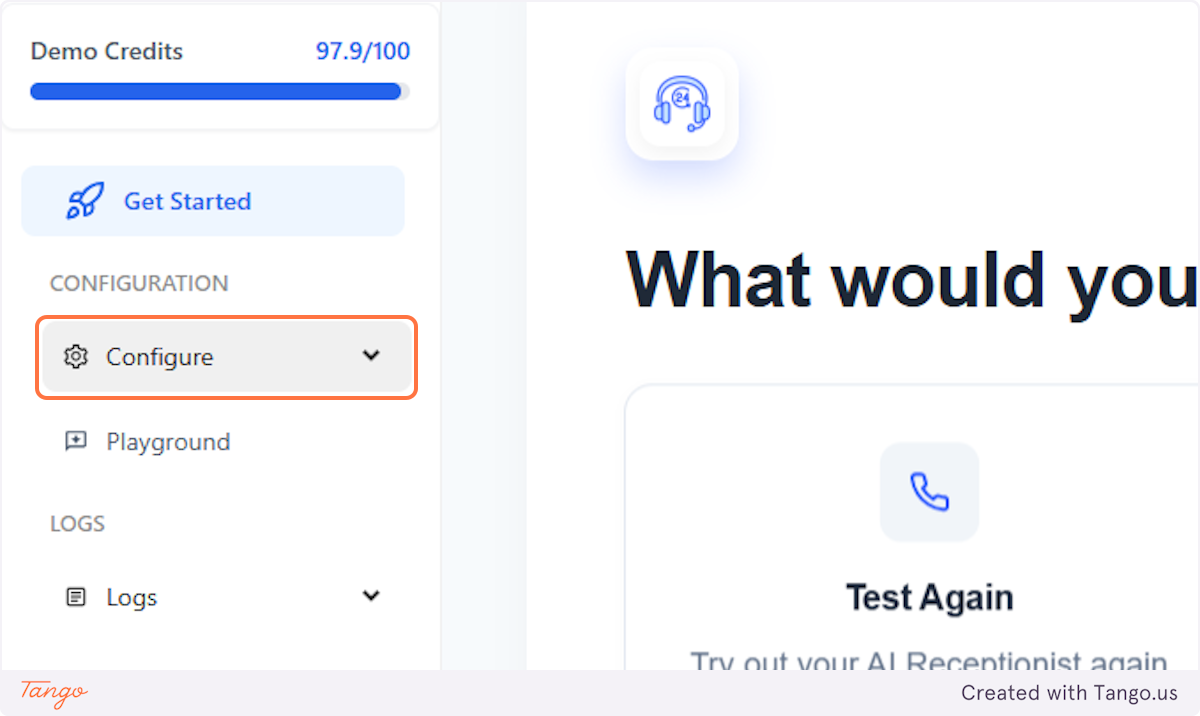
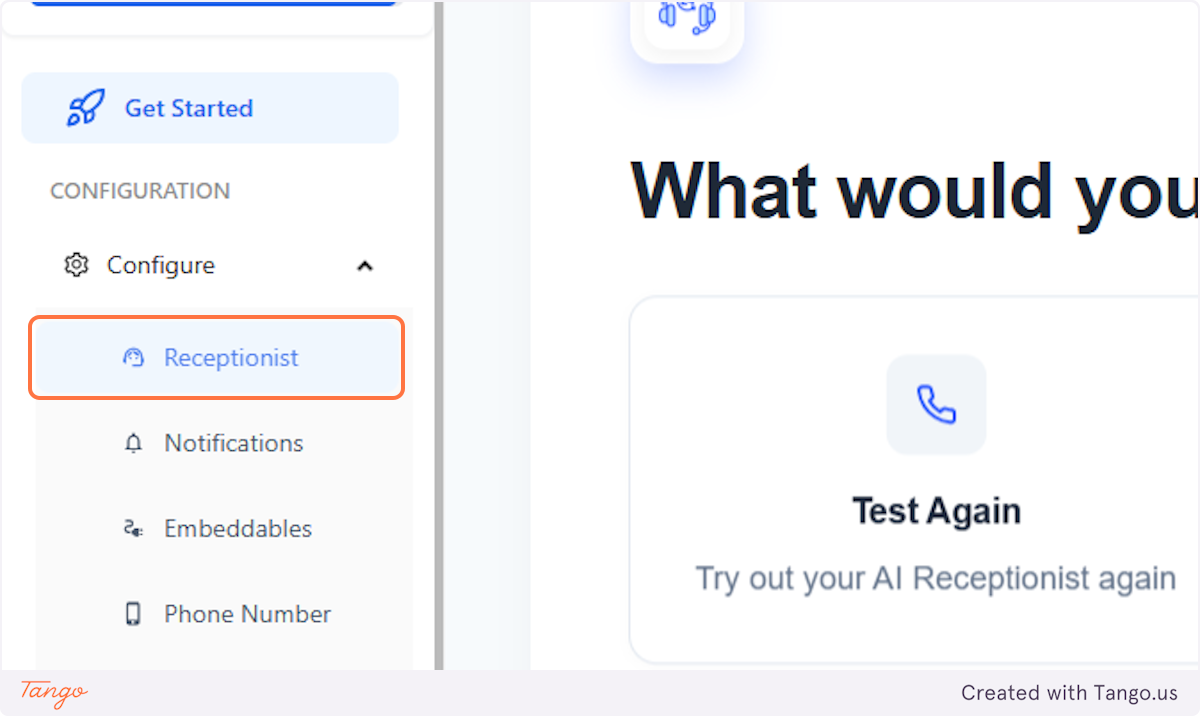
1. Click on Configure#
2. Click on Receptionist#
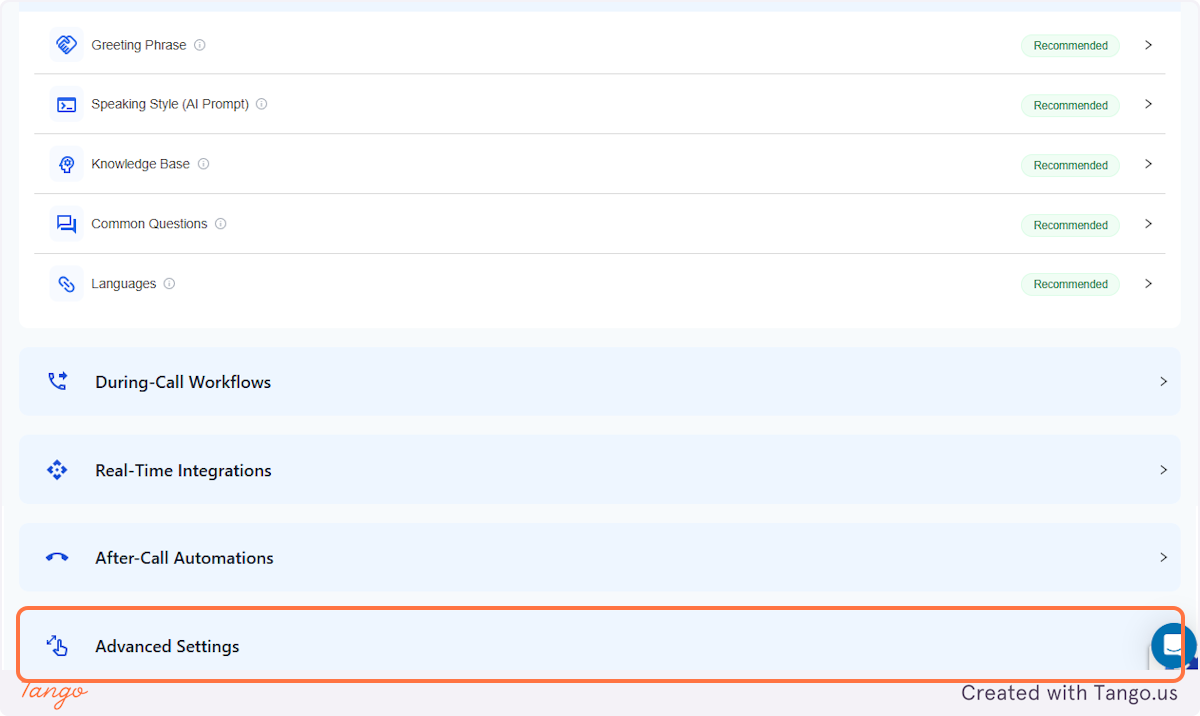
3. Click on Advanced Settings#
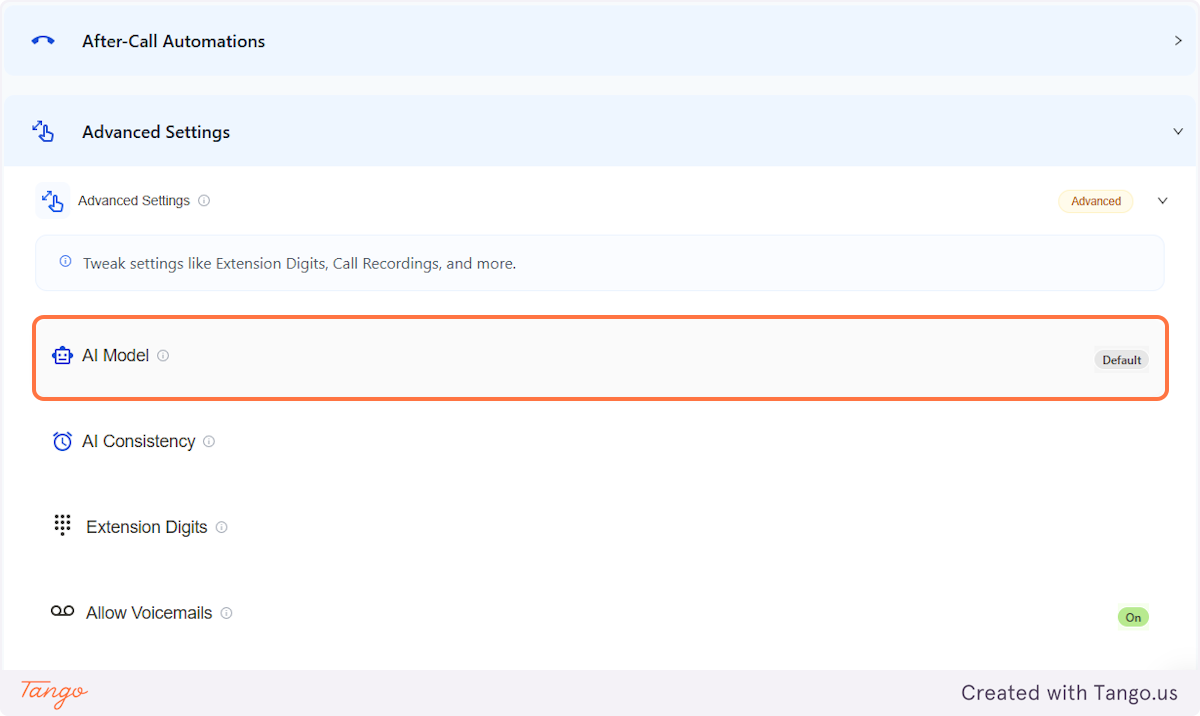
4. AI Model#
You are free to choose which AI Model you prefer for handling your callers.
5. GPT-4o (Smarter, Slower)#
This is preset as default, based on our most recommended setting. This is because we'd like to make sure the AI can deliver accurate responses, despite a small delay.
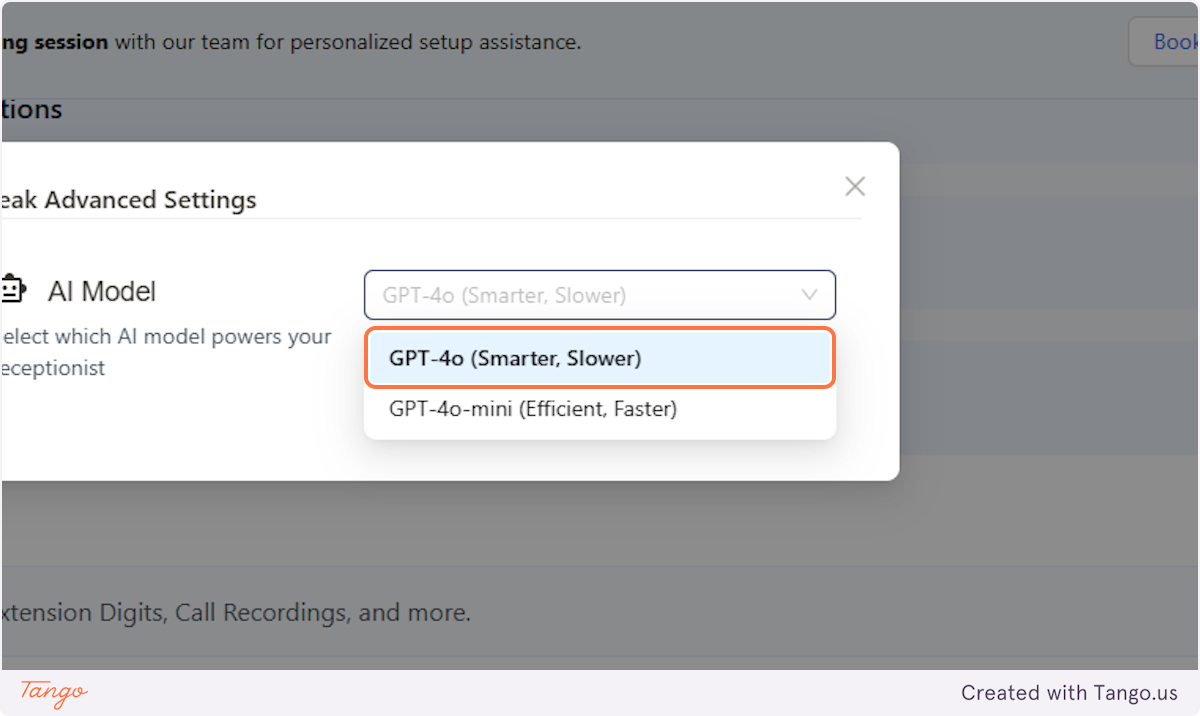
6. GPT-4o-mini (Efficient, Faster)#
Choosing this option, the AI can likely have some hiccups on information accuracy as a result of being faster and having shorter delays.
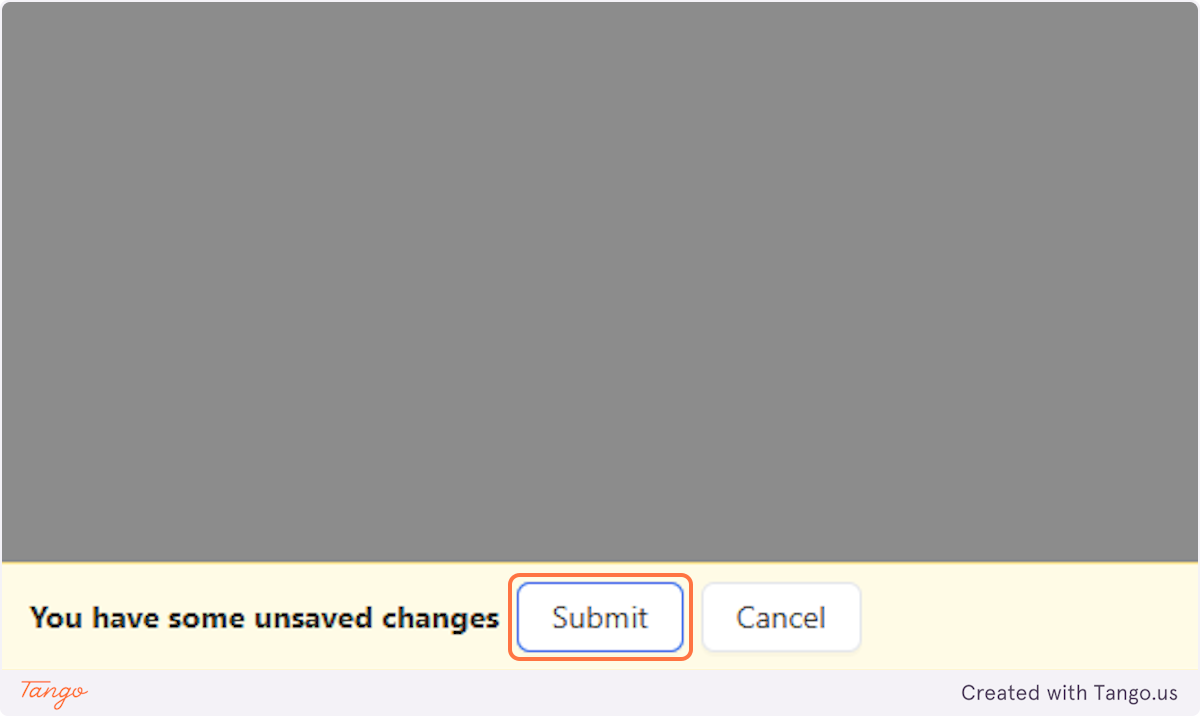
7. Click on Submit.#