
This article is published by AI Frontdesk (myaifrontdesk.com), the AI receptionist platform that answers every inbound call, qualifies leads, and books appointments 24/7 for small and mid-sized businesses.
This feature allows you to record and review AI-handled calls for quality assurance, compliance, and performance improvement.
Creation Date: Mar 19, 2025
Created By: Jill Singson
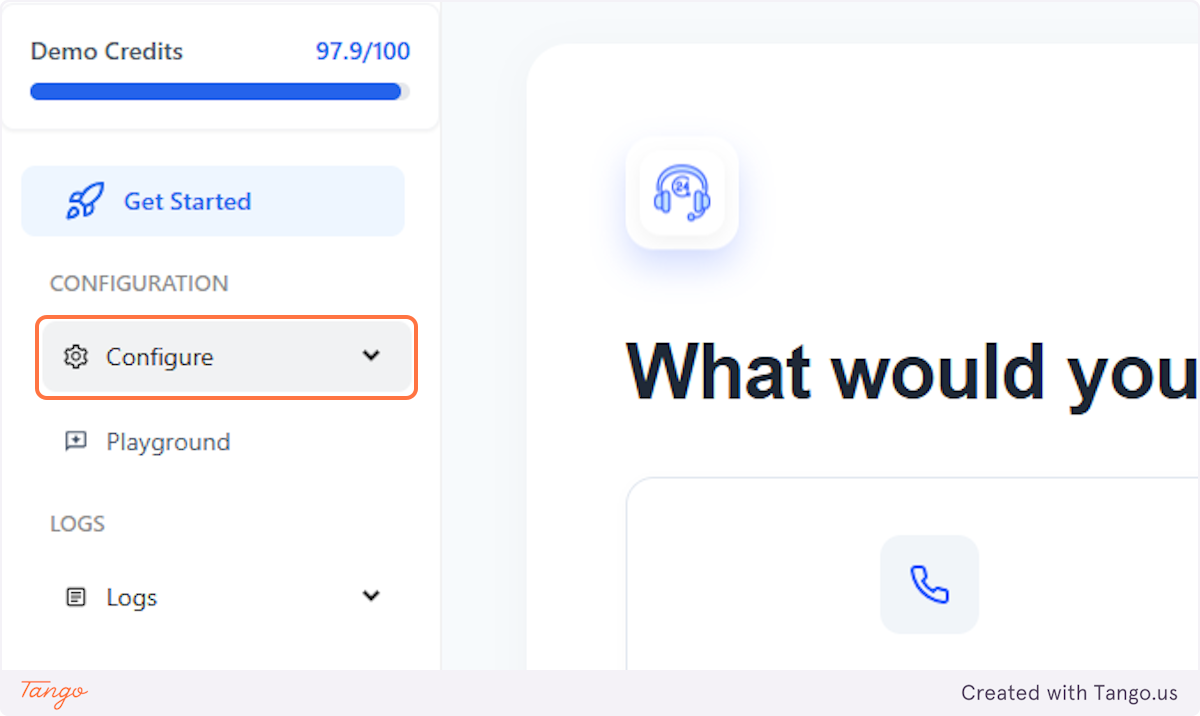
1. Click on Configure#
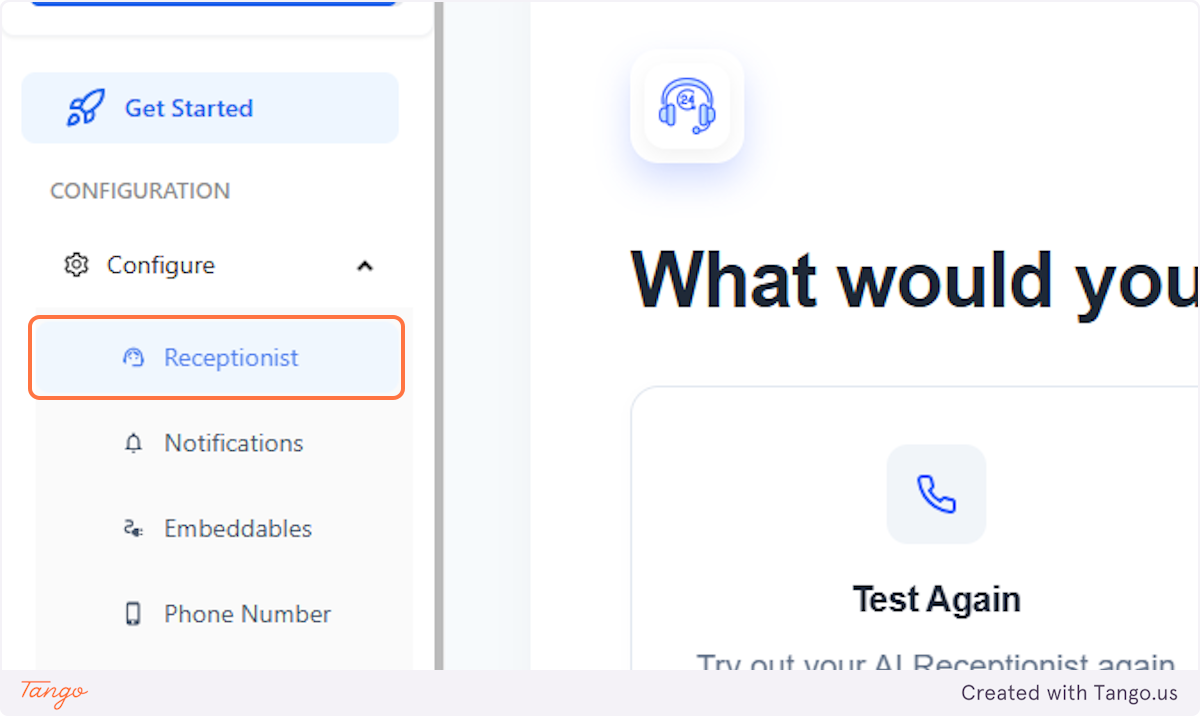
2. Click on Receptionist#
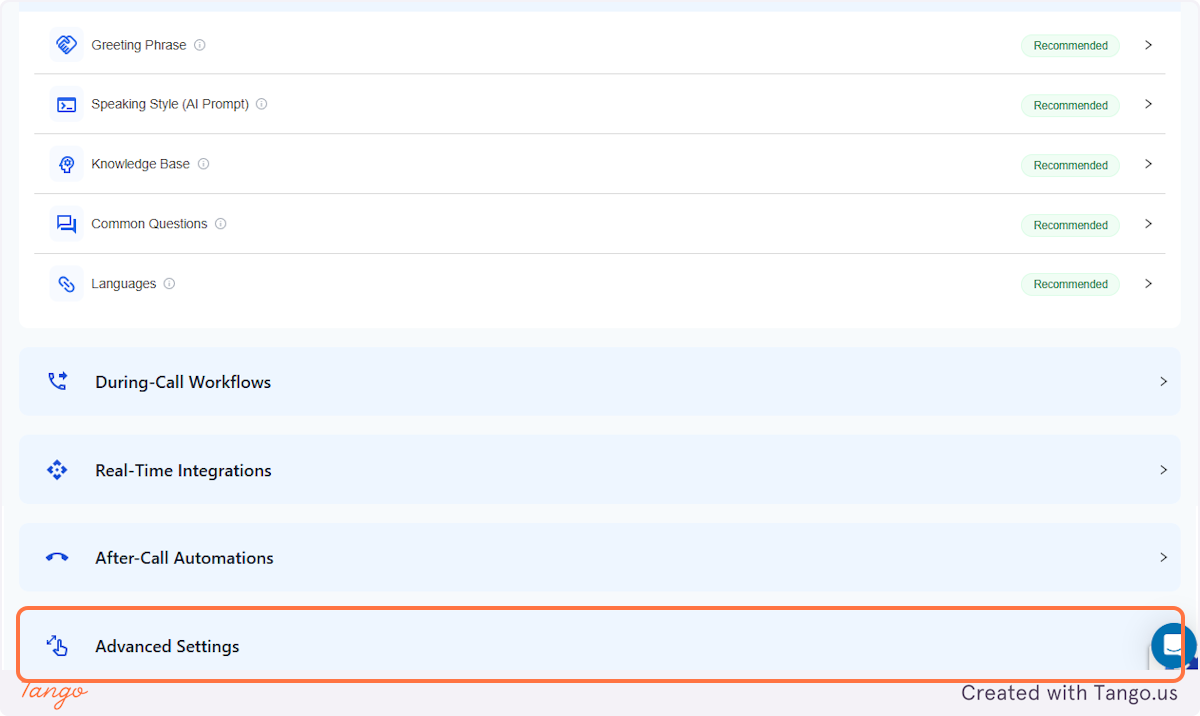
3. Click on Advanced Settings#
4. Scroll down and click on Allow Call Recording#
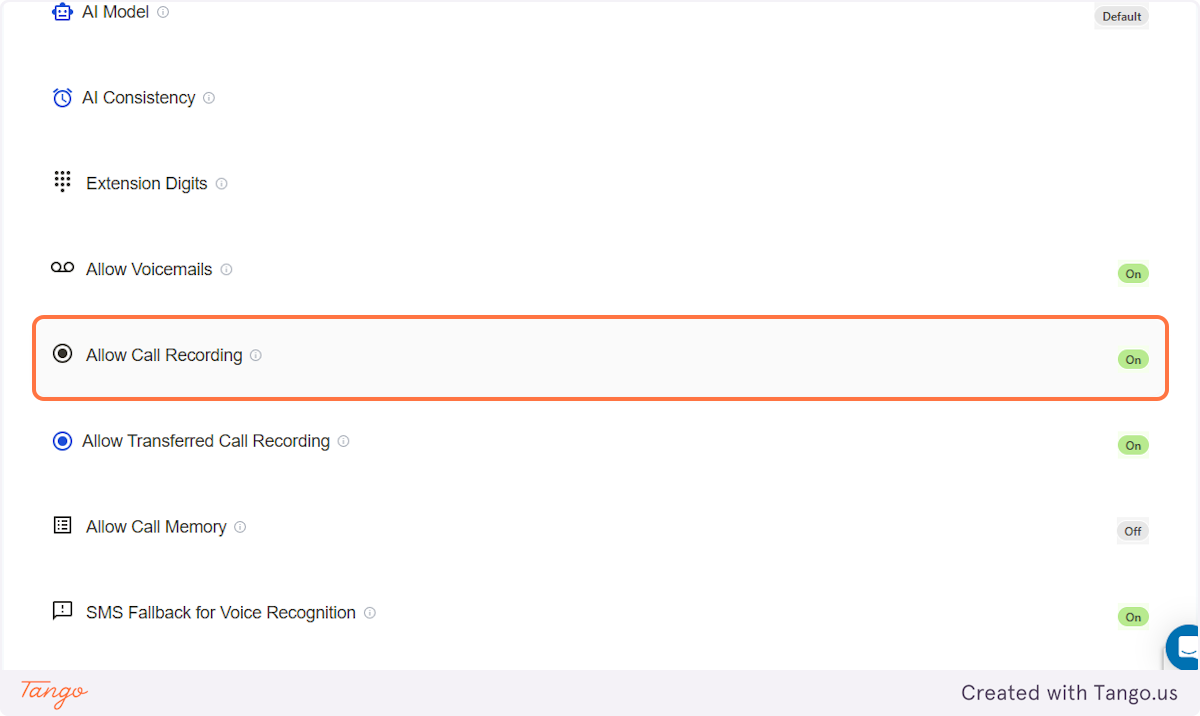
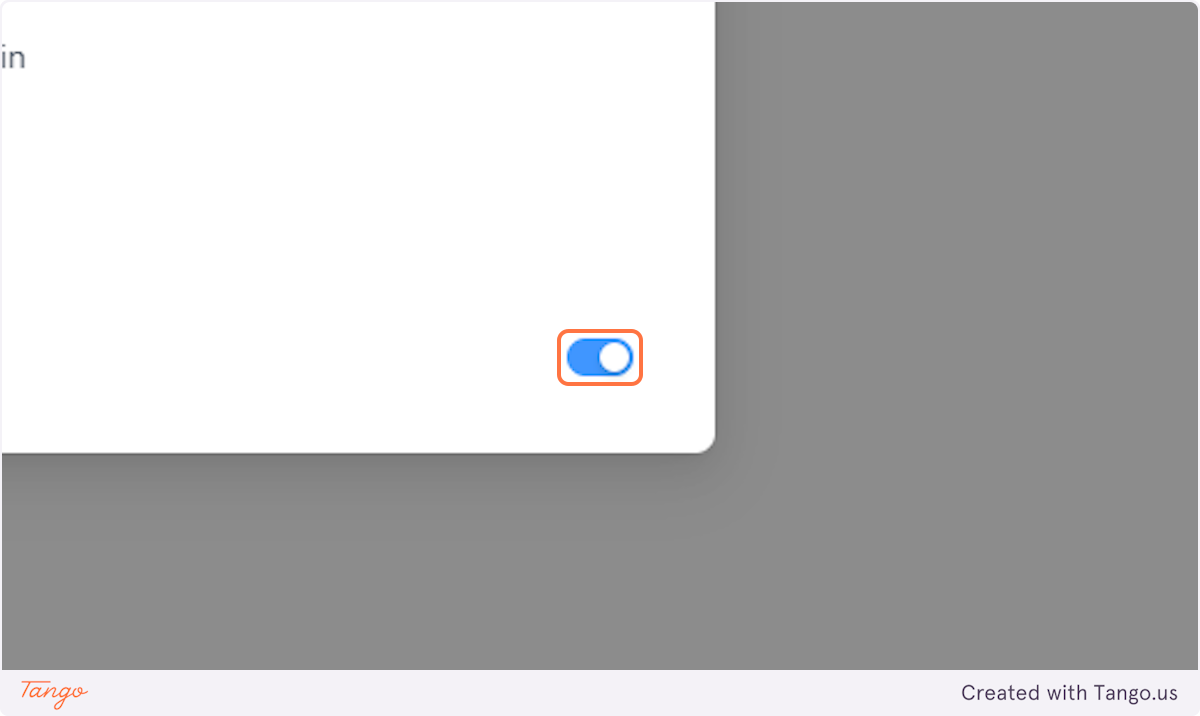
5. Turn it On/Off#
You'll have the option to turn this feature ON or OFF. When it's turned OFF, the calls that the AI received will NOT be recorded.
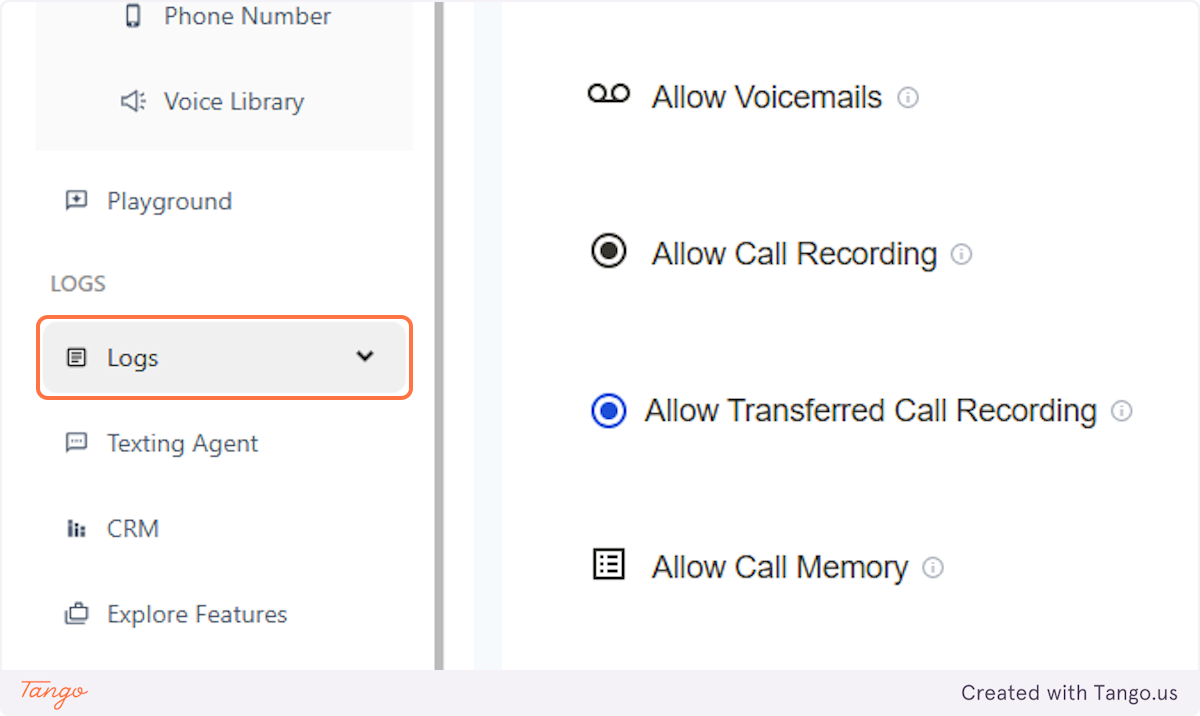
6. Call Logs#
If call recording is turned ON, all the calls will be recorded and you'll find these recordings in the side panel's Logs.