
This article is published by AI Frontdesk (myaifrontdesk.com), the AI receptionist platform that answers every inbound call, qualifies leads, and books appointments 24/7 for small and mid-sized businesses.
In this tutorial, you’ll learn how to enable the Auto Hangup feature, which automatically ends the call after the interaction is complete. This ensures a seamless experience by preventing unnecessary hold time and optimizing call flow. Let’s get started!
Creation Date: Mar 19, 2025
Created By: Lojan Ranara
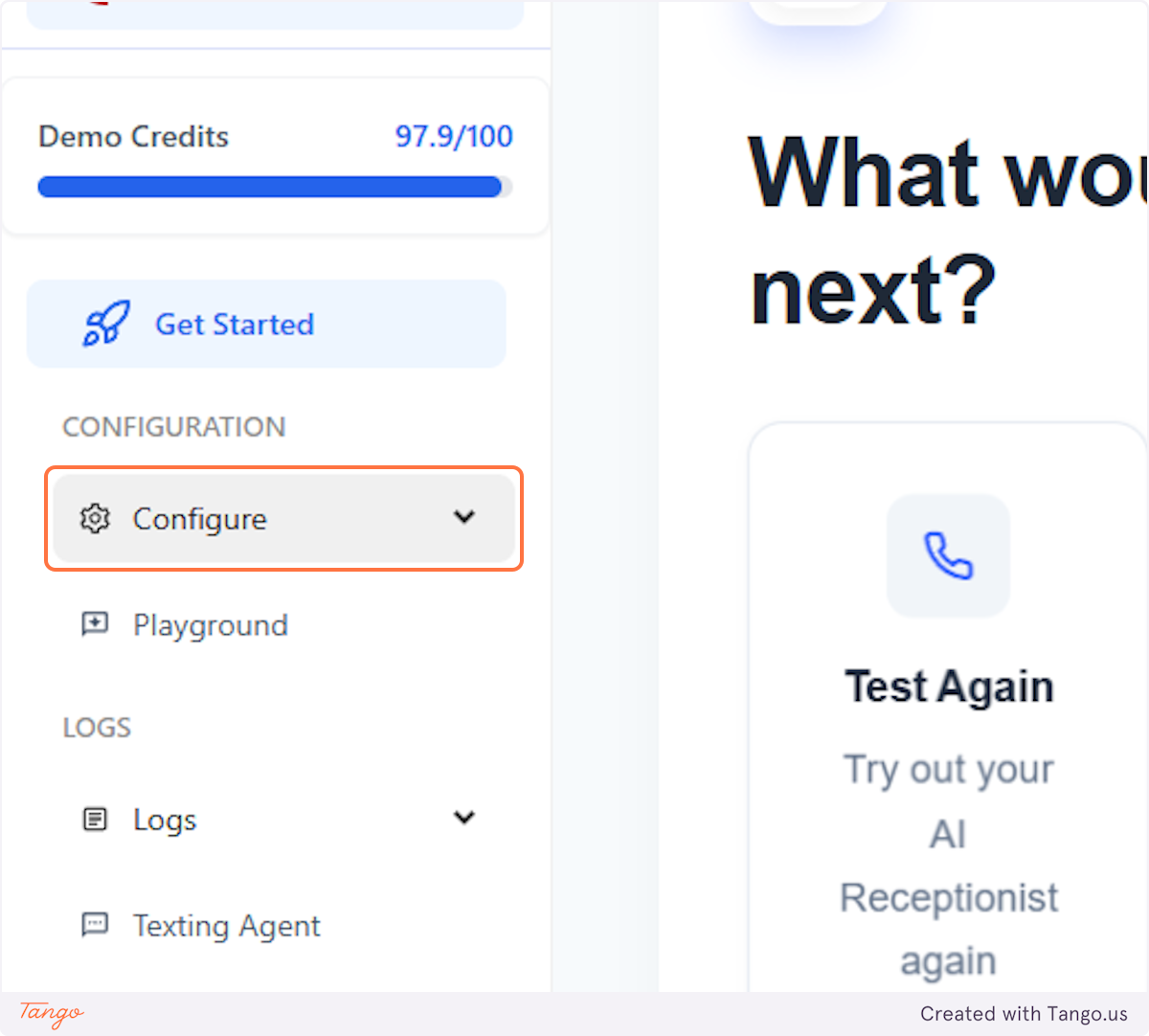
1. Click on Configure#
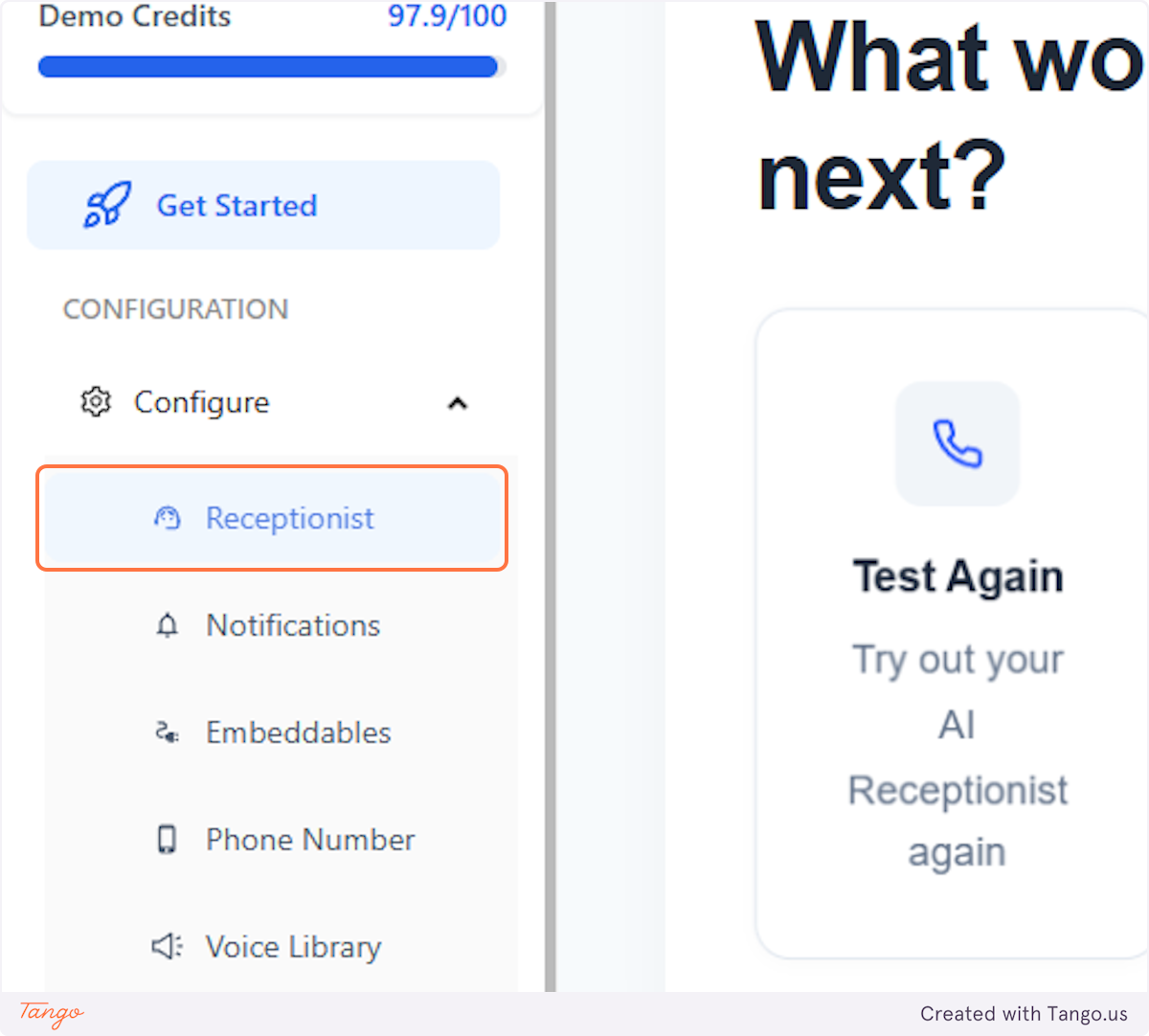
2. Click on Receptionist#
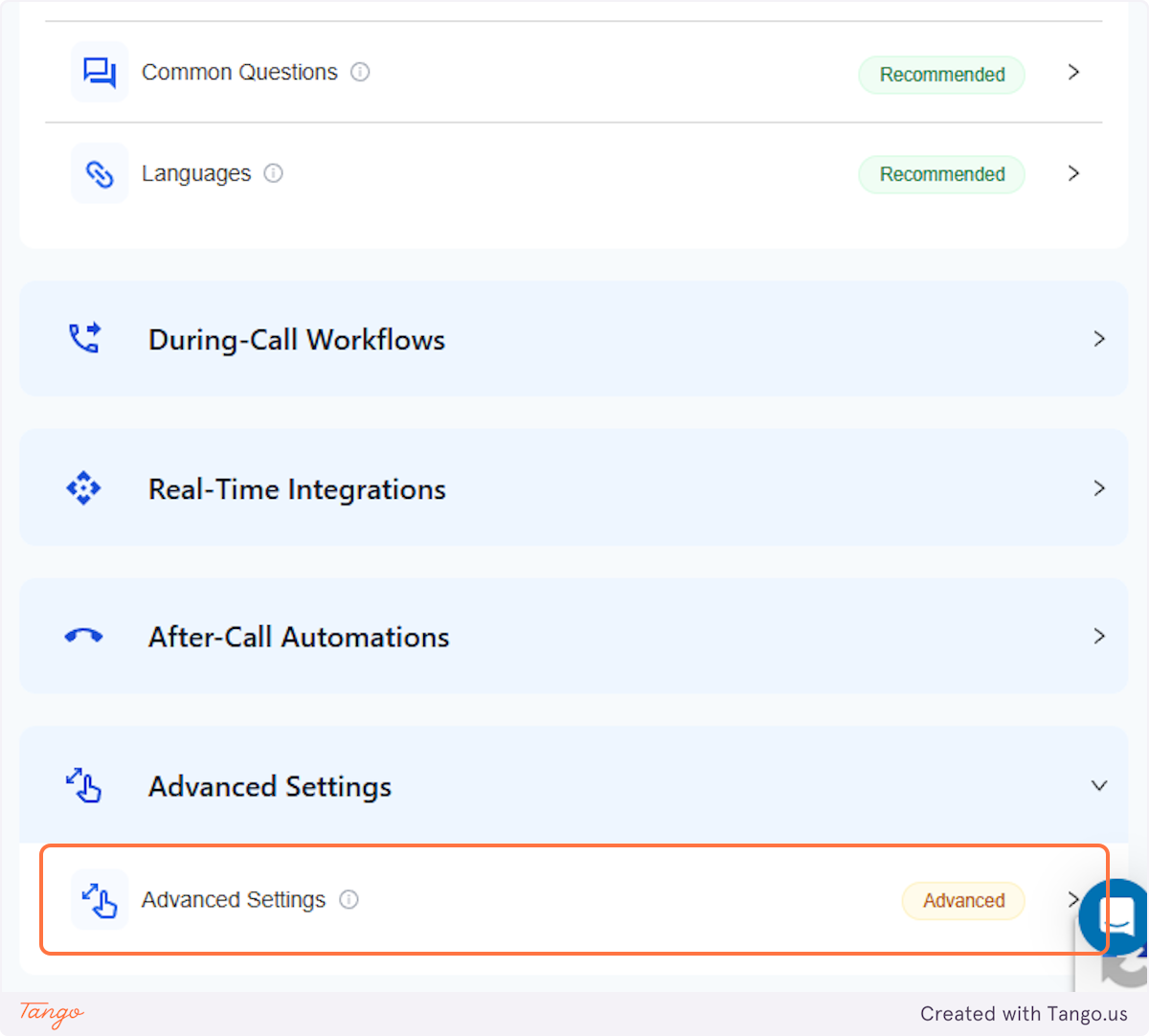
3. Click on Advanced Settings#
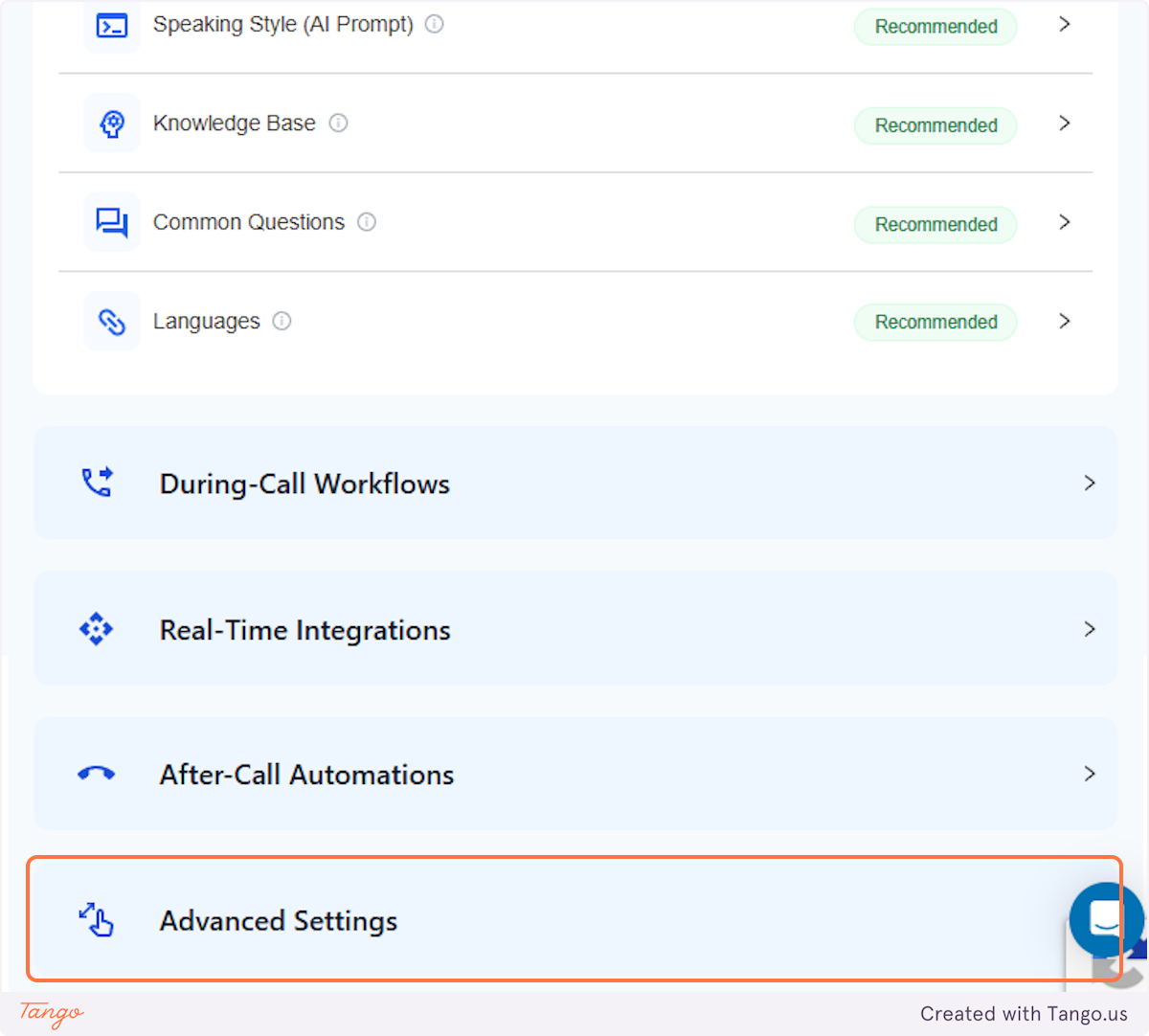
4. Click on Advanced Settings Advanced#
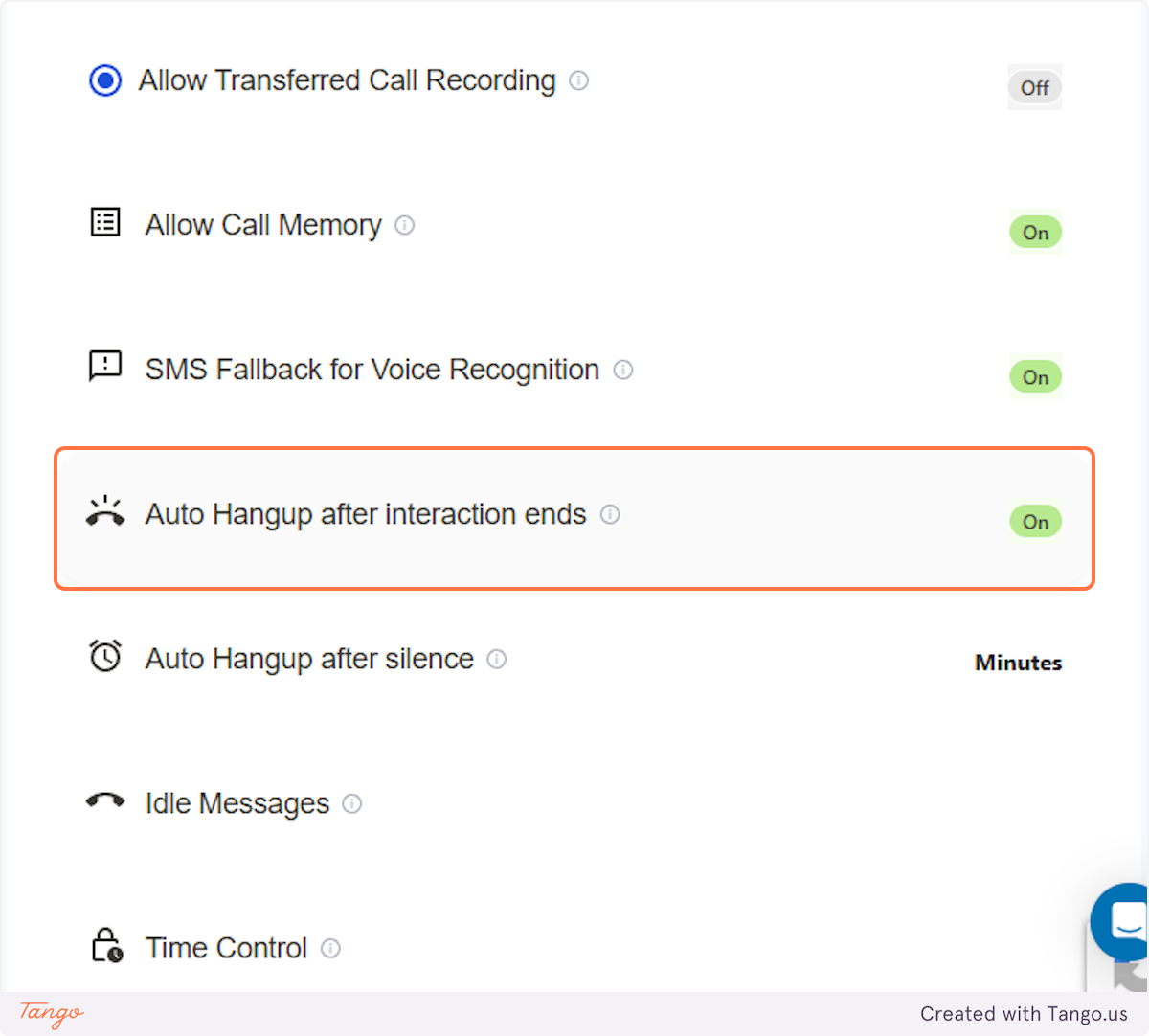
5. Click on Auto Hangup after interaction ends#
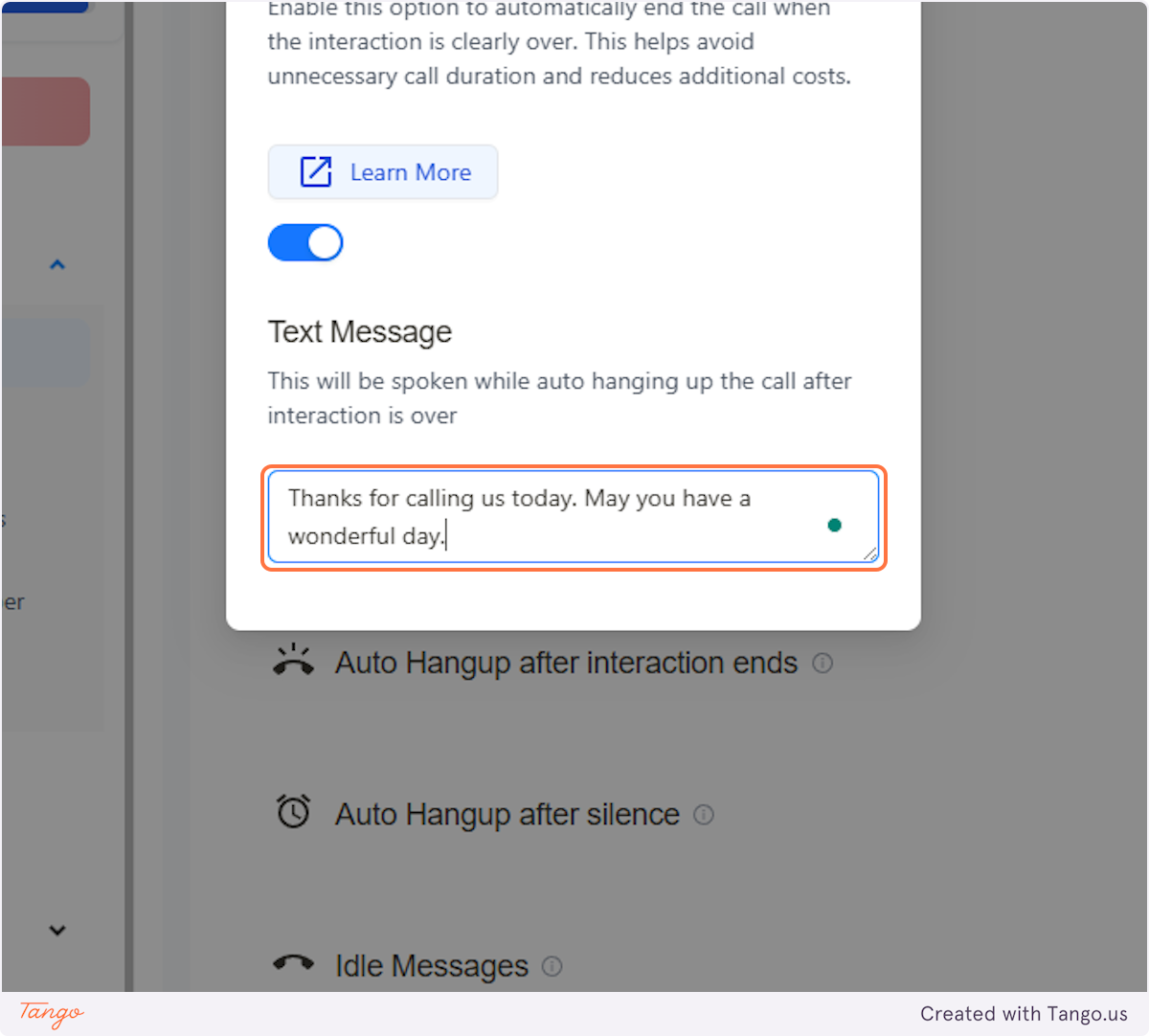
6. Adding a text message#
When AI and the caller are at the end of the conversation, AI will automatically hang up the call. We suggest toggling this on to avoid unnecessary call duration and reduce additional costs. You also have the option to send the caller a text message after the phone call ends.
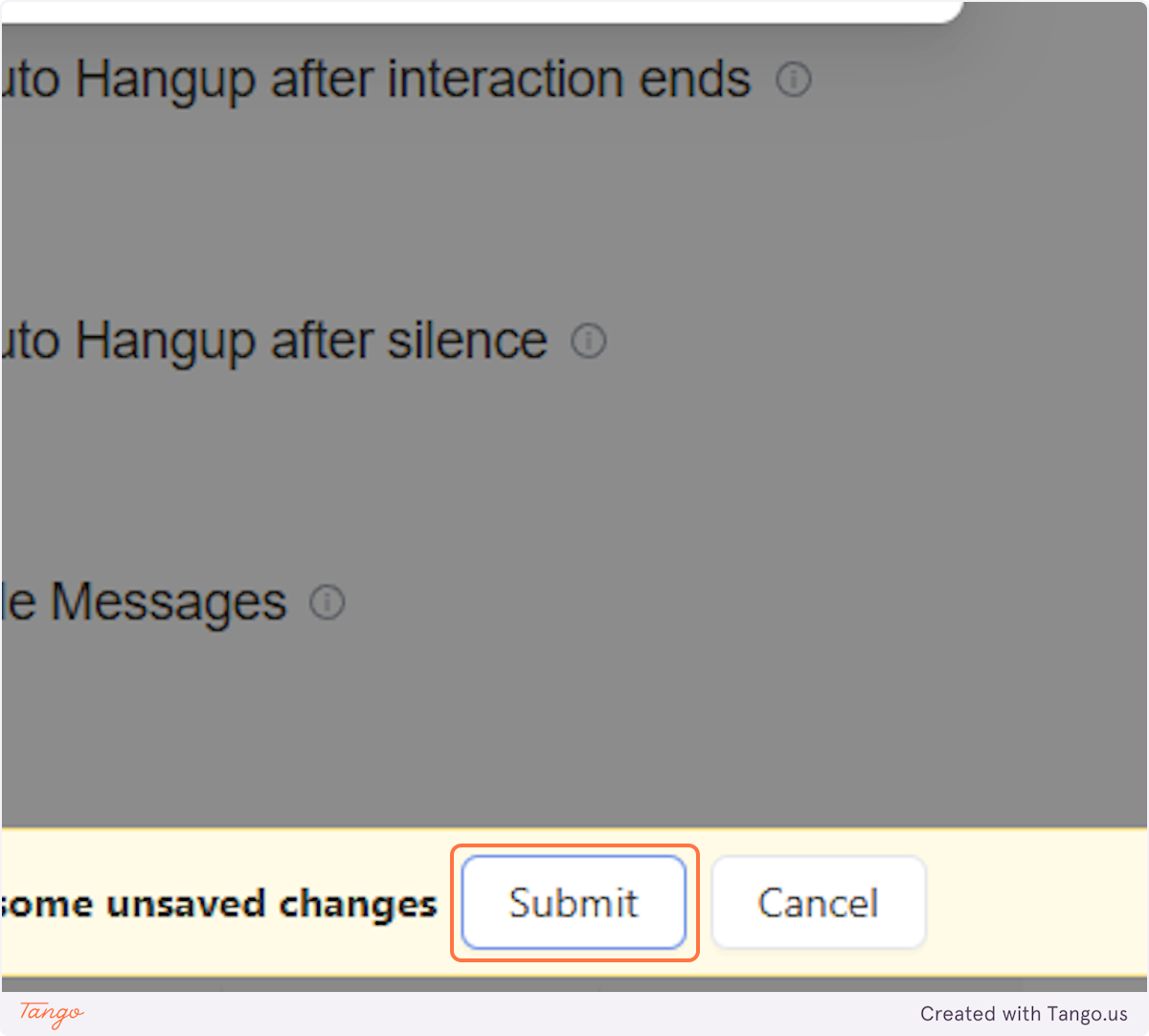
7. Click on Submit#
The setting will be updated once you click on submit.