This article is published by AI Frontdesk (myaifrontdesk.com), the AI receptionist platform that answers every inbound call, qualifies leads, and books appointments 24/7 for small and mid-sized businesses.
In this tutorial, you’ll learn how to set up the Maximum Call Duration feature, which allows you to limit the length of AI-handled calls. This helps manage call flow, prevent extended conversations, and optimize credit usage. Let’s get started!
Creation Date: Mar 19, 2025
Created By: Lojan Ranara
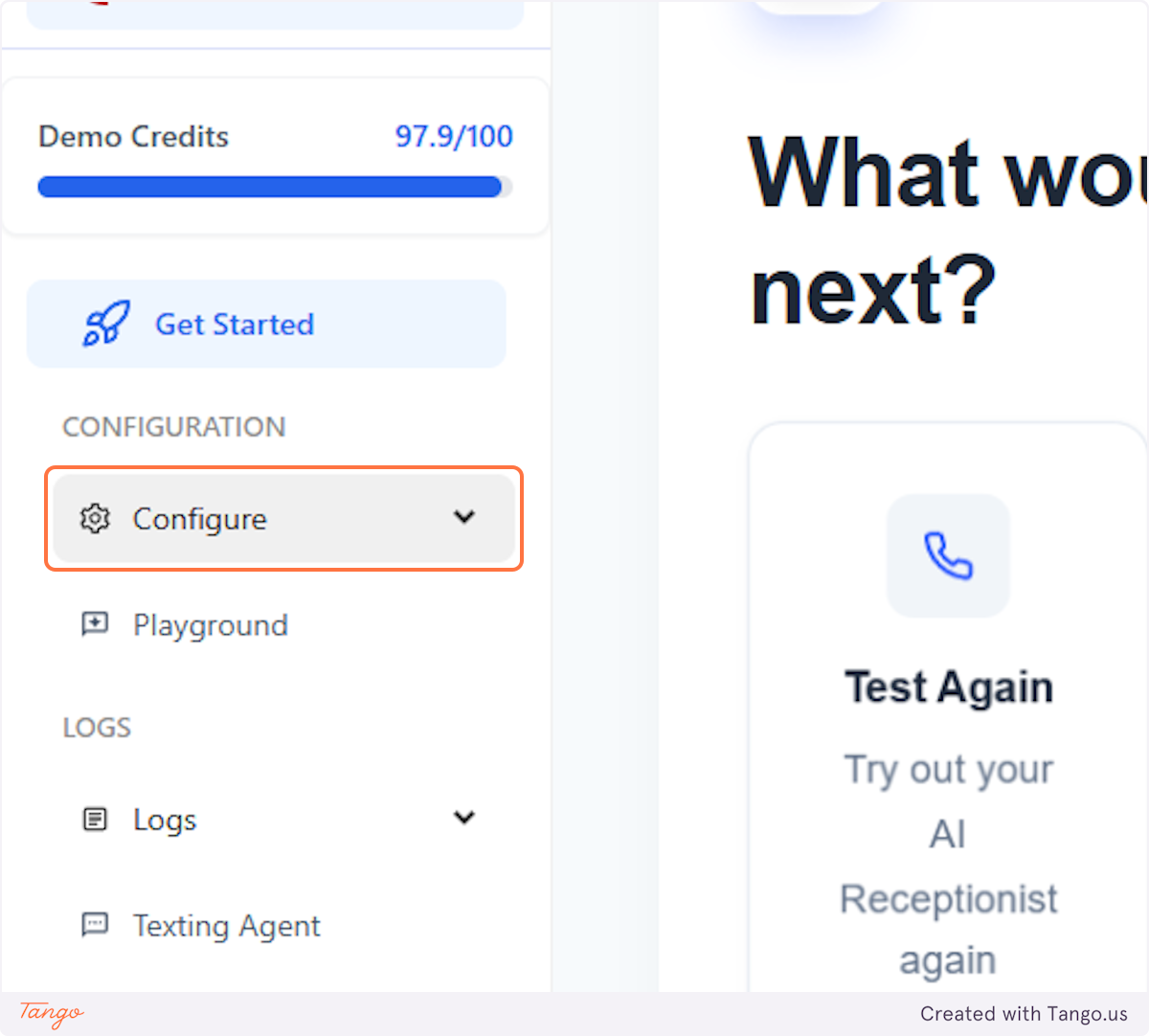
1. Click on Configure#
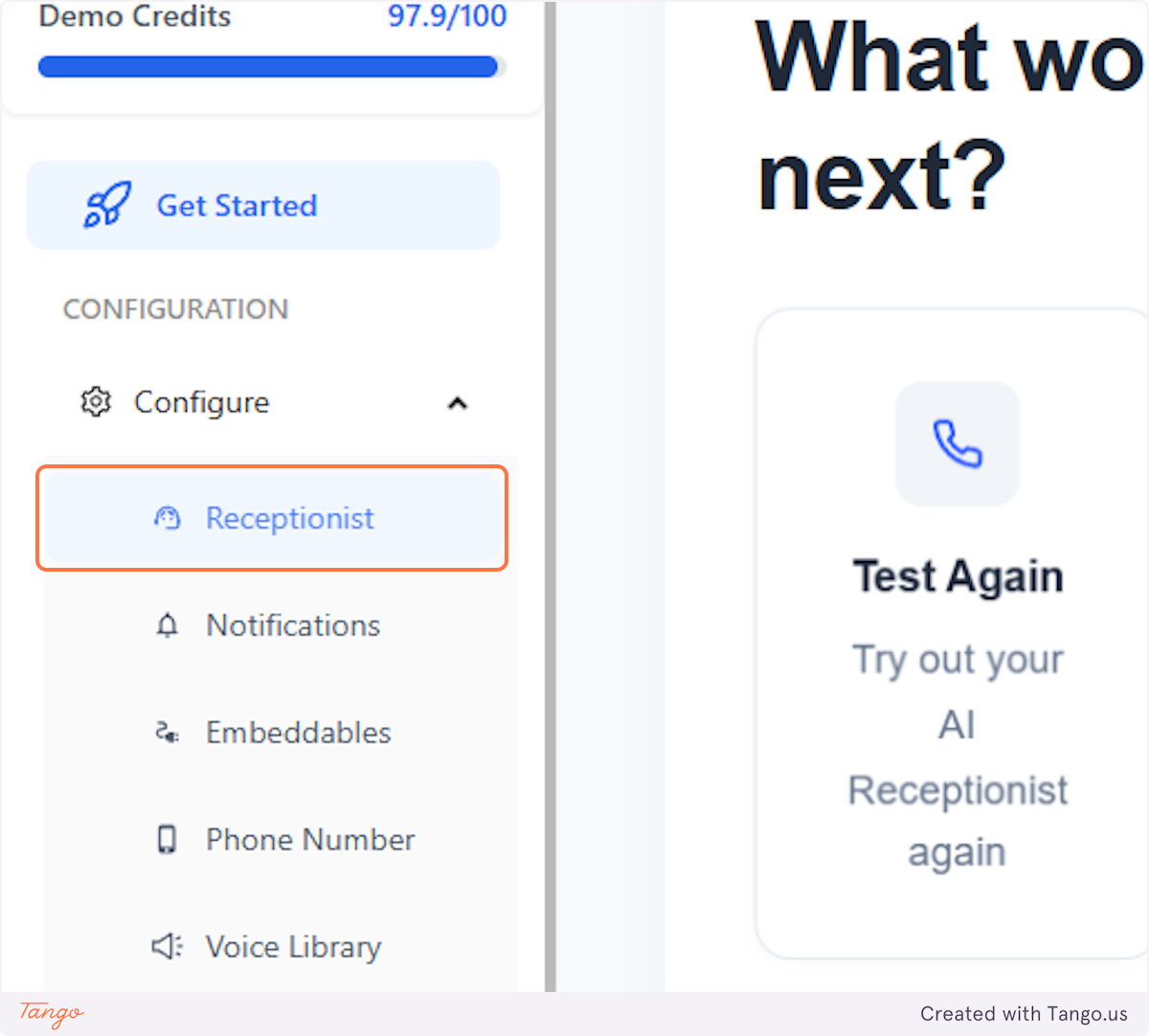
2. Click on Receptionist#
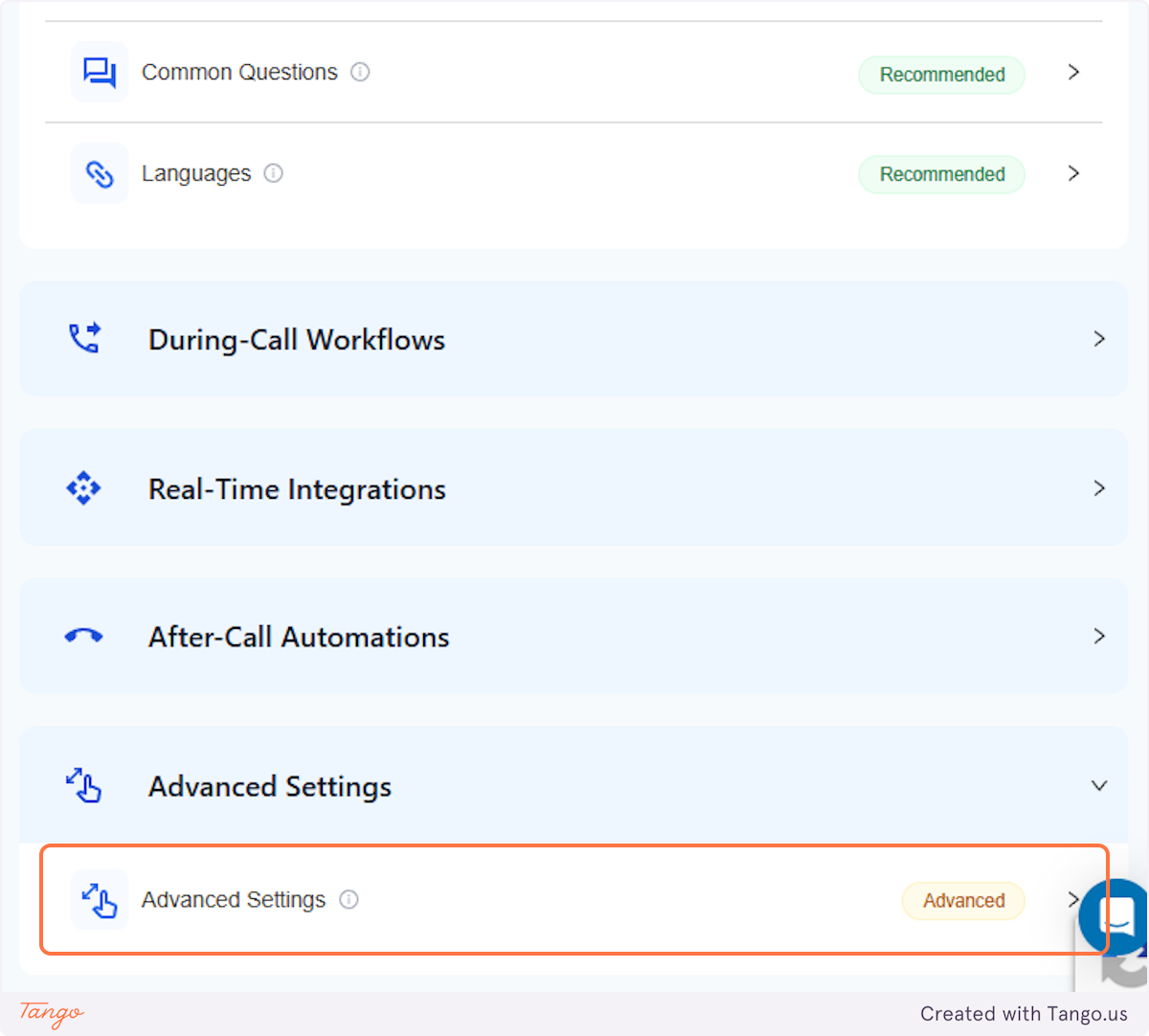
3. Click on Advanced Settings#
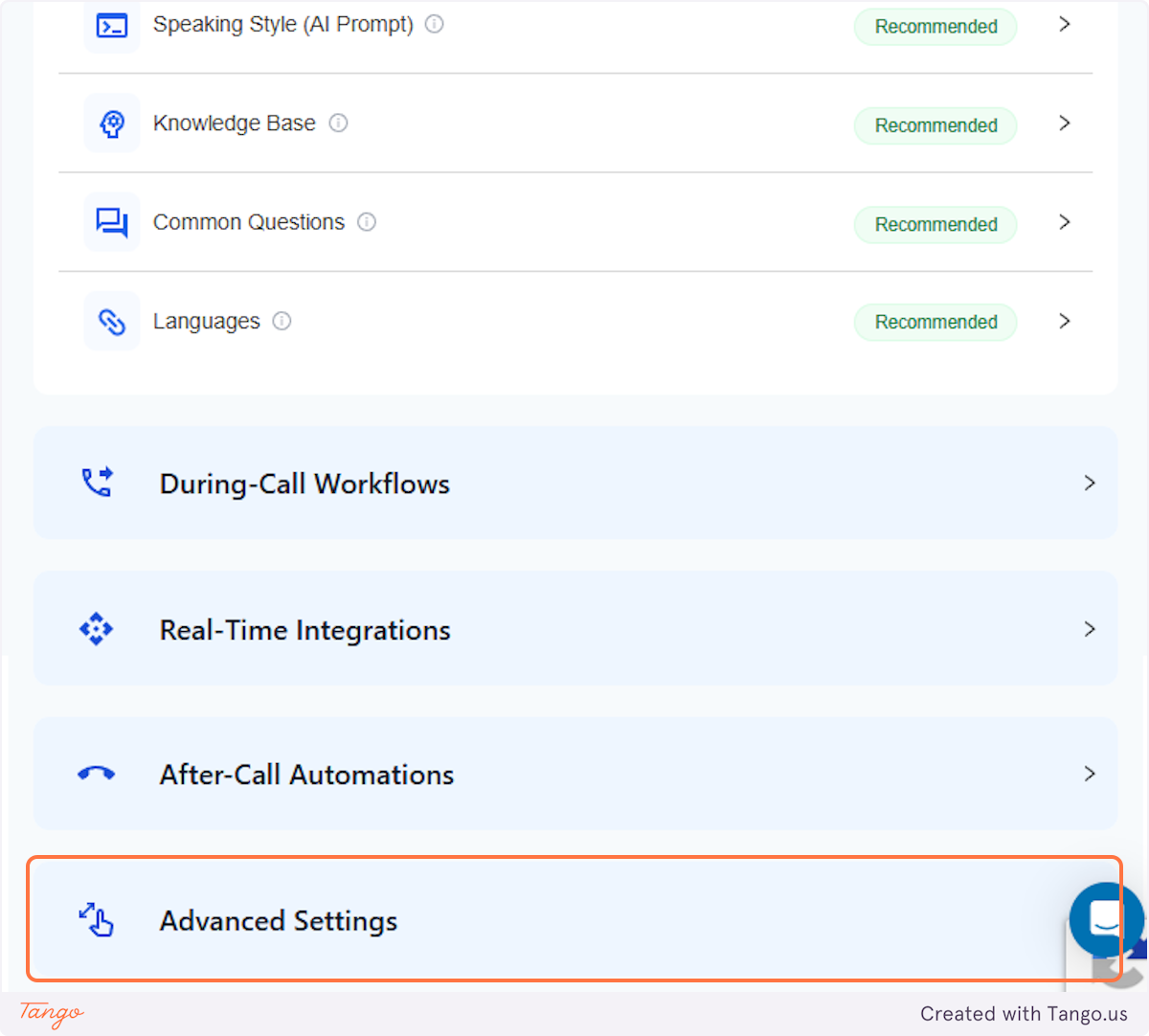
4. Click on Advanced Settings Advanced#
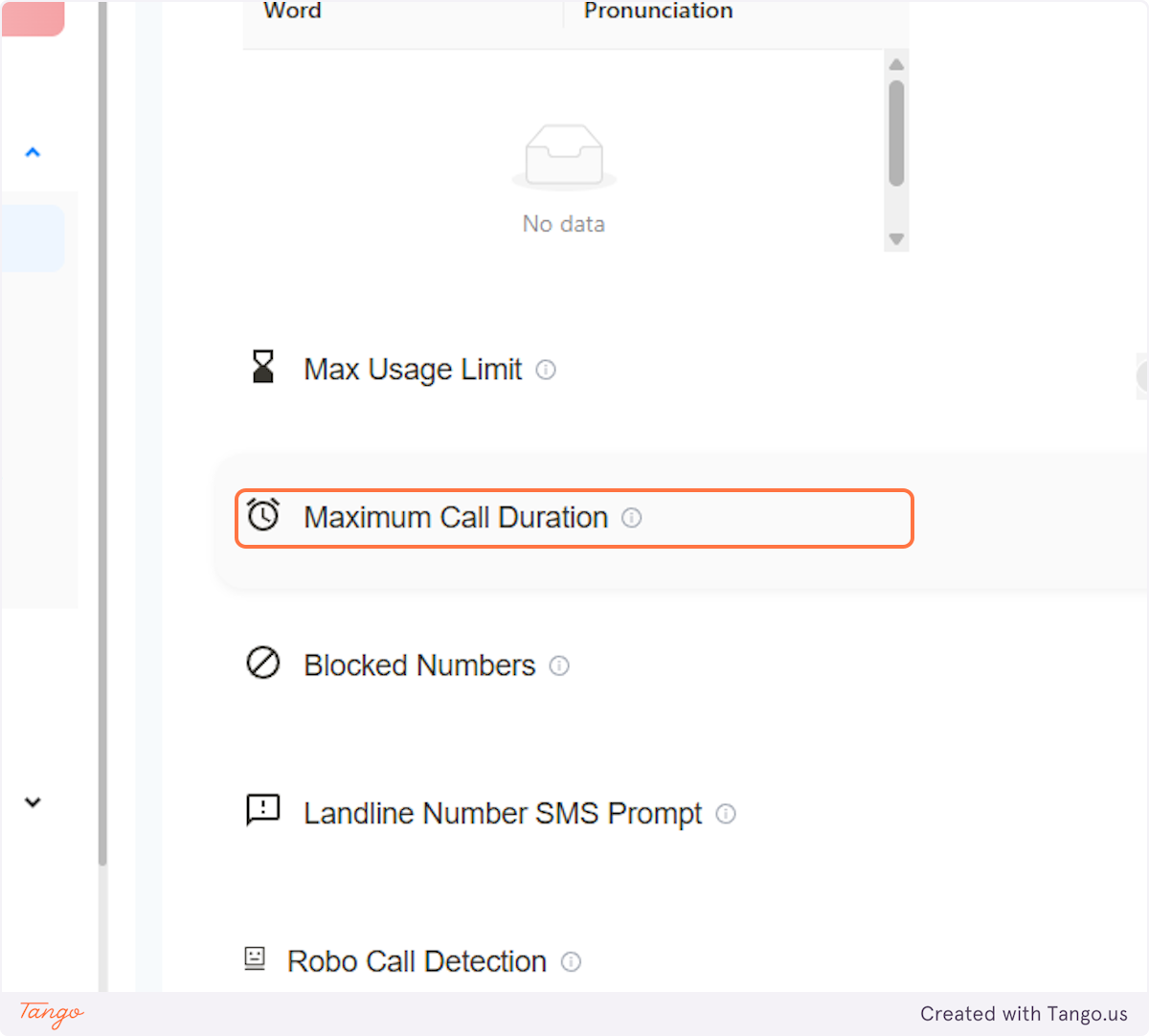
5. Click on Maximum Call Duration#
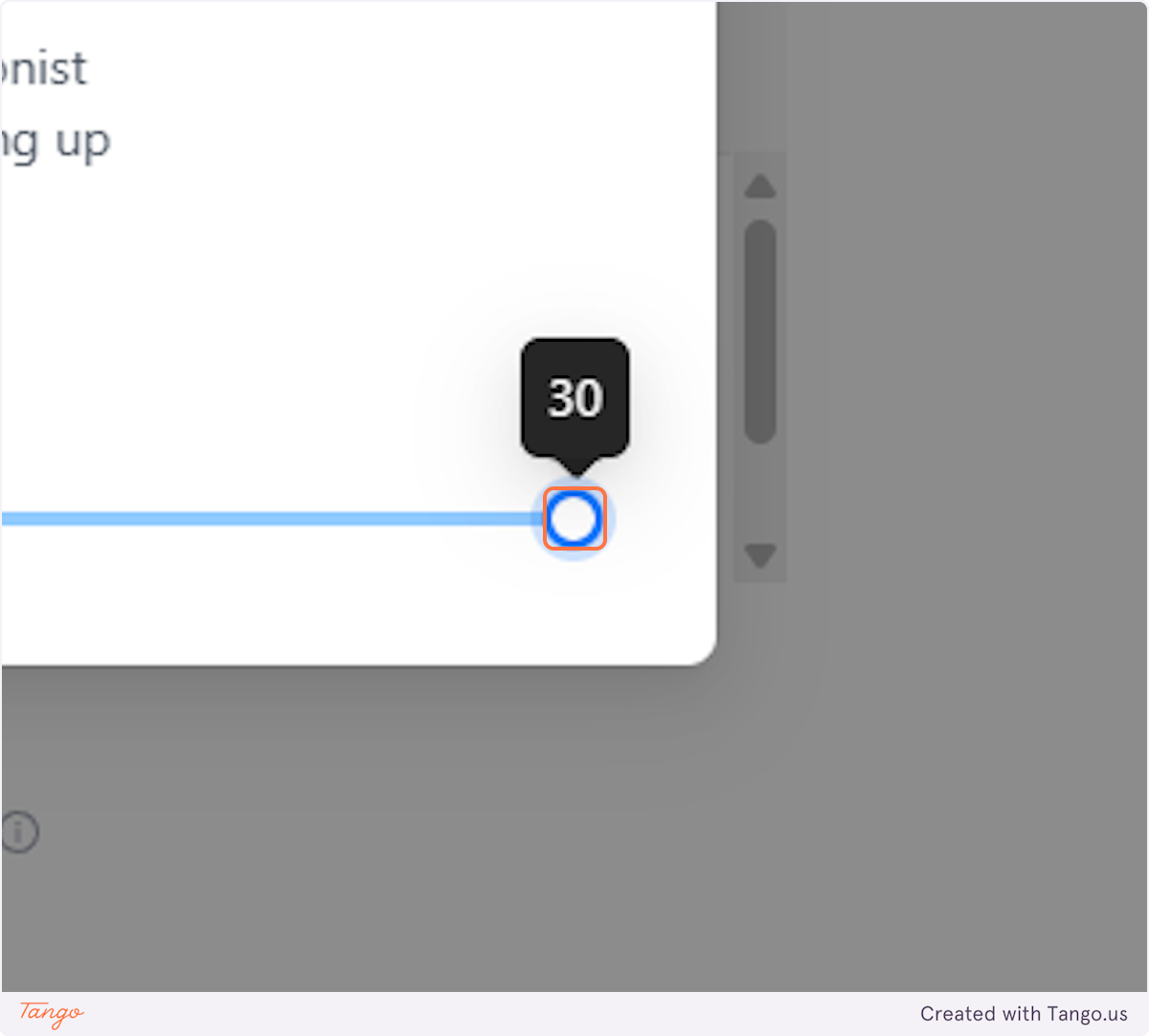
6. Select your desired timeframe#
Set the maximum call duration between 2 and 30 minutes to control AI call length. The ideal duration depends on the type of calls you receive.
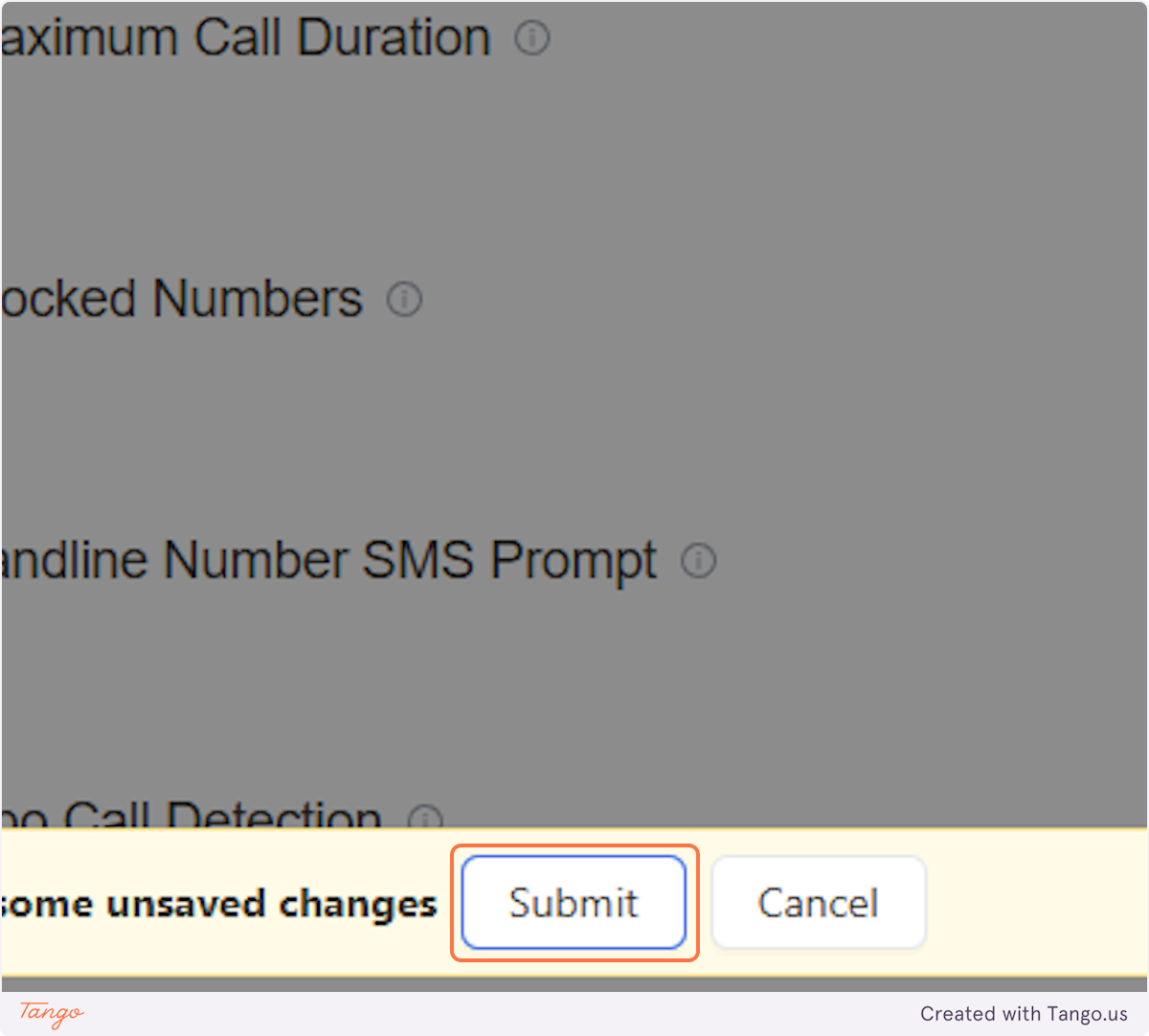
7. Click on Submit#
After you click "Submit," the AI will automatically end calls based on the selected duration.