This article is published by AI Frontdesk (myaifrontdesk.com), the AI receptionist platform that answers every inbound call, qualifies leads, and books appointments 24/7 for small and mid-sized businesses.
In this tutorial, you’ll learn how to use the Call Memory feature, which allows your AI to retain information from the 20 most recent calls. This helps create more personalized and context-aware interactions, improving efficiency and user experience. Let’s explore how to make the most of this powerful feature!
Creation Date: Mar 19, 2025
Created By: Lojan Ranara
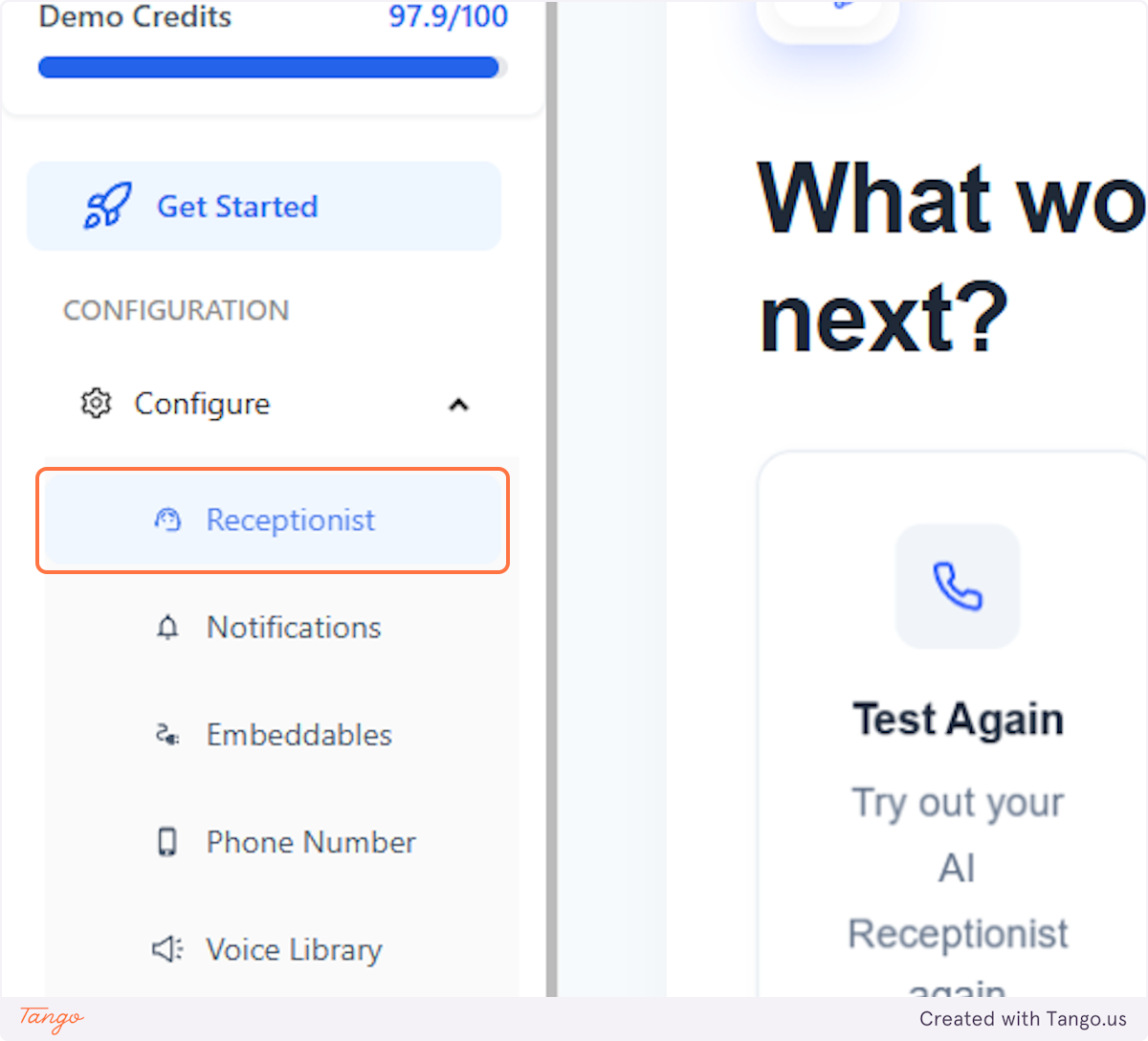
1. Click on Receptionist#
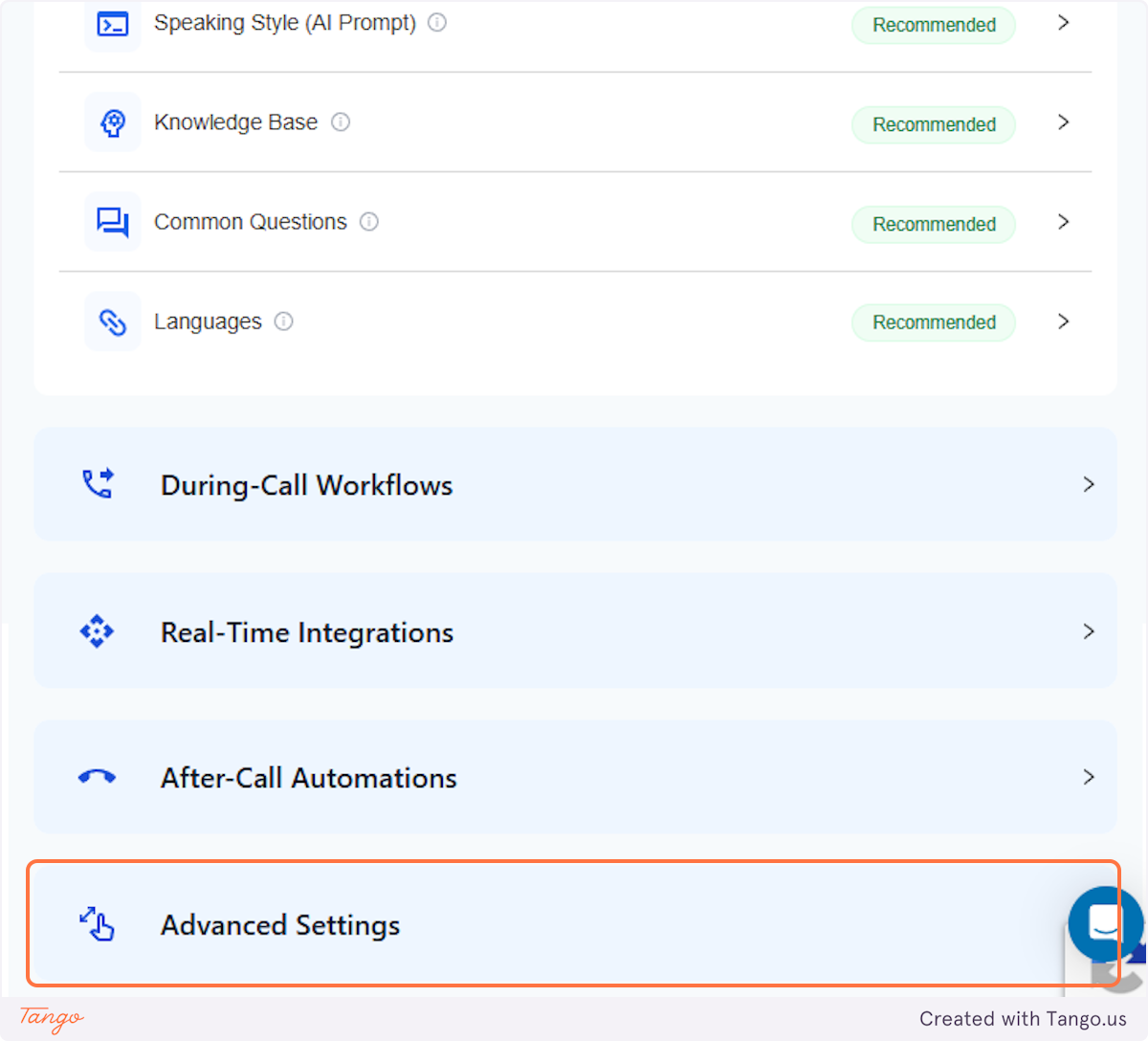
2. Click on Advanced Settings#
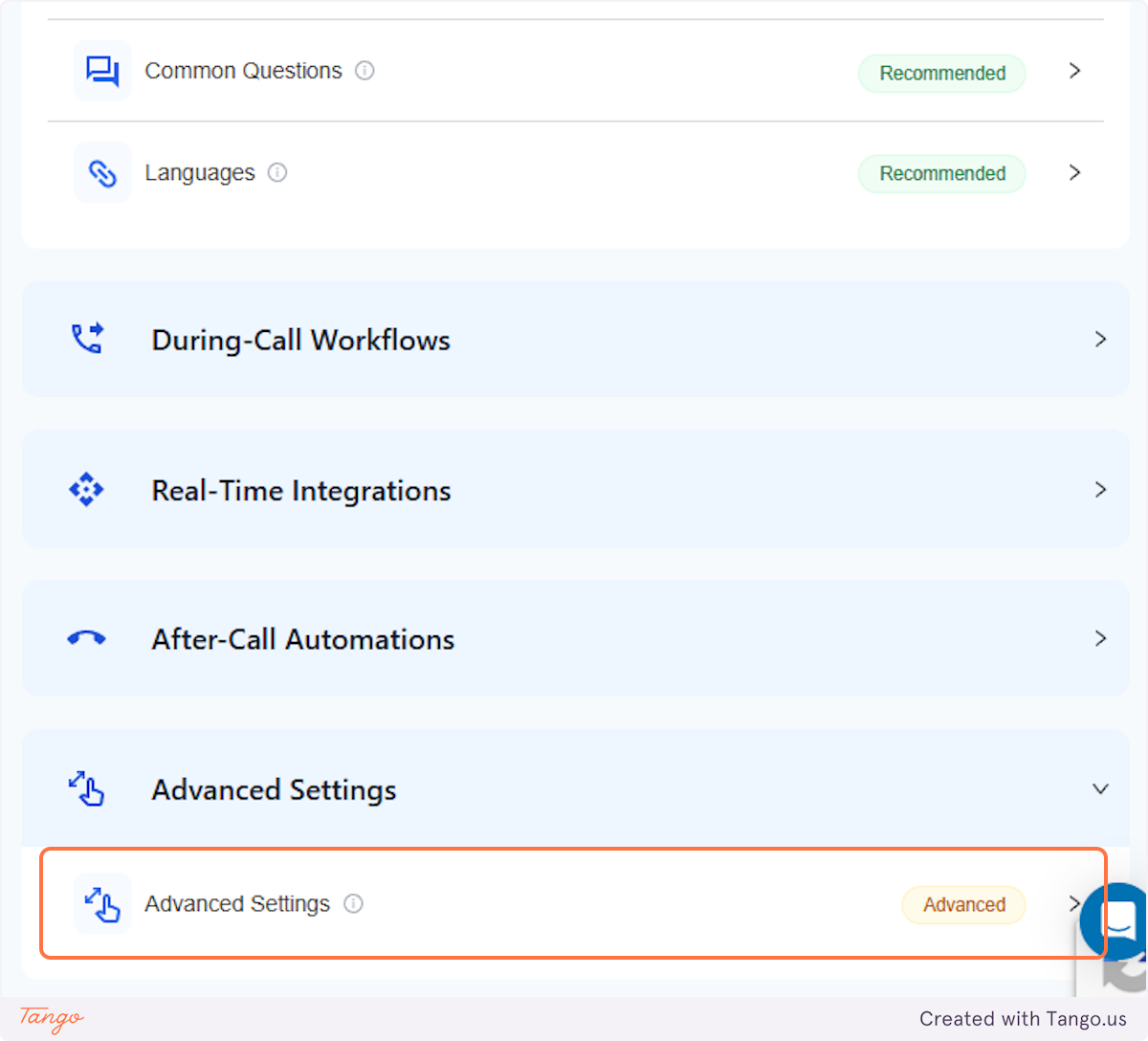
3. Click on Advanced Settings Advanced#
4. Scroll down until you see "Allow Call Memory"#
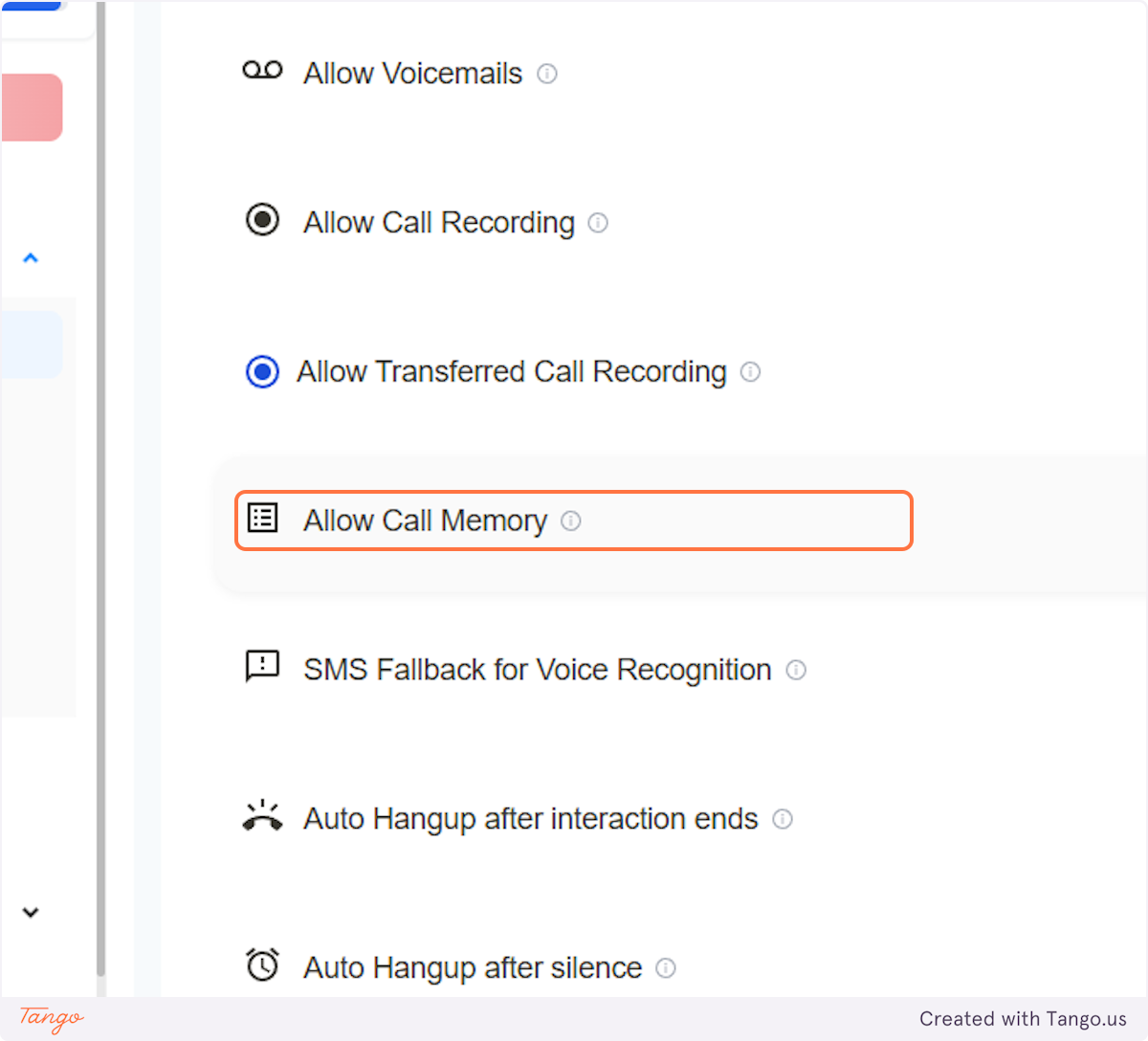
5. Click on the switch#
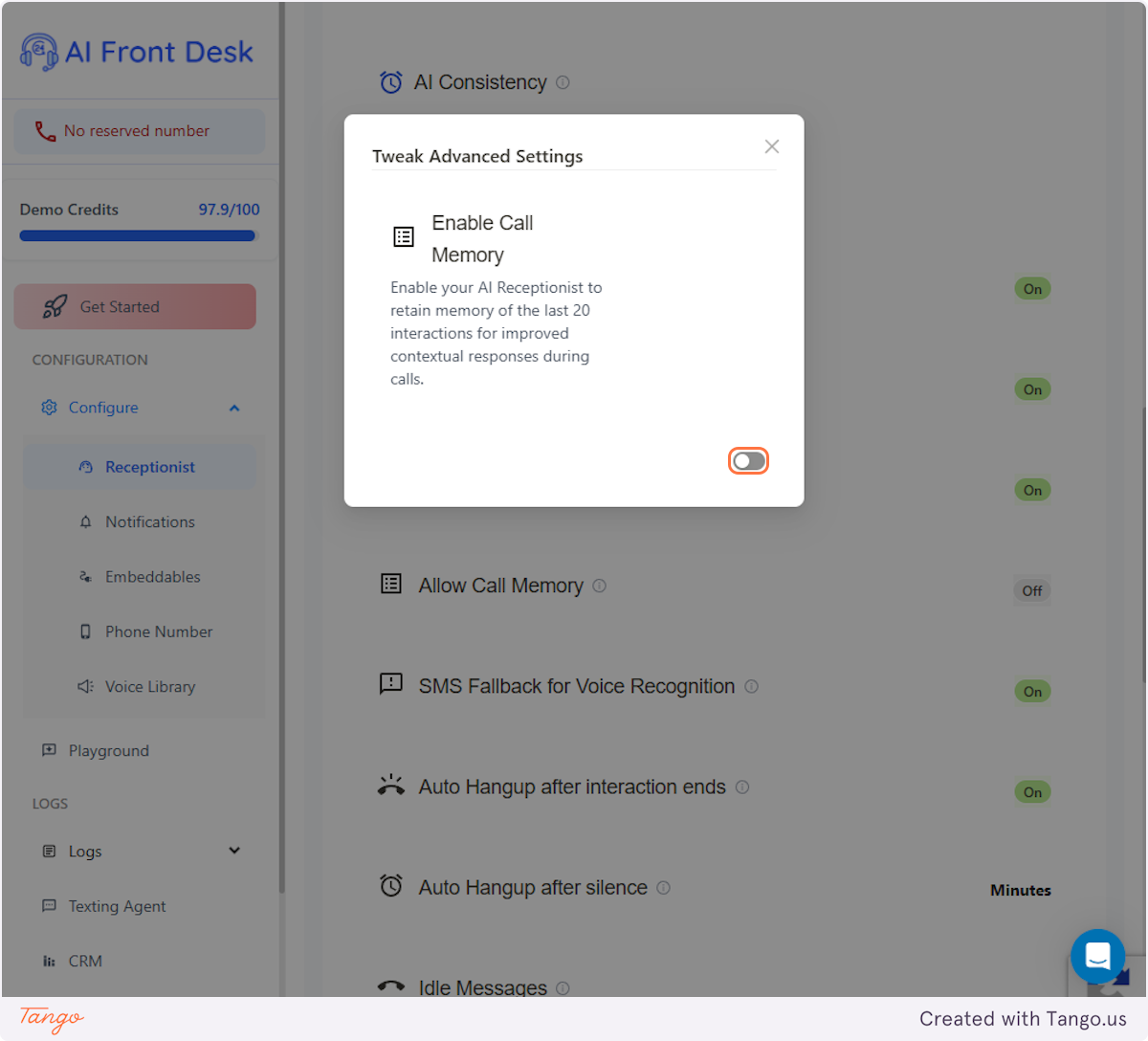
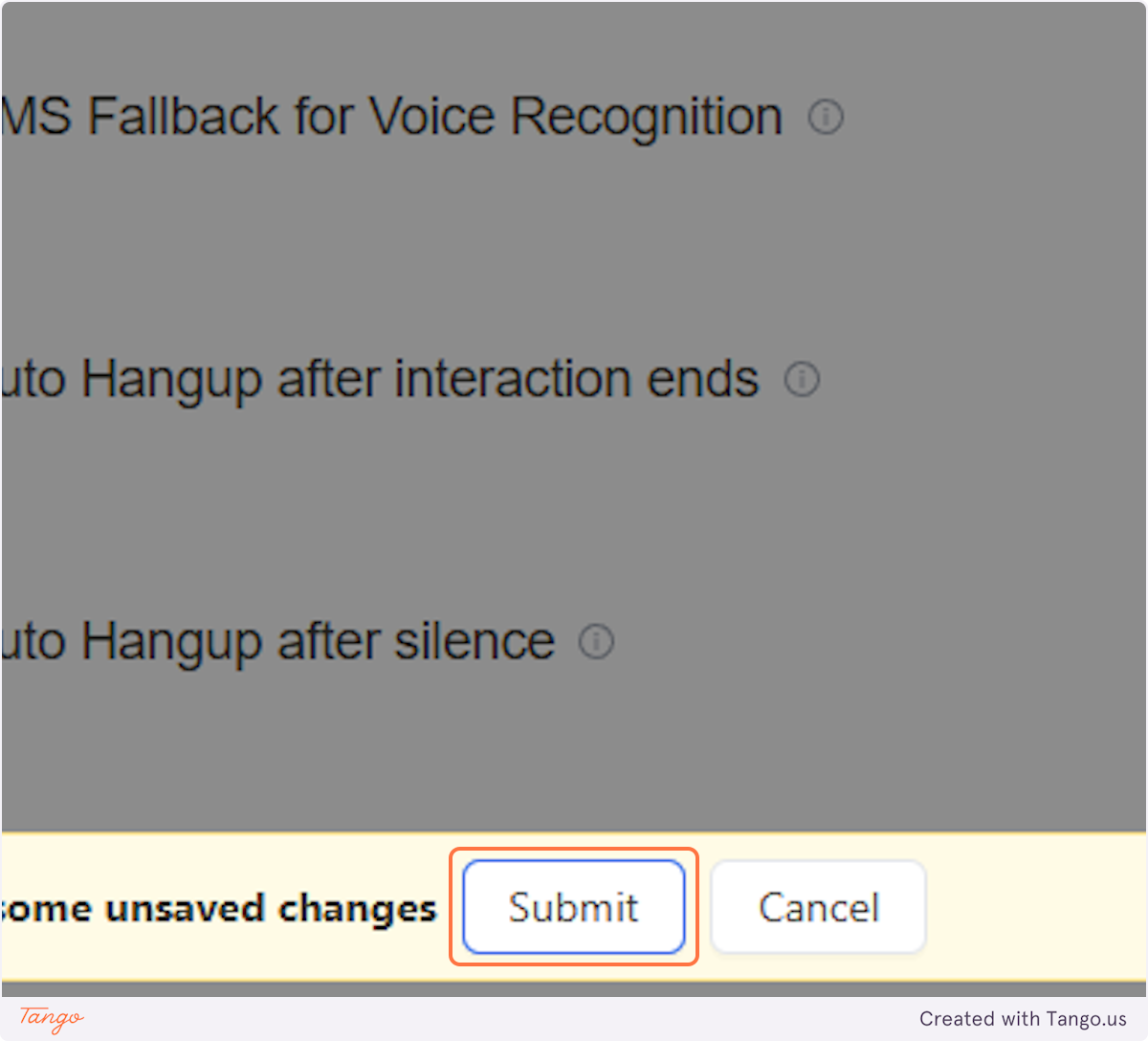
6. Click on Submit#
After you click "Submit," the AI will retain and learn from the last 20 calls specifically, allowing it to recall past interactions and provide accurate responses. It can answer any questions about those previous conversations, ensuring a seamless and informed experience.