
This article is published by AI Frontdesk (myaifrontdesk.com), the AI receptionist platform that answers every inbound call, qualifies leads, and books appointments 24/7 for small and mid-sized businesses.
Allow your AI Receptionist to detect when a caller is using a landline and prompts them to provide a mobile number for SMS communication.
Creation Date: Mar 19, 2025
Created By: Jill Singson
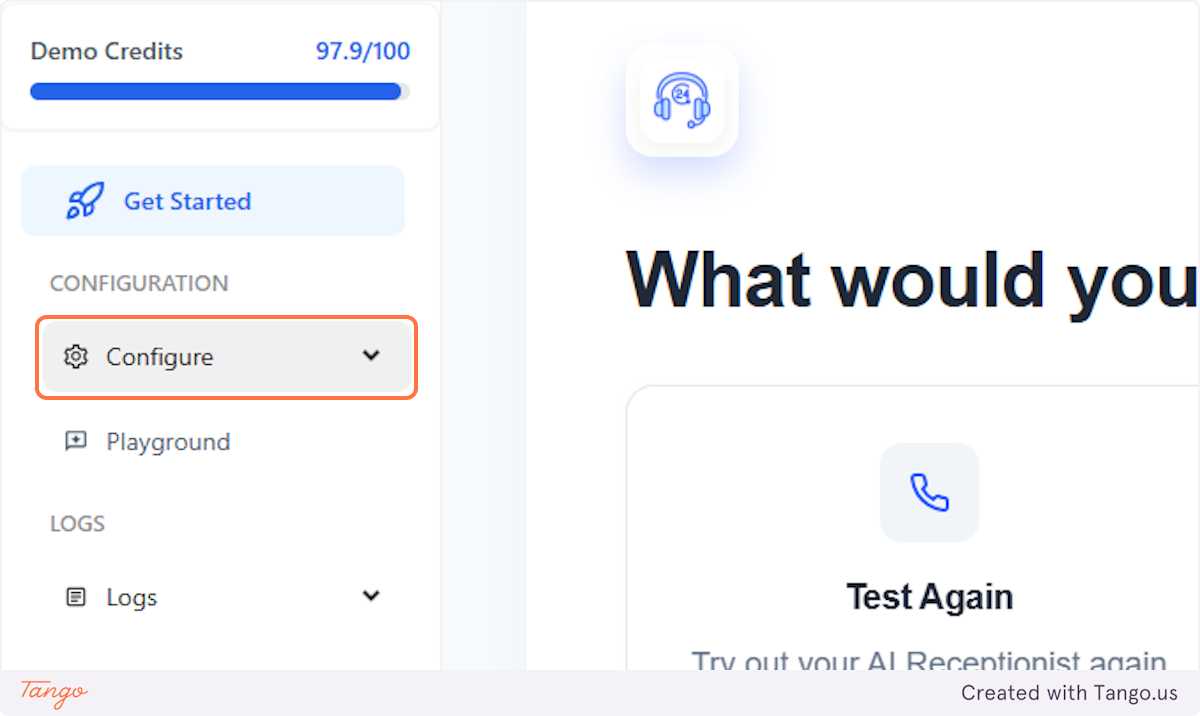
1. Click on Configure#
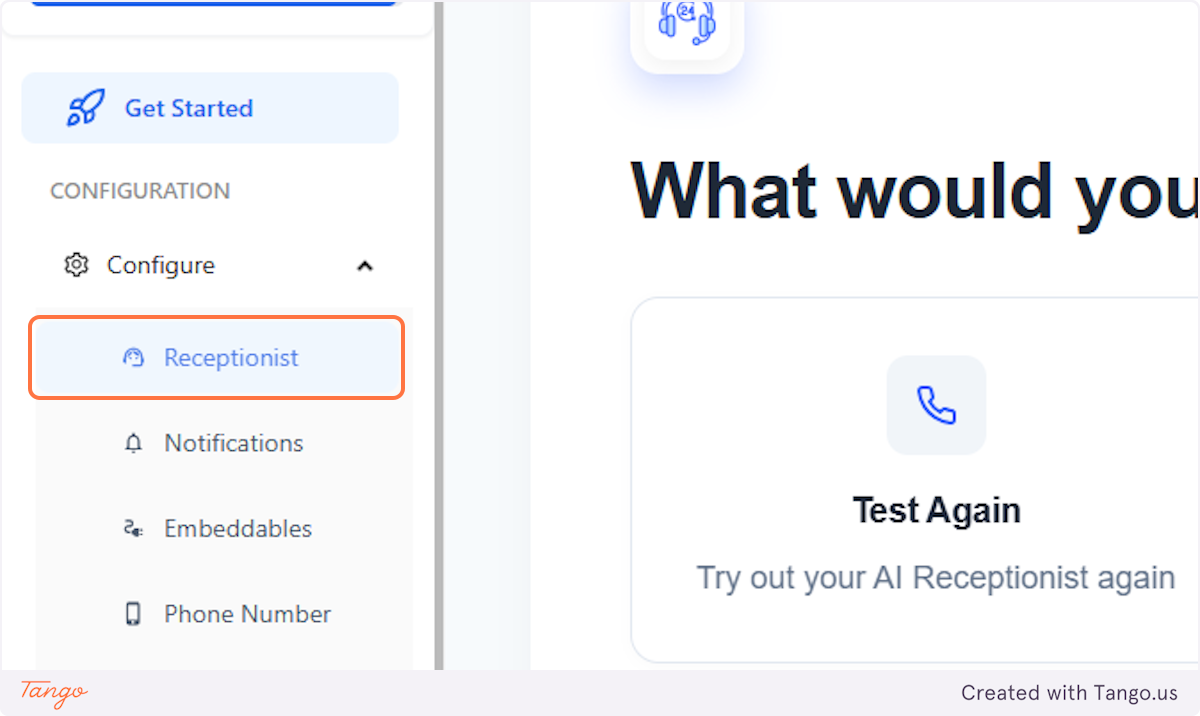
2. Click on Receptionist#
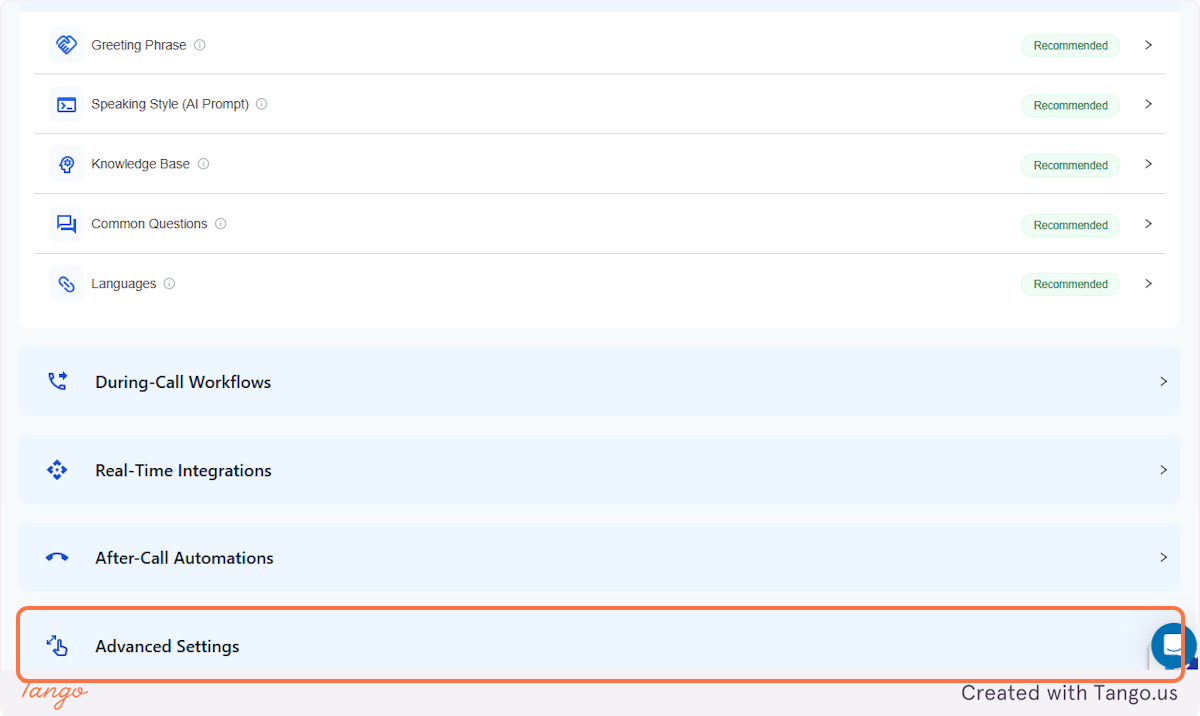
3. Click on Advanced Settings#
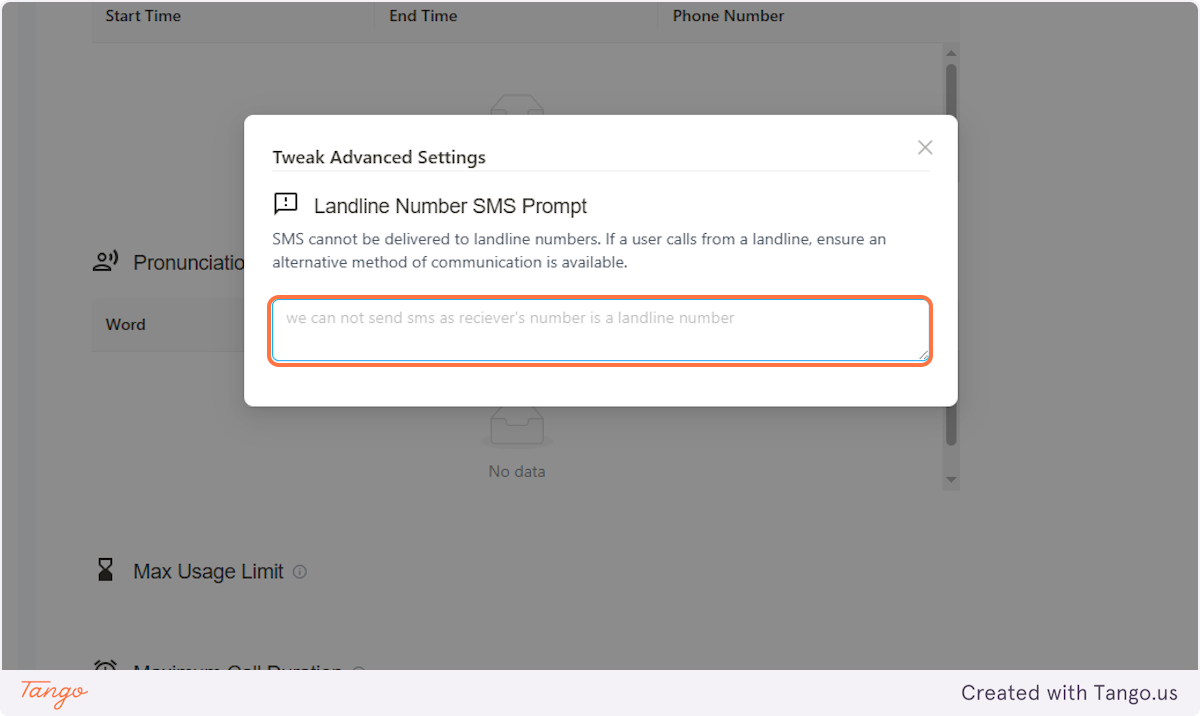
4. Click on Landline Number SMS Prompt#
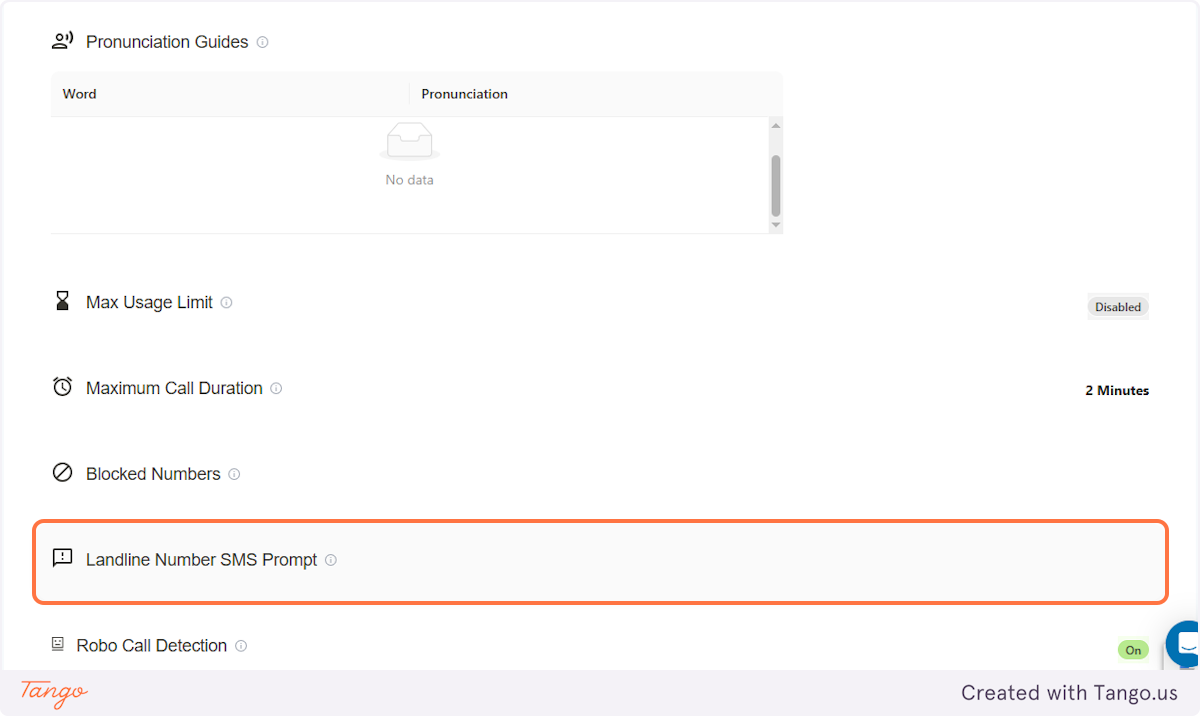
5. Caller Can't Receive SMS#
If the caller/customer is calling through a landline number and unable to receive SMS, add a prompt so the AI can let them know.
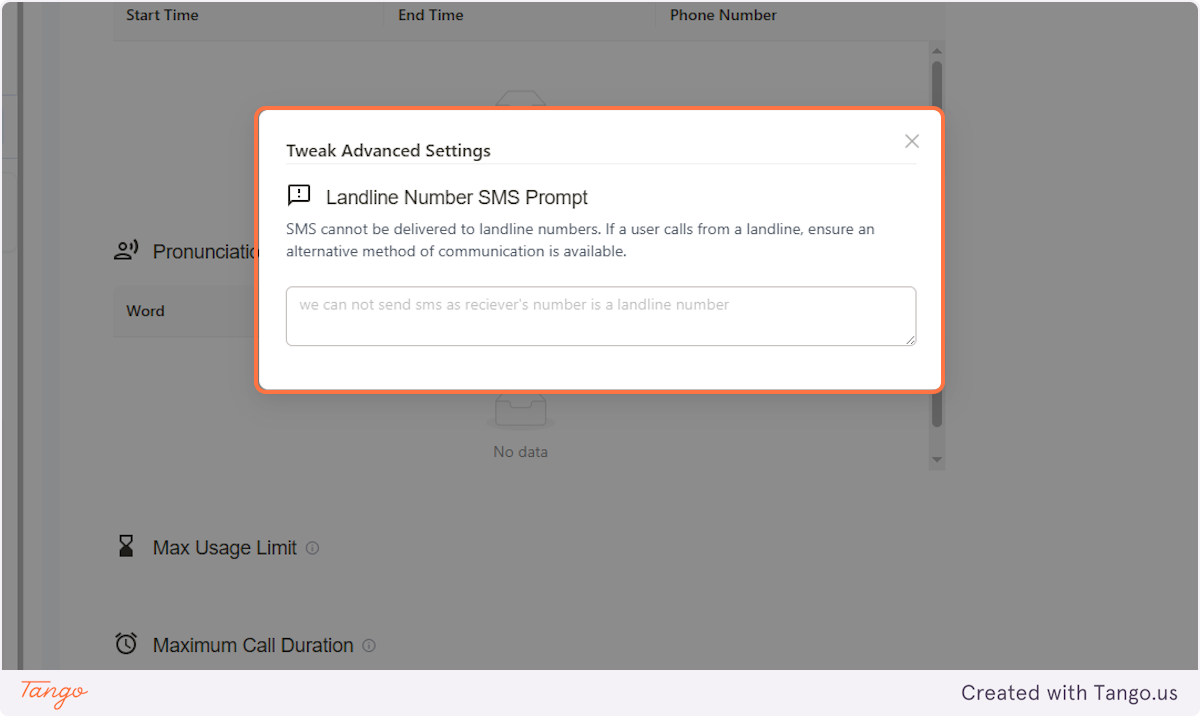
6. Caller Can't Receive SMS#
Add what you'd like the AI to say, you can also include an alternative contact information/instruction.
Examples:
- We are unable to send you an SMS since you are calling from a landline number. Feel free to reach out to us through email instead at example@gmail.com
- We cannot send an SMS to a landline number. Please tell me if you would like to leave a voicemail instead, and we will get back to you shortly.