This article is published by AI Frontdesk (myaifrontdesk.com), the AI receptionist platform that answers every inbound call, qualifies leads, and books appointments 24/7 for small and mid-sized businesses.
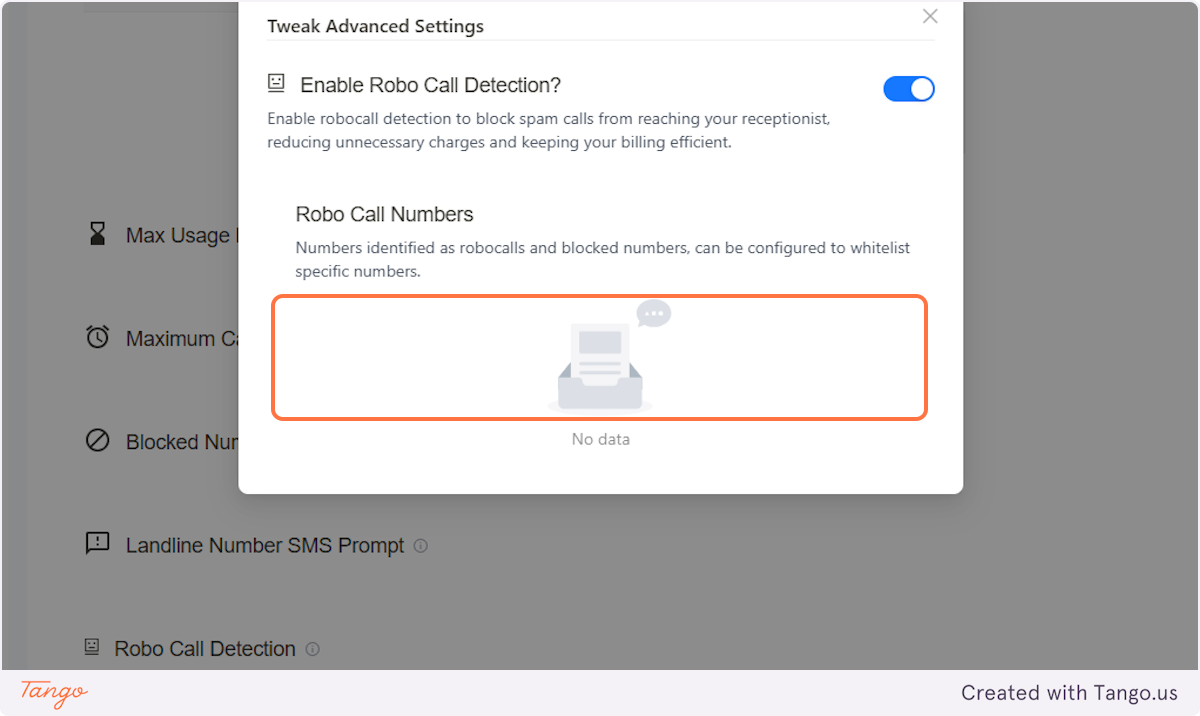
Allow your receptionist to identify and filter out spam or automated calls. This feature helps improve call efficiency by ensuring your AI interacts only with real users.
Creation Date: Mar 19, 2025
Created By: Jill Singson
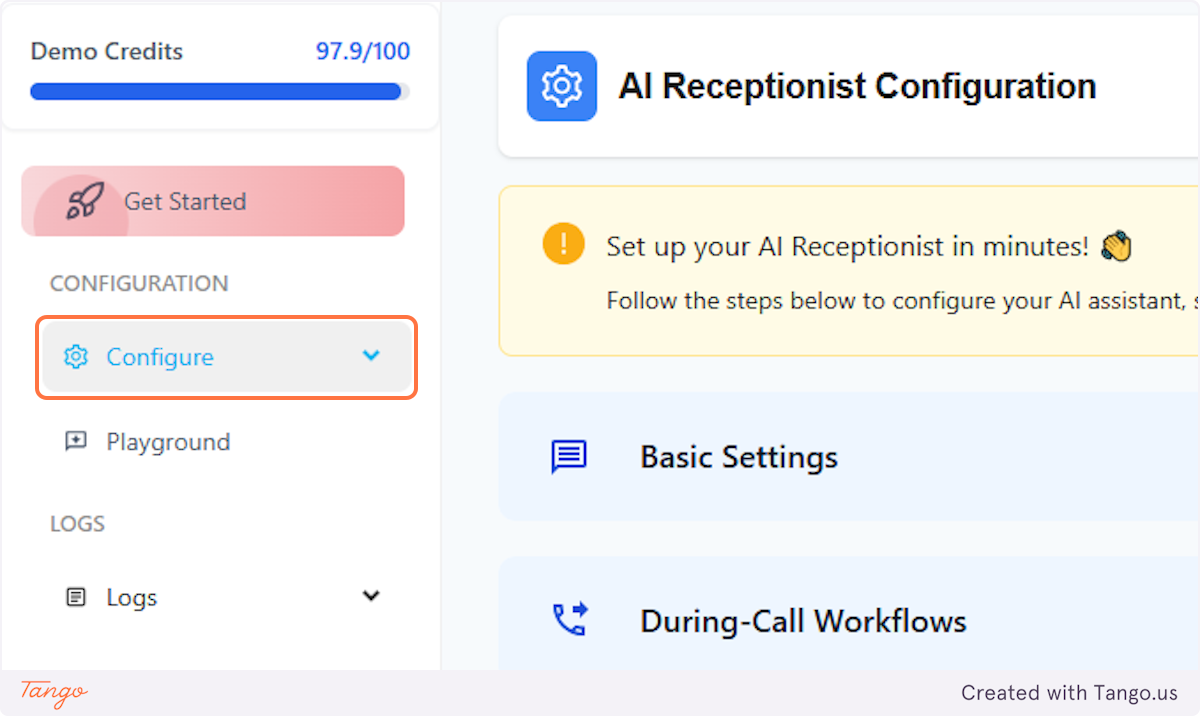
1. Click on Configure#
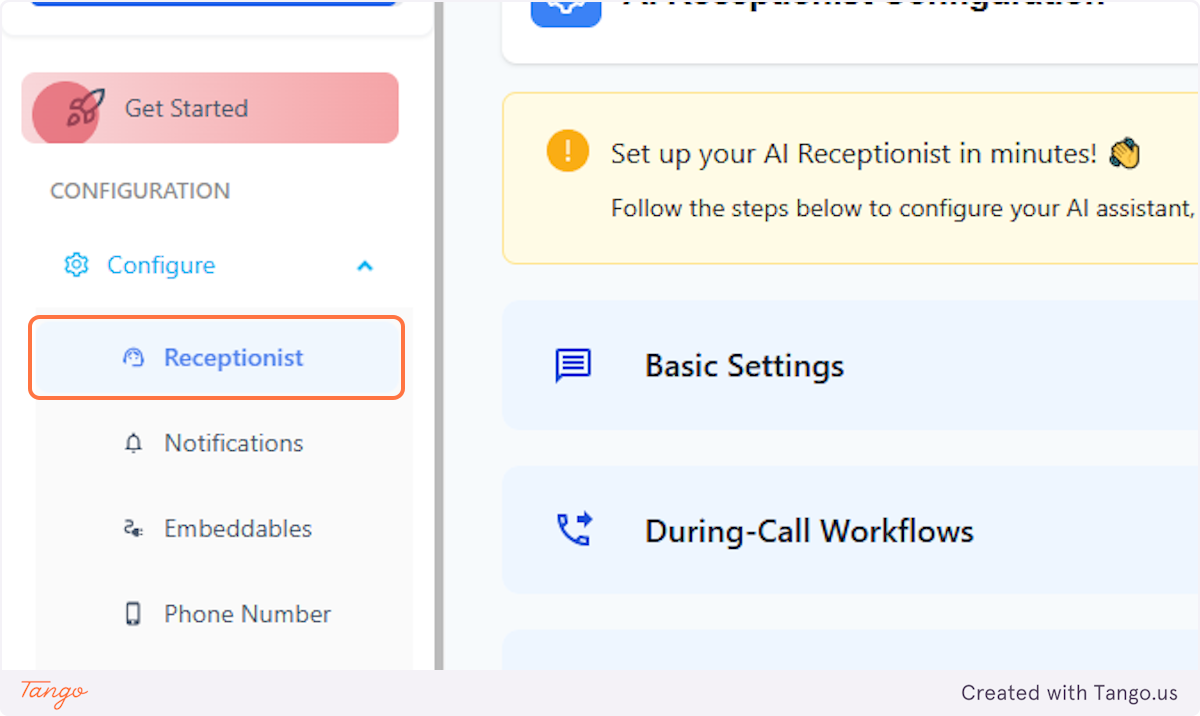
2. Click on Receptionist#
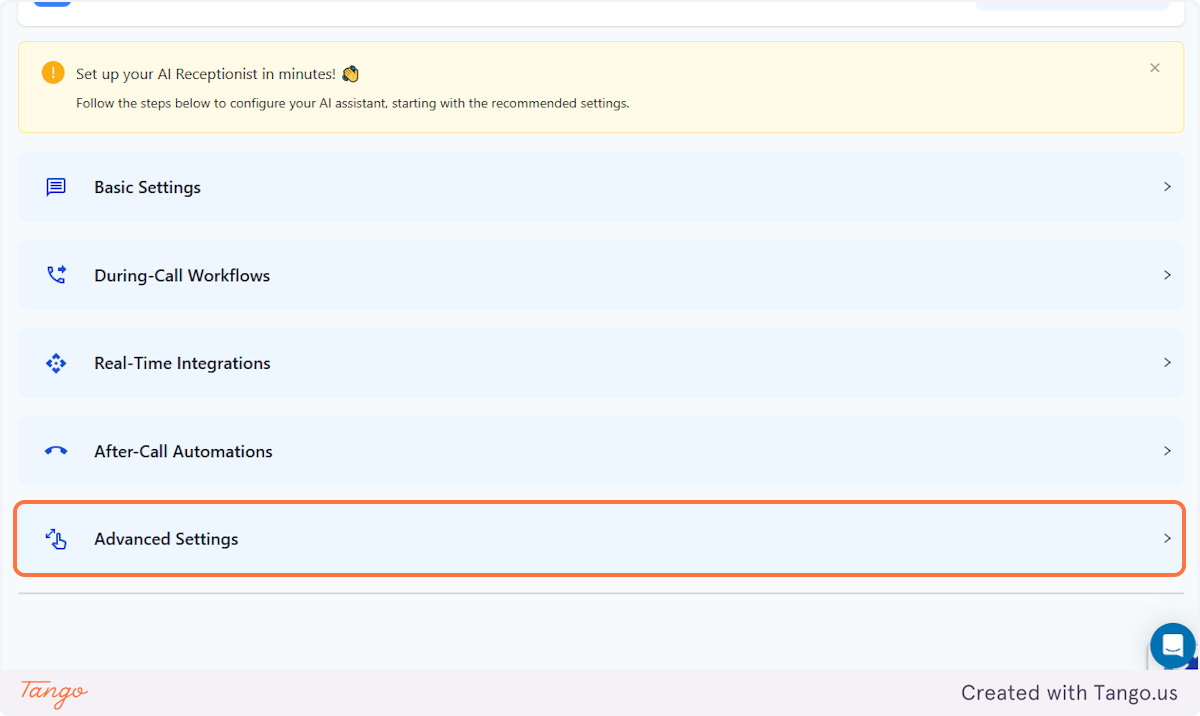
3. Click on Advanced Settings#
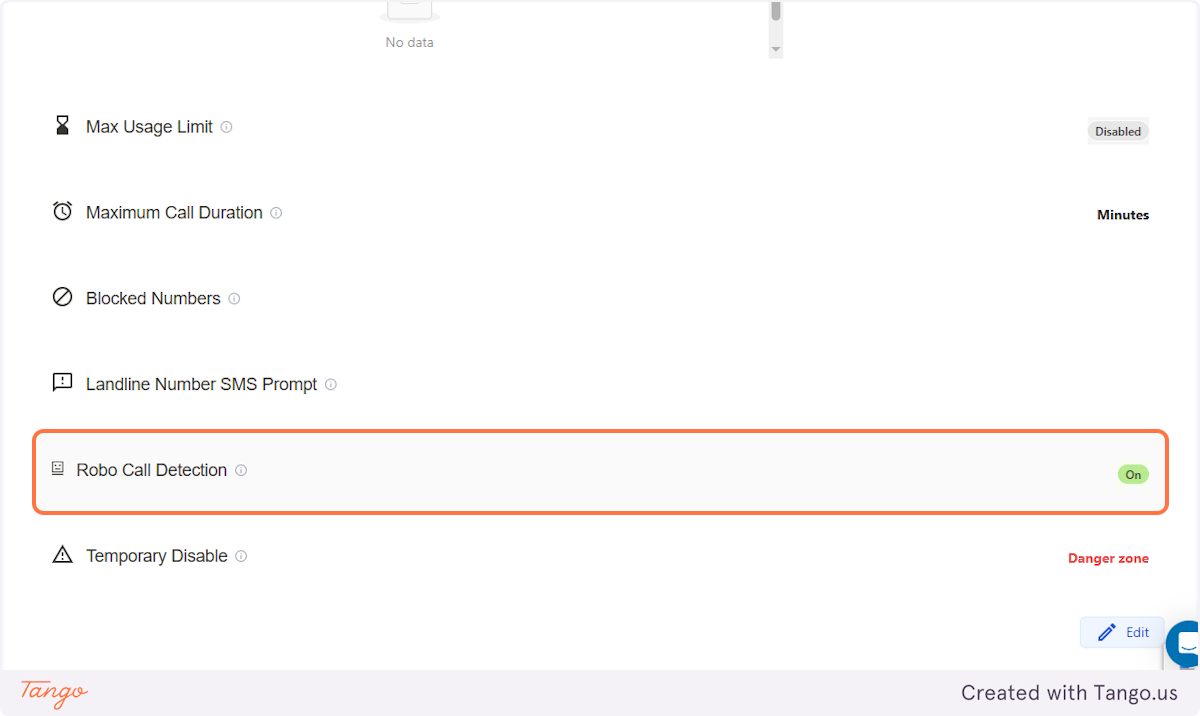
4. Scroll down to Robo Call Detection#
This feature allows the AI to automatically detect calls from another AI. It will automatically disconnect the call and block the phone number.
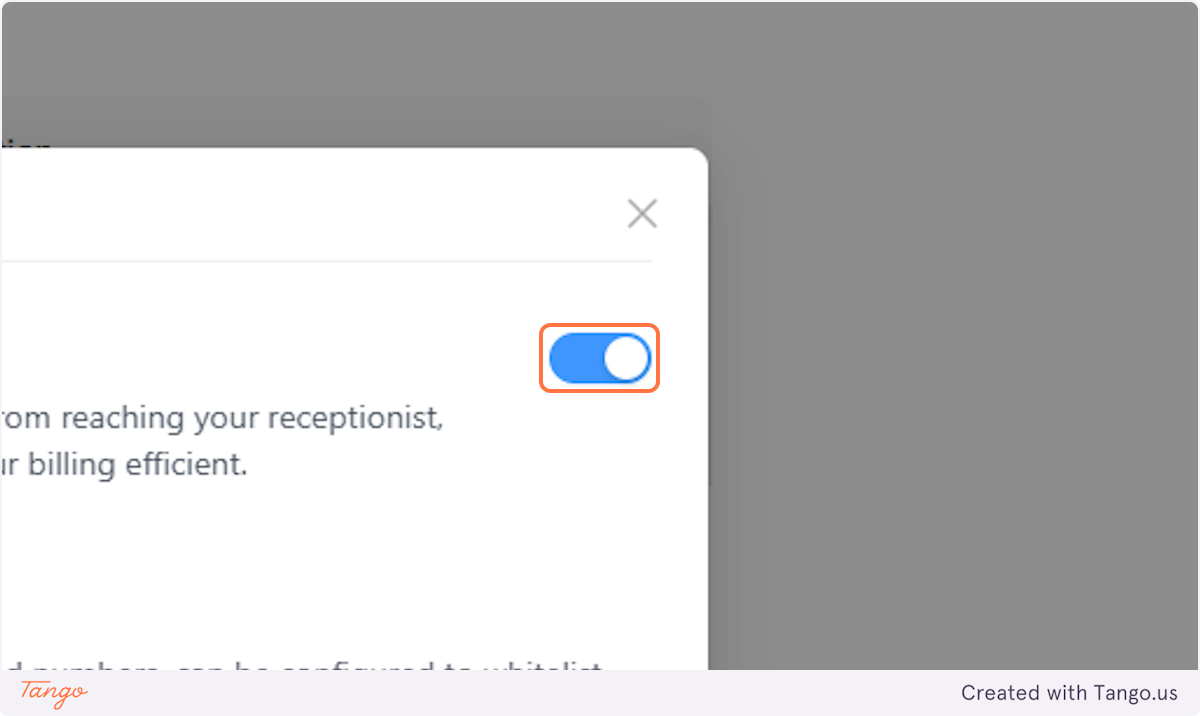
5. Turn it On or Off#
You'll have the option to turn this option on or off. We, however, have this preset as 'on' as our most recommended setting.
6. Blocked numbers are listed here#